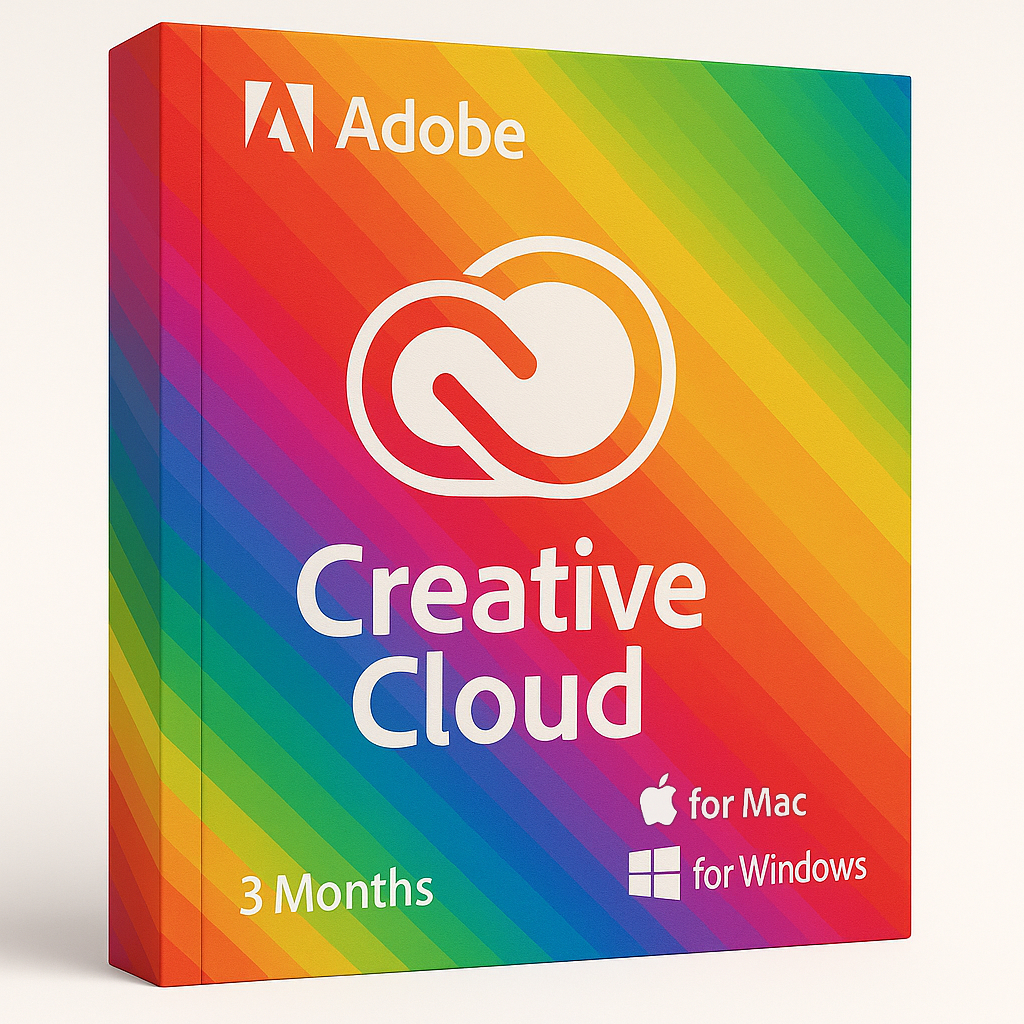
Adobe Creative Cloud – 3 Months for Windows or MAC

79.50


  • Original activation key and official download links
  • Fast email delivery usually within a few minutes
  • Free 24/7 Customer Support


You will receive:

Activation Keyย โ€“ (Original License Key)

Download Link โ€“ย Link to the official Creative Cloud Download Page

Instructions how to Install and activate your Adobe Creative Cloud for Windows or MAC


Secure Checkout and Trusted Payment Options

๐Ÿ›ก๏ธ You are covered by Buyer Protection ยท read our FAQ

SKU: ACC-W-M-1-3 Categories: , Tags: , , Brand:

Adobe Creative Cloud – 3 Months

Original and guaranteed license from Shop Key Online

With Adobe Creative Cloud, you can do it all โ€” enhance photos in Photoshop, design graphics and icons in Illustrator, or create digital and print materials like flyers, magazines, and brochures with InDesign. Build stunning user experiences for web and mobile with Adobe XD, and produce high-quality videos for film, TV, and online with Premiere Pro โ€” plus so much more.

  • Language: Multi-Language

  • License Duration: 3 Months

  • Operating System: Windows or MAC

  • Users: 1

Main Features of Adobe Creative Cloud – 3 Months

  • Professional-Grade Tools: Creative Cloud is the top choice for designers, photographers, and media professionals thanks to its robust, versatile applications.

  • Top Applications Included: Access industry-leading programs like Photoshop and Illustrator for graphics, InDesign for layouts, and Premiere Pro for video editing.

  • Cloud Integration: Keep all your work synced in the cloud โ€” access files from any device and collaborate easily with your team.

  • Additional Services: Expand your creative toolkit with built-in extras like Adobe Fonts, Stock images, and Portfolio to showcase your work.

  • All-in-One Creative Platform: More than just software โ€” Adobe Creative Cloud is a complete ecosystem that helps you turn your ideas into reality with unmatched professionalism.

Main Apps Included in Adobe Creative Cloud – 3 Months

  • Photoshop
    Create stunning graphics, edit photos, and produce digital art anywhere.

  • Illustrator
    Design beautiful vector artwork and illustrations with professional precision.

  • InDesign
    Layout and publish print and digital documents like magazines, brochures, and flyers.

  • Lightroom
    Edit, organize, store, and share your photos from any device.

  • Lightroom Classic
    Powerful desktop-focused photo editing for photographers.

  • Acrobat
    The complete PDF solution โ€” work with PDFs on desktop, web, and mobile.

  • Animate
    Design interactive vector animations for websites, games, and apps.

  • Dreamweaver
    Create and manage responsive, modern websites with visual design tools.

  • Premiere Pro
    Edit professional-grade video and film for any platform.

  • Adobe Fonts
    Access unlimited premium fonts for all your creative projects.

  • After Effects
    Add motion graphics and visual effects to videos, films, and web projects.

  • Audition
    Record, mix, and restore audio with professional tools.

  • InCopy
    Collaborate with writers and editors โ€” make text edits without changing design layouts.

  • Bridge
    Preview, organize, and manage your creative assets quickly and efficiently.

All Adobe Creative Suite apps: Photoshop, Lightroom, Lightroom Classic, Adobe Express, Adobe Firefly, Premiere Pro, Illustrator, Adobe Fresco, Dreamweaver, Acrobat Pro, Media Encoder, Bridge, Character Animator, Audition, Dimension, Photoshop Express, Animate, Aero, After Effects, InDesign, XD.

System Requirements

Creative Cloud desktop apps work with the latest operating systems for macOS and Windows and two prior versions. Most Creative Cloud 2025 desktop apps work with the following operating systems:

  • Windows 11 versions 23H2, 22H2, 21H2, and Windows 10 versions 22H2, 21H2 (LTSB branches arenโ€™t supported).

  • macOS 15 (Sequoia), macOS 14 (Sonoma), and macOS 13 (Ventura).

To learn about the system requirements of each Creative Cloud app, see Creative Cloud system requirements.
Frequently Asked Questions โ€” Adobe Creative Cloud – 3 Months

What is Adobe Creative Cloud – 3 Months?

Adobe Creative Cloud – 3 Months is a 3-month subscription that gives you access to the full suite of Adobe’s professional creative applications, including Photoshop, Illustrator, InDesign, Premiere Pro, After Effects, and many more. You get full access to over 20 industry-leading desktop and mobile apps, Adobe Fonts, cloud storage, and services like Adobe Stock โ€” all for a fixed 3-month period with no long-term commitment required.

How do I download Adobe Creative Cloud?

After your purchase, you will receive an email containing your activation key and a download link. Simply visit the official Adobe Creative Cloud redemption page, sign in with your Adobe account (or create a free one), and enter your activation key to begin. Once your subscription is activated, the Creative Cloud desktop app will download automatically, allowing you to install any of the included apps directly from within it.

How do I install Adobe Creative Cloud apps?

Once you have downloaded and installed the Creative Cloud desktop app and activated your subscription, follow these steps:

  1. Open the Creative Cloud desktop app on your Windows or Mac computer.
  2. Sign in with your Adobe account.
  3. Browse the Apps tab to see all available applications included in your plan.
  4. Click Install next to any application you want to use.
  5. The app will download and install automatically โ€” it will be ready to launch once complete.

You can install and use the apps on up to two devices simultaneously with a single Creative Cloud subscription.

How do I activate Adobe Creative Cloud – 3 Months?

To activate your Adobe Creative Cloud – 3 Months subscription:

  1. Go to the official Adobe redemption page.
  2. Sign in with your Adobe ID or create a new free account.
  3. Enter the activation key you received by email.
  4. Follow the on-screen prompts to confirm your subscription.
  5. Your 3-month plan will be activated immediately and your apps will become available to download through the Creative Cloud desktop app.

How quickly will I receive my activation key?

In most cases, your activation key is delivered to your email address within a few minutes of completing your order. If you have not received it after 30 minutes, please check your spam or junk folder. If you still cannot find it, our support team is available 24/7 and will be happy to assist you.

Is this a genuine Adobe Creative Cloud licence?

Yes. Every Adobe Creative Cloud – 3 Months key sold by Shop Key Online is a genuine, original licence key sourced from authorised distribution channels. You receive a fully legitimate subscription that activates directly through Adobe’s official systems. For full peace of mind, our team is available around the clock should you experience any issues.

Which operating systems are supported?

Adobe Creative Cloud – 3 Months is compatible with both Windows and macOS. Specifically, the 2025 Creative Cloud apps support:

  • Windows: Windows 11 (versions 23H2, 22H2, 21H2) and Windows 10 (versions 22H2, 21H2). Note: LTSB branches are not supported.
  • macOS: macOS 15 Sequoia, macOS 14 Sonoma, and macOS 13 Ventura.

For detailed system requirements for each individual app, please refer to Adobe’s official system requirements page.

How many devices can I use with my subscription?

Your Adobe Creative Cloud – 3 Months subscription is licensed for 1 user and can be active on up to 2 devices simultaneously. You can install the apps on as many devices as you like, but only two can be signed in and in active use at the same time.

What happens when the 3-month subscription expires?

When your 3-month period ends, your access to the Creative Cloud apps and cloud services will stop. You will no longer be able to open or edit files within the apps. Files saved locally on your computer will remain intact. If you would like to continue using Adobe Creative Cloud, you can upgrade to a longer plan โ€” Shop Key Online also offers an Adobe Creative Cloud 6 Months licence and an Adobe Creative Cloud 1 Year licence for extended access.

Can I get support if I have trouble activating my subscription?

Absolutely. Shop Key Online provides free 24/7 customer support for all purchases. If you encounter any issues downloading, installing, or activating your Adobe Creative Cloud – 3 Months subscription, please contact our support team and we will resolve it as quickly as possible. You can also browse our full range of Creative Cloud subscriptions if you need a different plan.

Reviews

There are no reviews yet.

Only logged in customers who have purchased this product may leave a review.