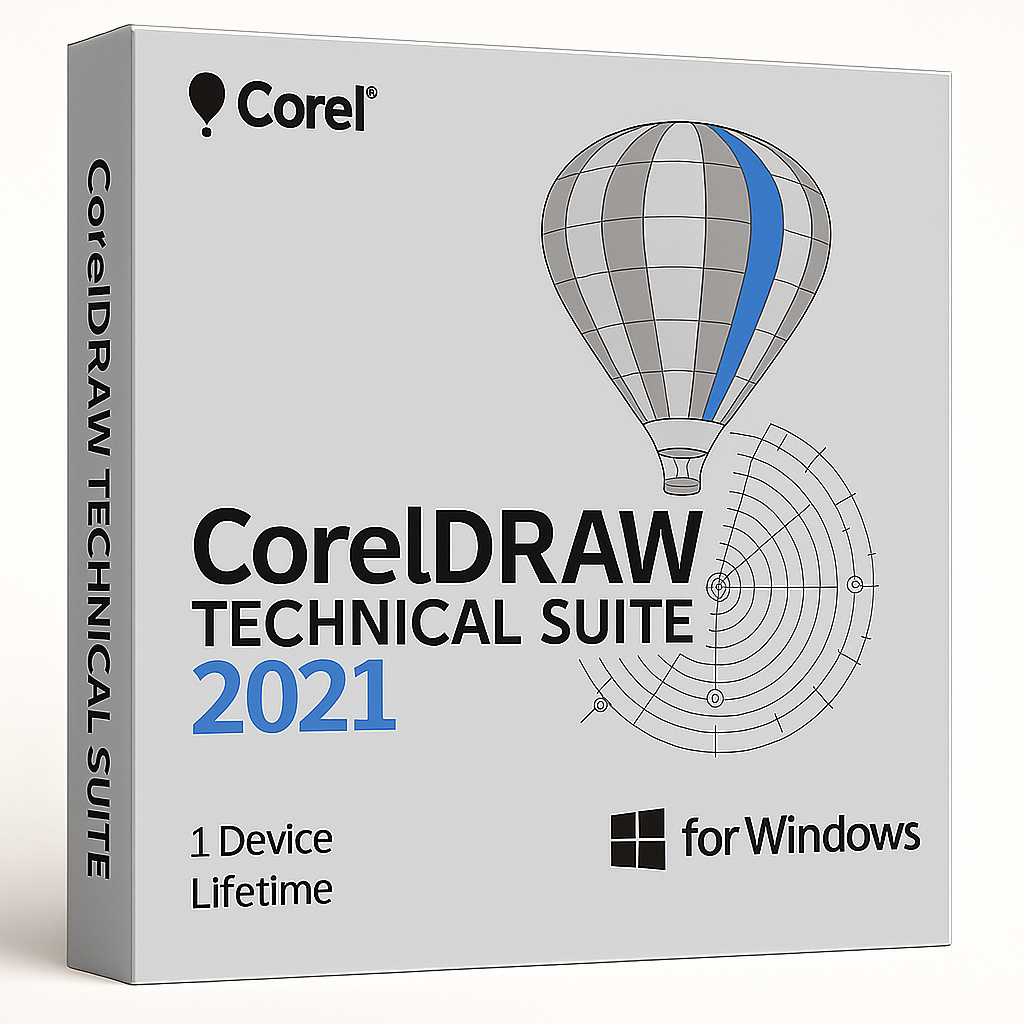
CorelDRAW Technical Suite 2021 for Windows – 1 Device Lifetime

29.90


  • Original activation key and official download links
  • Fast email delivery usually within a few minutes
  • Free 24/7 Customer Support


You will receive:

Activation Keyย โ€“ (Original License Key)

Download Link โ€“ย Link to the official Corel Download Page

Instructions how to Install and activate your CorelDRAW Technical Suite 2021 for Windows

Secure Checkout and Trusted Payment Options

๐Ÿ›ก๏ธ You are covered by Buyer Protection ยท read our FAQ

SKU: CD2021-T-W-1-L Categories: , Tags: , , Brand:

CorelDRAW Technical Suite 2021 for Windows

Official license from Shop Key Online โ€” precision tools for advanced technical design and documentation

CorelDRAW Technical Suite 2021 is a powerful collection of professional applications designed for high-impact technical illustration and detailed documentation. Whether youโ€™re working in manufacturing, engineering, architecture, or high-tech industries, this suite delivers all the precise tools you need to create complex technical projects with exact specifications.

  • Language: Multi-Language (English, French, German, Japanese)

  • License Duration: Lifetime

  • Operating System: Windows

  • Devices: 1

Versatile Applications

This suite includes specialized apps like Corel DESIGNERโ„ข for technical illustration, CorelDRAWยฎ for vector graphics and layout, Corel PHOTO-PAINTโ„ข for image editing, XVL Studio Corel Edition for 3D visualization and repurposing, and CorelDRAW.appโ„ข for browser-based vector design.

Built for smooth integration, you can easily work with legacy data, import and export multiple file formats, and connect with popular authoring systems.

Widely trusted in industries like manufacturing, automotive, aerospace, telecommunications, and apparel, CorelDRAW Technical Suite 2021 helps you produce parts illustrations, maps, schematics, blueprints, and complete technical documentation with ease.

Key Features of CorelDRAW Technical Suite 2021

  • Precise Technical Tools: Create highly detailed technical illustrations and documentation with dedicated precision drawing and design features.

  • Comprehensive Applications: Access professional-grade tools for 2D/3D repurposing, vector graphics, image editing, and browser-based design.

  • Flexible File Compatibility: Import, edit, and export various file formats to work seamlessly with existing data.

  • Collaborative Integration: Easily connect with popular authoring systems and manage reviews, feedback, and publishing workflows.

  • Industry-Proven Solution: Trusted by professionals in manufacturing, engineering, and tech sectors for producing complex technical visuals

System Requirements

Operating System:

  • Windows 10 (64-bit) fully updated

Processor:

  • Intel Core i3/5/7/9 or AMD Ryzen 3/5/7/9

RAM:

  • 4 GB minimum (8 GB recommended)

Hard Disk Space:

  • 9 GB for installation files (SSD recommended)

Graphics:

  • OpenCL 1.2-capable video card with at least 3 GB VRAM

Display:

  • 1280 ร— 720 minimum resolution (1920 ร— 1080 recommended)

Internet:

  • Required for installation, activation, and online features

CorelDRAW Technical Suite 2021 โ€” Frequently Asked Questions

What do I receive after purchasing CorelDRAW Technical Suite 2021?

After completing your purchase, you will receive an email containing your original CorelDRAW Technical Suite 2021 activation key, a direct link to the official Corel download page, and step-by-step instructions to install and activate the software on your Windows device.

How long does delivery take?

Delivery is digital and typically arrives within a few minutes of payment confirmation. Your licence key and download instructions will be sent directly to the email address you provided at checkout. If you do not see the email, please check your spam or junk folder.

How do I download CorelDRAW Technical Suite 2021?

Once you receive your email from Shop Key Online, click the provided download link. This will take you to the official Corel Install & Activate page, where you can download the full installer for CorelDRAW Technical Suite 2021 directly from Corel’s servers.

How do I install CorelDRAW Technical Suite 2021?

Follow these steps to install your software:

  1. Download the installer from the official Corel download link provided in your email.
  2. Run the installer file and follow the on-screen setup wizard.
  3. Accept the licence agreement and choose your installation preferences.
  4. Wait for the installation to complete โ€” this may take several minutes depending on your system.
  5. Launch the application once installation is finished.

An active internet connection is required during installation.

How do I activate CorelDRAW Technical Suite 2021?

To activate your copy of CorelDRAW Technical Suite 2021:

  1. Open the application after installation.
  2. When prompted, select Already Purchased.
  3. Enter the serial (activation) key provided in your Shop Key Online order email.
  4. Click Connect or Activate to complete the process.

Your licence is valid for lifetime use on one Windows device. An internet connection is needed during activation.

Is CorelDRAW Technical Suite 2021 compatible with Windows 11?

CorelDRAW Technical Suite 2021 is officially designed for Windows 10 (64-bit). It is also reported to be compatible with Windows 11 by many users. For the latest compatibility information, we recommend checking the official Corel support page. If you need a version built specifically for Windows 11, consider our CorelDRAW Technical Suite 2024 for Windows.

How many devices can I install this licence on?

This licence covers 1 device only. The activation key is valid for a single Windows installation. If you need to install the software on more than one device, you will need to purchase an additional licence. Browse our full range of CorelDRAW products at Shop Key Online to find the right option for your needs.

Is this a lifetime licence?

Yes. CorelDRAW Technical Suite 2021 is sold as a perpetual (lifetime) licence. There are no subscription fees or recurring charges โ€” you pay once and keep the software indefinitely on your licensed device.

What languages does CorelDRAW Technical Suite 2021 support?

This edition supports multiple languages, including English, French, German, and Japanese, making it suitable for international teams and multilingual workflows.

What if I have a problem with my activation key?

If you experience any issues with your key or activation, our support team is available 24/7. Contact us through the Shop Key Online support channels and we will resolve the issue as quickly as possible. We are committed to ensuring every customer successfully activates their software.

Reviews

There are no reviews yet.

Only logged in customers who have purchased this product may leave a review.