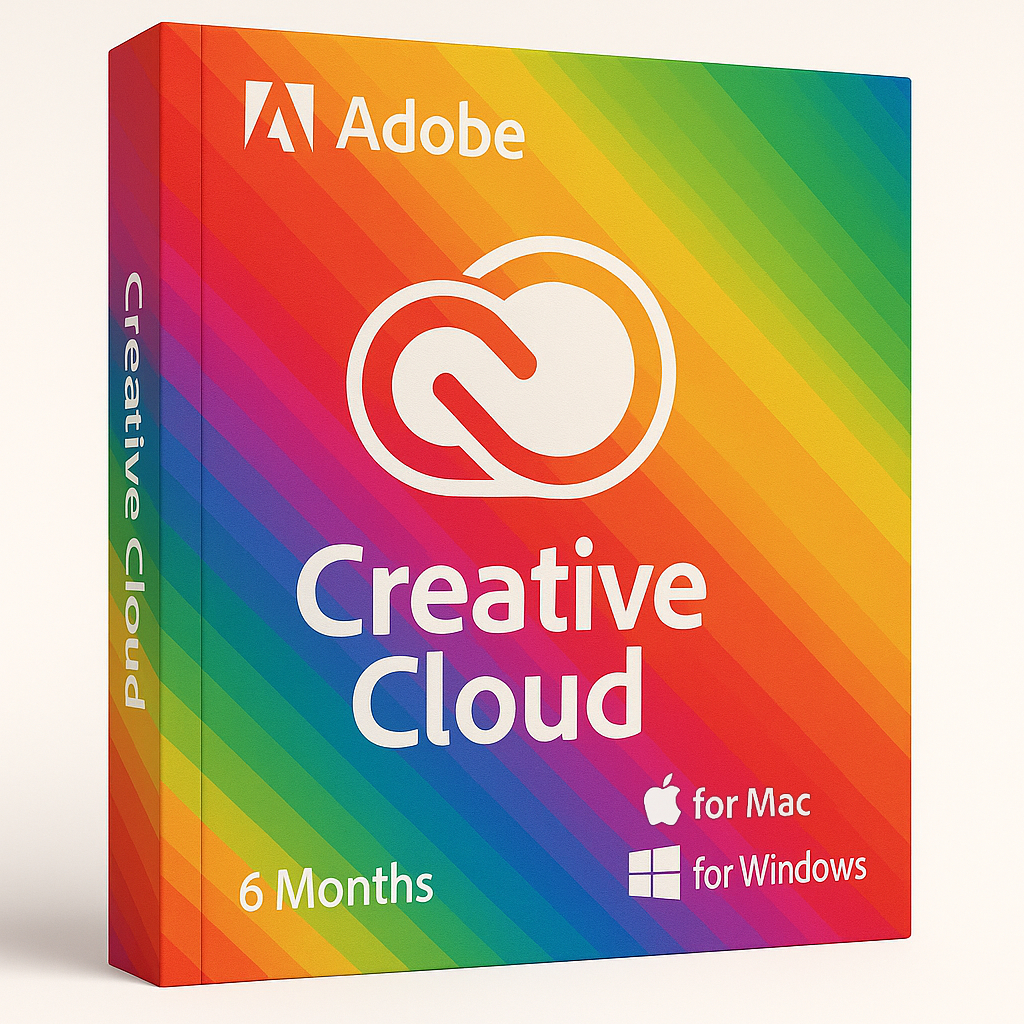
Adobe Creative Cloud – 6 Months for Windows or MAC

€139.50


  • Original activation key and official download links
  • Fast email delivery usually within a few minutes
  • Free 24/7 Customer Support


You will receive:

Activation Keyย โ€“ (Original License Key)

Download Link โ€“ย Link to the official Creative Cloud Download Page

Instructions how to Install and activate your Adobe Creative Cloud for Windows or MAC


Out of stock

SKU: ACC-W-M-1-6 Categories: , Tags: , , Brand:

Adobe Creative Cloud – 6 Months

Original and guaranteed license from Shop Key Online

With Adobe Creative Cloud, you can do it all โ€” enhance photos in Photoshop, design graphics and icons in Illustrator, or create digital and print materials like flyers, magazines, and brochures with InDesign. Build stunning user experiences for web and mobile with Adobe XD, and produce high-quality videos for film, TV, and online with Premiere Pro โ€” plus so much more.

  • Language: Multi-Language
  • License Duration: 6 Months
  • Operating System: Windows or MAC
  • Users: 1
    • Maximum a 2 Codes per account

Main Features of Adobe Creative Cloud – 6 Months

  • Professional-Grade Tools: Creative Cloud is the top choice for designers, photographers, and media professionals thanks to its robust, versatile applications.
  • Top Applications Included: Access industry-leading programs like Photoshop and Illustrator for graphics, InDesign for layouts, and Premiere Pro for video editing.
  • Cloud Integration: Keep all your work synced in the cloud โ€” access files from any device and collaborate easily with your team.
  • Additional Services: Expand your creative toolkit with built-in extras like Adobe Fonts, Stock images, and Portfolio to showcase your work.
  • All-in-One Creative Platform: More than just software โ€” Adobe Creative Cloud is a complete ecosystem that helps you turn your ideas into reality with unmatched professionalism.

Apps Included in Adobe Creative Cloud – 6 Months

  • Photoshop
    Create stunning graphics, edit photos, and produce digital art anywhere.
  • Illustrator
    Design beautiful vector artwork and illustrations with professional precision.
  • InDesign
    Layout and publish print and digital documents like magazines, brochures, and flyers.
  • Lightroom
    Edit, organize, store, and share your photos from any device.
  • Lightroom Classic
    Powerful desktop-focused photo editing for photographers.
  • Acrobat
    The complete PDF solution โ€” work with PDFs on desktop, web, and mobile.
  • Animate
    Design interactive vector animations for websites, games, and apps.
  • Dreamweaver
    Create and manage responsive, modern websites with visual design tools.
  • Premiere Pro
    Edit professional-grade video and film for any platform.
  • Adobe Fonts
    Access unlimited premium fonts for all your creative projects.
  • After Effects
    Add motion graphics and visual effects to videos, films, and web projects.
  • Audition
    Record, mix, and restore audio with professional tools.
  • InCopy
    Collaborate with writers and editors โ€” make text edits without changing design layouts.
  • Bridge
    Preview, organize, and manage your creative assets quickly and efficiently.

All Adobe Creative Suite apps:ย Photoshop,ย Lightroom, Lightroom Classic,ย Adobe Express, Adobe Firefly, Premiere Pro, Illustrator, Adobe Fresco, Dreamweaver, Acrobat Pro, Media Encoder, Bridge, Character Animator, Audition, Dimension, Photoshop Express, Animate, Aero, After Effects, InDesign, XD.

System Requirements

Creative Cloud desktop apps work with the latest operating systems for macOS and Windows and two prior versions. Most Creative Cloud 2025 desktop apps work with the following operating systems:

  • Windows 11 versions 23H2, 22H2, 21H2, and Windows 10 versions 22H2, 21H2 (LTSB branches arenโ€™t supported).
  • macOS 15 (Sequoia), macOS 14 (Sonoma), and macOS 13 (Ventura).

To learn about the system requirements of each Creative Cloud app, seeย Creative Cloud system requirements.

Frequently Asked Questions โ€“ Adobe Creative Cloud – 6 Months

What do I receive after purchasing Adobe Creative Cloud – 6 Months?

After your purchase, you will receive an original activation key, an official download link to the Adobe Creative Cloud redemption page, and step-by-step instructions on how to install and activate your subscription on Windows or Mac. Everything is delivered by email, usually within a few minutes of payment.

How do I download Adobe Creative Cloud?

Once you receive your email from Shop Key Online, click the official download link included in your order. This will take you directly to Adobe’s Creative Cloud download page. From there, download and install the Creative Cloud desktop app, then sign in or create a free Adobe account to proceed with activation.

How do I activate Adobe Creative Cloud – 6 Months?

Follow these steps to activate your subscription:

  1. Open your email from Shop Key Online and copy your activation key.
  2. Visit redeem.adobe.com and sign in with your Adobe account (or create a free one).
  3. Enter your activation key when prompted and follow the on-screen instructions.
  4. Once redeemed, open the Creative Cloud desktop app to download and install any of the included apps.

How long does delivery take?

Delivery is digital and sent via email. In most cases, you will receive your activation key and download instructions within a few minutes of completing your purchase. If your key does not arrive promptly, please check your spam or junk folder before contacting support.

Is this an original licence key?

Yes. All keys sold by Shop Key Online are 100% original and genuine. Your Adobe Creative Cloud – 6 Months licence is a legitimate subscription key that activates directly on Adobe’s official platform.

Which apps are included in Adobe Creative Cloud – 6 Months?

Your 6-month subscription gives you access to Adobe’s full suite of creative applications, including Photoshop, Illustrator, InDesign, Premiere Pro, After Effects, Lightroom, Acrobat, Animate, Dreamweaver, Audition, Adobe Fonts, and many more. You can install and use all apps across Windows and Mac.

Is Adobe Creative Cloud compatible with my computer?

Adobe Creative Cloud 2025 apps are compatible with the following operating systems:

  • Windows: Windows 11 (versions 23H2, 22H2, 21H2) and Windows 10 (versions 22H2, 21H2). LTSB branches are not supported.
  • Mac: macOS 15 Sequoia, macOS 14 Sonoma, and macOS 13 Ventura.

For individual app requirements, visit Adobe’s official system requirements page.

Can I use my subscription on both Windows and Mac?

Yes. Adobe Creative Cloud – 6 Months is compatible with both Windows and Mac. You can install and run the apps on either operating system. However, the licence is for 1 user only โ€” simultaneous use on multiple devices by different users is not permitted.

What happens when my 6-month subscription ends?

Once the 6-month period expires, you will lose access to the Creative Cloud apps and cloud features. To continue without interruption, you can purchase another subscription from Shop Key Online. If you’d like a longer commitment, check out our Adobe Creative Cloud – 1 Year licence or explore other options in our Creative Cloud category.

What if I need help with installation or activation?

Shop Key Online offers free 24/7 customer support. If you encounter any issues downloading, installing, or activating your Adobe Creative Cloud – 6 Months subscription, our support team is available around the clock to assist you. Simply contact us via the support channel provided in your order confirmation email.

Reviews

There are no reviews yet.

Be the first to review “Adobe Creative Cloud – 6 Months for Windows or MAC”

Your email address will not be published. Required fields are marked *