
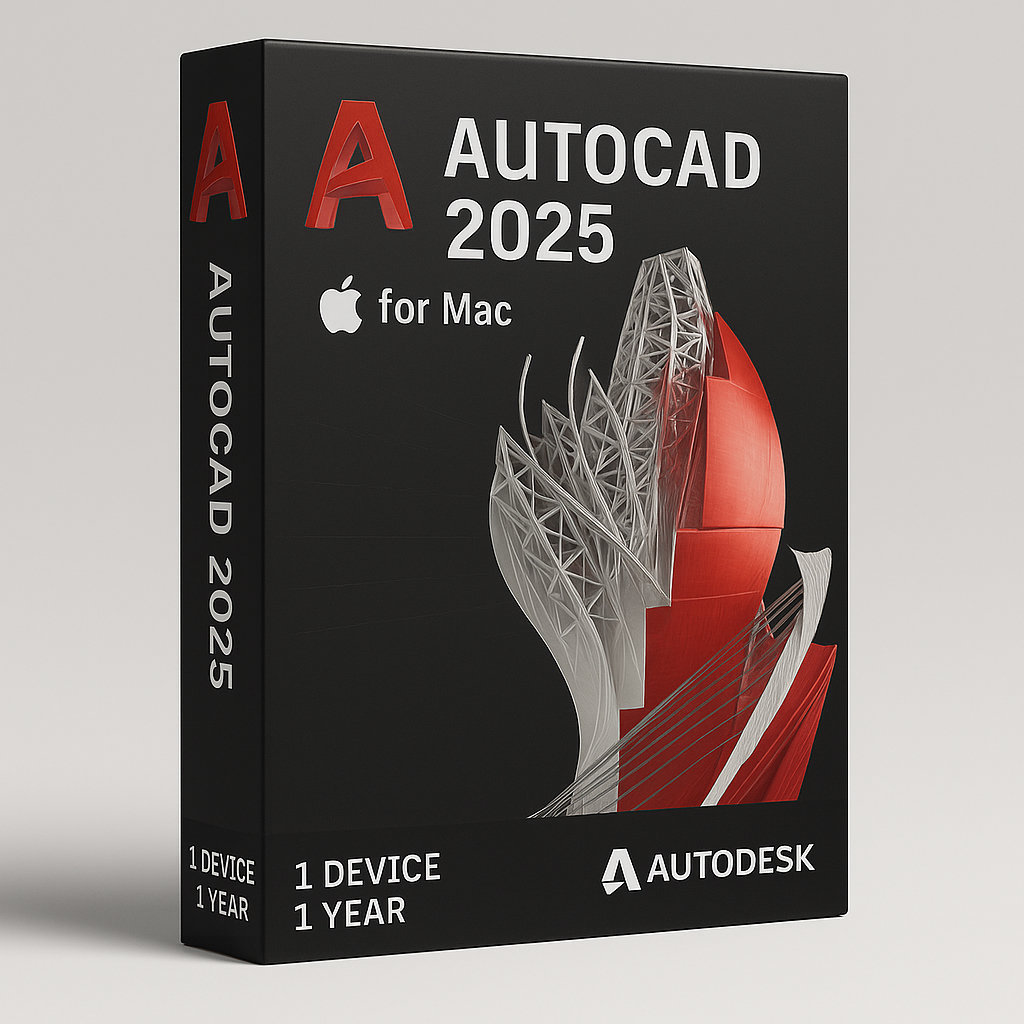


Autodesk AutoCAD 2025 for Mac – 1 year – All toolset
Original and guaranteed license from Shop Key Online
This is an educational version license that includes the full feature set. It’s intended for personal and training/learning related purposes. There are no watermarks, and the exported files contain no mention of the education version.
-
Language: Multi-Language
-
License Duration: 1-Year
-
Operating System: MAC
-
Users: 1
Autodesk AutoCAD is among the most widely used computer-aided design (CAD) software globally. It is considered a leading standard in the engineering, architecture, and design fields.
It provides a comprehensive set of tools for 2D drafting and 3D modeling, including creation, editing, and documentation capabilities.
Bring Your Designs to Life with Autodesk AutoCAD 2025 for Mac – 1 year subscription
Autodesk AutoCAD 2025 is the latest professional design and drafting software tailored for architects, engineers, and industry experts. With powerful automation, enhanced collaboration tools, and seamless access across devices, this version delivers unmatched precision and efficiency in both 2D and 3D environments.
Available Toolsets in Autodesk AutoCAD 2025 for Mac – 1 year
AutoCAD 2025 isn’t just a drawing tool—it’s your complete design solution. Whether you’re creating mechanical components, architectural layouts, or electrical diagrams, AutoCAD’s specialized toolsets help you work smarter and faster. Access your projects on desktop, web, or mobile—anytime, anywhere.
What you can do with Autodesk AutoCAD
-
Accelerate your creativity – Use features that unlock insights and automations with the help of Autodesk AI.
-
Experience true flexibility – Build, customize, and run discipline-specific routines for productive workflows.
-
Connect your teams – Collaborate on the web and mobile to capture, share, and review ideas on the go.
-
Unlock efficient workflows – AutoCAD enhances your 2D and 3D design experience by giving you the tools to unlock insights and automations with the help of Autodesk AI.
-
Design and collaborate with flexibility – Work the way you want. Stay connected to projects with one
-
AutoCAD experience on desktop, web, and mobile to capture, share, and review ideas on the go.
-
Manage design data across projects – Reliably streamline document review and approval workflows with Autodesk Docs, our cloud-based document management and common data environment available in the AEC Collection.
Key features of AutoCAD 2025
Explore the newest features in Autodesk AutoCAD 2025 software, including industry-specific toolsets, new automation, and insights.
-
AutoLISP – Build and run AutoLISP with Visual LISP IDE to streamline workflows through automation
-
Smart Blocks – Automatically place blocks based on previous placements or quickly find and replace existing blocks
-
Autodesk Assistant – Use conversational AI to quickly access helpful AI-generated support and solutions related to AutoCAD
-
My Insights – Complete projects faster with helpful features, macros, and tips personalized for you
-
Activity Insights – Access and track essential design data using detailed multi-user event logs with version history
-
Markup Import and Markup Assist – Consolidate revisions and feedback captured on paper or PDFs to compare, review, and automate updates
-
Push to Autodesk Docs – Publish your CAD drawing sheets as PDFs directly from AutoCAD to Autodesk Docs
-
AutoCAD anytime, anywhere – Capture, share, and review ideas on the go with one AutoCAD experience on desktop, web, and mobile
-
Trace – Safely review and add feedback directly to a DWG file without altering the existing drawing
-
Specialized toolsets – Gain access to thousands of parts and additional features with industry-specific toolsets
-
Autodesk App Store and APIs – Customize AutoCAD with APIs to build custom automations and access 1,000+ third-party apps
-
Conceptualize in 2D and 3D – Design with 2D drafting tools and model in 3D with realistic lighting and materials to render your ideas.
System Requirements
|
System requirements for Autodesk AutoCAD 2025 for Mac – 1 year |
|
|---|---|
|
Operating System |
Apple® macOS® Sequoia v15 (requires Update 2025.1) |
|
Model |
Apple Mac® computers compatible with macOS Monterey or above |
|
CPU Type |
64-bit Intel CPU |
|
Memory |
Basic: 8 GB |
|
Display Resolution |
Basic: 1280 x 800 display |
|
Disk Space |
8 GB free disk space for download and installation |
|
Pointing Device |
Apple-compliant Mouse, Apple-compliant Trackpad, Microsoft-compliant mouse |
|
Display Card |
Recommended: Mac native installed graphics cards |
|
Disk Format |
APFS, APFS(Encrypted), Mac OS Extended (Journaled), Mac OS Extended (Journaled, Encrypted) |


Reviews
There are no reviews yet.