
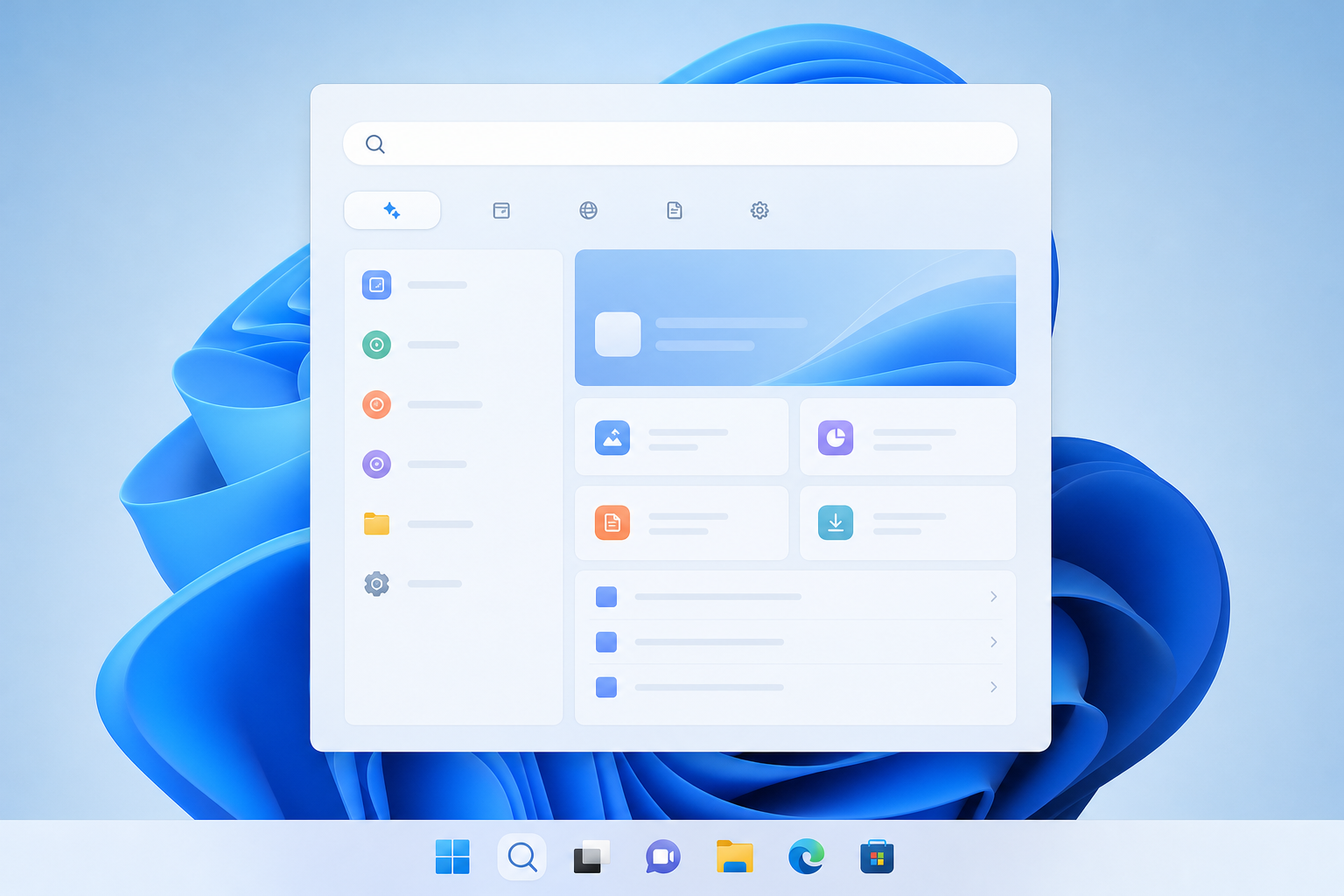
The Windows search update now reaching Windows Insiders replaces the familiar search box with a faster, more conversational experience that can act on your request directly from the results pane instead of just pointing you to a file or app. If you’ve ever typed a vague description into Windows Search and gotten nothing useful back, this update is aimed squarely at that problem.
Microsoft began rolling it out on October 7, 2026, to Insiders in the Experimental channel, starting with English (United States) only. It isn’t available broadly yet, and Microsoft hasn’t committed to a firm date for general release — but the direction is clear enough that IT teams and power users should understand what’s changing before it lands on everyday machines.
What the Windows Search Update Brings to Insiders Right Now
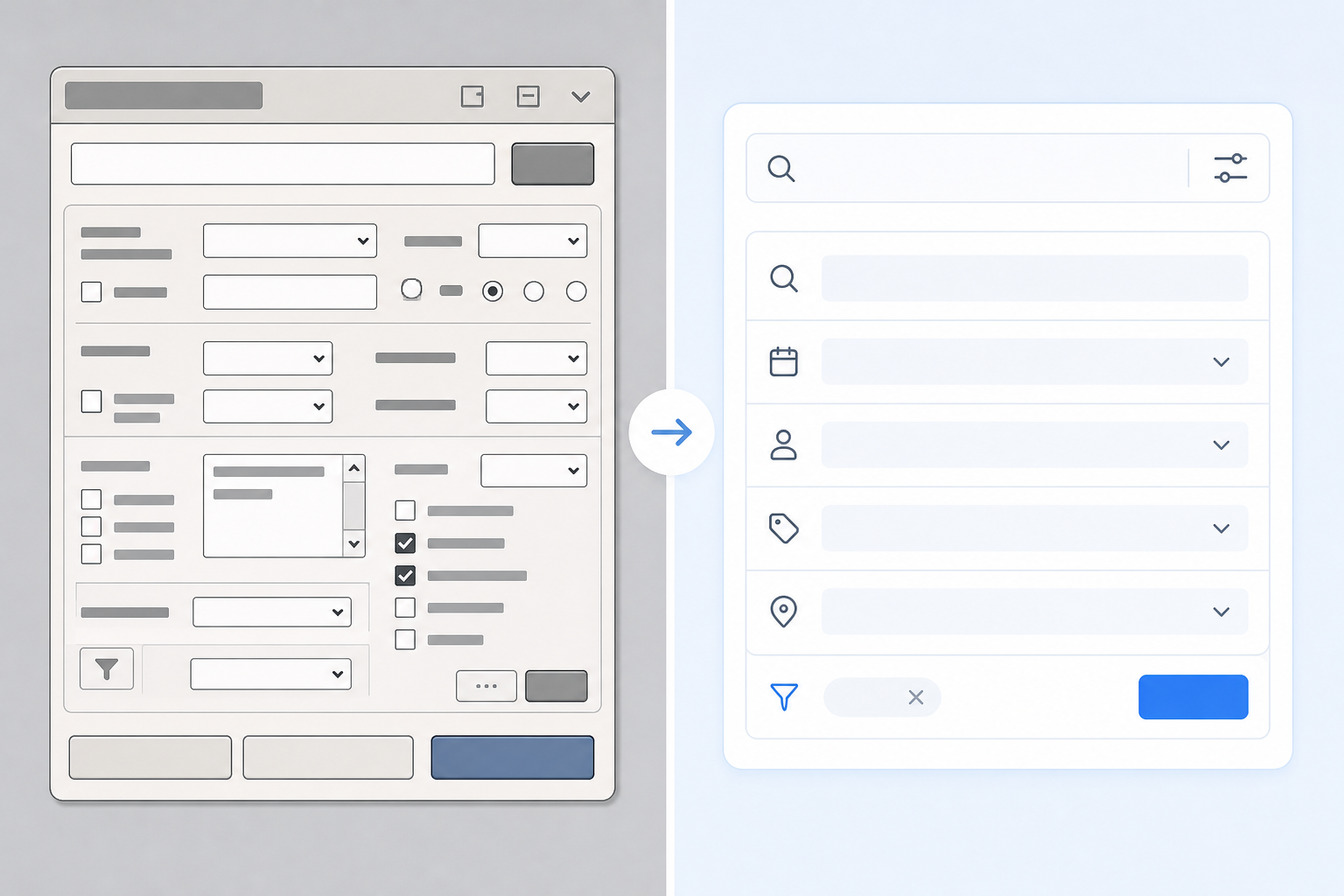
The core change is that search stops being a simple lookup tool and starts behaving more like an assistant. Instead of matching keywords to file names, indexed content, or app titles, the new experience is built to understand what you’re trying to accomplish and offer to do it.
- Natural language queries — you can describe what you want in plain words rather than guessing the exact file name or setting label.
- Inline actions — certain results let you complete a task (like adjusting a setting or opening a specific document view) right from the search pane, without launching a separate app first.
- A rebuilt interface on WinUI 3, Microsoft’s modern UI framework, intended to make the search experience load and respond faster.
- A staged rollout limited to the Experimental channel and English (United States) at launch, with wider language and channel support expected to follow gradually.
None of this is a full replacement for the Start menu or File Explorer — it’s an evolution of the search box most Windows users already open dozens of times a day.
How the New Windows Search Experience Differs from Today’s Search
Today’s Windows Search is largely a matching engine: it looks for exact or partial text matches across indexed files, settings, and installed apps, then ranks results by relevance signals like recency and usage. It’s functional, but it rewards knowing precisely what you’re looking for.
Natural Language Queries and Inline Actions
The redesigned search is built around intent rather than exact text. Instead of remembering a file’s name, you describe it — “the spreadsheet I edited last week” or “turn on dark mode” — and the system tries to interpret the request and either surface the right result or carry out the action inline. This is a meaningfully different interaction model from typing a keyword and scanning a results list.
Built on WinUI 3: Why That Matters
Rebuilding search on WinUI 3 isn’t just cosmetic. It aligns the search surface with the same modern rendering framework already used in other parts of Windows 11, which should mean quicker load times, more consistent visuals, and easier updates going forward since Microsoft can ship improvements without touching deeper OS components.
Who Can Test the Windows Search Update Today
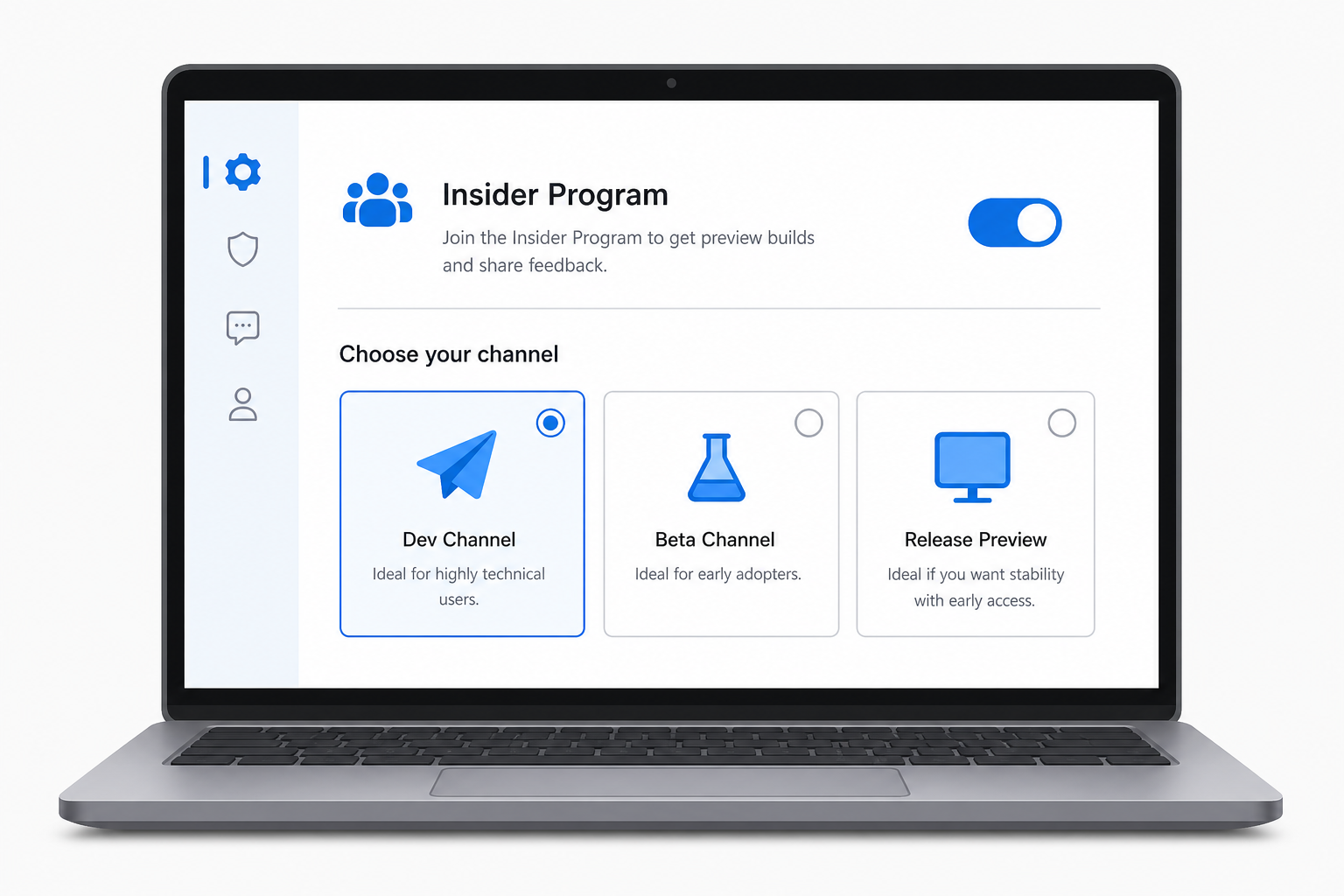
Access is currently limited. To try it, you need to be enrolled in the Windows Insider Program on a device running a build from the Experimental channel, and your system language needs to be set to English (United States) — Microsoft is rolling it out gradually rather than flipping it on for every Insider at once.
If you manage multiple test or lab machines, this is a reasonable moment to put one aside purely for Insider builds rather than risking a production device. A properly licensed Windows 11 Pro OEM license is enough to get a clean, supported install running for this kind of testing without pulling a daily-driver PC into preview territory.
When Will the Updated Windows Search Roll Out to Everyone?
Microsoft has not published a date for general availability, and based on how recent feature rollouts have moved through the Insider pipeline, it’s reasonable to expect this to progress in stages — from Experimental, to Beta, to Release Preview — before it reaches non-Insider devices through normal Windows Update channels. That process has typically taken months rather than weeks for comparable features.
For a sense of pacing, the Windows 11 26H2 upgrade guide covers how a recent feature update moved from preview builds to a broad enablement package — a useful reference point for how search could eventually land on mainstream PCs.
Windows 11 already accounts for 71.5% of desktop Windows installations worldwide as of September 2026, so when this search redesign does move beyond Insiders, it will eventually touch the vast majority of business and home Windows fleets — which is exactly why testing it early, on a controlled device, is worth the effort.
What This Windows Search Update Means for Small Business IT
For sysadmins, the shift from a text-matching tool to an action-capable assistant raises a few practical questions worth tracking before broad rollout:
- Will inline actions respect existing Group Policy and endpoint management restrictions the same way current search does?
- Does natural language processing for search queries happen locally or involve sending query context off the device, and what does that mean for regulated environments?
- Will training time be needed for staff used to the current keyword-based search habits?
Microsoft hasn’t published detailed enterprise management documentation for this feature yet since it’s still in early Insider testing, so the safest approach is to treat it as unreleased functionality: useful to evaluate now, but not something to plan workflows or documentation around until it reaches a stable channel.
How to Prepare for the New Windows Search Experience

You don’t need to overhaul anything today, but a little preparation now avoids surprises later:
- Set aside a spare or secondary machine for Insider testing rather than using a primary work PC.
- Confirm the device is running a genuine, activated copy of Windows 11 — a Windows 11 Home or Pro license is sufficient for most Insider testing scenarios.
- Join the Windows Insider Program through Settings and select the Experimental channel if you want to try this specific feature.
- Set the display language to English (United States), since that’s the only language supported at this stage.
- Document how your team currently uses search day to day, so you have a clear baseline to compare against once the new experience reaches your organization.
This kind of low-risk, hands-on evaluation is the most reliable way to understand how a Windows search update like this will actually affect your workflows, rather than reacting once it’s already been pushed to production machines.
Frequently Asked Questions
How do I get the new Windows search update on my PC?
You need to join the Windows Insider Program and select the Experimental channel, since that’s currently the only channel receiving the redesigned search experience. Your device’s display language also needs to be set to English (United States), as that’s the only language supported during this early rollout phase.
Which Windows Insider channel has the redesigned search experience?
The Experimental channel is currently the only one receiving this update, and Microsoft is rolling it out gradually rather than to every Insider at once. It has not yet appeared in the Beta or Release Preview channels.
Will the Windows search update work on Windows 10?
No. This redesign is shipping through Windows 11 Insider Preview builds, so it’s tied to Windows 11 rather than Windows 10. There’s no indication it will be made available to Windows 10 devices.
When will the updated Windows search roll out to everyone?
Microsoft hasn’t announced a general availability date. Based on how past Insider features have progressed, expect a gradual move through Beta and Release Preview channels before it reaches standard Windows Update for non-Insiders, which has historically taken months.
Does the new search change how Windows indexes files?
Yes, indexing improvements are part of the update, including broader automatic coverage of frequently used folders so relevant files surface faster without manual configuration. Combined with the WinUI 3 rebuild, the goal is quicker, more complete results overall.
