Letters vanishing from your printed CorelDRAW files after an update? Here’s why it happens and how to fix fonts and drivers for clean output again.


Letters vanishing from your printed CorelDRAW files after an update? Here’s why it happens and how to fix fonts and drivers for clean output again.

Tired of an unused Copilot button on your keyboard? Here’s how to remap Copilot key on Windows 11 into a shortcut you’ll actually use.
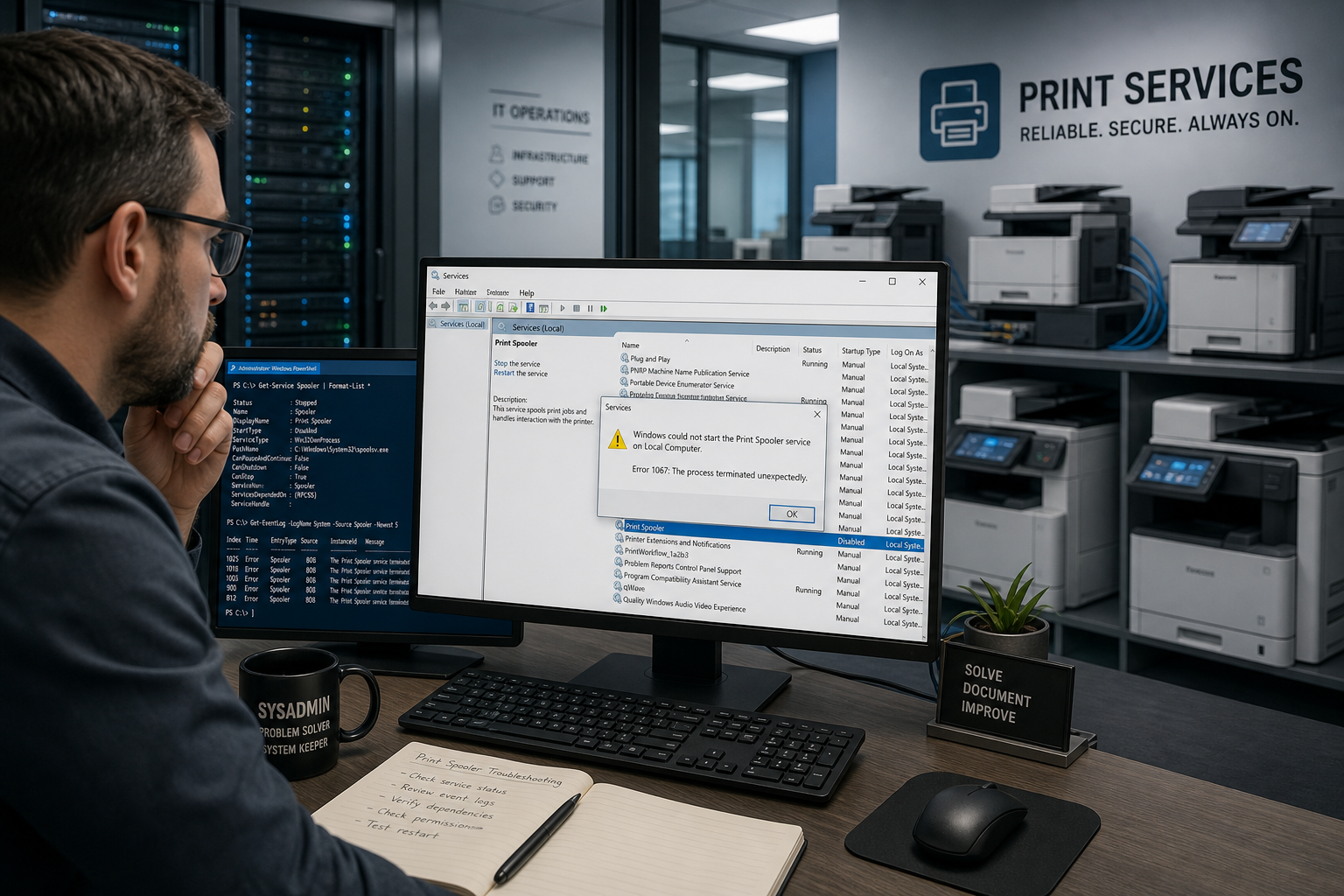
Recurring print spooler crashes break shared printing fleets. Here’s how sysadmins diagnose the real cause and fix it for good.
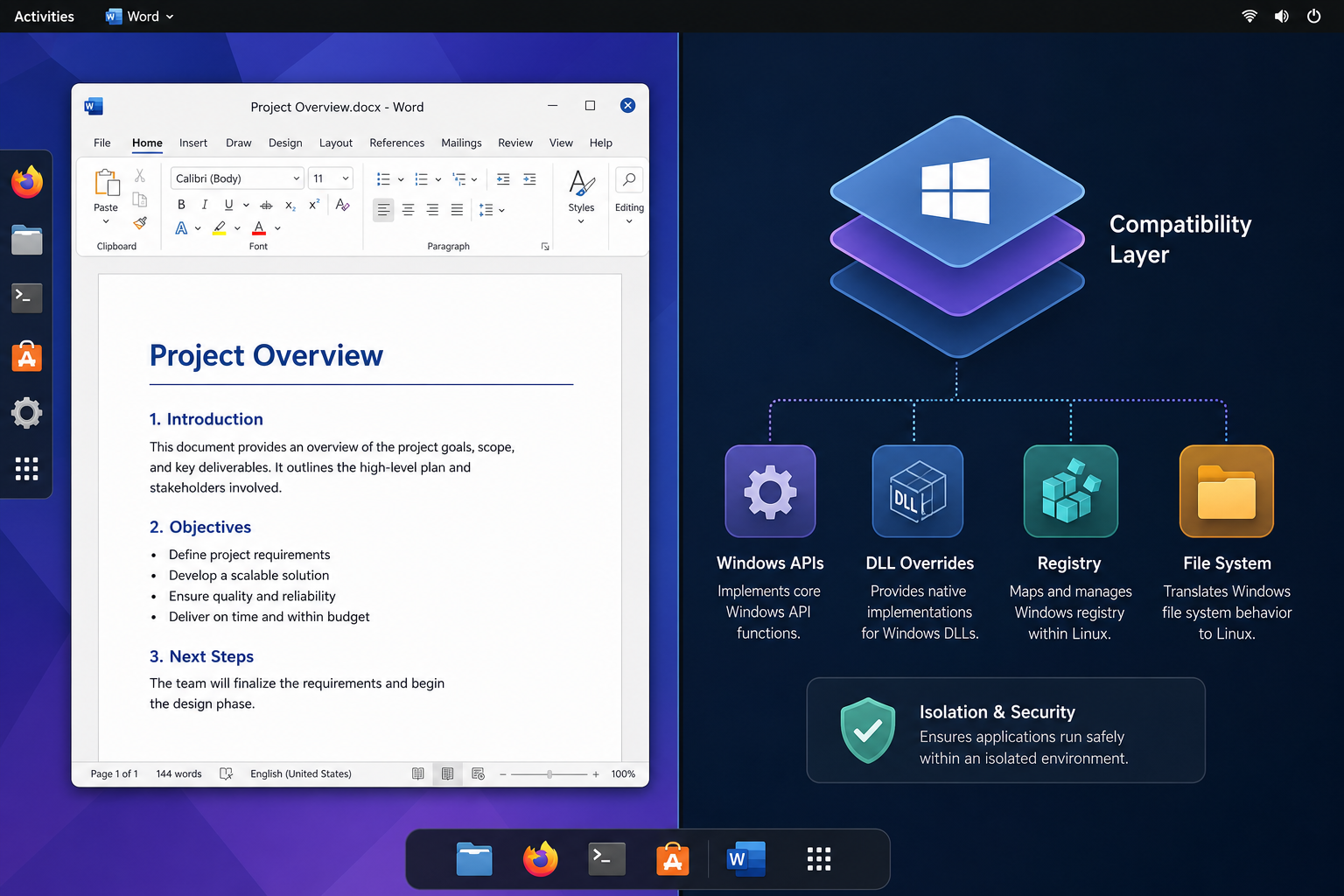
Wine wrappers, browser Office, and containerized approaches compared — a practical guide to running real Microsoft Office on Linux without a VM.
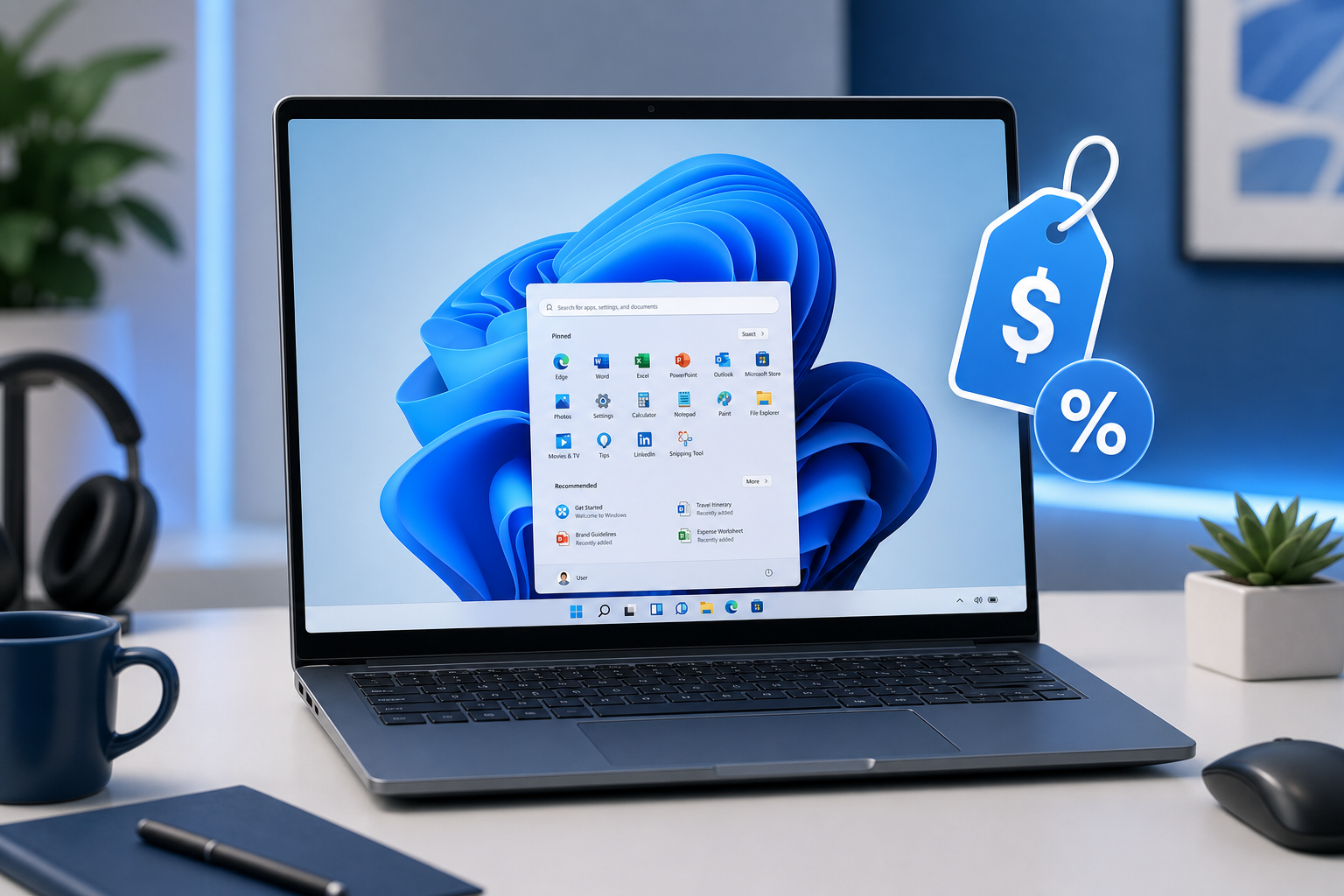
Flash sales promising a Windows 11 Pro license for a few dollars are everywhere. Here’s how to tell a genuine deal from a licensing trap.
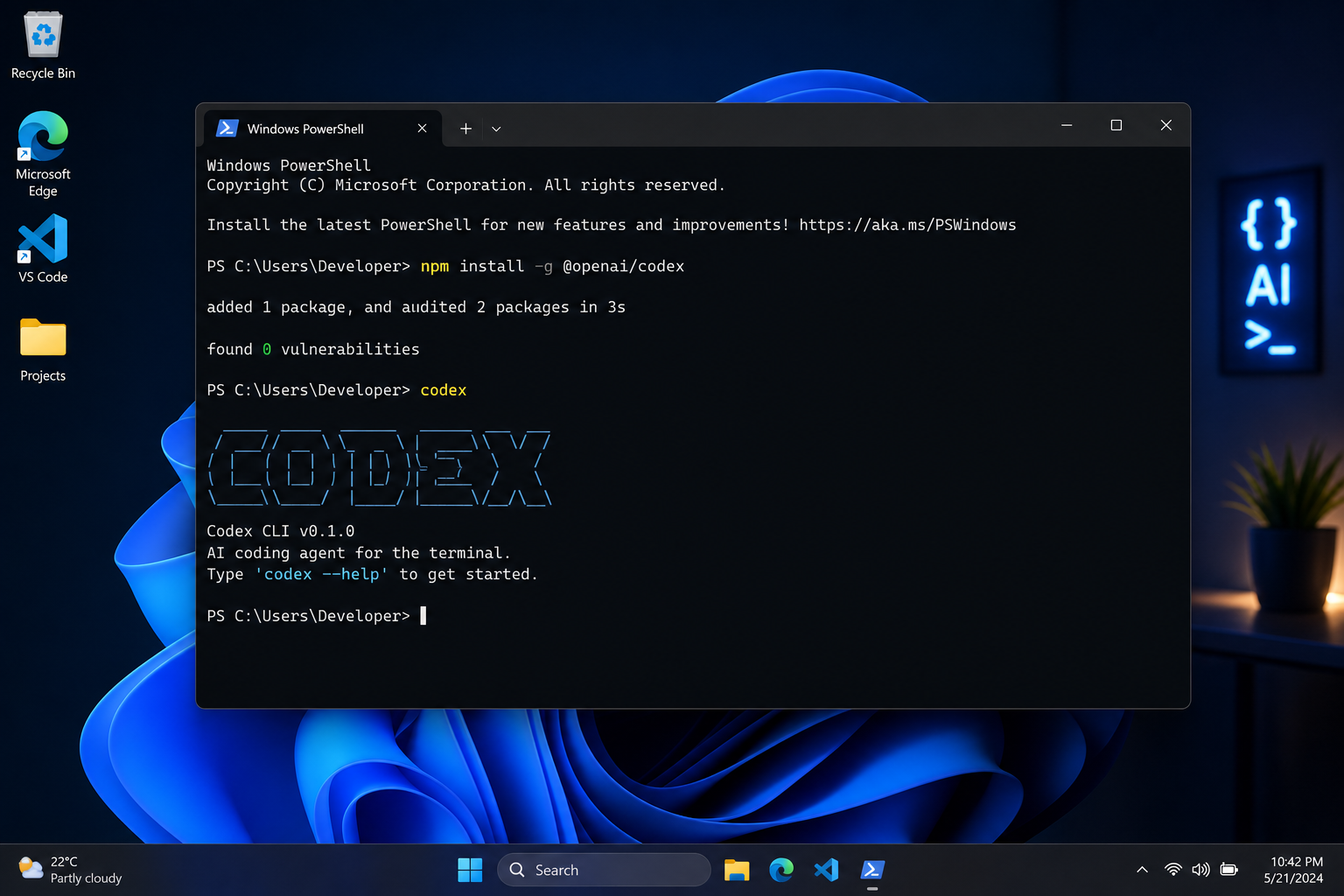
Getting OpenAI Codex running on Windows is easier than you think. This step-by-step guide covers the desktop app, CLI setup, prerequisites, and common fixes.

Microsoft is embedding age verification directly into Windows 11 at the OS level. Here’s what triggers it, which regions are affected first, and how IT teams should respond.
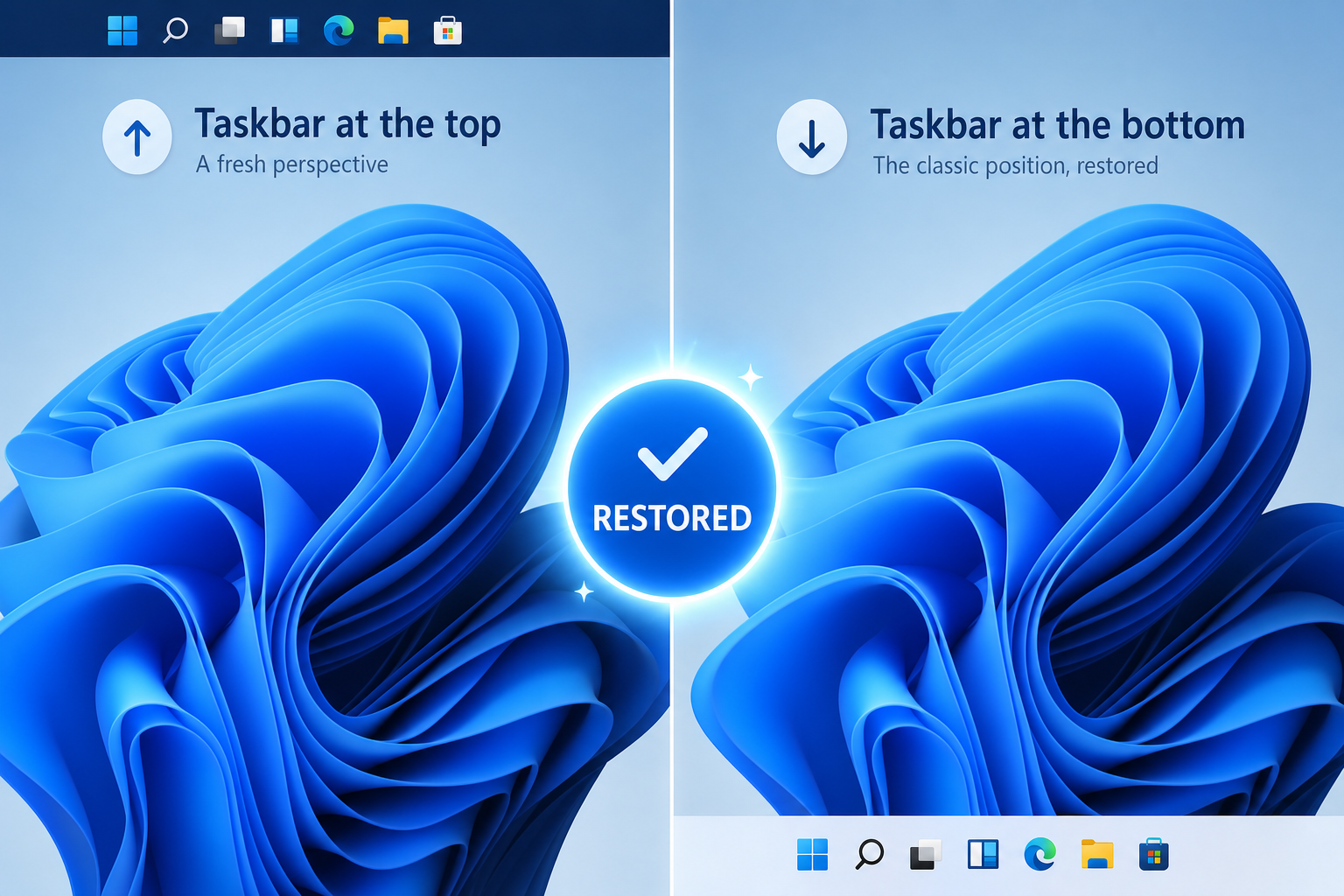
Microsoft has reversed some of Windows 11’s most complained-about design choices. Here’s exactly which features returned and what they mean for your daily workflow.
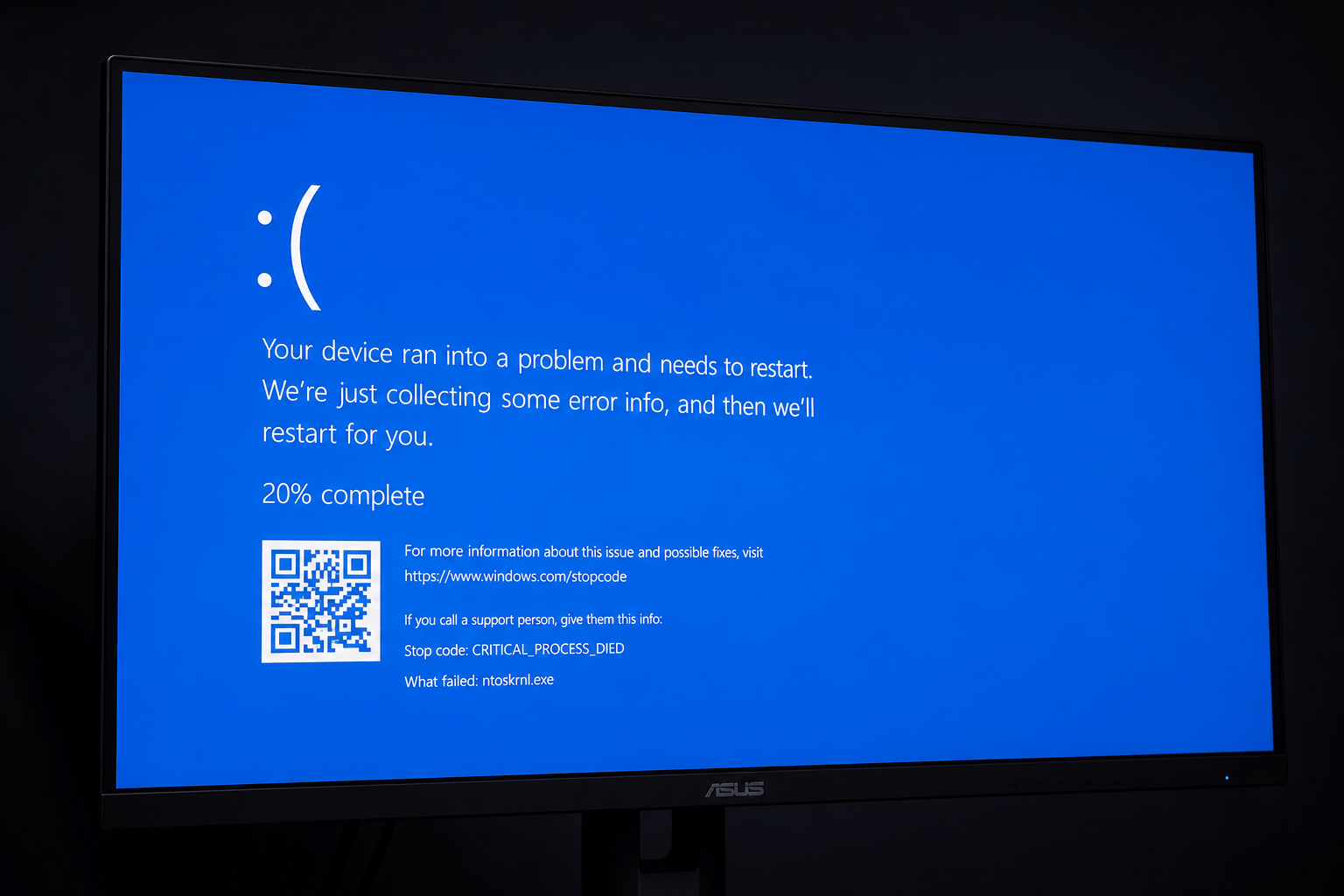
Blue screen crash got you stumped? This guide decodes the most common BSOD error codes — DRIVER_IRQL, MEMORY_MANAGEMENT, CRITICAL_PROCESS_DIED — and shows you the fastest path back to a stable Windows PC.

Registry tweaks, DNS changes, and network driver updates that genuinely speed up your Windows 11 connection — no fluff, just step-by-step fixes that work.
Use code EXTRA10 at the cart or checkout to enjoy 10% Discount of your order.
Valid for single use per customer.
