Microsoft is testing a hidden right-click menu that lets you reposition the Windows 11 taskbar without the drag-and-drop support it still lacks.
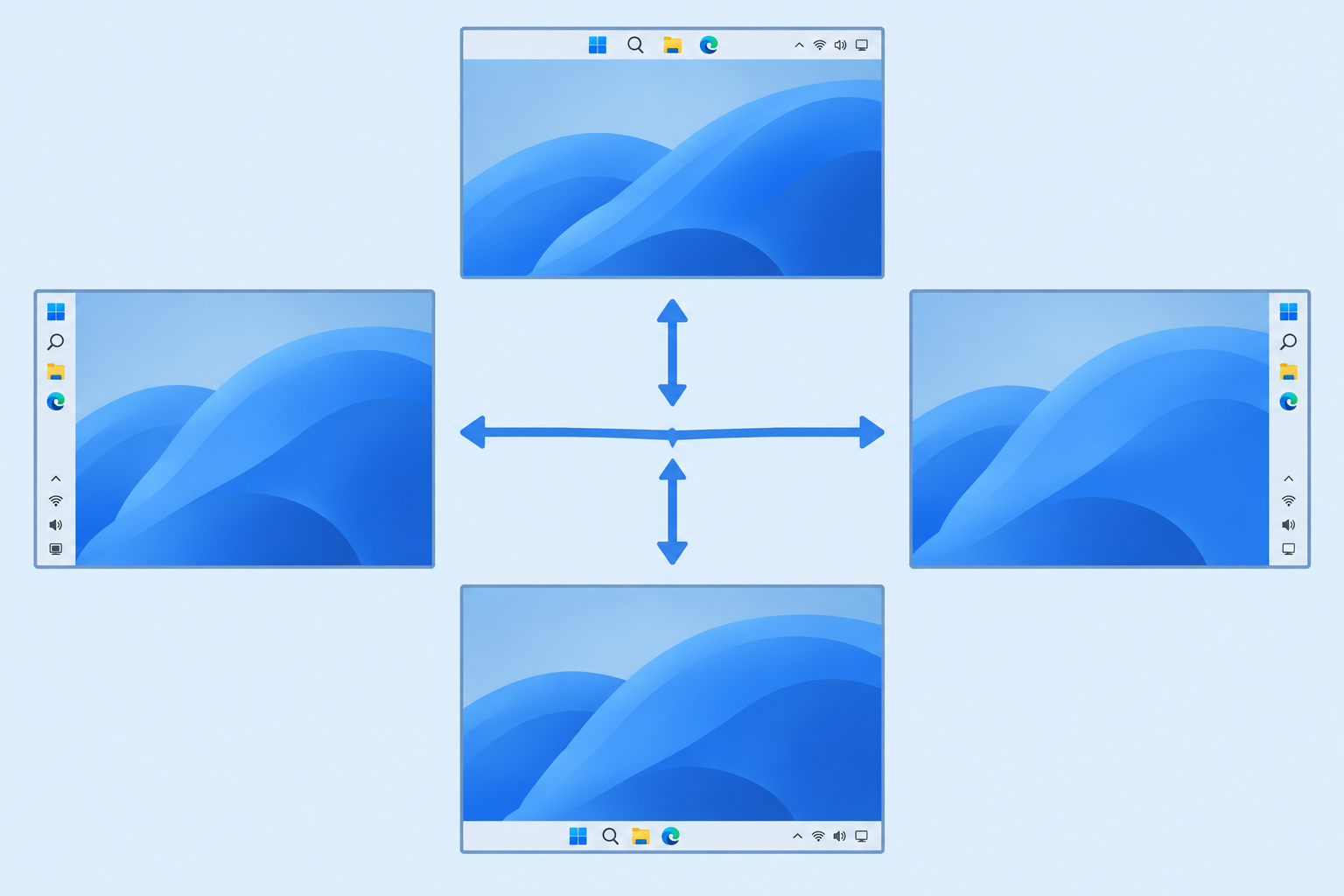

Microsoft is testing a hidden right-click menu that lets you reposition the Windows 11 taskbar without the drag-and-drop support it still lacks.
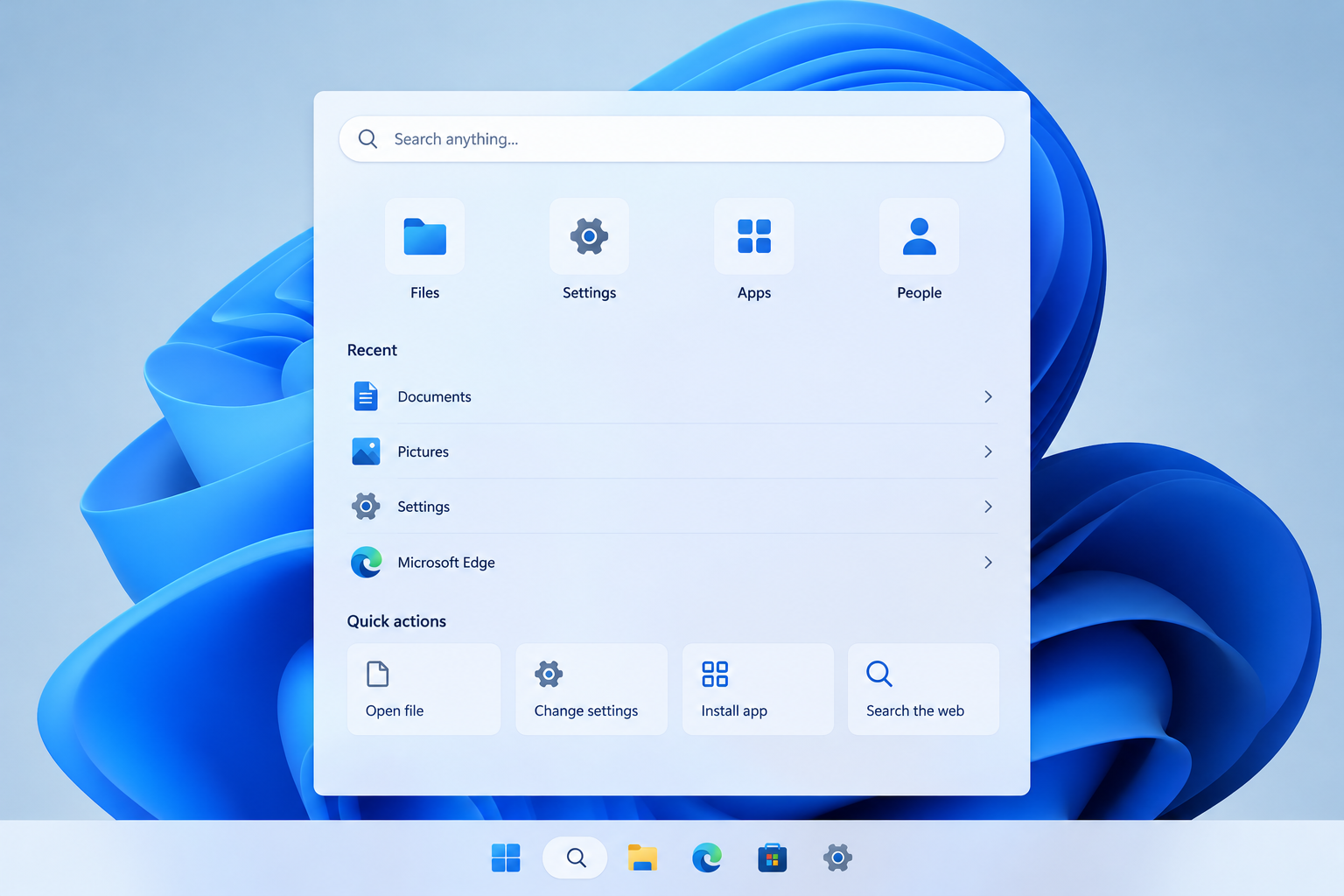
Microsoft is testing a standalone Windows Search UI in preview builds. Here’s what’s changing, why, and what it means for the Windows key and your daily workflow.
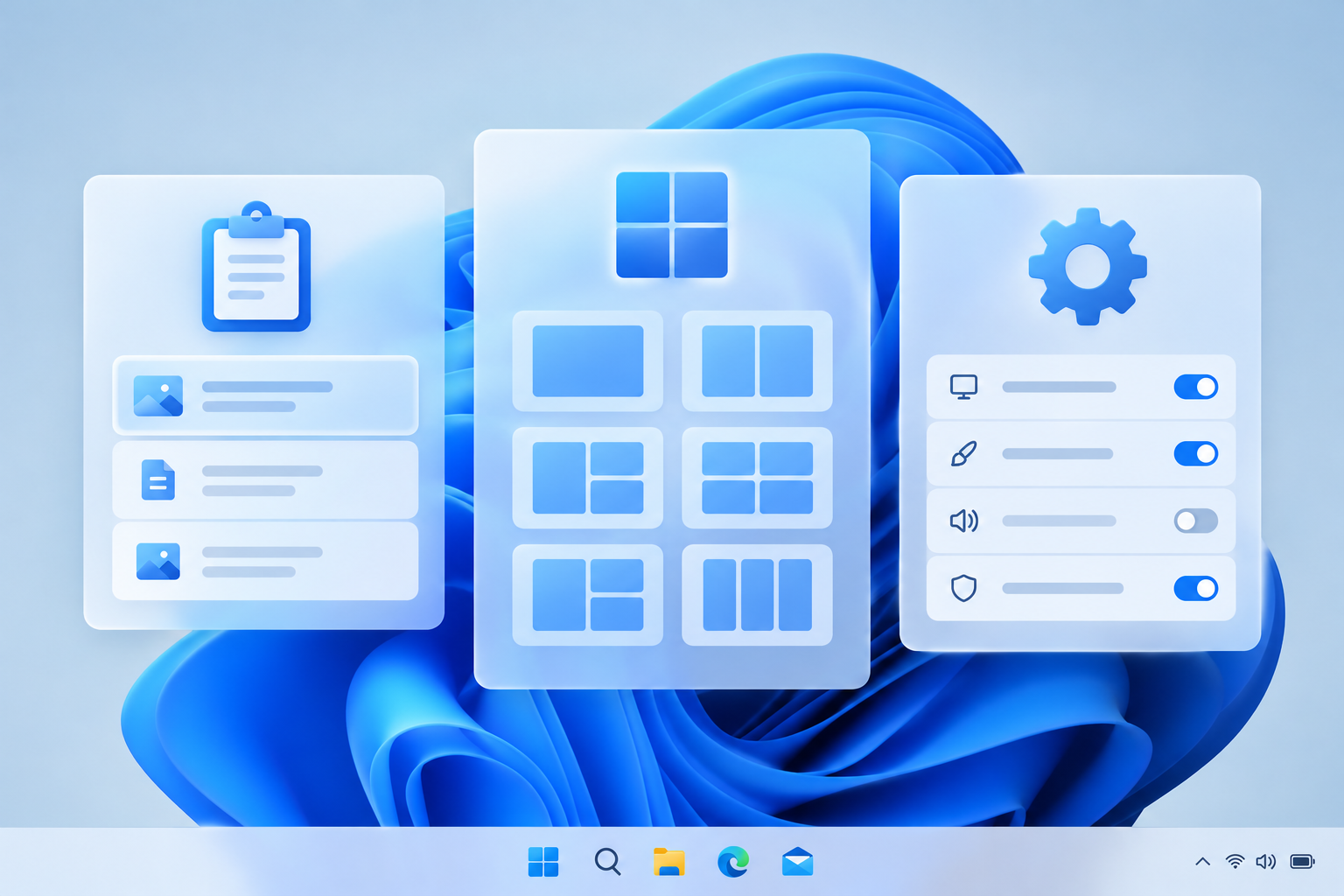
Uncover hidden Windows 11 features — from multi-item clipboard history to PowerToys — that genuinely speed up daily work for power users.
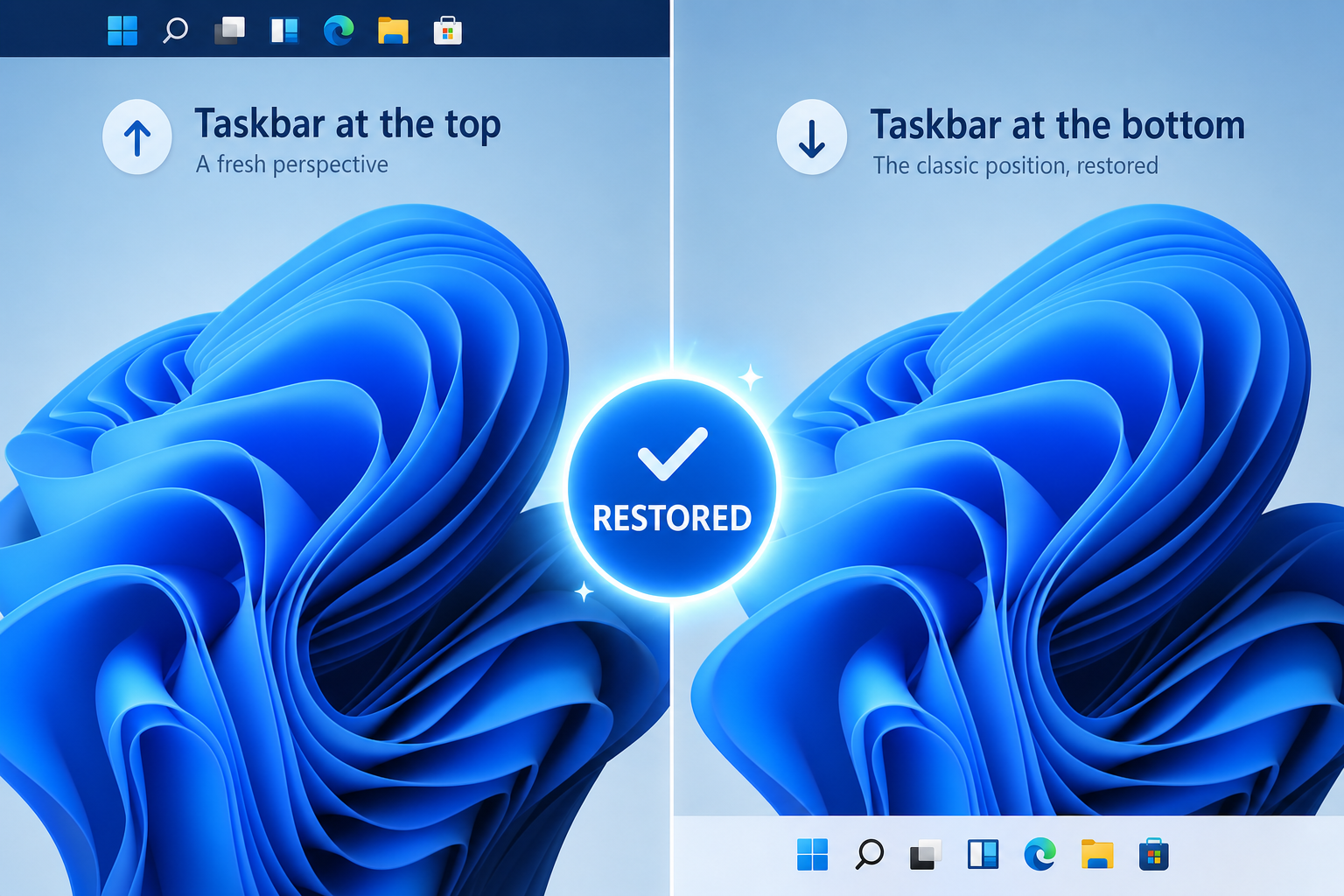
Microsoft has reversed some of Windows 11’s most complained-about design choices. Here’s exactly which features returned and what they mean for your daily workflow.

Microsoft is pushing full-desktop ads as wallpapers on Windows 11. Here’s exactly how to identify, block, and permanently prevent these forced ads from taking over your screen.

Microsoft is finally delivering real Windows 11 fixes in 2026 — from lower RAM usage to a movable Taskbar. We break down the 5 changes that actually make a difference.

Windows 11’s built-in Weather app can consume over 1.2GB of RAM just to show a forecast. Here’s how to disable it, reclaim your memory, and switch to something leaner.
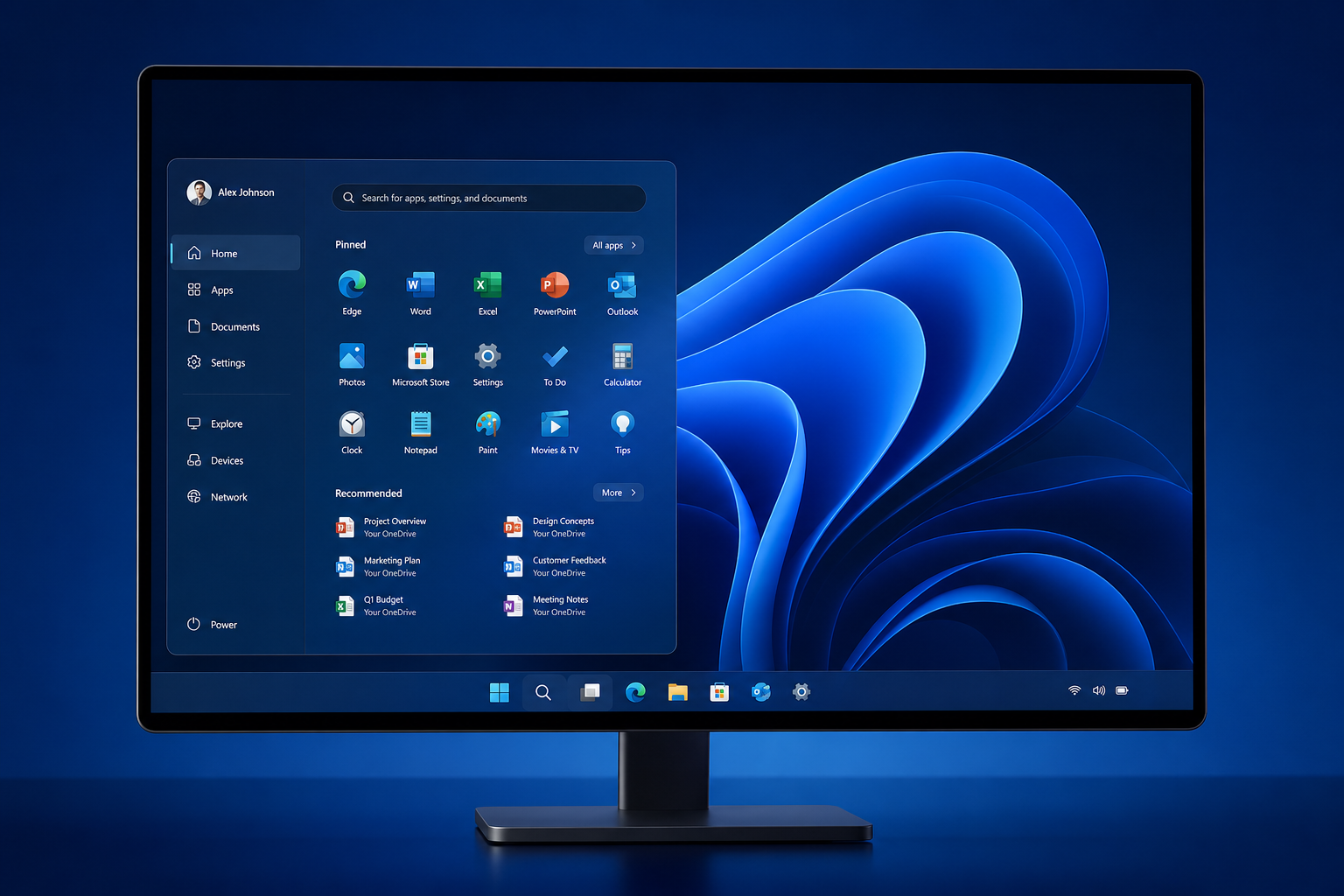
Microsoft’s codename K2 project is set to reshape Windows 11 across 2026–2027. Here’s what the redesign roadmap means for everyday users and IT pros.
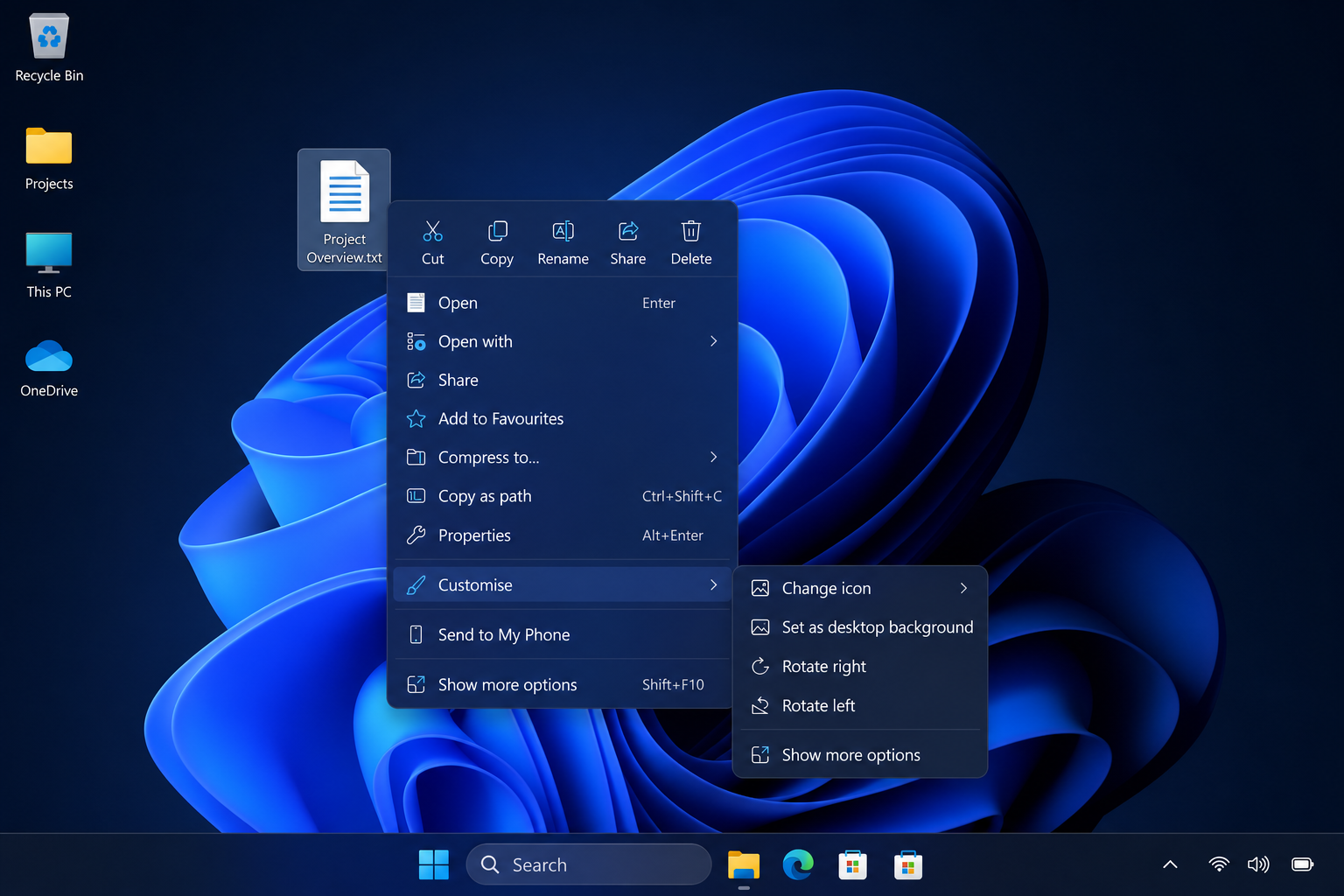
Microsoft is redesigning the Windows 11 right-click menu for speed and user control. Here’s what’s changing, what it means for daily workflows, and how to customise it right now.
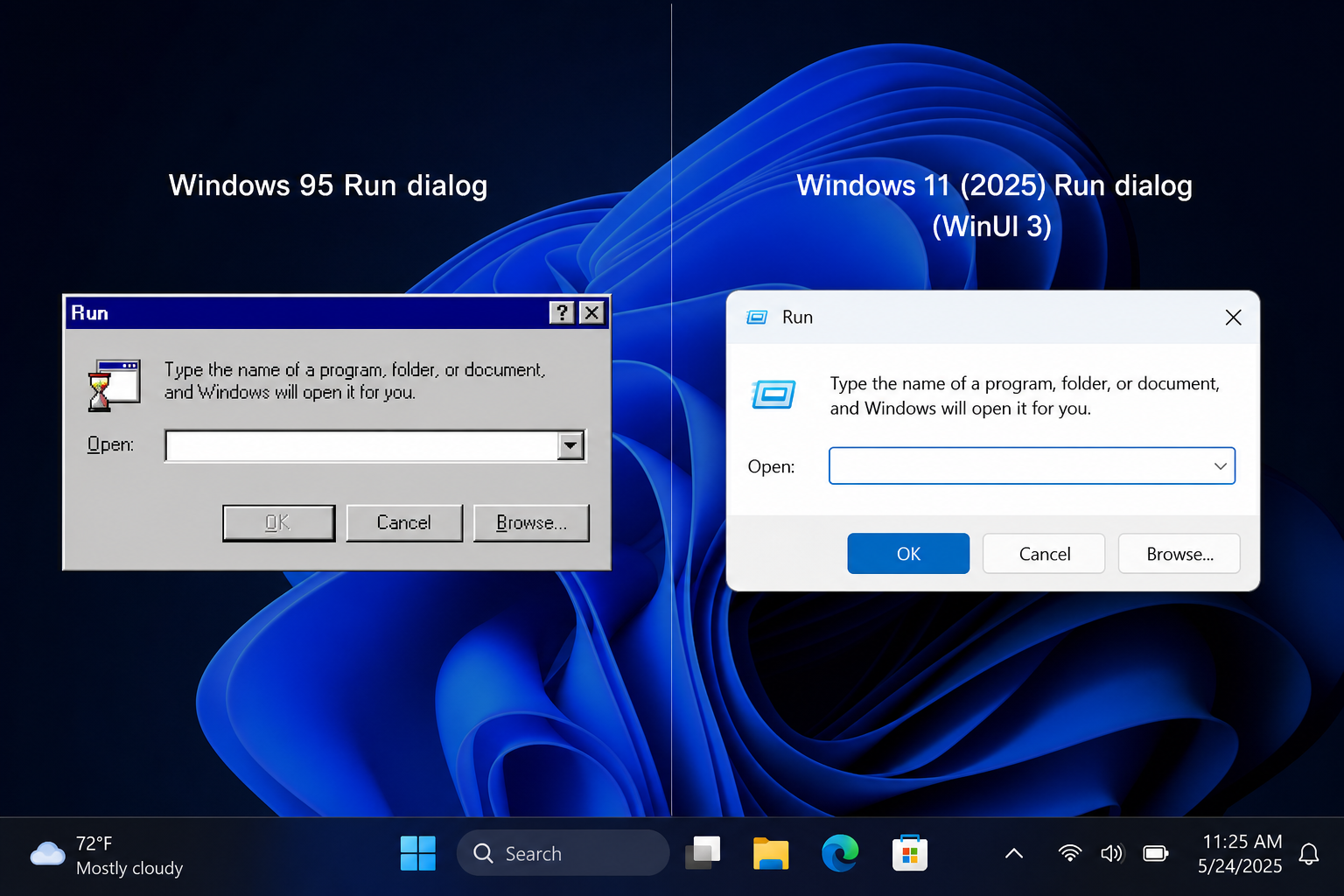
Microsoft is systematically retiring Windows 95-era interface elements from Windows 11. Here’s everything that’s being replaced, what the new WinUI 3 designs look like, and how to keep your workflow smooth during the transition.
Use code EXTRA10 at the cart or checkout to enjoy 10% Discount of your order.
Valid for single use per customer.
