
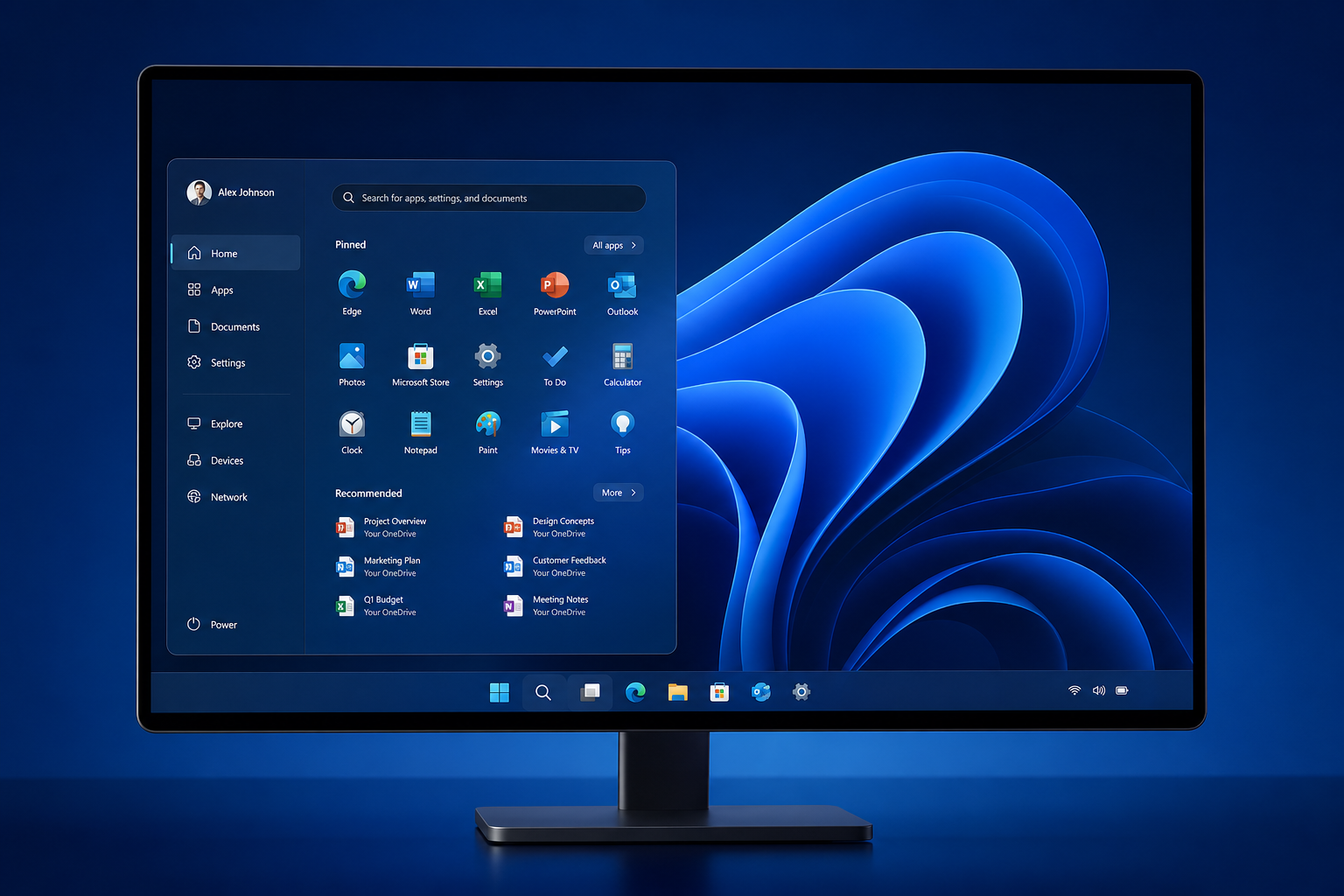
Windows 11 K2 is Microsoft’s most ambitious overhaul of the operating system since Windows 11 first launched in 2021 — a structured, multi-cycle initiative targeting the performance, stability, and design complaints that have followed the OS since day one. Rather than being a numbered feature update you download on a Tuesday afternoon, K2 is an ongoing internal programme spreading improvements across at least two release cycles running through 2026 and into 2027. If you’ve been frustrated by a sluggish File Explorer, inconsistent UI styling, or bloated AI features you never asked for, K2 is the response Microsoft is banking on to rebuild user trust.
What Exactly Is the Windows 11 K2 Programme?
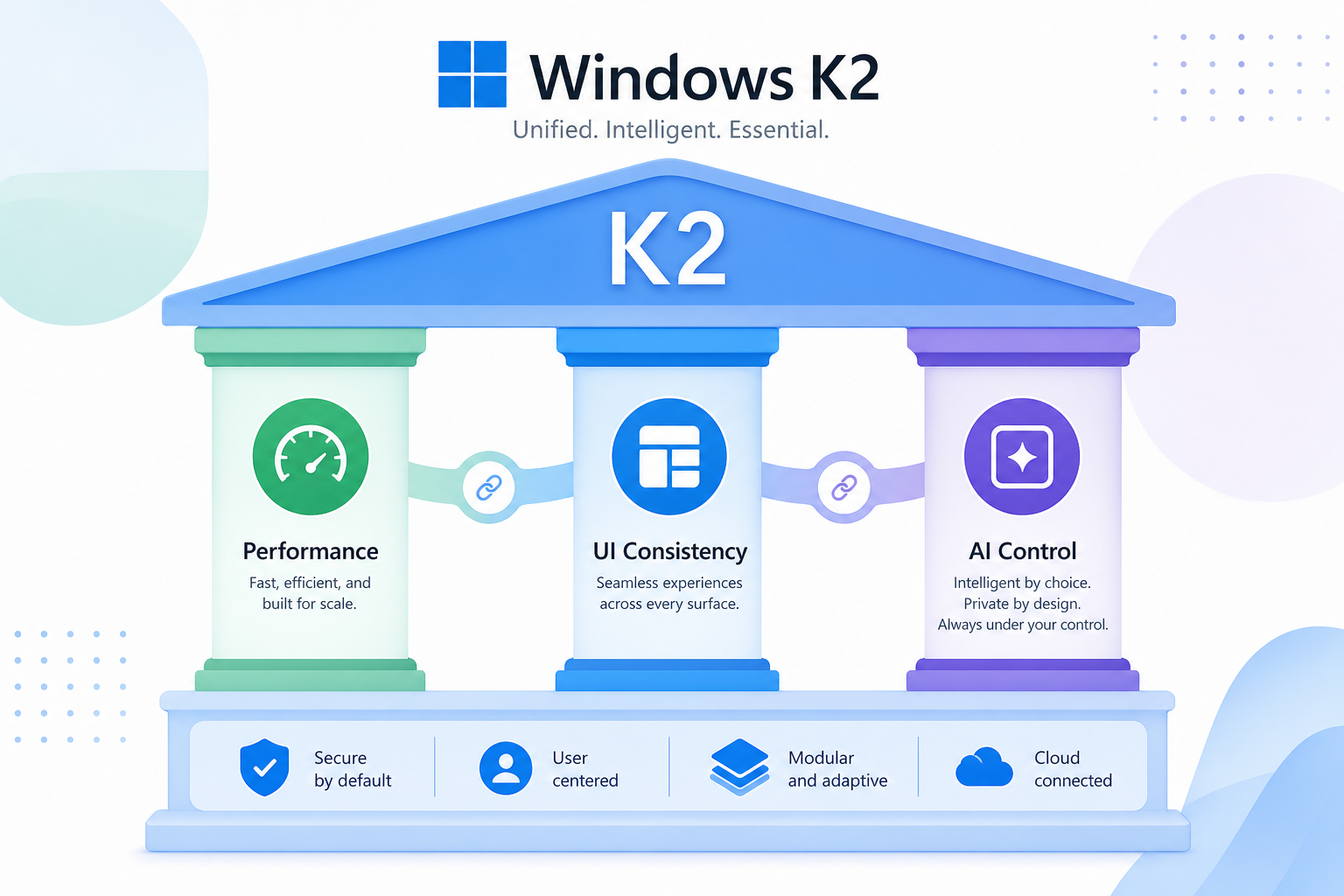
K2 is a development codename, not a product name — you won’t see it on a download page. According to reporting by Windows Central, K2 represents Microsoft’s internal quality push to address a backlog of user-facing issues that have accumulated since the OS launched. The initiative spans multiple teams — Windows Shell, performance engineering, and the AI integration group — all working under a shared mandate: make Windows 11 faster, cleaner, and more reliable.
The name is reportedly inspired by the world’s second-highest mountain, symbolising a difficult but worthwhile climb. Whether that framing survives the PR department is another matter, but the underlying goal is clear: fix what’s broken and stop shipping features users didn’t request at the expense of core stability.
The Windows K2 Roadmap: A Two-Cycle Timeline
The Windows K2 roadmap stretches across the 26H2 and 27H1 release windows, meaning meaningful changes will land incrementally rather than all at once. Here’s how the cadence is shaping up:
-
2026 (26H2 window): Early K2 improvements targeting File Explorer speed, context menu responsiveness, and Start menu reliability. Some changes are already appearing in Insider builds as of mid-2026.
-
Early 2027 (27H1 window): Deeper UI consistency work, further reduction of OS memory footprint, and a cleaner approach to AI feature integration — making Copilot-style tools optional rather than baked into every corner of the interface.
-
Ongoing: The K2 label covers a philosophy as much as a schedule. Microsoft has confirmed it is treating quality as a continuous deliverable, not a one-and-done update.
Notably, Microsoft has also extended Windows 10 ESU support to October 2027, giving users who are cautious about the transition more breathing room before they need to act.
Key Windows 11 Redesign Features in K2
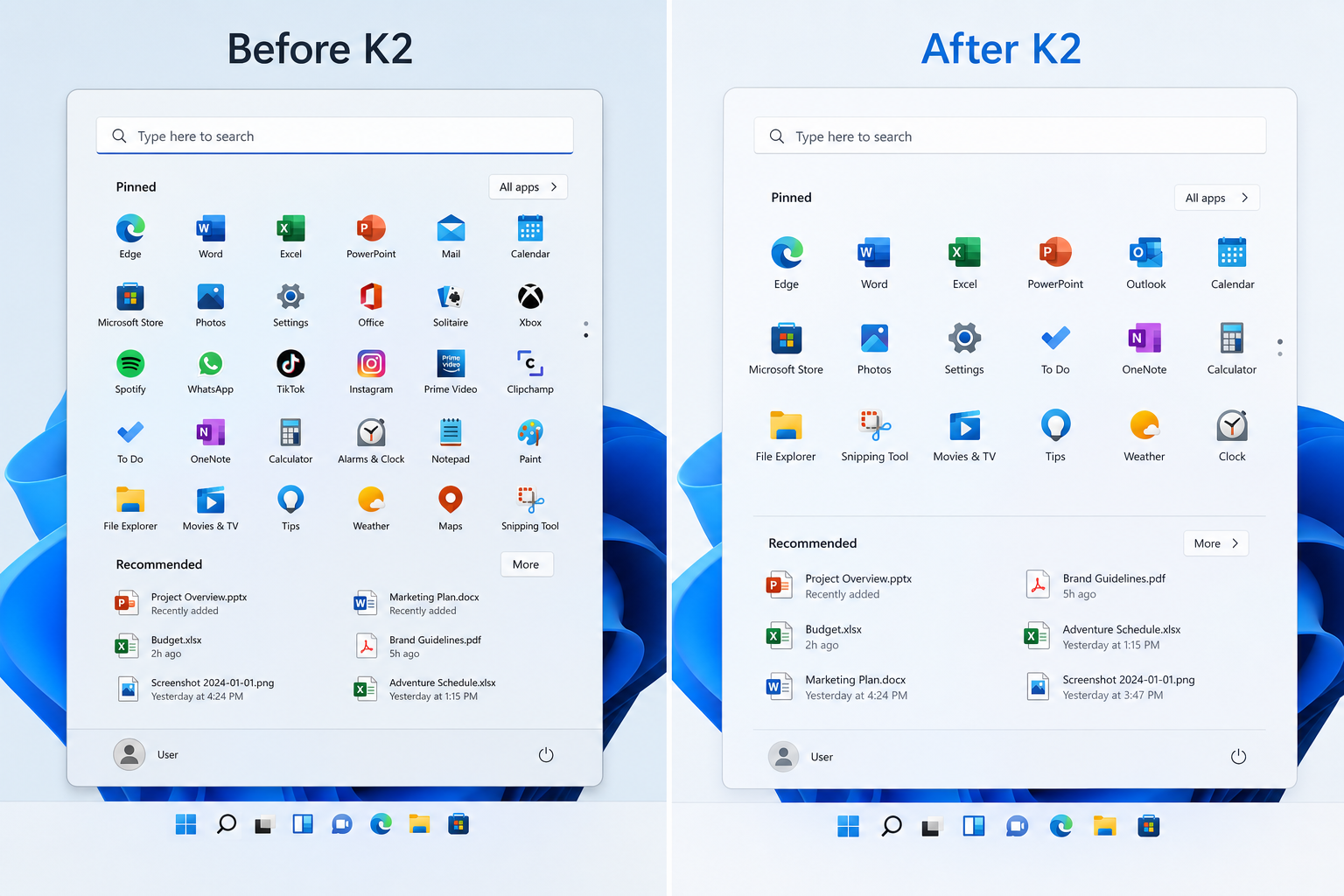
The Windows 11 redesign elements under K2 are wide-ranging. Based on confirmed details from insider reporting and early build analysis, the main pillars are:
1. Performance and Responsiveness
Microsoft has acknowledged that File Explorer, context menus, and core system UI elements have suffered noticeable slowdowns over successive updates. K2 targets these directly — reducing input lag, cutting unnecessary background processes, and lowering idle memory usage. Reports suggest Microsoft is even using SteamOS as a performance benchmark for gaming workloads on equivalent hardware, which is a striking admission that a Linux-based competitor has set the bar.
2. Start Menu and Taskbar Overhaul
The Start menu has been contentious since Windows 11 launched. The K2 Windows update cycle is expected to restore more customisation options, including better control over pinned app layouts and the return of some legacy behaviours that power users relied on. Taskbar customisation — the ability to move, resize, and rearrange the bar — is also on the table, addressing one of the most upvoted complaints in Microsoft’s feedback channels.
3. AI as a Choice, Not a Default
One of the loudest criticisms of recent Windows 11 builds has been the aggressive push of Copilot and AI-adjacent features into nearly every surface. The K2 programme explicitly aims to make AI an option rather than an imposition. Expect cleaner controls for disabling or hiding AI prompts, and a more modular approach to where these features appear.
4. UI Consistency and Design Polish
Windows 11 shipped with a promising Fluent Design language, but four years in, the OS still contains Settings panels, dialogue boxes, and control menus that look like they were copied directly from Windows 7. The Windows 11 redesign phase of K2 targets this visual debt — pushing more of the interface toward a unified WinUI 3 styling and retiring older UI chrome that clashes with the modern aesthetic.
5. Reliability and Crash Reduction
Beyond the cosmetic work, K2 includes a reliability mandate. Microsoft has reportedly flagged a set of recurring crash categories — particularly around Windows Update itself and certain driver interaction patterns — and assigned engineering resource specifically to root-cause and eliminate them over the K2 cycle. This is less glamorous than a new Start menu, but arguably more important for enterprise and business users.
What the Windows K2 Roadmap Means for Everyday Users
If you’re running Windows 11 today, the K2 roadmap translates into a steady stream of cumulative updates through 2026–2027 that should, on balance, make the OS feel lighter and less intrusive. You won’t need to download a new edition or buy a new licence — K2 improvements flow through the normal Windows Update channel. That said, the most significant changes are expected in the 26H2 and 27H1 feature releases, so keeping Windows Update enabled and not blocking feature updates is important if you want the full benefit.
For home users, the headline wins are a snappier File Explorer, a more sensible Start menu, and the ability to use your PC without Copilot nudging you every five minutes. For IT administrators and business users, the reliability and crash reduction work is likely to have more day-to-day impact than any UI polish.
Should You Upgrade to Windows 11 Before K2 Arrives?
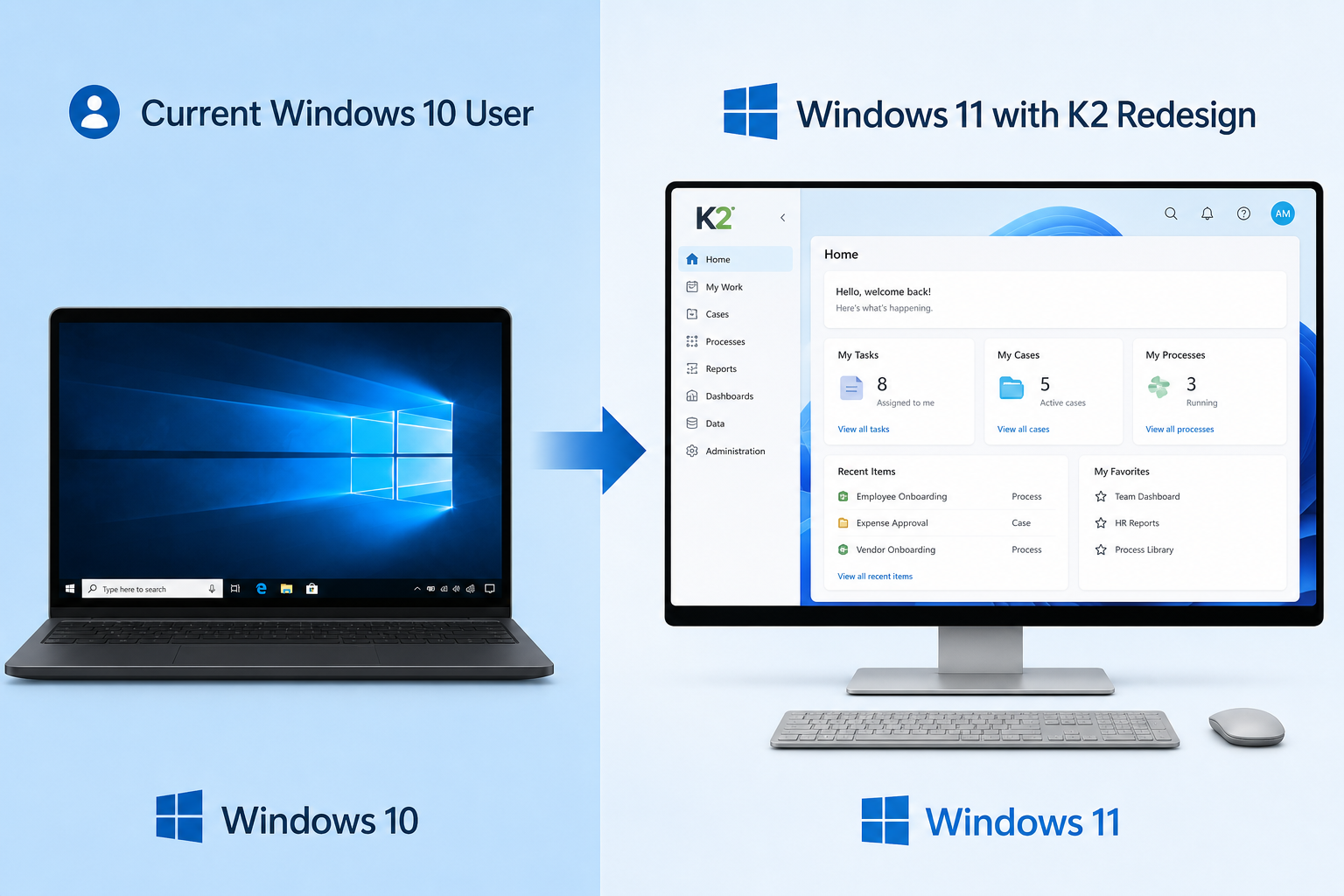
This is the practical question for anyone still on Windows 10. Microsoft ends mainstream support for Windows 10 on 14 October 2025, with paid Extended Security Updates available until October 2027. If your hardware is compatible, moving to Windows 11 now puts you in a better position to receive K2 improvements as they roll out, rather than waiting on a platform that is being wound down.
The good news is that a genuine Windows 11 licence doesn’t have to cost a fortune. ShopKeyOnline offers Windows 11 Pro OEM keys with instant email delivery and an official download link — a straightforward way to get a properly activated copy of the OS without paying retail pricing. If you want the full package in one go, the Windows 11 Pro Retail + Office 2021 Pro Plus bundle (currently €36.90, down from €46.90) is worth considering — it covers both your OS and productivity suite in a single purchase.
Being on an active, licensed copy of Windows 11 means you’ll receive every K2 improvement the moment Microsoft ships it through Windows Update — no manual intervention needed.
How Does K2 Compare to a “Windows 12” Announcement?
A common question circulating online is whether K2 signals that Windows 12 is being quietly shelved. The honest answer is: it’s complicated. Microsoft has not announced a Windows 12, and K2’s scope — redesigning the Start menu, unifying the UI, improving performance — is large enough that some observers argue a version number bump would be warranted. Others read K2 as Microsoft doubling down on the “Windows as a service” model, where the OS evolves continuously without major version transitions.
What’s clear is that if K2 delivers on its promises, Windows 11 by late 2027 will look and behave substantially differently from the version that shipped in 2021. Whether Microsoft then rebrands that as something new is a marketing decision, not a technical one.
Windows 11 Redesign: What K2 Won’t Fix
It’s worth being clear-eyed about the limits of the K2 Windows update programme. A few things it is not expected to address:
-
Hardware requirements: TPM 2.0, Secure Boot, and the minimum CPU list remain unchanged. K2 does not lower the barrier to entry for unsupported hardware.
-
Telemetry: While some feedback tools may be streamlined, Microsoft’s core telemetry collection is not being removed — it is baked into the Windows 11 licensing model.
-
The Settings vs Control Panel split: Rationalising this two-headed settings system has been promised and under-delivered for years. K2 makes progress but does not promise a complete resolution.
FAQ
When will Windows K2 features actually arrive?
The earliest K2 improvements are already trickling into Windows Insider builds as of 2026, with more substantial changes expected in the 26H2 feature release later in 2026 and the 27H1 release in early 2027. You don’t need to join the Insider programme to receive them — they will ship through standard Windows Update on stable channels when ready.
Is Windows K2 a free update?
Yes. K2 improvements deliver through the standard Windows Update mechanism at no additional charge. You need an active, licensed copy of Windows 11 to receive them. There is no separate K2 download or purchase required.
Will K2 make Windows 11 run faster on older hardware?
K2 specifically targets idle memory reduction and responsiveness improvements, which should benefit a wide range of hardware. However, it does not change the minimum system requirements. If your PC already runs Windows 11, K2 updates should make it feel noticeably more responsive over time.
Does K2 mean Windows 12 is cancelled?
Microsoft has not announced Windows 12, and K2’s scope does not explicitly confirm or deny a future version number. Some industry analysts believe the Windows 12 concept has been absorbed into the K2 programme; others think a version rebrand is still possible once K2’s work is complete. No official confirmation either way exists as of mid-2026.
How do I make sure I receive K2 updates?
Keep Windows Update enabled and ensure your copy of Windows 11 is properly activated. Devices running on genuine licences with no update deferrals in place will receive K2 improvements automatically. If you’re upgrading from Windows 10, ensure you apply a valid licence first so activation does not block the update flow.
