
Microsoft is rolling out faster app launches windows 11 users will notice first in Microsoft Edge, and the technology behind it could soon reach far more apps on your PC. The feature, called accelerated app launch, skips a redundant background process that used to slow down “warm” launches — opening an app that’s already running in the background. It’s a small-sounding change, but on low-end hardware the difference is immediately noticeable.
What’s Behind the Push for Faster App Launches in Windows 11?
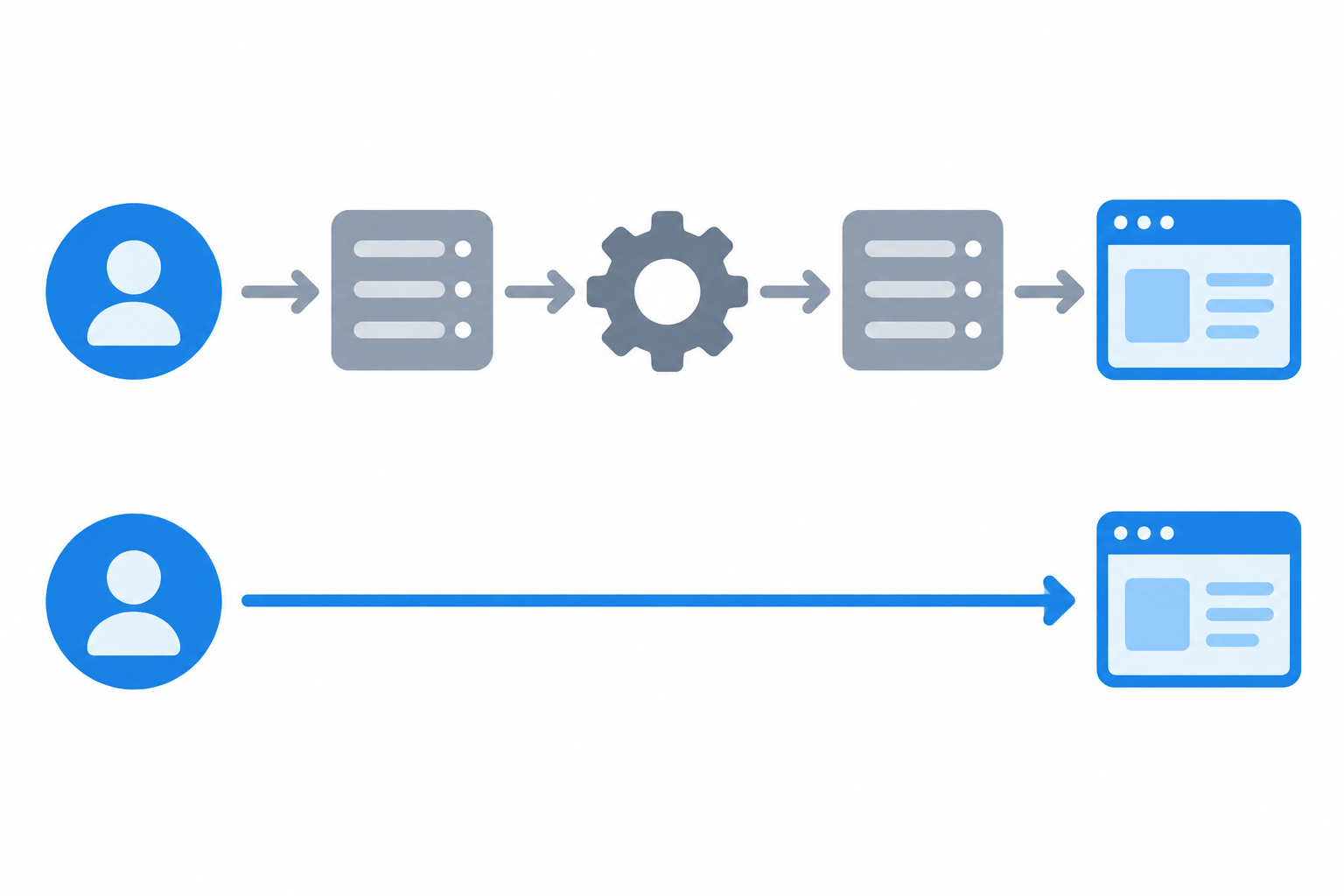
The short answer: Windows has historically spun up a fresh intermediary process every time you reopen an app, even one that was already sitting idle in memory. That extra step adds latency that’s most obvious on machines with limited RAM or older CPUs. Microsoft’s engineers identified this as unnecessary overhead and built a mechanism to skip it entirely for apps that opt in.
- Opening an already-running app from the taskbar, Start menu, or a link used to trigger a full relaunch sequence.
- That sequence included creating a temporary process purely to hand off the request to the real, already-running app.
- On constrained hardware, that handoff could add a visible delay before the window actually appeared.
Removing that middle step is the core idea behind accelerated app launches, and it’s part of a broader pattern of performance work Microsoft has been shipping across recent Windows 11 updates.
How Accelerated App Launches Work Under the Hood
Accelerated app launch works by routing a new launch request directly to an app’s existing background process instead of creating a separate one first. When you click Edge’s taskbar icon and Edge is already running quietly in the background, Windows now hands that click straight to the live process rather than building a short-lived stand-in process to relay it.
Skipping the Redundant Relaunch Process
In practical terms, this means less CPU and memory churn every time you reopen an app you already have open. Testers have reported that even on a PC with just 4GB of RAM, Edge opened noticeably faster once this path kicked in, because the system no longer wastes cycles standing up and tearing down a process it didn’t actually need.
The Experimental API Other Developers Can Use
Microsoft’s own developer documentation describes accelerated launch as an experimental API that lets an already-running Windows app respond to new launch requests without spinning up a fresh process, reducing warm-launch latency for apps that adopt it. Developers need to request an unlock token to use the feature, and not every type of launch benefits equally — URI activations and tile launches are the primary targets so far.
Why Edge Was First to Get Faster App Launches Windows 11
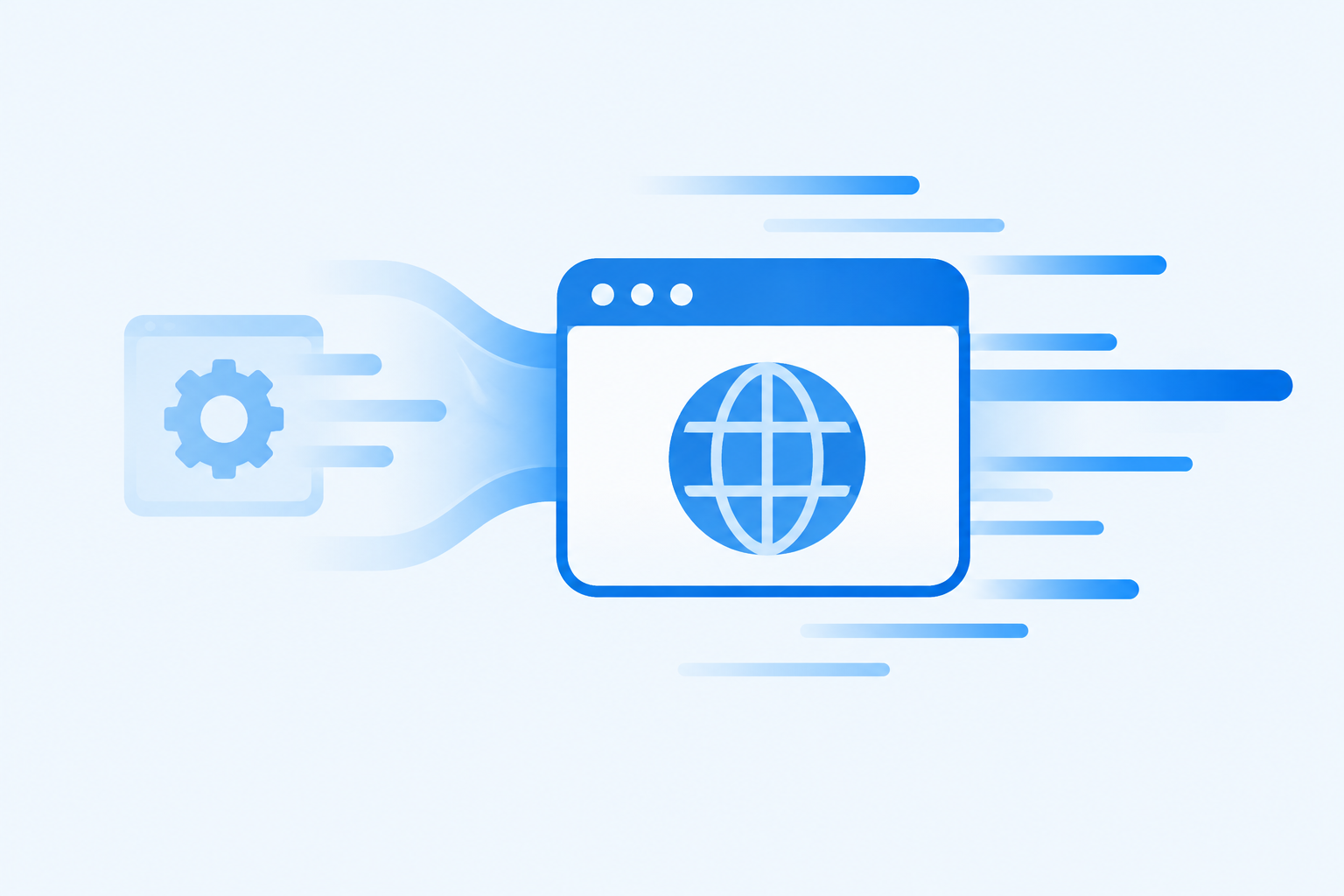
Edge went first because Microsoft controls both the browser and the operating system, making it the simplest place to validate the feature before opening it up to outside developers. Edge is also one of the most frequently relaunched apps on a typical Windows 11 PC — it’s pinned to nearly every taskbar and gets closed and reopened constantly throughout the day, which makes it an ideal proving ground for measuring real-world impact.
As of mid-October 2026, reporting on the rollout noted that the feature was still being tested gradually and couldn’t yet be force-enabled outside of Microsoft’s own staged release, even though Edge was already benefiting from it on some machines.
Low Latency Profile and the Broader Windows 11 App Launch Speed Push
Accelerated app launch isn’t the only project aimed at Windows 11 app launch speed. Microsoft has also been extending a feature called Low Latency Profile, which briefly boosts CPU frequency during demanding, short-lived tasks like opening an app or a flyout menu. When enabled, this separate mechanism can make in-box apps like Edge and Outlook launch up to 40% faster, and interface elements such as the Start menu open up to 70% faster, according to early testing reported by Windows Central.
The two features work on different parts of the problem — one trims unnecessary launch-path steps, the other briefly ramps up processor speed — but together they point to the same goal: making everyday interactions with Windows 11 feel snappier without requiring new hardware.
When Will Other Apps Get Faster Windows 11 App Launches?
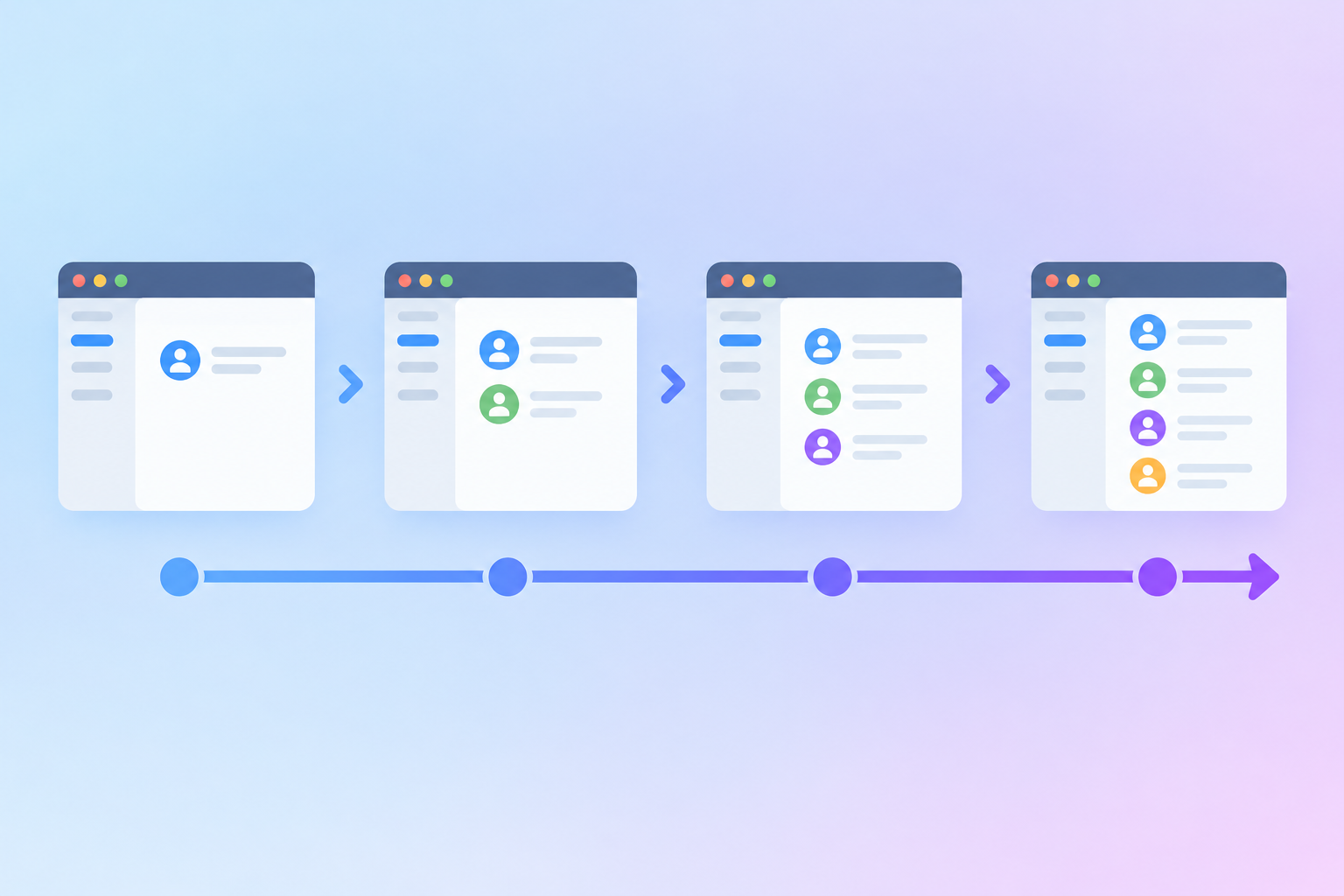
Microsoft has said that any app could eventually adopt the accelerated launch mechanism, since it’s exposed as a general API rather than something built exclusively for Edge. That said, there’s no confirmed public timeline for when third-party developers will be able to use it broadly, and the feature is still described as experimental.
Realistically, expect a gradual rollout pattern similar to other Windows 11 performance features:
- Microsoft’s own in-box apps (Edge, and likely Outlook and File Explorer) get the feature first, since Microsoft controls the full stack.
- The capability is documented for third-party developers, as it already is on Microsoft Learn.
- Popular Microsoft Store and traditional desktop apps adopt the API once it’s stable enough to ship broadly.
- Wider availability follows as the underlying OS components mature past the testing phase.
If you track feature updates closely, our Windows 11 26H2 upgrade guide is a good place to watch for official confirmation as Microsoft documents new capabilities in this release cycle.
How to Check Whether You Already Have Faster App Launches in Windows 11
There’s currently no official toggle for most users, since the feature is rolling out gradually rather than through a settings switch. A few practical signs can tell you whether your PC is already benefiting:
- Close Edge to the taskbar (don’t fully quit it), then reopen it — a near-instant reappearance suggests the warm-launch path is active.
- Compare launch speed on an updated Windows 11, version 26H2 machine against an older build; differences are more visible on lower-RAM systems.
- Check Windows Update for the latest cumulative updates, since these performance changes arrive through servicing rather than a visible feature flag.
For a broader look at what else has changed in recent builds, our Windows 11 performance coverage tracks these rollouts as Microsoft confirms them.
What This Means for Everyday Windows 11 Users
For most people, the practical upshot is simple: apps you reopen frequently should start feeling snappier without you changing a single setting. This matters most on budget and older laptops, where every extra process competing for CPU and RAM is more noticeable than on a high-end desktop.
If you’re setting up a new machine and want to make sure you’re running a fully licensed, up-to-date copy of Windows 11 that receives these performance updates automatically, a genuine Windows 11 Pro license keeps you on Microsoft’s standard servicing channel, so features like accelerated app launch arrive the same way they would on any other properly licensed PC.
Frequently Asked Questions
Will third-party apps support faster app launches in Windows 11?
Microsoft has said any app could eventually use the accelerated launch API, since it’s a general capability rather than something exclusive to Edge. There’s no confirmed date for broad third-party support yet, and the feature is still being tested.
How do I enable faster app launches in Windows 11 right now?
There isn’t a public toggle for most users at this stage, since Microsoft is rolling the feature out gradually through servicing updates rather than a settings switch. Keeping Windows 11 fully updated is the only reliable way to receive it as it becomes available on your device.
Does accelerated app launch make Edge use more memory?
The feature reuses a process that’s already running rather than creating a new one, so it’s designed to reduce overhead, not add to it. Early testing on low-RAM machines showed quicker reopening rather than heavier memory use.
Is this feature available on Windows 10?
No — accelerated app launch and the related Low Latency Profile work are being introduced as part of recent Windows 11 servicing updates, not Windows 10. Windows 10 reached its end of support, so it isn’t receiving these new performance features.
What is Low Latency Profile, and how is it different?
Low Latency Profile is a separate Microsoft project that briefly boosts CPU frequency during short, demanding tasks like opening an app or menu, rather than changing how the launch process itself works. It targets the same goal — faster app launches in Windows 11 — through a different mechanism than accelerated launch.
