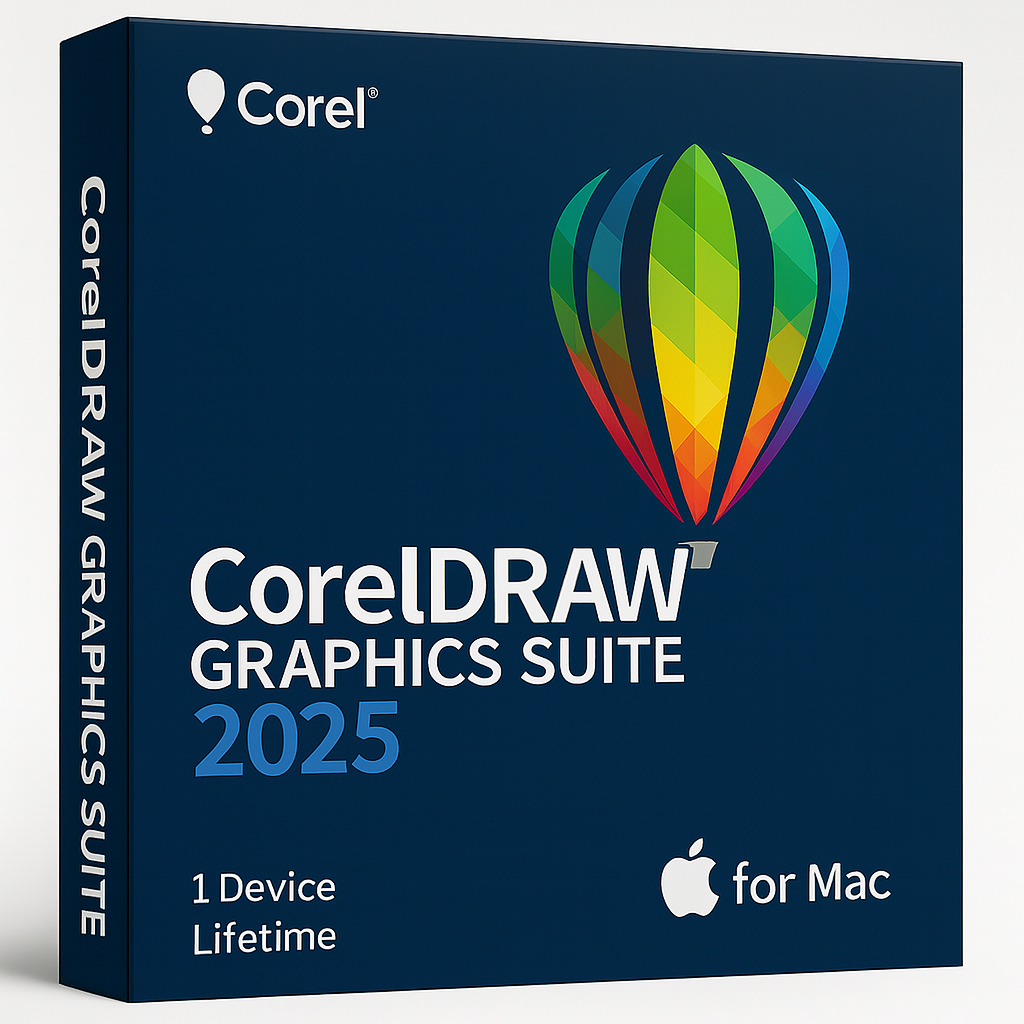
CorelDRAW Graphics Suite 2025 for MAC – 1 Device Lifetime

64.90


  • Original activation key and official download links
  • Fast email delivery usually within a few minutes
  • Free 24/7 Customer Support


You will receive:

Activation Keyย โ€“ (Original License Key)

Download Link โ€“ย Link to the official Corel Download Page

Instructions how to Install and activate your CorelDRAW Graphics Suite 2025 for MAC

Secure Checkout and Trusted Payment Options

๐Ÿ›ก๏ธ You are covered by Buyer Protection ยท read our FAQ

SKU: CD2025-G-M-1-L Categories: , Tags: , , Brand:

CorelDRAW Graphics Suite 2025 for MAC

Professional graphic design toolkit โ€” official license from Shop Key Online

CorelDRAW Graphics Suite 2025 for MAC is your all-in-one creative powerhouse for breathtaking vector illustration, page layout, photo editing, and typography. With a cost-effective subscription, you get instant access to the latest features, fresh content, and support for cutting-edge technology.

  • Language: English

  • License Duration: Lifetime

  • Operating System: MAC

  • Devices: 1

Create Without Limits

  • Unleash your creativity with CorelDRAW Graphics Suite 2025, packed with powerful new tools, fresh content, and workflow enhancements to take your productivity to the next level.

  • Broaden your creative possibilities with CorelDRAW Web, the robust browser-based version of CorelDRAW. This subscriber-exclusive lets you design online from anywhere, with the same power as the desktop version.

  • Work faster than ever with improved design tools, a smoother print workflow, enhanced performance and security, plus more creative assets โ€” including Google Fonts and exclusive brushes for subscribers.

Key Features of CorelDRAW Graphics Suite 2025 for MAC

  • Vector Illustration: Transform simple lines and shapes into detailed artwork using CorelDRAWโ€™s advanced vector tools.

  • Page Layout: Build stunning brochures, multi-page documents, and marketing materials with professional layout features.

  • Typography: Perfect your text with a complete set of type tools.

  • Font Management: Explore, organize, and manage your fonts effortlessly using Corel Font Manager โ€” no need to install fonts locally.

  • Photo Editing: Refine your images with Corel PHOTO-PAINT โ€” adjust color, fix perspective, remove flaws, and more with layer-based editing.

Whatโ€™s Included in CorelDRAW Graphics Suite 2025 for MAC:

  • CorelDRAWยฎ: Vector illustration and page layout.

  • CorelDRAWยฎ Web: Cloud-based design in your browser (subscriber exclusive).

  • Corel PHOTO-PAINTโ„ข: Image editing and pixel design tools.

  • Corelยฎ Font Manager: Organize your fonts easily.

  • CAPTUREโ„ข: Quick screen capture utility.

Whether youโ€™re creating for print, digital, or web, CorelDRAW Graphics Suite adapts to your workflow โ€” design at home, in the office, or on the go.

System Requirements

Windows

  • Windows 11 (Version 22H2 or later) or Windows 10 (Version 22H2), 64-bit, with the latest updates

  • Intel Core i3, i5, i7, i9 (7th generation or newer) or AMD Ryzen 3, 5, 7, 9, Threadripper, EPYC

  • 8 GB RAM (16 GB RAM or higher recommended)

  • 5.5 GB hard disk space for application and installation files

  • OpenCL 1.2-compatible video card with 3 GB or more of VRAM

  • 1280 x 720 screen resolution at 100% scaling (96 dpi) (1920 x 1080 at 150% scaling or higher recommended)

  • Mouse, tablet or multi-touch screen

  • CorelDRAW Web โ€“ browser requirements

    • Google Chrome Version 130 or higher

    • Microsoft Edge Version 130 or higher

    • Firefox* Version 130 or higher

    *Support for Firefox is limited, and some features (such as clipboard) may not work as expected.

  • Internet connection is required to install and authenticate CorelDRAW Graphics Suite and access some of the included software components, online features and content.
  • For optimal performance, ensure you have the latest device drivers provided by the manufacturer.

Mac

  • macOS Sequoia (15), macOS Sonoma (14), or macOS Ventura (13), with the latest revision

  • Apple Silicon or Multicore Intel processor with AVX2 instruction set support (or Apple Silicon*)

    *The Painterly Brush tool requires AVX2 support, available in Intel Macs from 2014 onward.

  • 8 GB RAM (16 GB RAM or higher recommended)

  • 3 GB available hard disk space for application files

  • Solid-state drive (SSD) recommended

  • Case-sensitive file systems are not supported

  • OpenCL 1.2-compatible video card with 3 GB or more of VRAM

  • 1920 x 1200 screen resolution

  • Mouse or tablet

  • CorelDRAW Web โ€“ browser requirements

    • Google Chrome Version 130 or higher

    • Microsoft Edge Version 130 or higher

    • Firefox* Version 130 or higher

    *Support for Firefox is limited, and some features (such as clipboard) may not work as expected.

  • Internet connection is required to install and authenticate CorelDRAW Graphics Suite and access some of the included software components, online features and content.

Frequently Asked Questions โ€“ CorelDRAW Graphics Suite 2025 for MAC

What do I receive after purchasing CorelDRAW Graphics Suite 2025 for MAC?

After completing your purchase, you will receive an email containing your original activation key, a direct link to the official Corel download page, and step-by-step instructions on how to install and activate CorelDRAW Graphics Suite 2025 for MAC on your device.

How do I download CorelDRAW Graphics Suite 2025 for MAC?

Once you receive your confirmation email from Shop Key Online, click the official Corel download link provided. This will take you directly to Corel’s official download and installation page, where you can download the Mac installer. Make sure you are downloading the Mac version of the application before proceeding.

How do I install CorelDRAW Graphics Suite 2025 on my Mac?

Follow these steps to install CorelDRAW Graphics Suite 2025 for MAC:

  1. Download the installer from the official Corel download link included in your email.
  2. Open the downloaded .pkg file. Note: if you previously attempted a download, remove any existing .pkg files before running the new one.
  3. Follow the on-screen installation prompts to complete the setup.
  4. Launch CorelDRAW once installation is complete and proceed to activation.

How do I activate CorelDRAW Graphics Suite 2025 for MAC?

To activate your copy of CorelDRAW Graphics Suite 2025 for MAC:

  1. Open CorelDRAW after installation.
  2. When prompted, select Enter Serial Number or Activate with a key.
  3. Enter the activation key provided in your Shop Key Online confirmation email.
  4. Follow the prompts to complete activation. An internet connection is required during this step.

How long does delivery take?

Delivery is by email and is typically completed within a few minutes of your purchase being confirmed. In rare cases it may take slightly longer. If you have not received your key within a reasonable time, please contact our support team and we will assist you promptly.

Is this a genuine, official licence key?

Yes. All keys sold by Shop Key Online are original, official licence keys. You receive a legitimate activation key that activates your software on the official Corel servers. There are no third-party patches or workarounds involved.

How many devices can I use this licence on?

This licence covers 1 device. If you need to install CorelDRAW Graphics Suite 2025 on more than one Mac, you will need to purchase an additional licence. Browse our full range of CorelDRAW licences at Shop Key Online for other options.

Is the licence a one-time purchase or a subscription?

This is a lifetime licence โ€” a one-time purchase. You pay once and own the right to use CorelDRAW Graphics Suite 2025 for MAC on your device permanently, with no recurring subscription fees.

Which Mac operating systems are compatible?

CorelDRAW Graphics Suite 2025 for MAC is compatible with macOS Sequoia (15), macOS Sonoma (14), and macOS Ventura (13), with the latest revision applied. It supports both Apple Silicon and Multicore Intel processors with AVX2 instruction set support.

Is there a Windows version available?

Yes. If you need a Windows licence, you can find the CorelDRAW Graphics Suite 2024 for MAC and other versions in our store. Browse our full CorelDRAW catalogue to find the right edition for your needs.

What if I need help after purchase?

Shop Key Online provides free 24/7 customer support. If you experience any issues with your download, installation, or activation, simply contact our support team and we will guide you through the process.

Reviews

There are no reviews yet.

Only logged in customers who have purchased this product may leave a review.