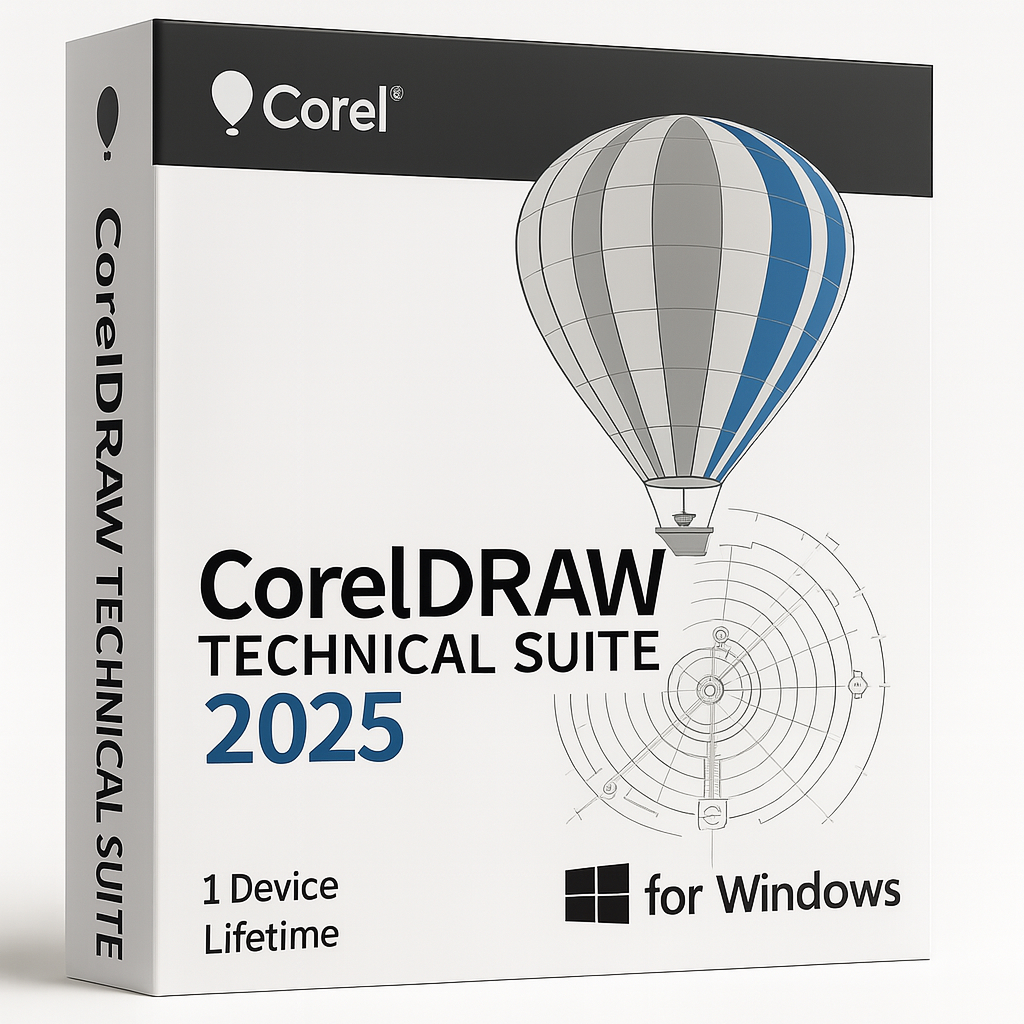
CorelDRAW Technical Suite 2025 for Windows – 1 Device Lifetime

€69.90


  • Original activation key and official download links
  • Fast email delivery usually within a few minutes
  • Free 24/7 Customer Support


You will receive:

Activation Keyย โ€“ (Original License Key)

Download Link โ€“ย Link to the official Corel Download Page

Instructions how to Install and activate your CorelDRAW Technical Suite 2025 for Windows

Secure Checkout and Trusted Payment Options

๐Ÿ›ก๏ธ You are covered by Buyer Protection ยท read our FAQ

SKU: CD2025-T-W-1-L Categories: , Tags: , , Brand:

CorelDRAW Technical Suite 2025

Original and guaranteed license from Shop Key Online

CorelDRAW Technical Suite 2025 โ€“ the ultimate solution for precision technical design and visual documentation

Redefine whatโ€™s possible in technical illustration with CorelDRAW Technical Suite 2025 โ€” a complete set of professional applications made for creating high-impact designs, drawings, and documentation with confidence.

  • Language: Multi-Language (English, French, German, Japanese)

  • License Duration: Lifetime

  • Operating System: Windows

  • Devices: 1

Packed with Powerful New Tools

  • CorelDRAW Technical Suite 2025 brings a range of fresh apps, new features, and performance improvements that help you work smarter and with more creative freedom. Youโ€™ll enjoy unmatched speed, precision, and control while delivering complex illustrations and clear technical documents.

Work Faster and Smarter

  • Tackle your projects more efficiently with an improved workflow for technical illustrations. Your most-used tools are right where you need them, helping you stay focused and productive within a stable and reliable environment.

Dynamic Asset Management

  • Stay up to date with new advanced asset management tools. Keep your symbols, design elements, and project assets organized in one place โ€” share them with your team and ensure everyone is always working with the most current version. Any changes you or your collaborators make are automatically synced across your projects.

What is CorelDRAW Technical Suite 2025 used for?

CorelDRAW Technical Suite is an all-in-one solution for advanced visual communication. Itโ€™s trusted by technical illustrators, graphic designers, and engineers for creating detailed 3D repurposing, precise technical drawings, creative illustrations, complex page layouts, and professional image editing. It also offers tools for font management, collaborative reviews, and screen captures.

Whatโ€™s Included in CorelDRAW Technical Suite 2025?

  • Corel DESIGNER: Precise tools for technical illustration.

  • XVL Studio Corel Edition*: 3D visualization and technical authoring.

  • CorelDRAW: Industry-standard vector illustration and page layout software.

  • CorelDRAW Web: Create vector graphics and designs right in your browser.

  • Corel PHOTO-PAINT: Professional image editing suite.

  • Corel Font Manager: Organize and manage your font collections with ease.

  • CAPTURE: Handy screen capture tool for snapping anything on your desktop.

System Requirements

  • Windows 11 (Version 22H2 or later) or Windows 10 (Version 22H2), 64-bit, with the latest updates

  • Intel Core i3, i5, i7, i9 (7th generation or newer) or AMD Ryzen 3, 5, 7, 9, Threadripper, EPYC

  • 8 GB RAM (16 GB RAM or higher recommended) ยท 9 GB hard disk space for application and installation files

  • OpenCL 1.2-compatible video card with 3 GB or more of VRAM

  • 1280 x 720 screen resolution at 100% scaling (96 dpi) (1920 x 1080 at 150% scaling or higher recommended)

  • Mouse, tablet or multi-touch screen

  • CorelDRAW Web โ€“ browser requirements

    • Google Chrome Version 130 or higher

    • Microsoft Edge Version 130 or higher

    • Firefox* Version 130 or higher

    *Support for Firefox is limited, and some features (such as clipboard) may not work as expected.

  • Internet connection is required to install and authenticate CorelDRAW Technical Suite and access some of the included software components, online features and content.

  • For optimal performance, ensure you have the latest device drivers provided by the manufacturer

CorelDRAW Technical Suite 2025 โ€“ Frequently Asked Questions

How do I download CorelDRAW Technical Suite 2025?

After completing your purchase at Shop Key Online, you will receive an email containing your activation key and a link to the official Corel download page. Click the download link, sign in to your Corel account (or create a free one), and download the installer directly from Corel’s servers. This ensures you always receive the official, unmodified software.

How do I install CorelDRAW Technical Suite 2025?

Once the installer has downloaded, run the setup file and follow the on-screen prompts. The installation wizard will guide you through the process step by step. Make sure your system meets the minimum requirements โ€” Windows 10 or Windows 11 (64-bit, Version 22H2 or later), at least 8 GB RAM, and 9 GB of free disk space. An internet connection is required during installation to authenticate the software.

How do I activate CorelDRAW Technical Suite 2025?

During or after installation, you will be prompted to enter your serial number. Enter the activation key you received by email from Shop Key Online. The software will connect to Corel’s activation servers to verify your licence and unlock the full suite. Make sure you are connected to the internet when activating. For detailed guidance, visit Corel’s official Install & Activate support page.

How long does delivery take?

Delivery is digital and typically arrives within a few minutes of your payment being confirmed. Your activation key and download instructions are sent straight to the email address you used at checkout. If you do not see the email, please check your spam or junk folder.

Is CorelDRAW Technical Suite 2025 a lifetime licence?

Yes. This product is a one-time purchase that grants you a permanent, lifetime licence for CorelDRAW Technical Suite 2025. There are no recurring subscription fees โ€” you pay once and own the software for as long as you need it.

How many devices can I install CorelDRAW Technical Suite 2025 on?

The licence included with this product covers installation on 1 device. If you need to run the suite on additional computers, you will need to purchase separate licences. If you need a Mac version, see our CorelDRAW Technical Suite 2025 for Mac.

What applications are included in CorelDRAW Technical Suite 2025?

The suite includes a comprehensive set of professional tools: Corel DESIGNER for precise technical illustration, CorelDRAW for vector graphics and page layout, Corel PHOTO-PAINT for image editing, XVL Studio Corel Edition for 3D visualisation, CorelDRAW Web for browser-based design, Corel Font Manager for font organisation, and CAPTURE for screen capture.

Is this a genuine licence key?

Absolutely. All licence keys sold by Shop Key Online are 100% genuine and sourced legitimately. Your key is guaranteed to activate successfully on Corel’s official servers. If you experience any issues, our support team is available 24/7 to assist you.

What if I need help after purchase?

Shop Key Online provides free 24/7 customer support. If you encounter any issues downloading, installing, or activating your CorelDRAW Technical Suite 2025 licence, please contact our support team and we will resolve the issue promptly. You can also browse our full range of CorelDRAW products if you need a different version or edition.

What are the system requirements for CorelDRAW Technical Suite 2025?

CorelDRAW Technical Suite 2025 requires a Windows 10 or Windows 11 64-bit system (Version 22H2 or later), an Intel Core i3/i5/i7/i9 (7th generation or newer) or AMD Ryzen processor, a minimum of 8 GB RAM (16 GB recommended), 9 GB of available disk space, and an OpenCL 1.2-compatible graphics card with at least 3 GB of VRAM. A screen resolution of at least 1280 ร— 720 and an internet connection are also required.

Reviews

There are no reviews yet.

Only logged in customers who have purchased this product may leave a review.