

If devices on your network suddenly can’t reach Wi-Fi, VPN, or shared drives after installing this month’s patch, you’re dealing with an NTLM networking issue tied to Microsoft’s October 2026 security update. The update tightens how Windows handles an old, weak form of NTLM authentication, and it’s breaking connections on networks that still depend on it.
This isn’t a random bug. It’s a deliberate security hardening change that Microsoft flagged in advance, but the real-world fallout has caught plenty of IT teams off guard. Below is what’s actually happening, how to confirm it’s your problem, and the steps to get affected devices reconnected.
What Is Causing the NTLM Networking Issue in the October 2026 Windows Update?
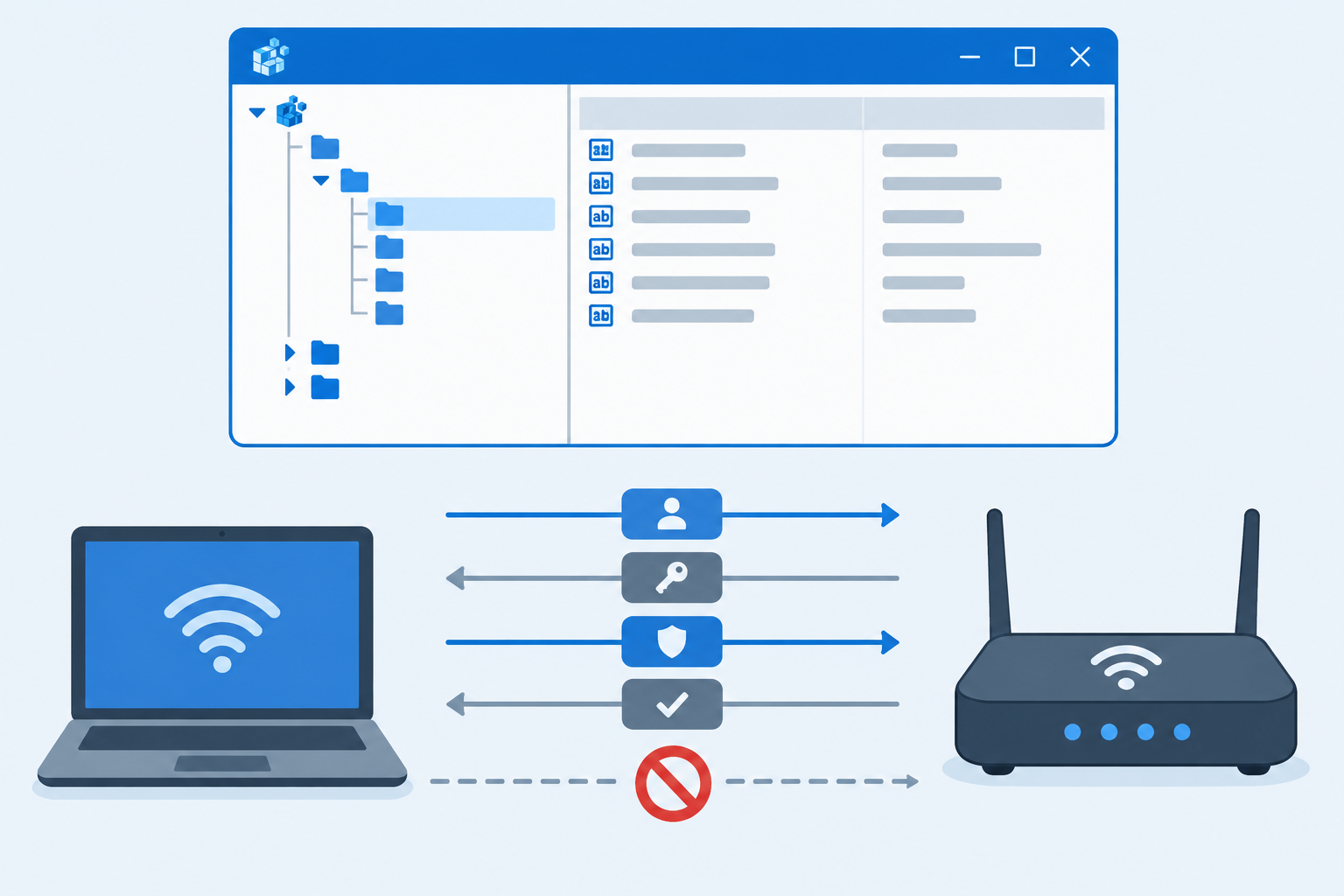
The root cause is a single registry value called BlockNtlmv1SSO, which Microsoft changed from an audit-only default to an enforced block. According to Microsoft’s own documentation, the fix for related problems shipped in KB5127648 (OS Build 26300.9711), released on October 13, 2026 for Windows 11 version 24H2, 25H2, and 26H2, as well as Windows Server 2025.
Before this update, that registry key defaulted to “Audit” mode (value 0): Windows would log a warning when it saw NTLMv1-derived authentication but still let the connection through. With the October patch installed, the default effectively flips to “Enforce” mode (value 1) whenever the key isn’t explicitly set, meaning those same authentication attempts are now rejected outright.
The change targets NTLMv1, the oldest and weakest version of the protocol, which Microsoft has been pushing organizations away from for years as part of its broader move toward Kerberos-based authentication. The problem is that a surprising number of networking components — especially older 802.1X/PEAP wireless setups and some VPN appliances — still rely on NTLMv1 under the hood, even on networks running modern Windows clients.
Symptoms of an NTLM Networking Issue on Your Devices
Not every connectivity problem after a Windows update is this issue specifically. Here’s what tends to point directly at the NTLM change rather than a generic driver or DNS fault:
- Wi-Fi networks using WPA2-Enterprise with PEAP-MSCHAPv2 suddenly prompt repeatedly for credentials or fail to connect at all.
- Devices can join the network cable-connected but fail specifically over wireless, or vice versa, right after the update installs.
- Domain-joined machines lose their secure channel trust or show authentication errors when accessing shared folders or printers.
- Event Viewer logs NTLM-related warnings or failures under the Security or System logs around the time of the update.
- The problem appeared immediately after a Patch Tuesday install and disappears if the update is rolled back.
If several of these line up, you’re very likely looking at the same NTLM networking issue affecting organizations worldwide this month rather than an unrelated fault.
Why KB5127648 Triggers NTLM Authentication Failures on Older Networks

NTLM authentication failures surface here because so much legacy network infrastructure was built assuming NTLMv1 would always be quietly accepted. Enterprise Wi-Fi controllers, some RADIUS servers, and older VPN concentrators often pass credentials in a way that, under the hood, still negotiates NTLMv1 even though the client and domain controller both support stronger protocols.
Microsoft has been telegraphing this shift for a while — NTLMv1 was already removed outright from fresh installs of Windows 11 version 24H2 and Windows Server 2025. October’s update extends the crackdown to the fallback compatibility path that many networks were quietly still using. Once the registry default flips to Enforce, that fallback path stops working, and authentication that used to succeed now gets rejected at the handshake stage.
Who Is Affected by These NTLM Networking Issues
Reports so far point to a fairly specific group of affected environments:
- Organizations using WPA2-Enterprise Wi-Fi with PEAP authentication against an on-premises RADIUS server.
- Domain environments where Credential Guard is not enabled on client devices (Microsoft’s message center notes that machines with Credential Guard active are generally not impacted).
- Networks with legacy switches, access points, or VPN hardware that has not been updated to support NTLMv2 or certificate-based authentication.
- Mixed environments still running a combination of older Windows Server domain controllers alongside patched Windows 11 clients.
Home users on modern routers using WPA2/WPA3-Personal are largely unaffected — this is primarily an enterprise and small-business networking issue tied to 802.1X authentication and domain environments.
Step-by-Step: Applying Microsoft’s Workaround for the NTLM Networking Issue
Microsoft’s guidance centers on the same registry value that caused the problem, used here as a controlled, temporary rollback rather than a permanent fix. Treat this as a bridge while you migrate affected infrastructure off NTLMv1, not a long-term setting.
- Open the Registry Editor on an affected device (or deploy via Group Policy for multiple machines).
- Navigate to
HKEY_LOCAL_MACHINE\SYSTEM\CurrentControlSet\Control\Lsa\MSV1_0. - Locate or create the DWORD value named
BlockNtlmv1SSO. - Set the value back to 0 (Audit mode) to restore the previous behavior temporarily.
- Restart the device for the change to take effect, since the LSA process typically needs a reboot to pick up the new value.
- Document every device where you apply this, since it’s a stopgap, not a resolution.
For environments managing many endpoints, pushing this value through Group Policy is far more practical than touching each machine individually. If you’re not confident making registry changes across a fleet, our guide on safely rolling back a Windows update covers the alternative path of temporarily removing the patch on devices where the workaround isn’t practical yet.
Long-Term Fix: Moving Beyond NTLMv1 Authentication

The registry workaround buys time, but it doesn’t address why the NTLM networking issue exists in the first place: infrastructure still depending on a weak, decades-old protocol. The durable fix is migrating authentication off NTLMv1 entirely.
For Wi-Fi and VPN Infrastructure
- Move WPA2-Enterprise networks from PEAP-MSCHAPv2 to EAP-TLS, which uses certificates instead of NTLM-based credential exchange.
- Update RADIUS server and wireless controller firmware to versions that support modern authentication methods.
- Check VPN appliance vendor documentation for firmware updates addressing NTLMv1 dependency.
For Domain Environments
- Enable NTLM auditing in Group Policy to see exactly where NTLM is still being used before you restrict it further.
- Enable Credential Guard where hardware supports it, since Microsoft notes this generally sidesteps the new enforcement behavior.
- Prioritize Kerberos authentication wherever services support it, reserving NTLM only for legitimate legacy cases you can’t yet retire.
If you’re planning a broader refresh while you’re already touching domain-joined machines, it’s a reasonable moment to review licensing too — a clean Windows 11 Pro installation on replacement hardware gives you a fresh baseline without years of accumulated legacy authentication settings carried over from older domain policies.
Preventing Future NTLM Networking Issues on Your Network
Microsoft has made clear this is a phased hardening effort, not a one-off patch. Expect continued tightening of NTLM defaults in future releases as the company pushes toward disabling NTLM entirely by default in later Windows Server and Windows 11 releases. Treating this month’s disruption as a wake-up call rather than a one-time annoyance will save repeat firefighting at the next enforcement milestone.
- Inventory which services, apps, and network devices still authenticate via NTLM before the next tightening cycle arrives.
- Test Windows updates in a pilot ring that includes your actual Wi-Fi and VPN authentication flow, not just desktop functionality.
- Keep firmware on network hardware current — much of this disruption traces back to access points and controllers running outdated software.
Frequently Asked Questions
How do I fix the NTLM networking issue after the October 2026 update?
Set the BlockNtlmv1SSO registry value under HKEY_LOCAL_MACHINE\SYSTEM\CurrentControlSet\Control\Lsa\MSV1_0 back to 0 and restart the device to restore the previous audit-only behavior. This is a temporary workaround — the lasting fix is migrating affected Wi-Fi, VPN, or domain authentication away from NTLMv1.
How can I identify NTLM authentication failures in Event Viewer?
Open Event Viewer and check the Security and System logs for entries referencing NTLM, LSA, or authentication rejections logged around the time the October update installed. Filtering by event source “NTLM” or “LsaSrv” will usually surface the specific failures tied to this change.
What is BlockNtlmv1SSO and why did Microsoft change it?
It’s a registry value controlling whether Windows allows or blocks single sign-on attempts that rely on NTLMv1-derived credentials. Microsoft changed its default behavior in October 2026 to strengthen security against NTLM relay and pass-the-hash style attacks that specifically exploit NTLMv1’s weaknesses.
Does this issue affect Windows 10 as well as Windows 11?
The confirmed impact centers on Windows 11 version 24H2, 25H2, 26H2, and Windows Server 2025, since NTLMv1 was already removed from those versions and later builds. Older Windows 10 systems running earlier NTLM implementations are not part of the documented changes in this specific update.
Can I prevent future NTLM networking issues on my network?
Yes — the most reliable approach is auditing where NTLM is still used, then migrating Wi-Fi and VPN authentication to certificate-based methods like EAP-TLS and favoring Kerberos for domain services wherever possible. Since Microsoft is continuing to tighten NTLM defaults in future releases, addressing root dependencies now avoids repeat disruption later.
Is enabling Credential Guard a reliable way to avoid this problem?
Microsoft’s own guidance notes that devices with Credential Guard enabled are generally not affected by this particular enforcement change. It’s a reasonable additional layer of protection, but it works alongside — not instead of — moving legacy authentication off NTLMv1 entirely.
