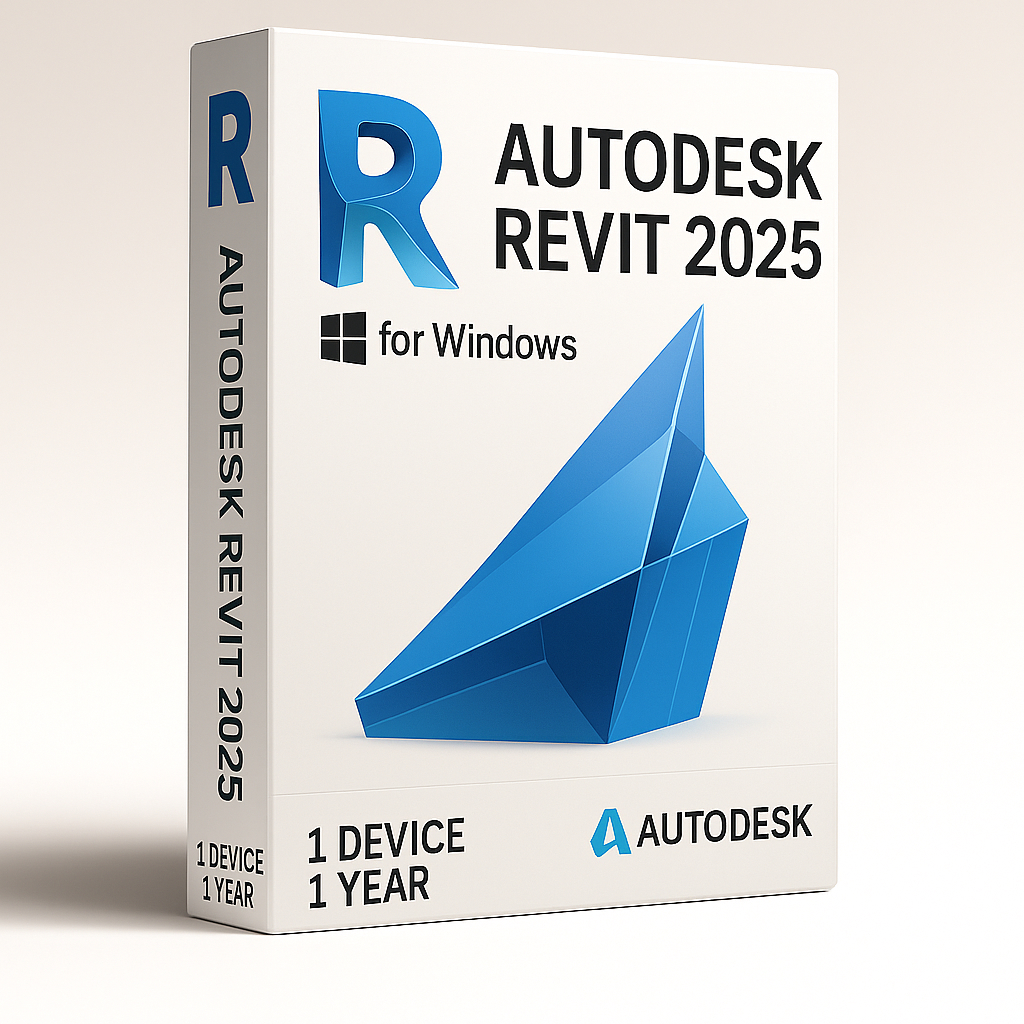
Autodesk Revit 2025 – 1 Year 1 Device for Windows

67.90


  • Original activation key and official download links
  • Fast email delivery usually within a few minutes
  • Free 24/7 Customer Support


You will receive:

Activation Keyย โ€“ (Original License Key)

Download Link โ€“ย Link to the officialย Autodesk Download Page

Instructions how to Install and activate your Autodesk Revit 2025 for Windows


Secure Checkout and Trusted Payment Options

๐Ÿ›ก๏ธ You are covered by Buyer Protection ยท read our FAQ

SKU: Revit2025-W-1-1 Categories: , Tags: , Brand:

Autodesk Revit 2025 – 1 year for Windows

Original and guaranteed license from Shop Key Online

This is Autodesk Revit 2025 educational version license that includes the full feature set. Itโ€™s intended for personal and training/learning related purposes. There are no watermarks, and the exported files contain no mention of the education version.

  • Language: Multi-Language

  • License Duration: 1-Year

  • Operating System: Windows

  • Users: 1

Autodesk Revit 2025 – 1 year license is a Building Information Modeling (BIM) software developed for architectural design, engineering, and construction. It enables users to design intelligent 3D models that incorporate data on geometry, materials, building phases, performance, and more โ€” making it a powerful tool for the AEC industry.

What is Autodesk Revit 2025 – 1 year for

Get access to the full version of Autodesk Revit through Shop Key Online. This license includes the complete functionality of Revit Architecture, Revit MEP, and Revit Structure โ€” all in a single package.

Revit integrates seamlessly with Autodesk Insight 360, enabling users to track performance, energy efficiency, and resource usage across all stages of the building lifecycle.

Collaboration is at the heart of Revit:

  • Share project files easily among teams

  • Collaborate in real time across multiple departments

  • Add comments, annotations, and revisions directly within shared models

  • Export and import 2D drawings effortlessly.

Key Features of Autodesk Revit 2025 – 1 year

  • Precision 3D Modeling: Create parametric models and design complex structures with ease

  • Smarter Documentation: Automatically update documentation and revisions whenever the project changes

  • Collaborative Workflow: Cloud-enabled tools help unify project teams and enhance productivity

  • Discipline-Specific Tools: Use tailored features for architecture, MEP, and structural engineering

System Requirements

Minimum: Entry-Level Configuration

Operating System *

64-bit Microsoftยฎ Windowsยฎ 10 or Windows 11. See Autodeskโ€™s Product Support Lifecycle for support information.

CPU Type

Intelยฎ i-Series, Xeonยฎ, AMDยฎ Ryzen, Ryzen Threadripper PRO. 2.5 GHz or Higher.

Highest CPU GHz recommended.
Autodeskยฎ Revitยฎ software products will use multiple cores for many tasks.

Memory

16-GB RAM

  • Usually sufficient for a typical editing session for a single model up to approximately 300 MB on disk. This estimate is based on internal testing and customer reports. Individual models will vary in their use of computer resources and performance characteristics.

  • Models created in previous versions of Revit software products may require more available memory for the one-time upgrade process.

Video Display Resolutions

Minimum:
1280 x 1024 with true colorMaximum:
UltraHigh (4k) Definition Monitor

Video Adapter

Basic Graphics:
Display adapter capable of 24-bit colorAdvanced Graphics:
DirectXยฎ 11 capable graphics card with Shader Model 5 and a minimum of 4 GB of video memory

Disk Space

30 GB free disk space

Pointing Device

MS-Mouse or 3Dconnexionยฎ compliant device

.NET Platform

.NET 8

Browser

Chrome, Edge, or Firefox

Desktop Connector Version

When using Desktop connector for Collaboration workflows โ€“ Revit 2025 requires Desktop Connector version 16.x or later. Version 15.8 or earlier is not supported for Revit 2025. Revit 2024 or earlier is compatible with Desktop Connector version 16.x.

Connectivity

Internet connection for license registration and prerequisite component download

Value: Balanced price and performance

Operating System ยน

64-bit Microsoftยฎ Windowsยฎ 10 or Windows 11. See Autodeskโ€™s Product Support Lifecycle for support information.

CPU Type

Intelยฎ i-Series, Xeonยฎ, AMDยฎ Ryzen, Ryzen Threadripper PRO. 2.5 GHz or Higher.

Highest CPU GHz recommended.
Autodeskยฎ Revitยฎ software products will use multiple cores for many tasks.

Memory

32-GB RAM

  • Usually sufficient for a typical editing session for a single model up to approximately 600 MB on disk. This estimate is based on internal testing and customer reports. Individual models will vary in their use of computer resources and performance characteristics.

  • Models created in previous versions of Revit software products may require more available memory for the one-time upgrade process.

Video Display Resolutions

Minimum:
1680 x 1050 with true colorMaximum:
Ultra-High (4k) Definition Monitor

Video Adapter

DirectX 11 capable graphics card with Shader Model 5 and a minimum of 4 GB of video memory.

Disk Space

30 GB free disk space

Pointing Device

MS-Mouse or 3Dconnexion compliant device

.NET Platform

.NET 8

Browser

Chrome, Edge, or Firefox

Desktop Connector Version

When using Desktop connector for Collaboration workflows โ€“ Revit 2025 requires Desktop Connector version 16.x or later. Version 15.8 or earlier is not supported for Revit 2025. Revit 2024 or earlier is compatible with Desktop Connector version 16.x.

Connectivity

Internet connection for license registration and prerequisite component download

Performance: Large, complex models

Operating System *

64-bit Microsoftยฎ Windowsยฎ 10 or Windows 11. See Autodeskโ€™s Product Support Lifecycle for support information.

CPU Type

Intelยฎ i-Series, Xeonยฎ, AMDยฎ Ryzen, Ryzen Threadripper PRO. 2.5 GHz or Higher.

Highest CPU GHz recommended.
Autodeskยฎ Revitยฎ software products will use multiple cores for many tasks.

Memory

64-GB RAM

  • Usually sufficient for a typical editing session for a single model up to approximately 1 GB on disk. This estimate is based on internal testing and customer reports. Individual models will vary in their use of computer resources and performance characteristics.

  • Models created in previous versions of Revit software products may require more available memory for the one-time upgrade process.

Video Display Resolutions

Minimum:
1920 x 1200 with true colorMaximum:
UltraHigh (4k) Definition Monitor

Video Adapter

DirectX 11 capable graphics card with Shader Model 5 and a minimum of 4 GB of video memory

Disk Space

  • 30 GB free disk space

  • 10,000+ RPM HardDrive (for Point Cloud interactions) or Solid State Drive

Pointing Device

MS-Mouse or 3Dconnexion compliant device

.NET Platform

.NET 8

Browser

Chrome, Edge, or Firefox

Desktop Connector Version

When using Desktop connector for Collaboration workflows โ€“ Revit 2025 requires Desktop Connector version 16.x or later. Version 15.8 or earlier is not supported for Revit 2025. Revit 2024 or earlier is compatible with Desktop Connector version 16.x.

Connectivity

Internet connection for license registration and prerequisite component download

Autodesk Revit 2025 – 1 Year FAQ

What will I receive after purchasing Autodesk Revit 2025 – 1 year?

After completing your purchase, you will receive an email containing your original Autodesk Revit 2025 activation key, a link to the official Autodesk download page, and step-by-step instructions for installing and activating your license on your Windows device.

How long does delivery take?

Delivery is digital and takes place via email, typically within a few minutes of your order being confirmed. In rare cases it may take a little longer โ€” please also check your spam or junk folder if you have not received your email within 30 minutes.

How do I download Autodesk Revit 2025?

Once you receive your order email, follow these steps to download Revit 2025:

  1. Click the official download link provided in your order email (or visit the Autodesk download page directly).
  2. Sign in to your Autodesk account, or create a free account if you do not already have one.
  3. Select Revit 2025 from the product list and choose your preferred language.
  4. Click Download and run the installer once the file has finished downloading.

How do I install Autodesk Revit 2025?

To install Revit 2025 on your Windows device:

  1. Run the installer file downloaded from the official Autodesk page.
  2. Accept the licence agreement and follow the on-screen prompts.
  3. Choose your installation directory and wait for the installation to complete. Ensure you have at least 30 GB of free disk space available.
  4. Once installed, launch Revit 2025 to proceed with activation.

How do I activate my Autodesk Revit 2025 – 1 year license?

To activate your Autodesk Revit 2025 – 1 year license:

  1. Open Revit 2025 after installation is complete.
  2. Sign in to your Autodesk account when prompted.
  3. Navigate to Products and Services within your Autodesk account.
  4. Enter the activation key provided in your order email when asked for your serial number or licence key.
  5. Click Activate. Your Revit 2025 licence will be confirmed and the software will be ready to use.

How many devices can I install Autodesk Revit 2025 on?

This licence covers 1 device. It is a single-user licence, meaning Revit 2025 can be installed and activated on one Windows computer at a time. If you need to use Revit on additional devices, you will need a separate licence for each.

Is this a genuine Autodesk Revit 2025 licence?

Yes. All licences sold by Shop Key Online are 100% original and genuine. You receive an authentic Autodesk activation key that is registered directly through your Autodesk account, with no watermarks or software restrictions.

What is the difference between the 1-year and 3-year licence options?

The Autodesk Revit 2025 – 1 year licence gives you full access to all features of Revit 2025 for 12 months. If you plan to use Revit over a longer period, you may find our Autodesk Revit 2025 โ€“ 3 Years 1 Device for Windows a more cost-effective option. You can also browse our full range of available versions in the Autodesk Revit category on Shop Key Online.

What are the system requirements for Autodesk Revit 2025?

Autodesk Revit 2025 requires a 64-bit version of Windows 10 or Windows 11, a minimum of 16 GB RAM, 30 GB of free disk space, and a DirectX 11 compatible graphics card with at least 4 GB of video memory. Full system requirements are detailed in the product description above.

What happens when my 1-year licence expires?

When your Autodesk Revit 2025 – 1 year licence expires, access to the software will stop until the licence is renewed. You can purchase a new licence from Shop Key Online to continue using Revit 2025 without interruption.

Can I get support if I have trouble installing or activating Revit 2025?

Yes. Shop Key Online offers free 24/7 customer support. If you encounter any issues with downloading, installing, or activating your Autodesk Revit 2025 licence, please contact our support team and we will assist you as quickly as possible.

Reviews

There are no reviews yet.

Only logged in customers who have purchased this product may leave a review.