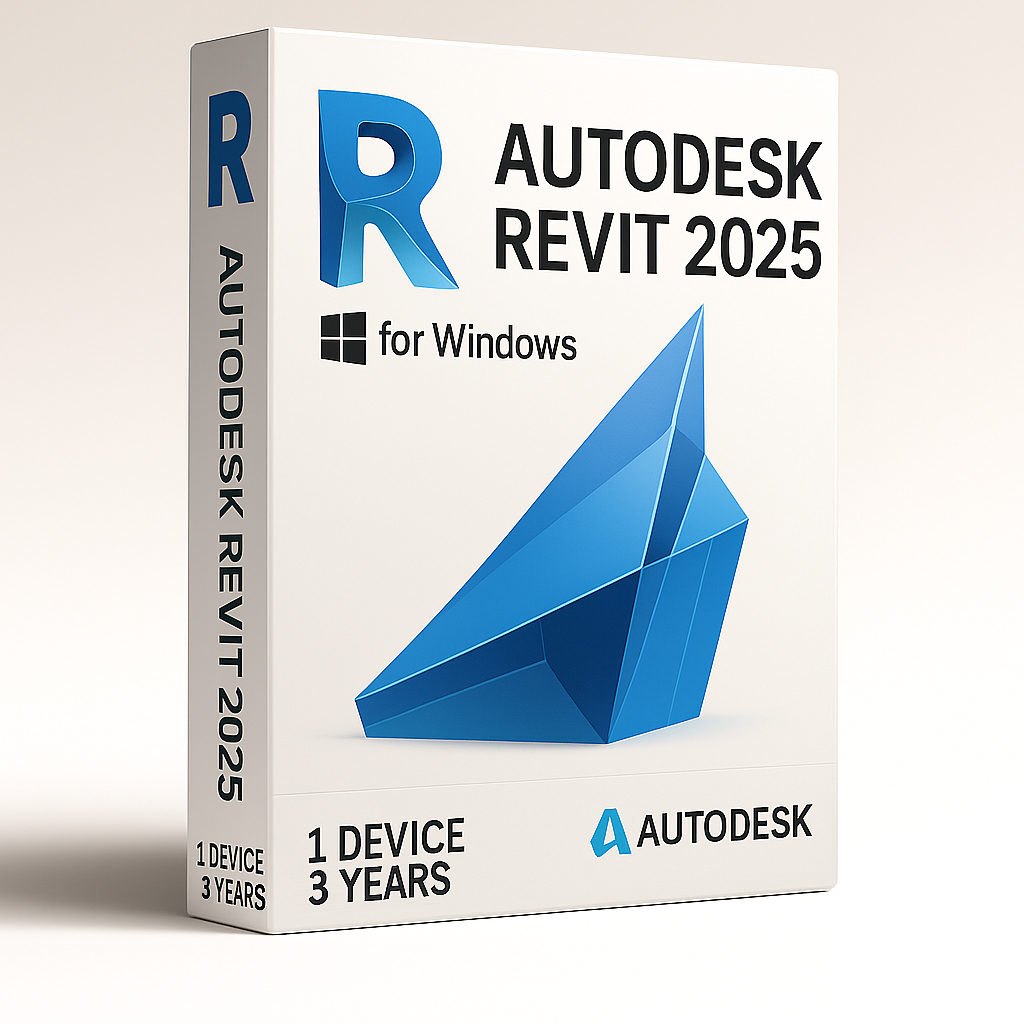
Autodesk Revit 2025 โ€“ 3 Years 1 Device for Windows

97.90


  • Original activation key and official download links
  • Fast email delivery usually within a few minutes
  • Free 24/7 Customer Support


You will receive:

Activation Keyย โ€“ (Original License Key)

Download Link โ€“ย Link to the officialย Autodesk Download Page

Instructions how to Install and activate your Autodesk Revit 2025 for Windows


Secure Checkout and Trusted Payment Options

๐Ÿ›ก๏ธ You are covered by Buyer Protection ยท read our FAQ

SKU: Revit2025-W-1-3 Categories: , Tags: , Brand:

Autodesk Revit 2025 – 3 years for Windows

Original and guaranteed license from Shop Key Online

This is Autodesk Revit 2025 for Windows educational version license that includes the full feature set. Itโ€™s intended for personal and training/learning related purposes. There are no watermarks, and the exported files contain no mention of the education version.

  • Language: Multi-Language

  • License Duration: 3-Years

  • Operating System: Windows

  • Users: 1

Autodesk Revit 2025 – 3 years license is a Building Information Modeling (BIM) software developed for architectural design, engineering, and construction. It enables users to design intelligent 3D models that incorporate data on geometry, materials, building phases, performance, and more โ€” making it a powerful tool for the AEC industry.

What it Autodesk Revit 2025 – 3 years

Get access to the full version of Autodesk Revit through Shop Key Online. This license includes the complete functionality of Revit Architecture, Revit MEP, and Revit Structure โ€” all in a single package.

Revit integrates seamlessly with Autodesk Insight 360, enabling users to track performance, energy efficiency, and resource usage across all stages of the building lifecycle.

Collaboration is at the heart of Revit:

  • Share project files easily among teams

  • Collaborate in real time across multiple departments

  • Add comments, annotations, and revisions directly within shared models

  • Export and import 2D drawings effortlessly.

Key Features of Autodesk Revit 2025 – 3 years

  • Precision 3D Modeling: Create parametric models and design complex structures with ease

  • Smarter Documentation: Automatically update documentation and revisions whenever the project changes

  • Collaborative Workflow: Cloud-enabled tools help unify project teams and enhance productivity

  • Discipline-Specific Tools: Use tailored features for architecture, MEP, and structural engineering

System Requirements

Minimum: Entry-Level Configuration

Operating System *

64-bit Microsoftยฎ Windowsยฎ 10 or Windows 11. See Autodeskโ€™s Product Support Lifecycle for support information.

CPU Type

Intelยฎ i-Series, Xeonยฎ, AMDยฎ Ryzen, Ryzen Threadripper PRO. 2.5 GHz or Higher.

Highest CPU GHz recommended.
Autodeskยฎ Revitยฎ software products will use multiple cores for many tasks.

Memory

16-GB RAM

  • Usually sufficient for a typical editing session for a single model up to approximately 300 MB on disk. This estimate is based on internal testing and customer reports. Individual models will vary in their use of computer resources and performance characteristics.

  • Models created in previous versions of Revit software products may require more available memory for the one-time upgrade process.

Video Display Resolutions

Minimum:
1280 x 1024 with true colorMaximum:
UltraHigh (4k) Definition Monitor

Video Adapter

Basic Graphics:
Display adapter capable of 24-bit colorAdvanced Graphics:
DirectXยฎ 11 capable graphics card with Shader Model 5 and a minimum of 4 GB of video memory

Disk Space

30 GB free disk space

Pointing Device

MS-Mouse or 3Dconnexionยฎ compliant device

.NET Platform

.NET 8

Browser

Chrome, Edge, or Firefox

Desktop Connector Version

When using Desktop connector for Collaboration workflows โ€“ Revit 2025 requires Desktop Connector version 16.x or later. Version 15.8 or earlier is not supported for Revit 2025. Revit 2024 or earlier is compatible with Desktop Connector version 16.x.

Connectivity

Internet connection for license registration and prerequisite component download

Value: Balanced price and performance

Operating System ยน

64-bit Microsoftยฎ Windowsยฎ 10 or Windows 11. See Autodeskโ€™s Product Support Lifecycle for support information.

CPU Type

Intelยฎ i-Series, Xeonยฎ, AMDยฎ Ryzen, Ryzen Threadripper PRO. 2.5 GHz or Higher.

Highest CPU GHz recommended.
Autodeskยฎ Revitยฎ software products will use multiple cores for many tasks.

Memory

32-GB RAM

  • Usually sufficient for a typical editing session for a single model up to approximately 600 MB on disk. This estimate is based on internal testing and customer reports. Individual models will vary in their use of computer resources and performance characteristics.

  • Models created in previous versions of Revit software products may require more available memory for the one-time upgrade process.

Video Display Resolutions

Minimum:
1680 x 1050 with true colorMaximum:
Ultra-High (4k) Definition Monitor

Video Adapter

DirectX 11 capable graphics card with Shader Model 5 and a minimum of 4 GB of video memory.

Disk Space

30 GB free disk space

Pointing Device

MS-Mouse or 3Dconnexion compliant device

.NET Platform

.NET 8

Browser

Chrome, Edge, or Firefox

Desktop Connector Version

When using Desktop connector for Collaboration workflows โ€“ Revit 2025 requires Desktop Connector version 16.x or later. Version 15.8 or earlier is not supported for Revit 2025. Revit 2024 or earlier is compatible with Desktop Connector version 16.x.

Connectivity

Internet connection for license registration and prerequisite component download

Performance: Large, complex models

Operating System *

64-bit Microsoftยฎ Windowsยฎ 10 or Windows 11. See Autodeskโ€™s Product Support Lifecycle for support information.

CPU Type

Intelยฎ i-Series, Xeonยฎ, AMDยฎ Ryzen, Ryzen Threadripper PRO. 2.5 GHz or Higher.

Highest CPU GHz recommended.
Autodeskยฎ Revitยฎ software products will use multiple cores for many tasks.

Memory

64-GB RAM

  • Usually sufficient for a typical editing session for a single model up to approximately 1 GB on disk. This estimate is based on internal testing and customer reports. Individual models will vary in their use of computer resources and performance characteristics.

  • Models created in previous versions of Revit software products may require more available memory for the one-time upgrade process.

Video Display Resolutions

Minimum:
1920 x 1200 with true colorMaximum:
UltraHigh (4k) Definition Monitor

Video Adapter

DirectX 11 capable graphics card with Shader Model 5 and a minimum of 4 GB of video memory

Disk Space

  • 30 GB free disk space

  • 10,000+ RPM HardDrive (for Point Cloud interactions) or Solid State Drive

Pointing Device

MS-Mouse or 3Dconnexion compliant device

.NET Platform

.NET 8

Browser

Chrome, Edge, or Firefox

Desktop Connector Version

When using Desktop connector for Collaboration workflows โ€“ Revit 2025 requires Desktop Connector version 16.x or later. Version 15.8 or earlier is not supported for Revit 2025. Revit 2024 or earlier is compatible with Desktop Connector version 16.x.

Connectivity

Internet connection for license registration and prerequisite component download

Frequently Asked Questions โ€“ Autodesk Revit 2025 – 3 Years

What do I receive after purchasing Autodesk Revit 2025 – 3 Years?

After completing your purchase, you will receive an email containing your original activation key, a link to the official Autodesk download page, and step-by-step instructions for installing and activating Autodesk Revit 2025 on your Windows device. Delivery is typically within a few minutes of payment.

How do I download Autodesk Revit 2025?

Once you receive your order confirmation email, follow these steps to download Revit 2025:

  1. Visit the official Autodesk download page using the link provided in your email.

  2. Sign in to your Autodesk Account (or create a free account if you don’t have one).

  3. Navigate to Products and Services, then search for Revit.

  4. Click Install and follow the on-screen prompts to download the installer.

How do I install Autodesk Revit 2025?

After the installer has finished downloading, run the installation file and follow the setup wizard. Make sure your system meets the minimum requirements before installing โ€” at least a 64-bit Windows 10 or Windows 11 operating system, 16 GB RAM, 30 GB of free disk space, and a DirectX 11 capable graphics card. The full system requirements are listed in the Description tab of this product page.

How do I activate Autodesk Revit 2025?

To activate your Autodesk Revit 2025 – 3 Years license, follow these steps:

  1. Launch Autodesk Revit 2025 after installation is complete.

  2. When prompted, sign in to your Autodesk Account.

  3. Select Enter a Serial Number or use the activation option in the account portal.

  4. Enter the activation key provided in your Shop Key Online order email.

  5. Click Activate to complete the process. Your 3-year license will be confirmed.

Is this an educational or commercial license?

The Autodesk Revit 2025 – 3 Years license sold through Shop Key Online is an educational version intended for personal use and training/learning purposes. It includes the full feature set of Revit โ€” covering Architecture, MEP, and Structure โ€” with no watermarks, and exported files contain no indication of the education version.

How many devices can I install this Autodesk Revit 2025 – 3 years license on?

This license covers 1 device. It is designed for single-user use on one Windows computer. If you need to install Revit on additional devices, you will need a separate license for each device. Browse our full range in the Autodesk Revit category at Shop Key Online.

What is the difference between the 1-Year and 3-Year license?

Both licenses provide access to the same full version of Autodesk Revit 2025 with identical features. The key difference is the duration of the license. The Autodesk Revit 2025 โ€“ 1 Year license is valid for 12 months, while this 3-Year license provides continuous access for 36 months โ€” offering better long-term value for ongoing projects and professional development.

Is Autodesk Revit 2025 compatible with Windows 11?

Yes. Autodesk Revit 2025 is fully compatible with both 64-bit Windows 10 and Windows 11. Autodesk recommends keeping your operating system up to date for the best performance and stability.

What should I do if I have trouble activating my license?

If you experience any issues activating your Autodesk Revit 2025 – 3 Years license, please contact the Shop Key Online support team. We offer free 24/7 customer support and will assist you promptly to ensure your software is up and running as quickly as possible.

Can I use Autodesk Revit 2025 for commercial projects?

This license is an educational version intended for personal and learning-related use. It is not intended for commercial production purposes. If you require a full commercial license, please review the available options in our Autodesk Revit category or contact the Shop Key Online support team for guidance.

Reviews

There are no reviews yet.

Only logged in customers who have purchased this product may leave a review.