CorelDRAW Technical Suite 2023 – Frequently Asked Questions
What do I receive after purchasing CorelDRAW Technical Suite 2023?
After your purchase is confirmed, you will receive an email containing your original activation key, a direct link to the official Corel download page, and step-by-step instructions for installing and activating CorelDRAW Technical Suite 2023 on your Windows device. Everything you need is delivered straight to your inbox.
How quickly will I receive my order?
Delivery is digital and fully automated. In most cases your activation key and download link arrive by email within a few minutes of payment being confirmed. If you do not see the email, please check your spam or junk folder before contacting support.
How do I download CorelDRAW Technical Suite 2023?
Once you receive your order email, click the official Corel download link included in the message. This will take you directly to Corel’s download page where you can download the installer for CorelDRAW Technical Suite 2023. Make sure your device meets the system requirements listed on the product page before you begin. You can also find full installation guidance on Corel’s official support knowledge base.
How do I install CorelDRAW Technical Suite 2023?
After downloading the installer, follow these steps:
- Run the downloaded installer file and follow the on-screen prompts.
- When prompted, sign in to your Corel account or create a free one.
- Select the installation location and wait for the process to complete.
- Once installed, launch the application to proceed with activation.
An internet connection is required during installation to verify your licence and download any additional components.
How do I activate CorelDRAW Technical Suite 2023?
When you launch CorelDRAW Technical Suite 2023 for the first time, you will be prompted to enter your serial number. Enter the activation key you received in your order email, then click Connect or Activate. The software will verify the key online and unlock the full version. Activation requires an active internet connection. If you encounter any issues during activation, our support team is available 24/7 to assist you.
Is this a lifetime licence or a subscription?
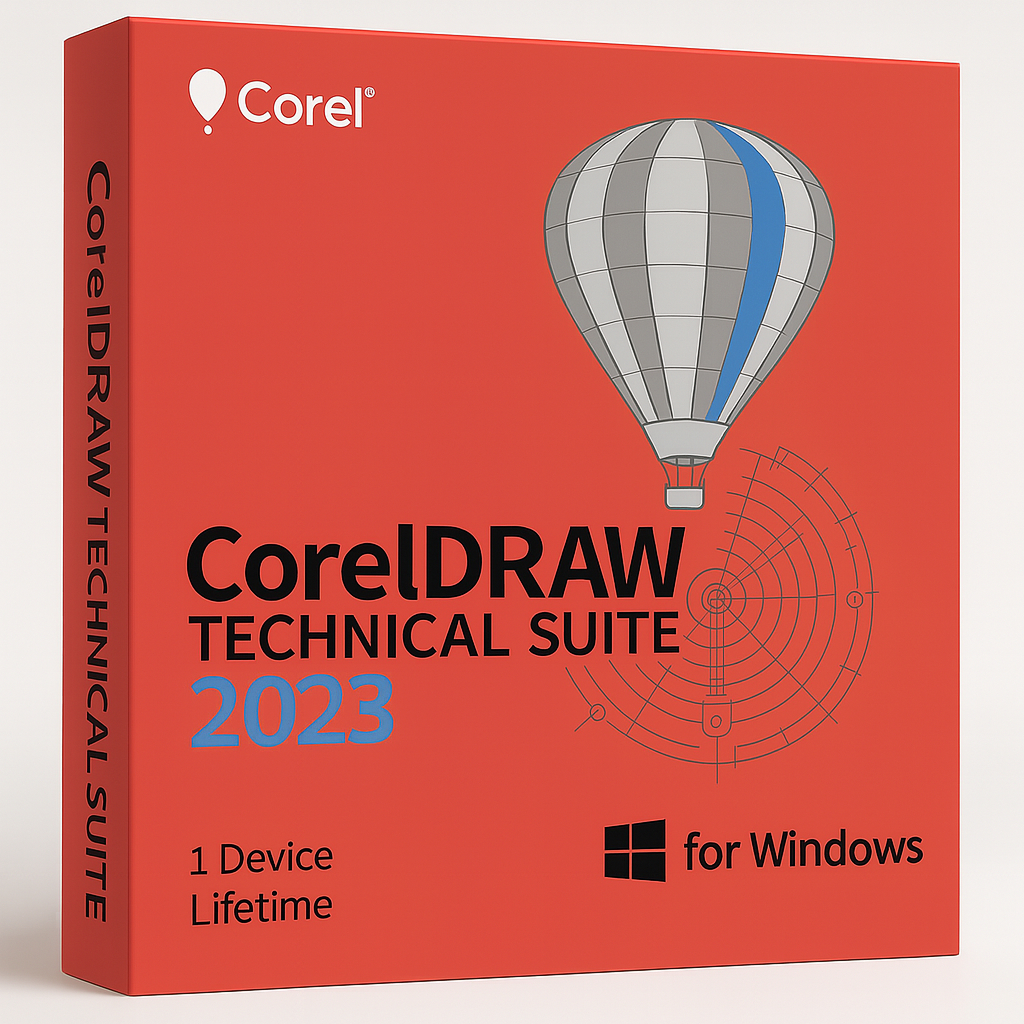
This is a lifetime licence. You pay once and own your copy of CorelDRAW Technical Suite 2023 permanently — there are no recurring fees or annual renewals. The licence covers one Windows device.
On how many devices can I install CorelDRAW Technical Suite 2023?
The licence included with this purchase covers 1 device. If you need to install the software on additional devices, you will need to purchase additional licences. You can browse all available CorelDRAW options in our CorelDRAW product category.
Is CorelDRAW Technical Suite 2023 compatible with Windows 11?
Yes. CorelDRAW Technical Suite 2023 is fully compatible with Windows 11 and Windows 10 (version 21H1 or later), 64-bit, with the latest updates installed. It is not compatible with macOS — if you need a Mac version, take a look at the CorelDRAW Technical Suite 2025 for Mac.
What languages does CorelDRAW Technical Suite 2023 support?
CorelDRAW Technical Suite 2023 is a multi-language product and supports English, French, German, and Japanese out of the box. You can select your preferred language during installation.
Is this an official, genuine product key?
Yes. Every key sold by Shop Key Online is an original, genuine activation key sourced through legitimate channels. You will always receive an authentic licence that activates directly via Corel’s official servers.
What if I need help after my purchase?
Shop Key Online provides free 24/7 customer support. If you experience any issues with your download, installation, or activation of CorelDRAW Technical Suite 2023, our team is always on hand to help. Simply contact us through our support channels and we will respond as quickly as possible.



Reviews
There are no reviews yet.