
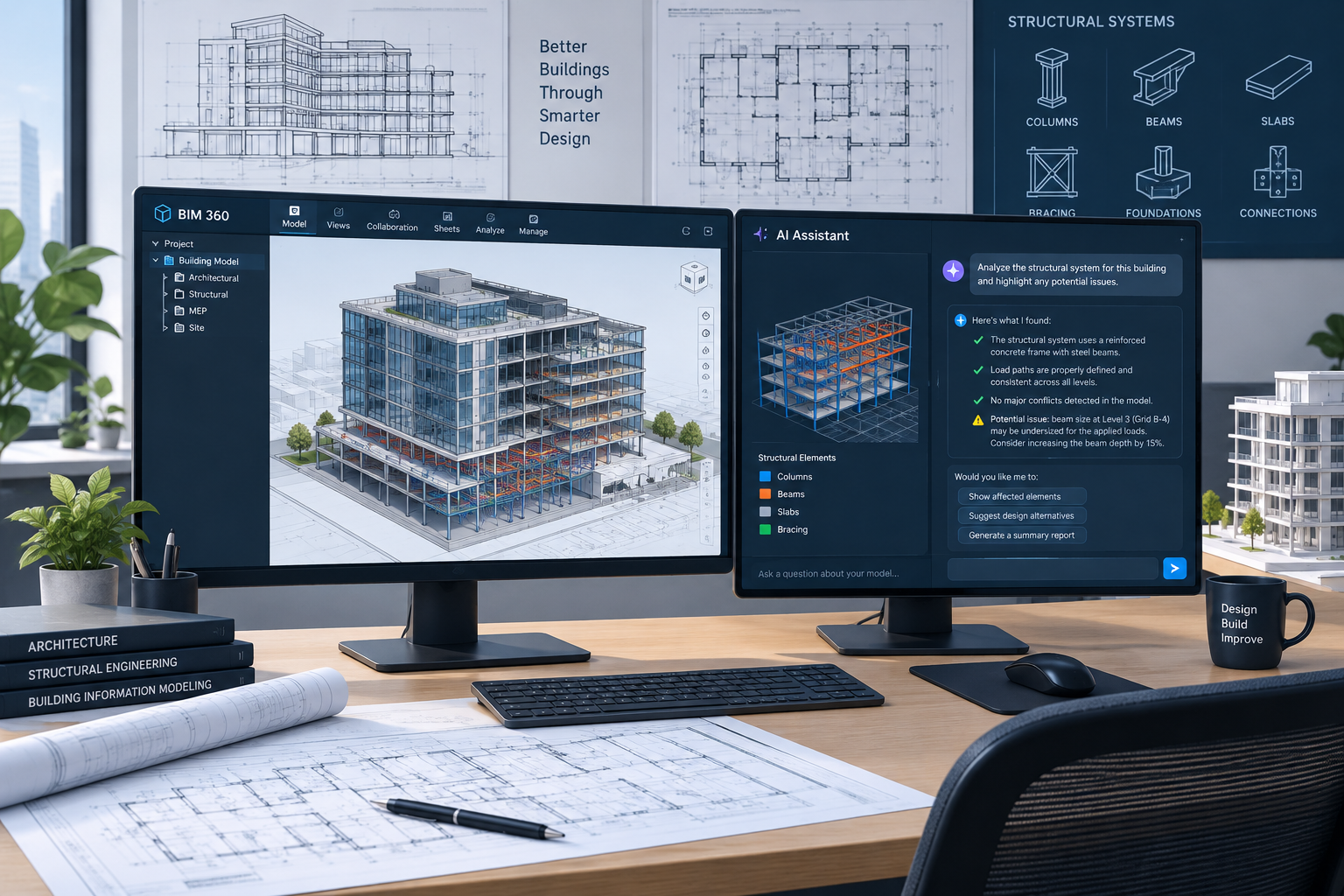
Revit 2027 new features center on three themes: an AI assistant built into the modeling environment, faster graphics performance for large projects, and tighter connected BIM workflows across the Autodesk platform. If your firm runs on annual upgrade cycles, this release changes enough day-to-day behavior that it’s worth a structured look before you roll it out to a whole team.
This guide breaks down what actually changed, who benefits most, and how to plan the transition without disrupting active projects.
What’s New in Revit 2027: Autodesk AI Assistant and Smarter Modeling
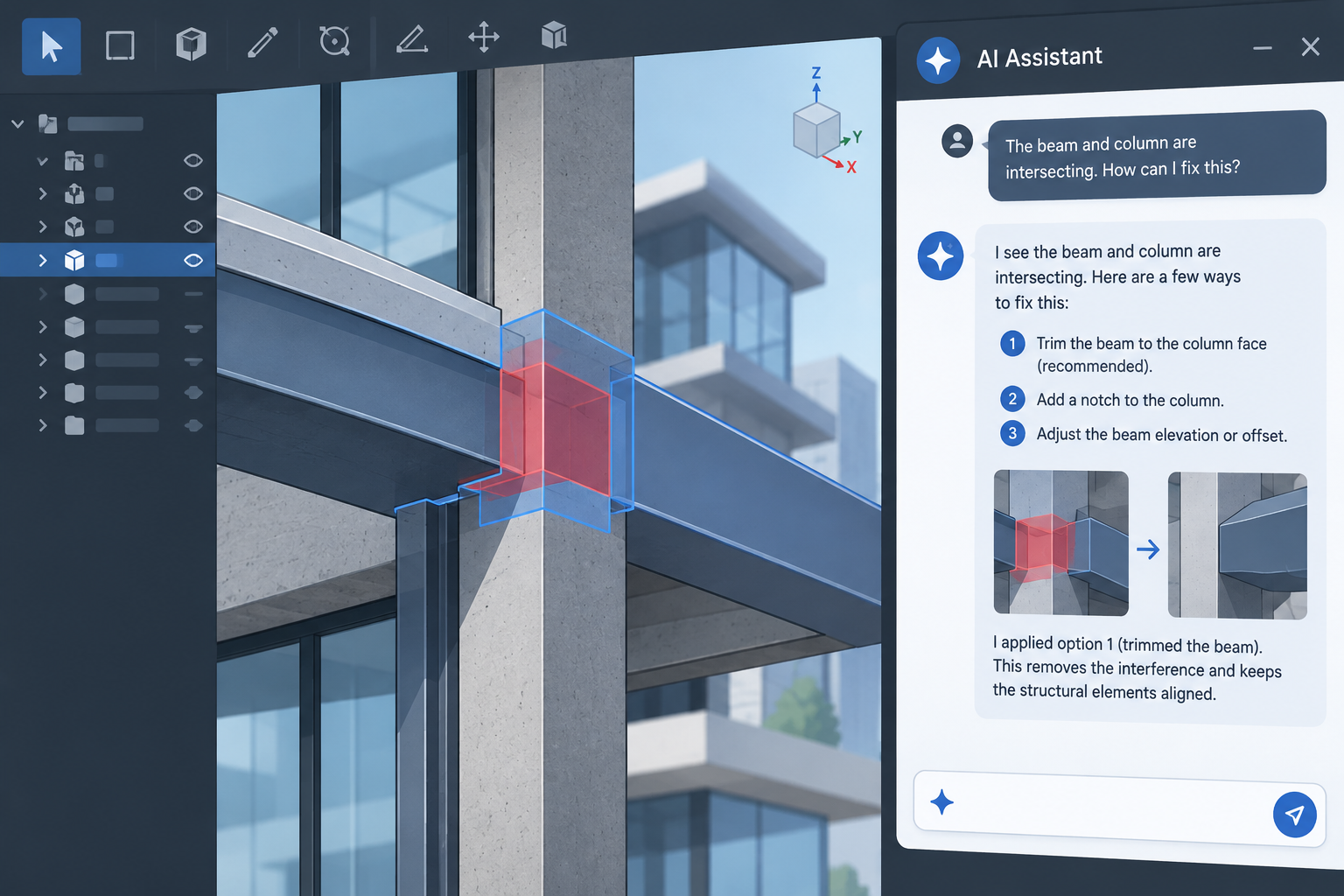
The headline change is an AI assistant built directly into the Revit interface, designed to handle repetitive modeling and documentation tasks on request. Instead of manually resolving every annotation conflict or renumbering sequence, users can describe the outcome they want and let the assistant generate a first pass.
Alongside the assistant, Revit 2027 introduces rule-based numbering that lets teams define numbering logic once and apply it consistently across levels, rooms, and components. Tagging has also been reworked: a new “tag by example” approach lets a user select a correctly formatted tag and apply that same style to similar elements in bulk, cutting down on manual cleanup during documentation phases.
Why This Matters for Documentation-Heavy Teams
Firms producing large construction document sets will likely see the biggest time savings here. Numbering and tagging are two of the most repetitive tasks in a typical CD set, and automating even part of that workflow frees up staff hours for design coordination instead of administrative cleanup.
Revit 2027 Features for Faster Graphics and Performance
Revit 2027 brings accelerated graphics performance that several industry reviewers describe as production-ready for the first time, after being an optional preview in earlier releases. Large, heavily detailed models that previously caused lag during navigation and section cuts should feel noticeably more responsive, particularly on machines with modern GPUs.
Core performance work also extends to file opening and saving, which matters most for teams working on large hospital, airport, or campus-scale models where file sizes routinely exceed what smaller residential or commercial projects generate.
Revit 2027 New Features for Numbering and Tagging Efficiency
Beyond the headline AI features, Revit 2027 makes several quieter but meaningful changes to everyday modeling tools:
- Walls can now host other walls directly, simplifying complex assemblies that previously required workarounds
- The options bar has been removed in favor of contextual controls, changing how some users interact with tools
- Multi-category tagging lets a single tag reference elements across different categories
- Stair tread and riser numbering now has enhanced visibility and annotation control
None of these changes are dramatic on their own, but together they reduce the number of manual workarounds long-time Revit users have built into their workflows over the years.
Connected BIM: Deeper Autodesk Forma and Cloud Model Integration
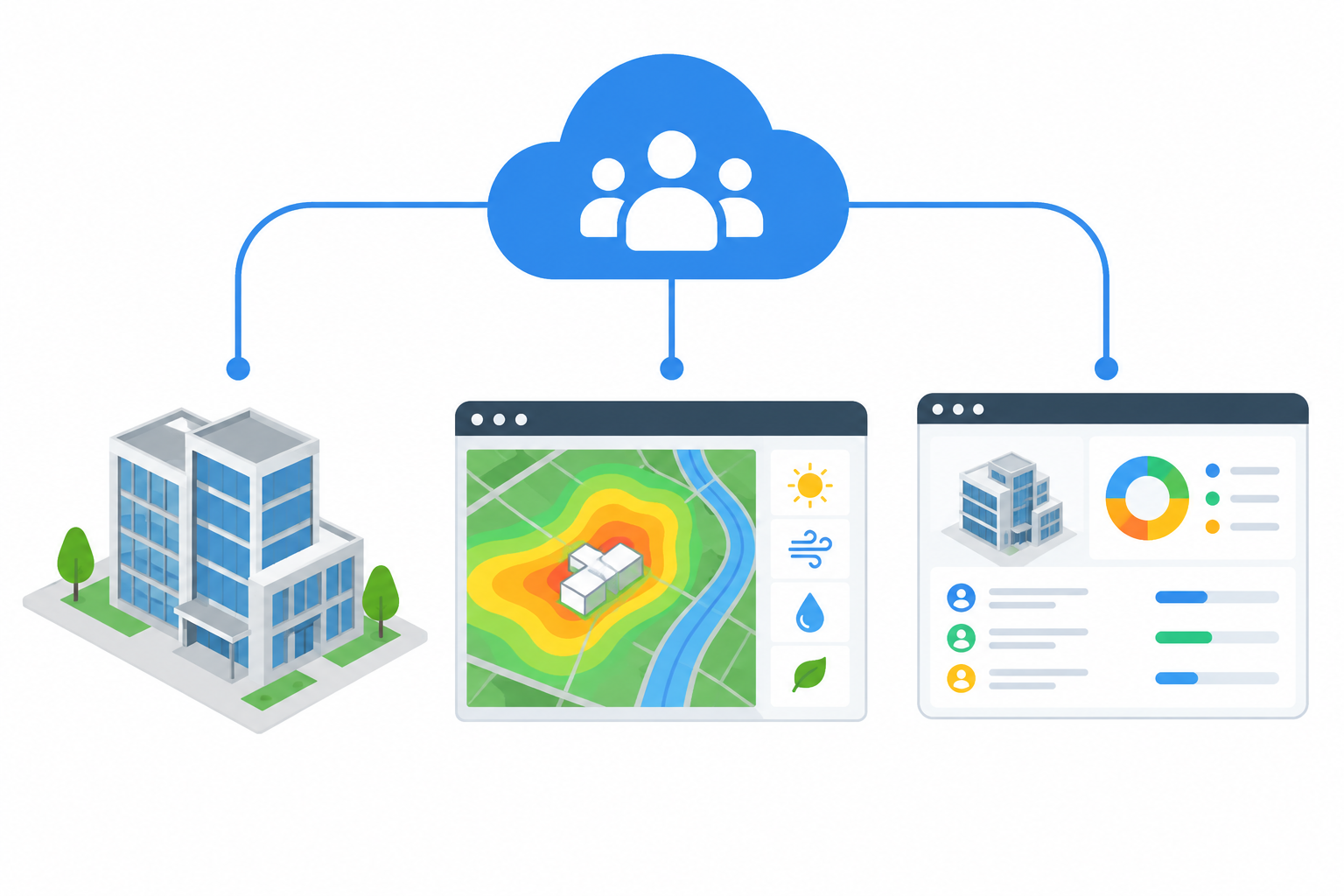
Connected BIM is the second major theme of this release. Revit 2027 deepens integration with Autodesk Forma, allowing earlier-stage conceptual and site analysis work to flow more directly into detailed Revit models rather than requiring a hard handoff between tools.
Autodesk Model Analytics (AMA), a cloud-connected add-in, gives IT administrators and BIM managers near-real-time visibility into the health, performance, and usage of Revit cloud models across a portfolio of projects. For firms managing dozens of active cloud-hosted models, that kind of oversight reduces the guesswork around which files are slowing teams down.
What Connected Workflows Mean in Practice
In practical terms, this means less time spent reconciling data between separate platforms and fewer surprises when cloud models are upgraded or shared across offices. Interoperability improvements, including updates to IFC handling, also make coordination with non-Autodesk tools smoother on multidisciplinary projects.
New Features in Revit 2027 for Structural and MEP Teams
Architects aren’t the only ones affected. Structural teams gain improvements to analytically driven modeling, reinforcement detailing, and structural steel modeling, along with more reliable bidirectional linking between Revit and analysis software. That bidirectional link matters because it reduces the manual re-entry that happens whenever an engineer changes a structural assumption after the architectural model is already underway.
MEP workflows benefit from carbon analysis embedded directly into the design process, so sustainability metrics are visible earlier rather than being calculated as a separate exercise once the model is largely finished.
System Requirements and Upgrade Planning for Revit 2027
Before scheduling an upgrade, confirm your hardware meets the current baseline. Autodesk released Revit 2027 in April 2026, and its official documentation specifies a minimum of 16 GB RAM for standard use, with 32 GB or higher recommended for larger BIM workflows and complex models, according to Autodesk’s official system requirements for Revit 2027.
Key planning considerations include:
- Audit current workstation specs against the published minimum and recommended configurations
- Test accelerated graphics on a sample large model before a firm-wide rollout
- Confirm plug-ins and add-ins used by your team have published Revit 2027 compatibility
- Plan cloud model upgrades carefully, since moving a shared model forward affects every collaborator on that project
For a guided walkthrough of these changes directly from Autodesk’s product team, this overview video covers several of the workflow changes in more depth.
Revit 2027 Features Architects and Designers Should Prioritize
Not every team needs to adopt every change on day one. For design-focused architecture teams, the AI assistant, rule-based numbering, and tag-by-example tools offer the fastest return because they directly reduce documentation hours. Firms more focused on large-scale coordination will get more immediate value from the connected BIM and cloud model analytics improvements.
If your firm isn’t ready to move immediately, Shop Key Online continues to offer licenses for earlier supported releases such as the Autodesk Revit 2025 license for Windows, which gives teams time to test compatibility before committing to a full-firm upgrade. You can browse the full range of Autodesk Revit license options to compare supported versions side by side.
How to Plan a Smooth Upgrade to Revit 2027
A phased rollout almost always works better than switching an entire firm overnight. Start with a pilot group on a non-critical project, confirm plug-in and template compatibility, and only then schedule the wider migration once workflows are validated.
Teams that also rely on AutoCAD for detailing or coordination may want to revisit foundational workflows alongside this upgrade; our AutoCAD fundamentals guide is a useful refresher for staff moving between both platforms during a transition period.
Frequently Asked Questions
What are the main Revit 2027 new features for architects?
The most significant Revit 2027 new features for architects are the built-in AI assistant, rule-based numbering, tag-by-example tagging, and accelerated graphics performance for large models. Deeper Autodesk Forma integration also streamlines the handoff between early design and detailed modeling.
What’s new in Revit 2027 for MEP engineers?
MEP teams gain carbon analysis embedded directly into the design workflow, letting sustainability metrics be reviewed earlier in a project rather than calculated separately afterward. Interoperability improvements, including IFC handling updates, also make coordination with mechanical and electrical analysis tools smoother.
How do I upgrade from Revit 2026 to Revit 2027?
Start by confirming your workstations meet the published system requirements, then test your templates, families, and plug-ins on a pilot project before rolling the upgrade out firm-wide. Cloud-hosted models should be upgraded carefully, since the change affects every collaborator with access.
What are the system requirements for Revit 2027?
Autodesk’s official documentation lists a minimum of 16 GB RAM, with 32 GB or higher recommended for larger BIM workflows, along with a DirectX 11-capable graphics card. Always check Autodesk’s current published requirements before purchasing new hardware.
Is the Revit 2027 upgrade worth it for small firms?
For small firms producing heavy documentation sets, the numbering and tagging automation can save real hours each week, which often justifies the upgrade on its own. Firms with lighter documentation needs may get more value waiting until plug-ins and templates are fully validated against the new release.
Where can I buy a licensed Revit 2027 key?
Shop Key Online sells genuine Autodesk Revit licenses, including recent annual releases, so teams can choose the version that matches their current workflow and hardware readiness. Check the Autodesk Revit category page for currently available license terms and pricing.
