Classic Outlook quietly dropped its Copilot buttons after an update. Here’s what caused it, how Microsoft fixed it, and what to do if yours is still gone.
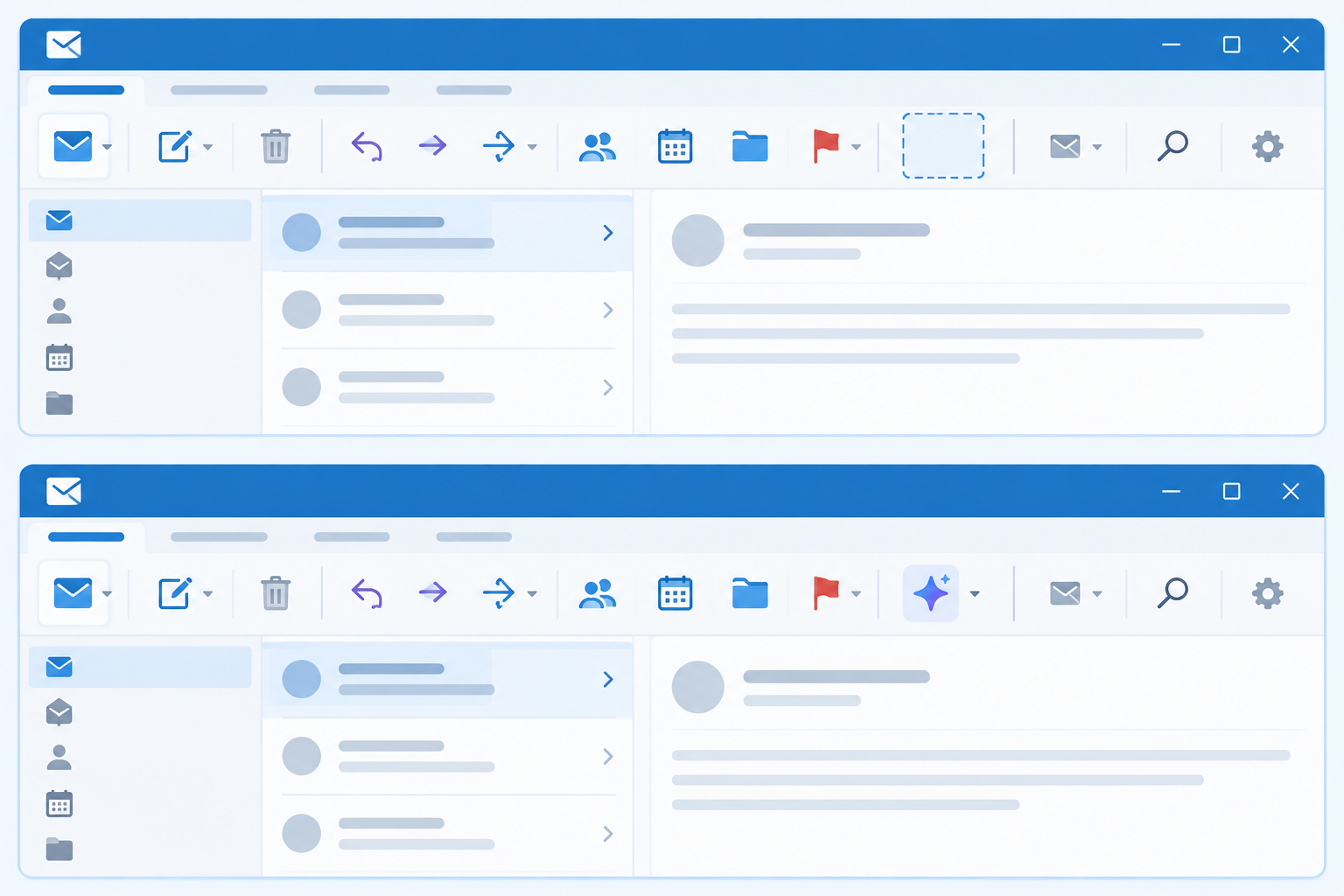

Classic Outlook quietly dropped its Copilot buttons after an update. Here’s what caused it, how Microsoft fixed it, and what to do if yours is still gone.

A plain-language breakdown of Revit 2027 new features — AI modeling, faster graphics, and connected BIM — so your team can plan the upgrade with confidence.
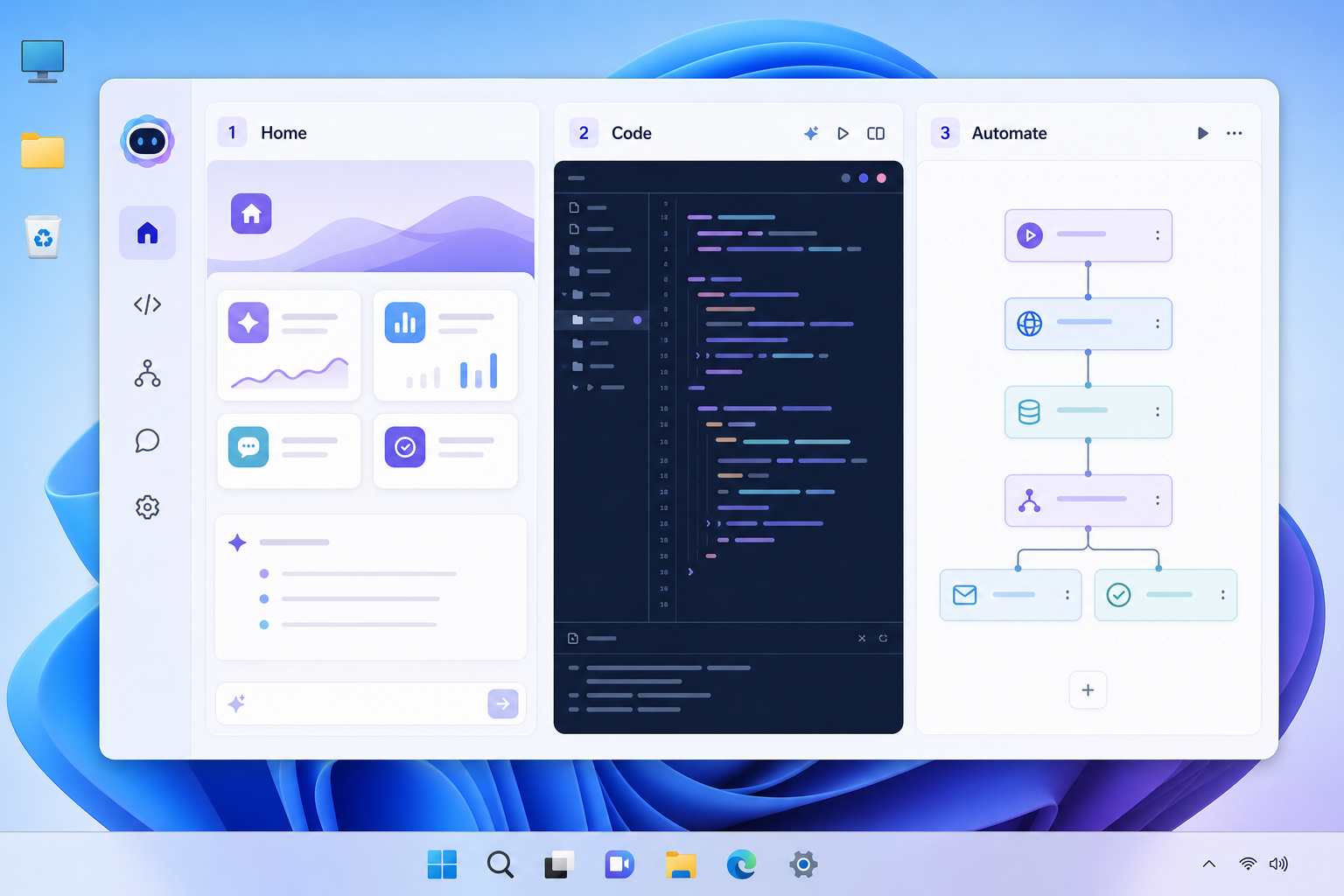
Microsoft’s new Copilot splits into Home, Code, and Autopilot modes — here’s what each one actually does and who should try it first.

Autodesk previewed a cross-product AI assistant spanning Forma, Fusion, and Flow. Here’s what agentic AI really means for your day-to-day workflow.
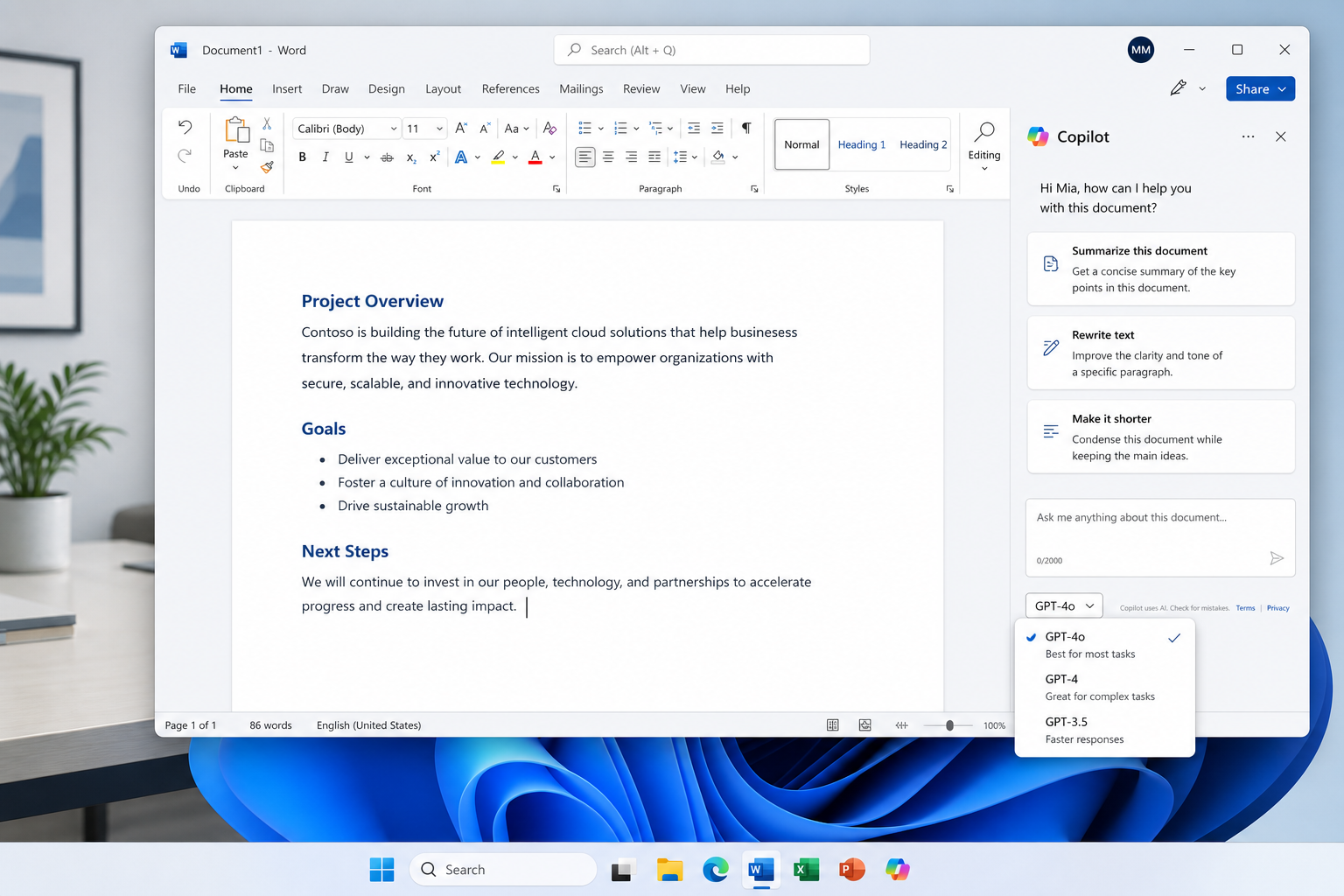
Microsoft now lets you choose Grok as the model behind Copilot. Here’s how it works, how it differs from OpenAI, and when switching makes sense.
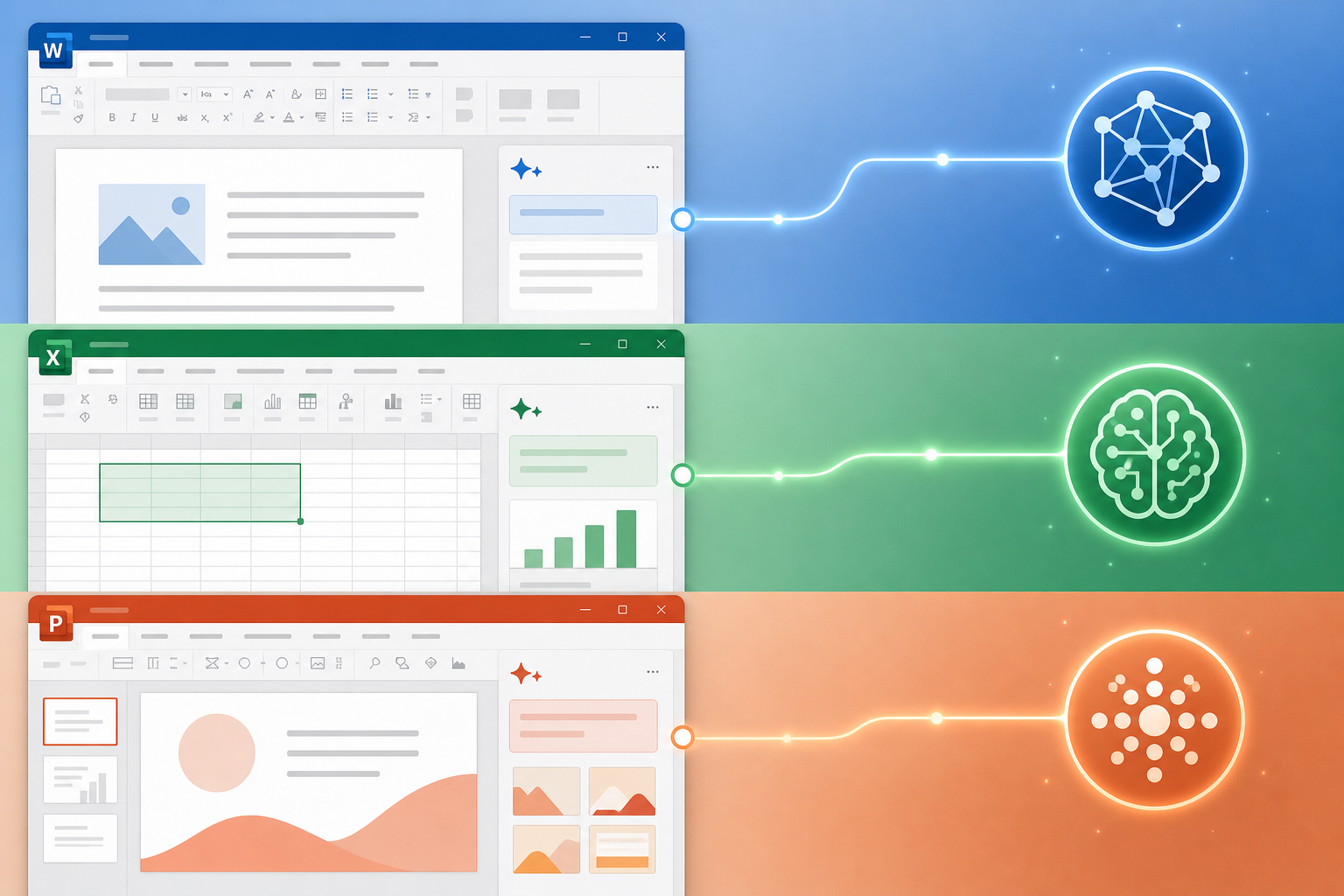
Not locked into Copilot: office ai plugins let you bring your own AI model into Word, Excel and PowerPoint. Here’s how they work and how to set one up.
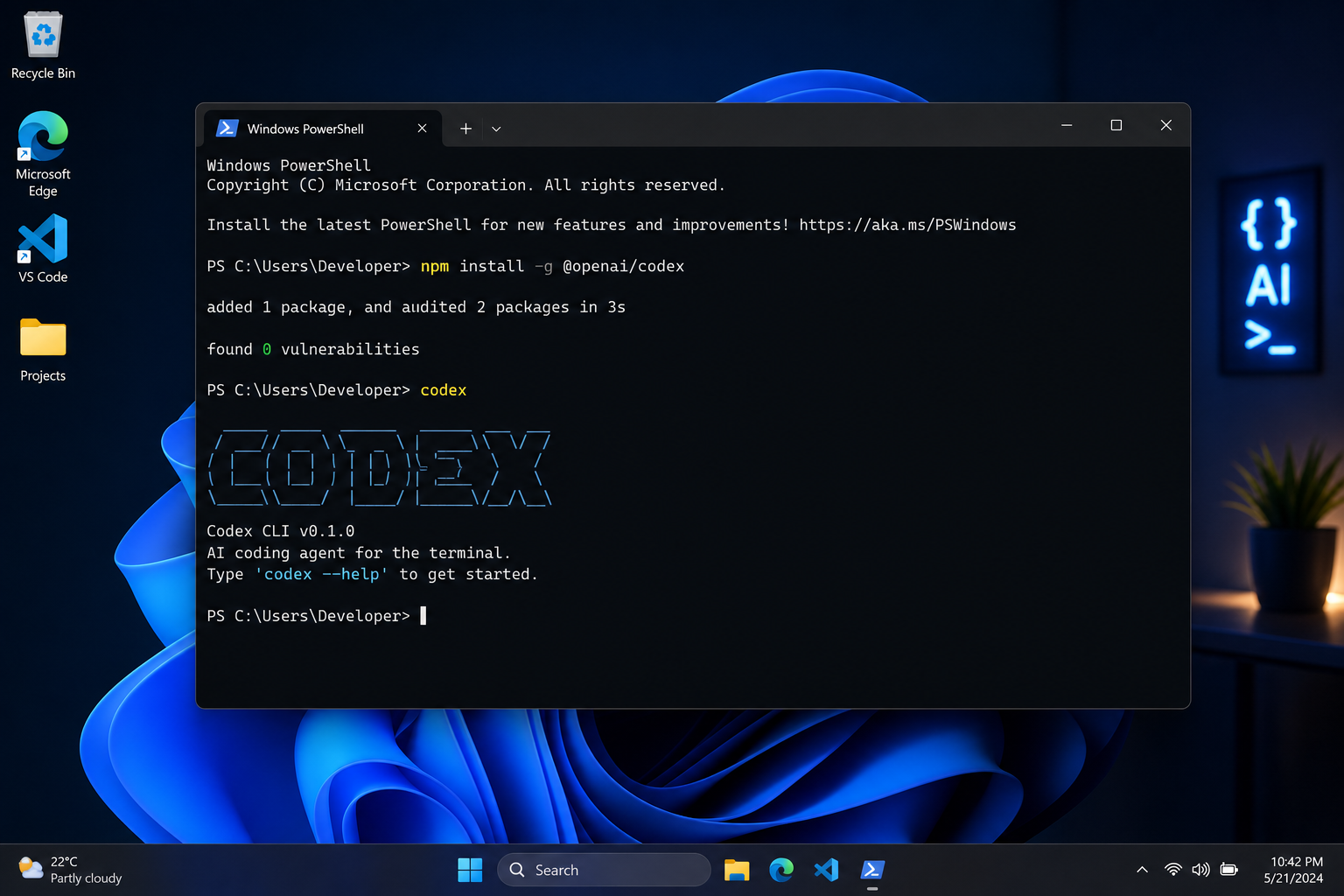
Getting OpenAI Codex running on Windows is easier than you think. This step-by-step guide covers the desktop app, CLI setup, prerequisites, and common fixes.

A serious sandbox bypass in Microsoft Copilot Cowork lets malicious Skills escape isolation and reach your data. Here’s what happened, who’s exposed, and the steps to take today.
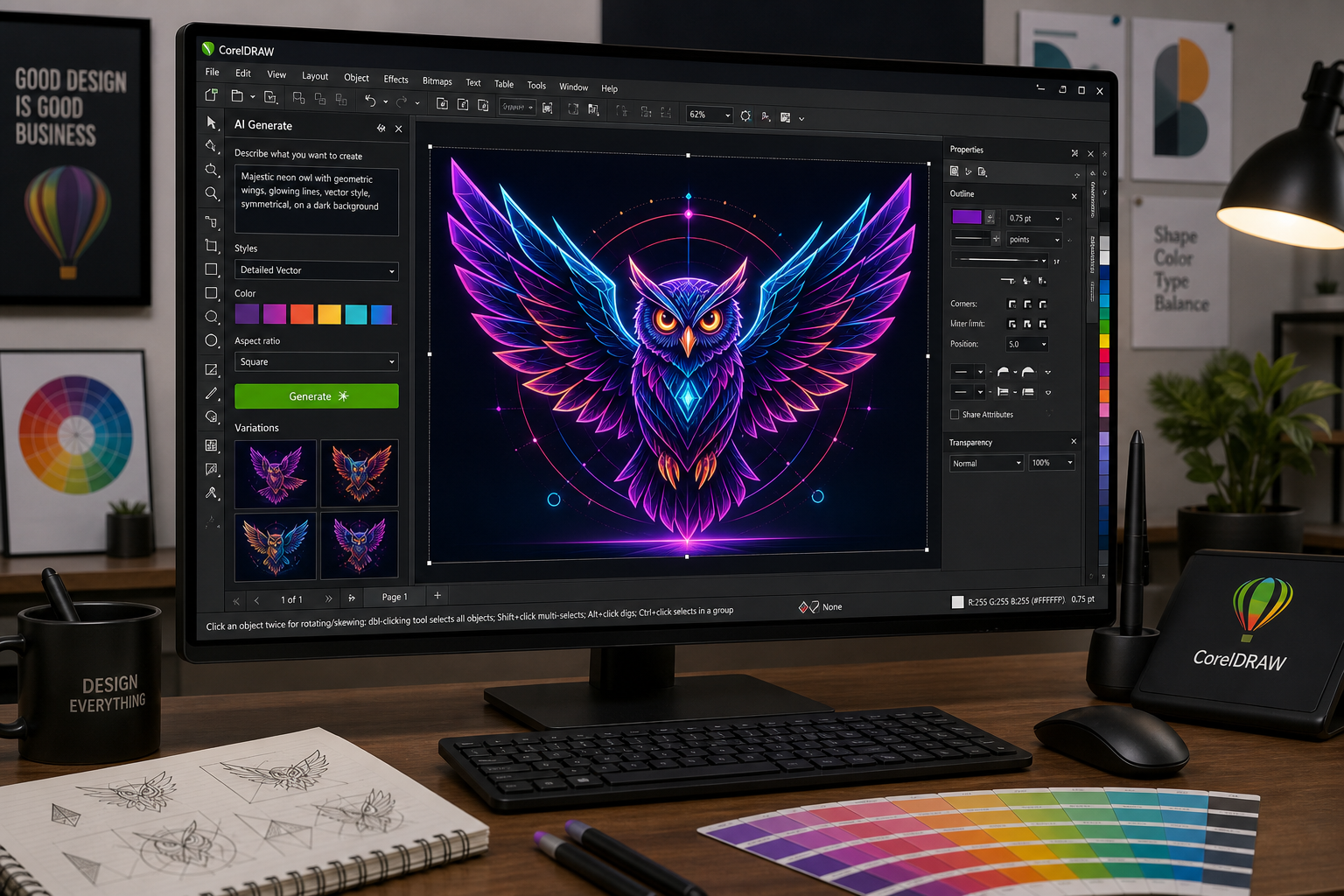
CorelDRAW Graphics Suite 2026 packs serious AI muscle — from text-to-image generation to one-click background removal. Here’s what professional designers need to know right now.
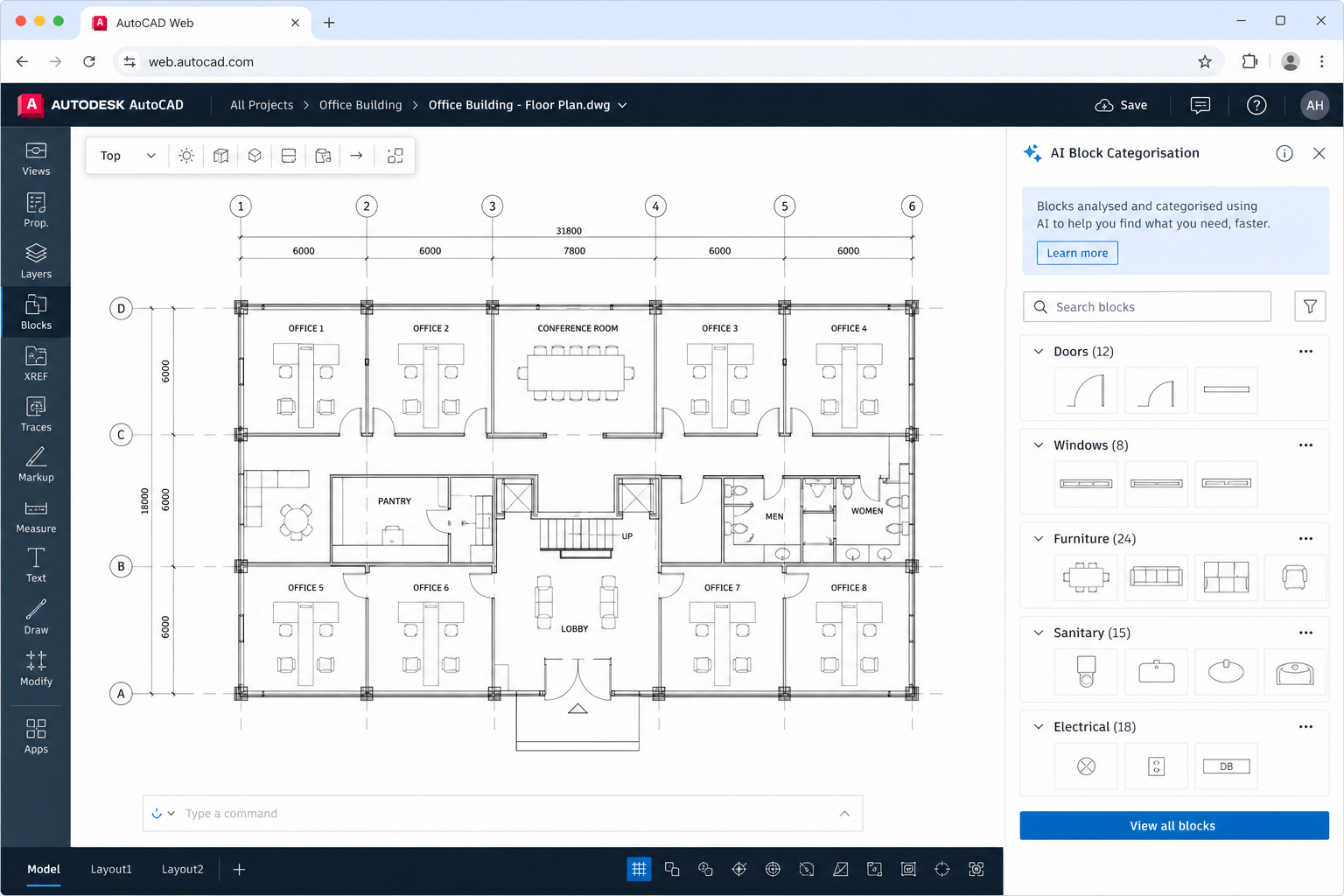
Autodesk’s AI-powered block auto-categorisation is changing how architects and engineers manage design libraries in AutoCAD on the web — here’s what it means for your workflow.
Use code EXTRA10 at the cart or checkout to enjoy 10% Discount of your order.
Valid for single use per customer.
