
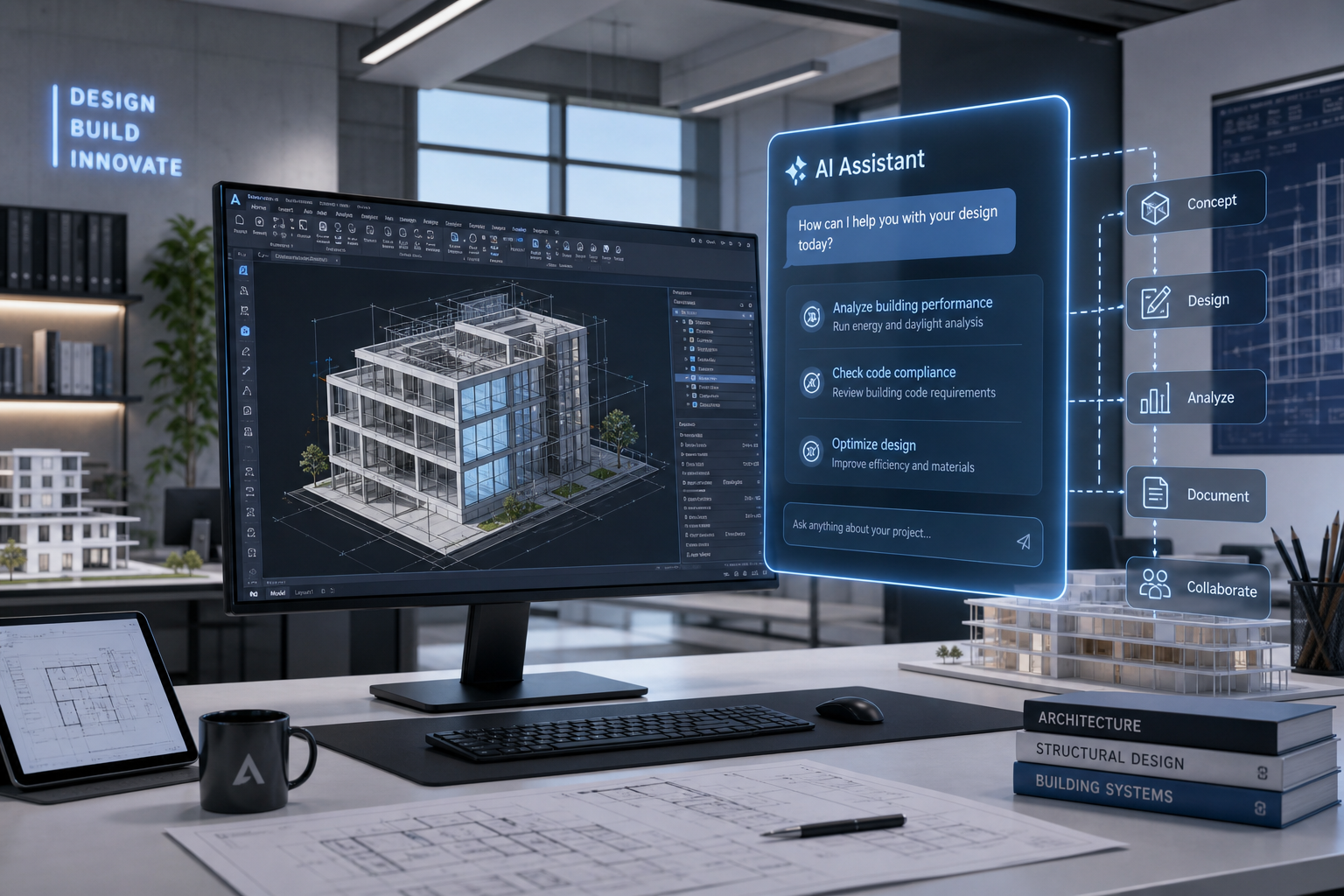
The Autodesk AI Assistant is a single, conversational AI layer that Autodesk previewed to work across its industry clouds — Forma, Fusion, and Flow — rather than being locked inside one product. Instead of switching between disconnected tools, architects, engineers, and CAD professionals will be able to ask one assistant to pull project context, run tasks, and hand off work between applications on their behalf.
That distinction matters because most people still think of “AI in Autodesk” as a handful of smart shortcuts — auto-naming a layer, suggesting a block, cleaning up a title block. The newly previewed assistant is a different category of tool. It’s built to act with some autonomy across connected project data, not just respond to a single command inside a single file.
What Is the Autodesk AI Assistant, Exactly?
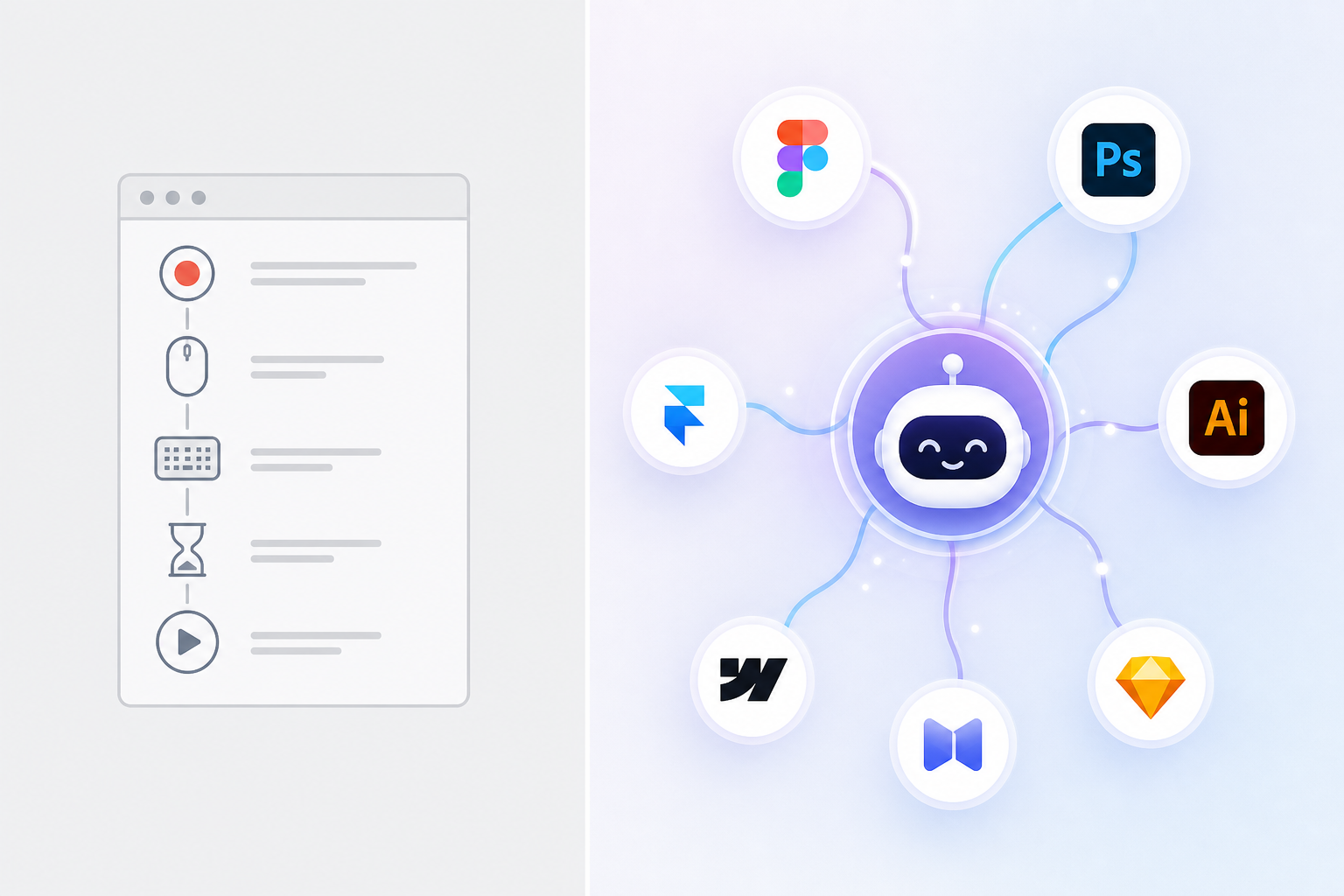
The Autodesk AI Assistant is Autodesk’s unified entry point for AI across its portfolio, designed to understand project context and carry out multi-step tasks instead of answering one-off prompts in isolation. Autodesk has described it as a conversational experience that helps users find information, learn workflows, and execute tasks without leaving the product they’re working in.
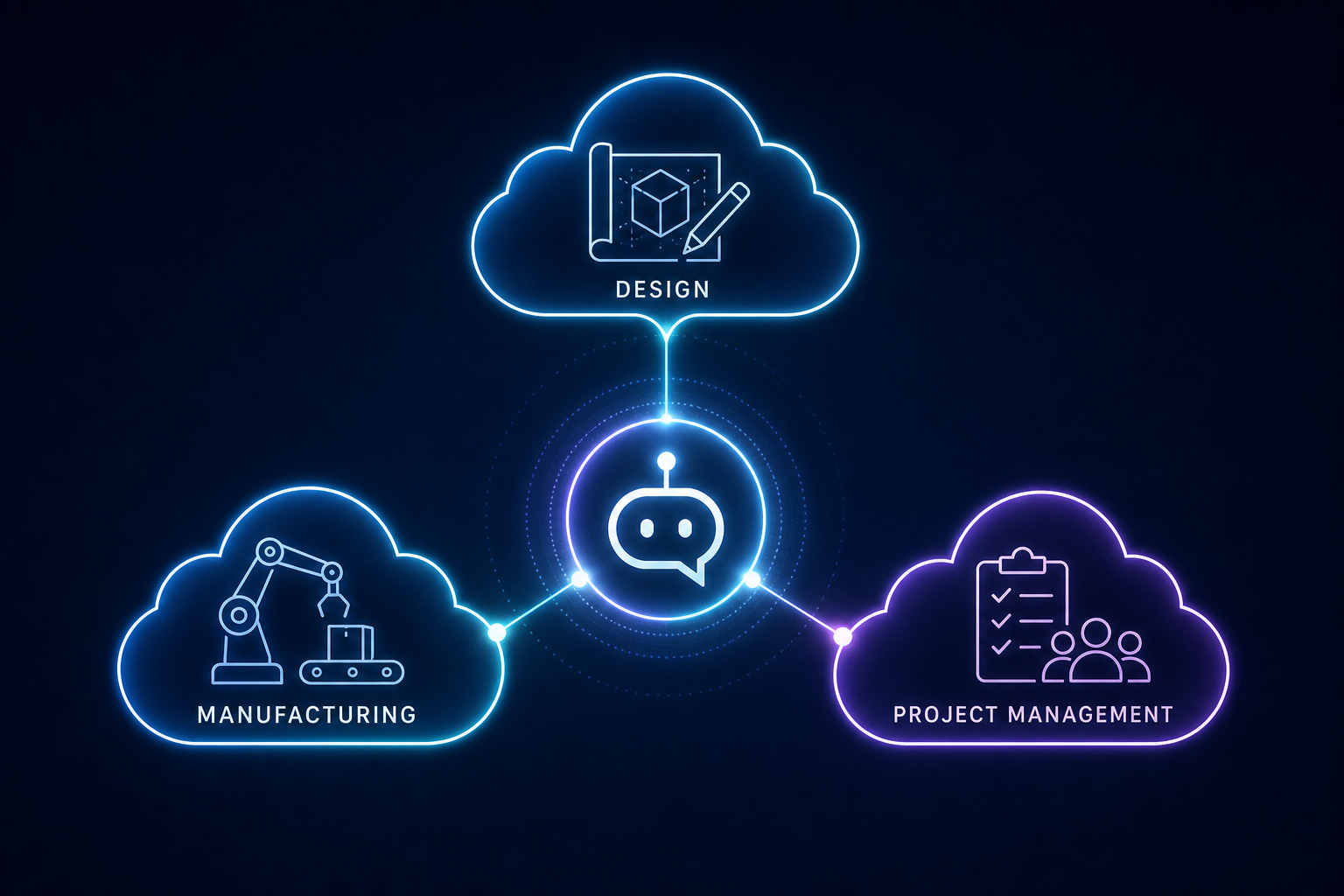
What’s new in the recent preview is the cross-product reach. Rather than a Fusion-only assistant or a Forma-only assistant, the same assistant platform is being extended so it can work across Autodesk Forma (AEC), Autodesk Fusion (design and manufacturing), and Autodesk Flow (project and production management). Autodesk has also signaled a future standalone access point, meaning the assistant could eventually live outside any single application.
Why Autodesk Built One Assistant Instead of Several
Most architecture and engineering projects don’t live in one file or one program — they move through design software, documentation tools, model coordination platforms, and project management systems. A cross-product Autodesk AI Assistant is Autodesk’s attempt to stop that handoff from being so manual, letting the same assistant retain context as a project moves from concept to construction documentation to fabrication.
Agentic AI vs Automation: The Real Difference
Agentic AI differs from automation because it makes decisions and sequences steps on its own, while automation only replays a fixed set of instructions you already defined. If you’ve used AutoCAD macros, LISP routines, or Dynamo scripts, you’ve already used automation — reliable, repeatable, but limited to exactly what you scripted.
An agentic system works differently:
- Automation executes a predefined sequence: click this, run that script, repeat. It cannot handle a step it wasn’t told about.
- Agentic AI is given a goal (“prepare this floor plan for a code review”) and works out which steps to take, in what order, using available tools and project data — adjusting if something unexpected comes up.
- Automation needs a human to write the rules in advance. Agentic AI needs a human to set the goal and review the result.
- Automation breaks silently if the input changes shape. Agentic AI is designed to interpret context and recover.
This is the core shift behind the Autodesk AI Assistant: it’s positioned as an agent that can plan and execute a chain of tasks across connected data, not a smarter macro recorder. That said, agentic doesn’t mean unsupervised — Autodesk’s own materials describe the assistant surfacing suggestions and actions for the user to confirm, especially for anything that changes a model or a deliverable. In fact, in Autodesk’s 2027 State of Design & Make Report, 70% of surveyed Design and Make leaders and experts said they expect AI to reduce mundane and repetitive work.
How the Autodesk AI Assistant Works Across Forma, Fusion, and Flow
The assistant works by sitting across three industry clouds and using shared project data so it doesn’t need to be re-taught context in every product. Each cloud covers a different stage of work, and the assistant is meant to move with the project rather than reset at each handoff:
- Autodesk Forma — connects data and workflows across architecture, engineering, and construction, useful for early-stage site analysis and design iteration.
- Autodesk Fusion — connects design and manufacturing, where the assistant can help generate drawings, automate repetitive modeling tasks, or build add-ins from a plain-language prompt.
- Autodesk Flow — connects production and project management, where an agentic task board can track work as it passes between people and tools.
What This Looks Like Day to Day
For a typical CAD or BIM workflow, that might mean asking the assistant to summarize changes between two design revisions, flag coordination clashes pulled from linked models, or draft a set of sheet views — then having that output follow the project into Flow for task tracking, instead of re-explaining the project from scratch in a different tool.
What Architects and Engineers Should Expect When It Rolls Out
Expect a staged rollout rather than a single switch-on date, with the assistant appearing first inside individual products before cross-product and standalone access expand. Autodesk has previewed the capability, which typically means early access, limited features, and gradual availability across subscription tiers before it’s described as generally available.
Realistic expectations for teams planning around this:
- It will likely arrive feature-by-feature. Specialized AI inside Forma, Fusion, and Flow is rolling out ahead of the fully unified cross-product experience.
- Human review stays part of the loop. Agentic suggestions are built to be reviewed and approved, not auto-applied to a model without a check.
- Data connectivity matters more than before. The assistant’s usefulness depends on how connected your project data already is across Autodesk’s cloud products — disconnected, siloed files will get less benefit.
- Subscription and account requirements will apply. Cross-product AI features are tied to Autodesk’s cloud platform, so access generally depends on having current, properly licensed software tied to an active account.
That last point is one CAD managers should plan for early. If your firm is running older perpetual licenses or mismatched versions across a team, it’s worth checking version compatibility before assuming everyone gets the same AI features on day one. A current, properly licensed copy of Autodesk AutoCAD 2025 or Autodesk Revit 2025 is a reasonable baseline if you want to be positioned for new AI capabilities as they reach general availability.
Should You Be Concerned About Agentic AI Changing Your Models?
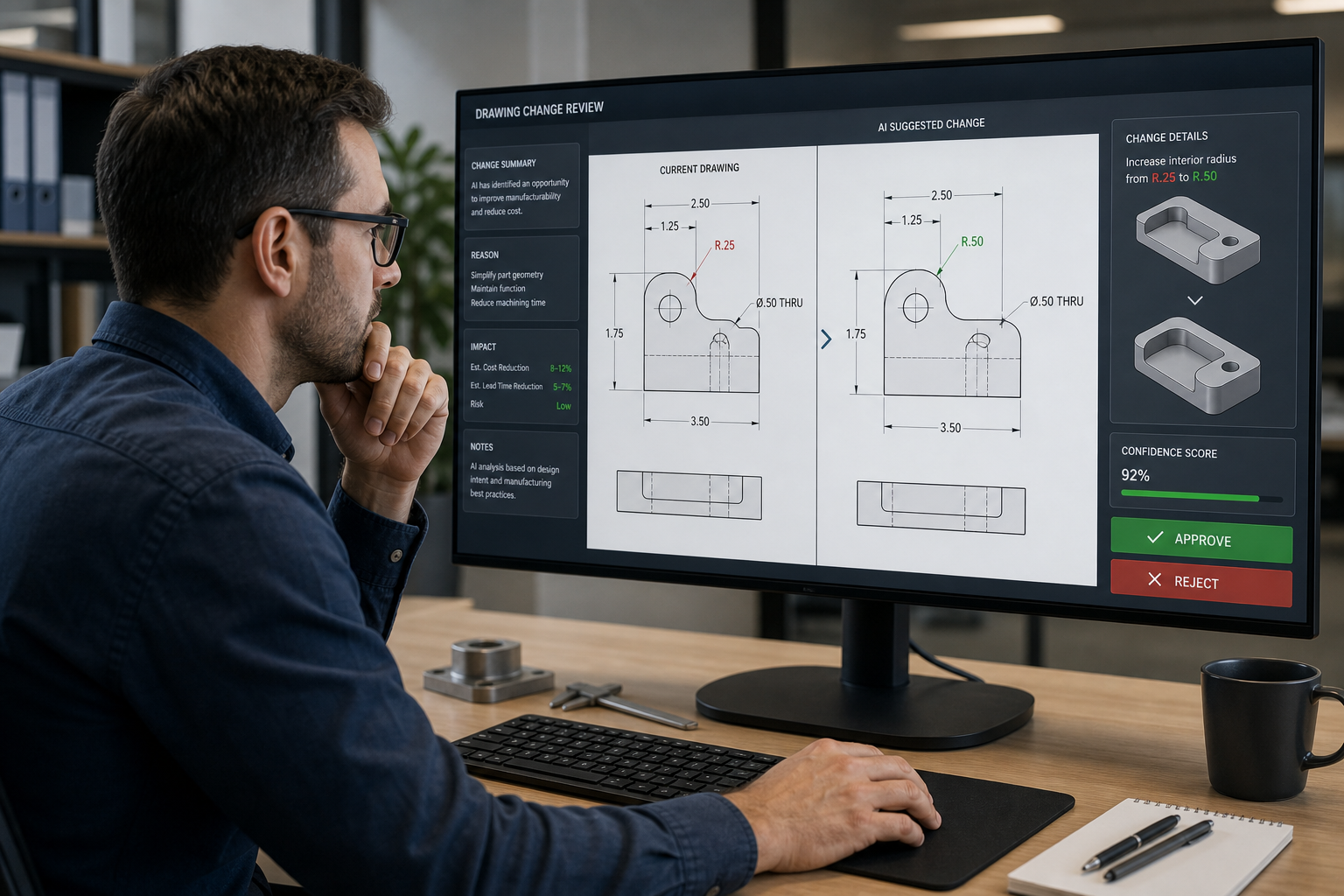
No — agentic AI in Autodesk’s current preview is built around suggestion-and-approval, not silent, unsupervised edits to your drawings or models. The assistant is designed to propose an action — a cleanup, a drawing set, a task reassignment — and the user confirms it before anything changes. This is different from fully autonomous AI agents in some other industries that execute without a human checkpoint.
Still, it’s worth treating this the way you’d treat any new automation tool in a regulated design workflow: verify output against your own QA process, especially for anything touching structural, code-compliance, or fabrication-ready deliverables. Autodesk’s own documentation on Autodesk Platform Services frames agentic AI as assembling workflows dynamically from available tools — which is powerful, but still something a licensed professional should sign off on.
Does This Replace CAD Automation Scripts?
Not immediately. Teams that already rely on AutoLISP, VBA, or Python scripts for repetitive drafting tasks don’t need to abandon them — agentic AI is complementary, aimed at higher-level, cross-tool coordination rather than replacing targeted automation that already works reliably inside a single file.
Getting Ready for the Autodesk AI Assistant Rollout
The best way to prepare is to make sure your licensing, versions, and project data are in order before new AI features reach your account. A few practical steps:
- Confirm which Autodesk products your team is licensed for, and on what version — AI features are rolling out product-by-product, so mismatched versions mean uneven access.
- Keep subscriptions current rather than running old perpetual licenses, since cloud-connected AI features depend on an active, supported account.
- Audit how your project data flows between tools today — the more fragmented it is, the less benefit a cross-product assistant will deliver at launch.
- Set internal review standards now for anything AI-suggested, so your team has a consistent check before accepting agentic output into a live project.
If you’re renewing or adding seats ahead of this rollout, browse the current Autodesk AutoCAD and Autodesk Revit licence options to make sure your team is on a supported, current version before new AI capabilities expand further.
FAQ
What is the Autodesk AI Assistant?
It’s Autodesk’s unified AI platform, previewed to work across Forma, Fusion, and Flow, designed to understand project context and carry out multi-step tasks on a user’s behalf inside Autodesk’s connected products.
Is the Autodesk AI Assistant the same as automation scripts like LISP or Dynamo?
No. Scripts and macros automate a fixed sequence you define in advance. The Autodesk AI Assistant is agentic — it’s given a goal and works out the steps itself, adjusting based on project context, then presents the result for approval.
Which Autodesk products will get the AI Assistant first?
Autodesk has been rolling out specialized AI features inside Forma, Fusion, and Flow individually, with cross-product and eventual standalone access expanding afterward. Availability is staged rather than simultaneous across every product.
Will the Autodesk AI Assistant make changes to my model automatically?
Based on Autodesk’s current preview, the assistant is built to suggest actions that a user reviews and approves rather than applying unsupervised changes to a live model or drawing.
Do I need a specific Autodesk subscription to use it?
Cross-product AI features are tied to Autodesk’s cloud platform and generally require an active, properly licensed subscription. Running outdated or mismatched versions across a team can mean uneven access as features roll out.
Does agentic AI replace the need for CAD automation scripts?
Not currently. Targeted automation like AutoLISP or Python scripts still works well for specific repetitive tasks inside one file. Agentic AI is aimed at broader, cross-tool coordination rather than replacing scripts that already do their job.
