BIMCraft’s new linked projects feature lets architects and engineers coordinate separate models for free — here’s why that matters for Autodesk BIM users.


BIMCraft’s new linked projects feature lets architects and engineers coordinate separate models for free — here’s why that matters for Autodesk BIM users.

Autodesk AECO integrations are reshaping multi-tool workflows. Here’s which new connections actually matter for architects, engineers, and CAD teams.
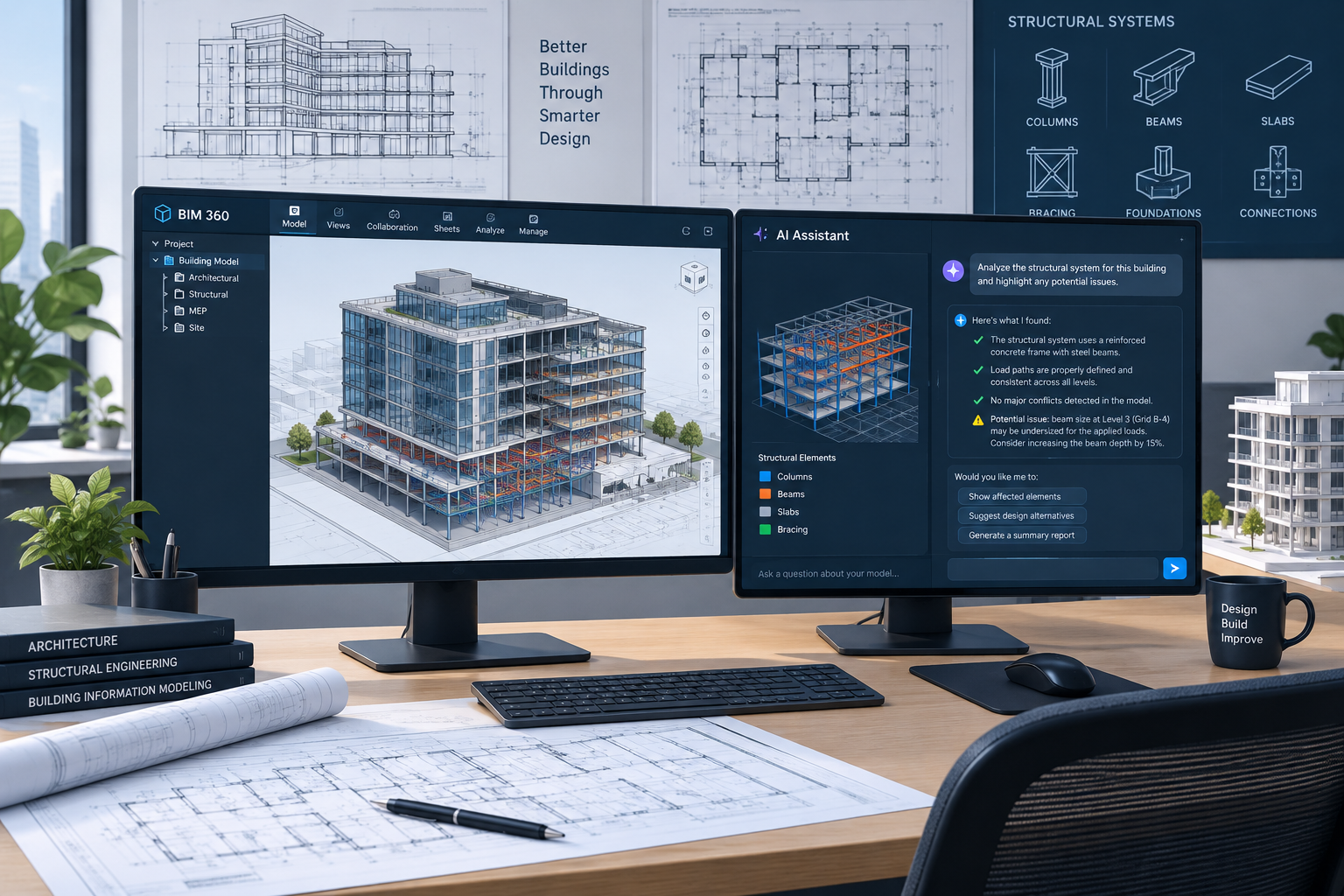
A plain-language breakdown of Revit 2027 new features — AI modeling, faster graphics, and connected BIM — so your team can plan the upgrade with confidence.

Autodesk previewed a cross-product AI assistant spanning Forma, Fusion, and Flow. Here’s what agentic AI really means for your day-to-day workflow.
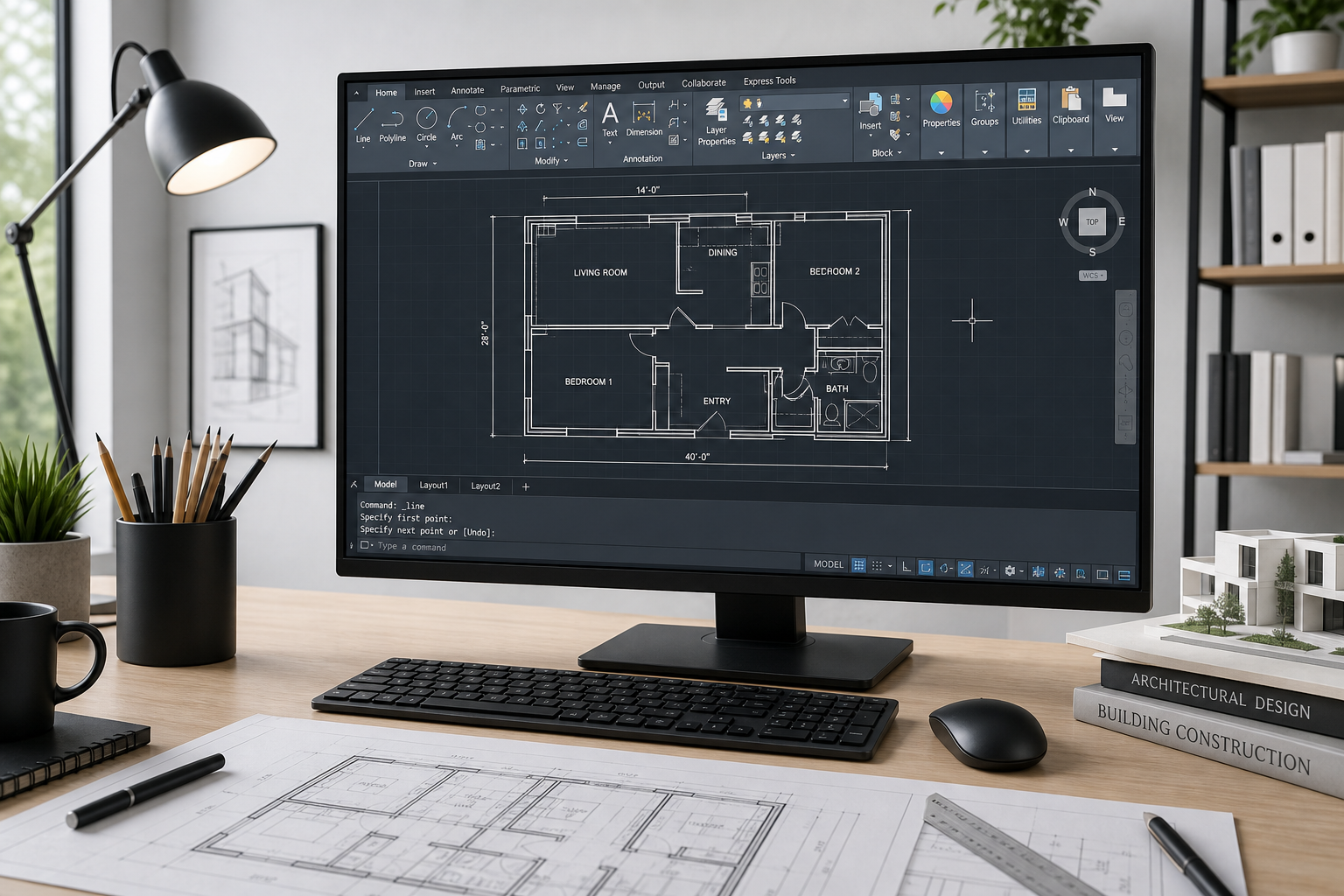
Skip the overwhelm. A concise onboarding path for AutoCAD for beginners — interface basics, essential tools, and your first project setup.
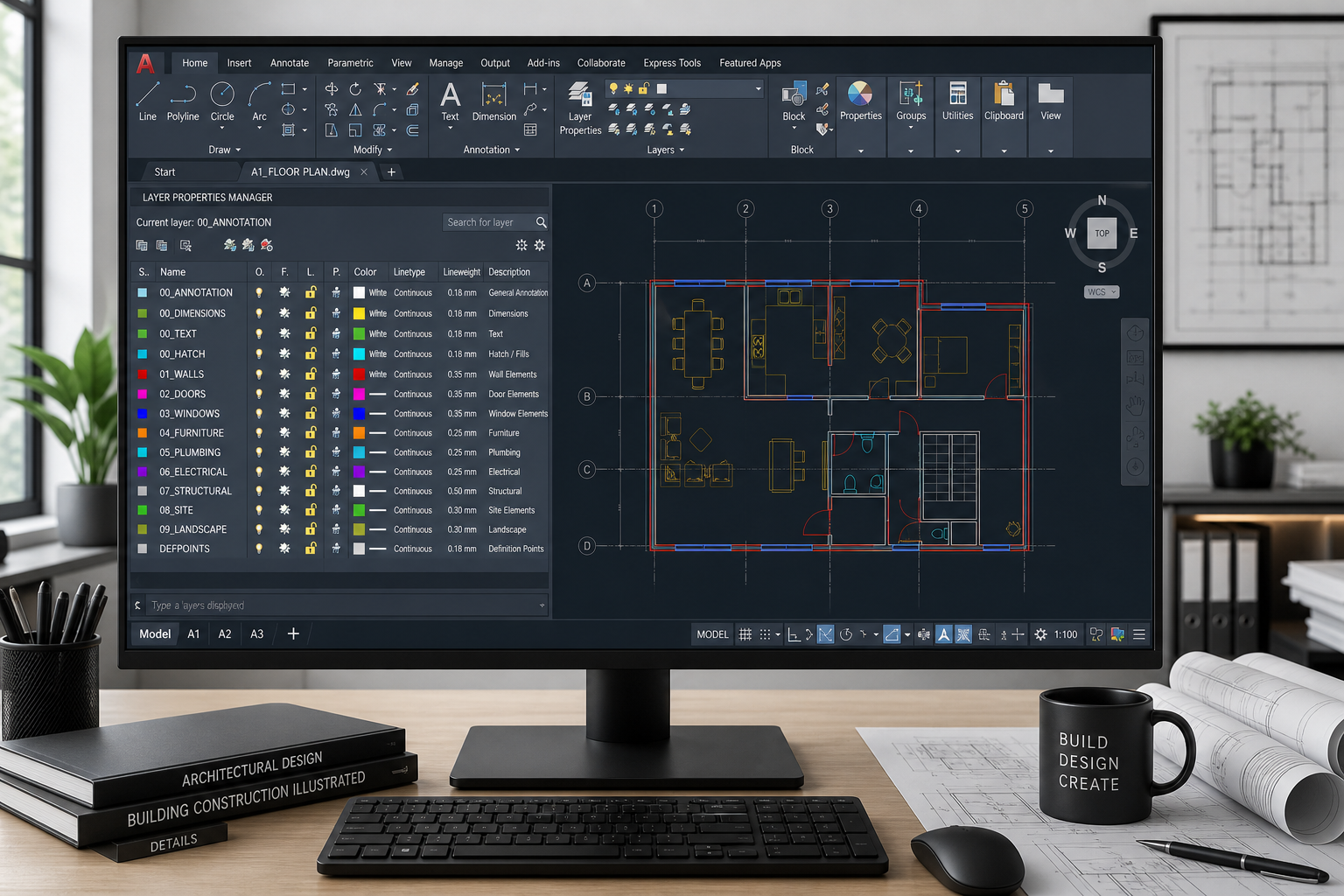
A practical, step-by-step approach to AutoCAD layer management — naming conventions, layer states, filters, and templates that keep large drawings clean.

Still drawing in flatland? This guide walks CAD professionals through the business case, learning curve, tool selection, and legacy drawing migration for a successful 2D-to-3D upgrade.
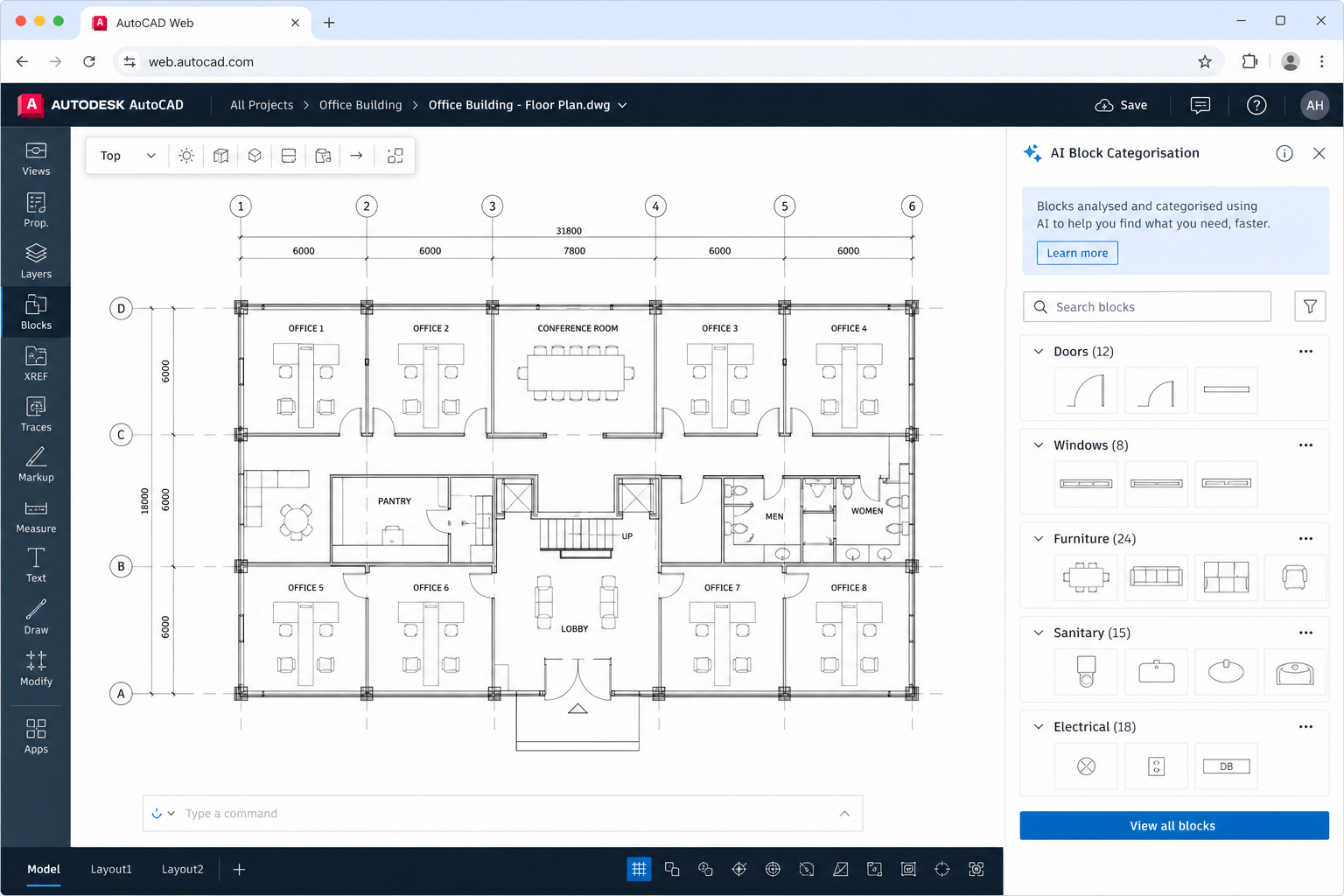
Autodesk’s AI-powered block auto-categorisation is changing how architects and engineers manage design libraries in AutoCAD on the web — here’s what it means for your workflow.

AutoCAD is the industry gold standard — but is it worth the cost for your small firm or non-profit? We compare AutoCAD against LibreCAD, FreeCAD, DraftSight, and more so you can decide with confidence.

Stop repeating yourself in AutoCAD. Learn how to write and deploy macros and scripts using AutoLISP, VBA, and Python to automate routine drafting tasks and reclaim hours on every project.
Use code EXTRA10 at the cart or checkout to enjoy 10% Discount of your order.
Valid for single use per customer.
