BIMCraft’s new linked projects feature lets architects and engineers coordinate separate models for free — here’s why that matters for Autodesk BIM users.
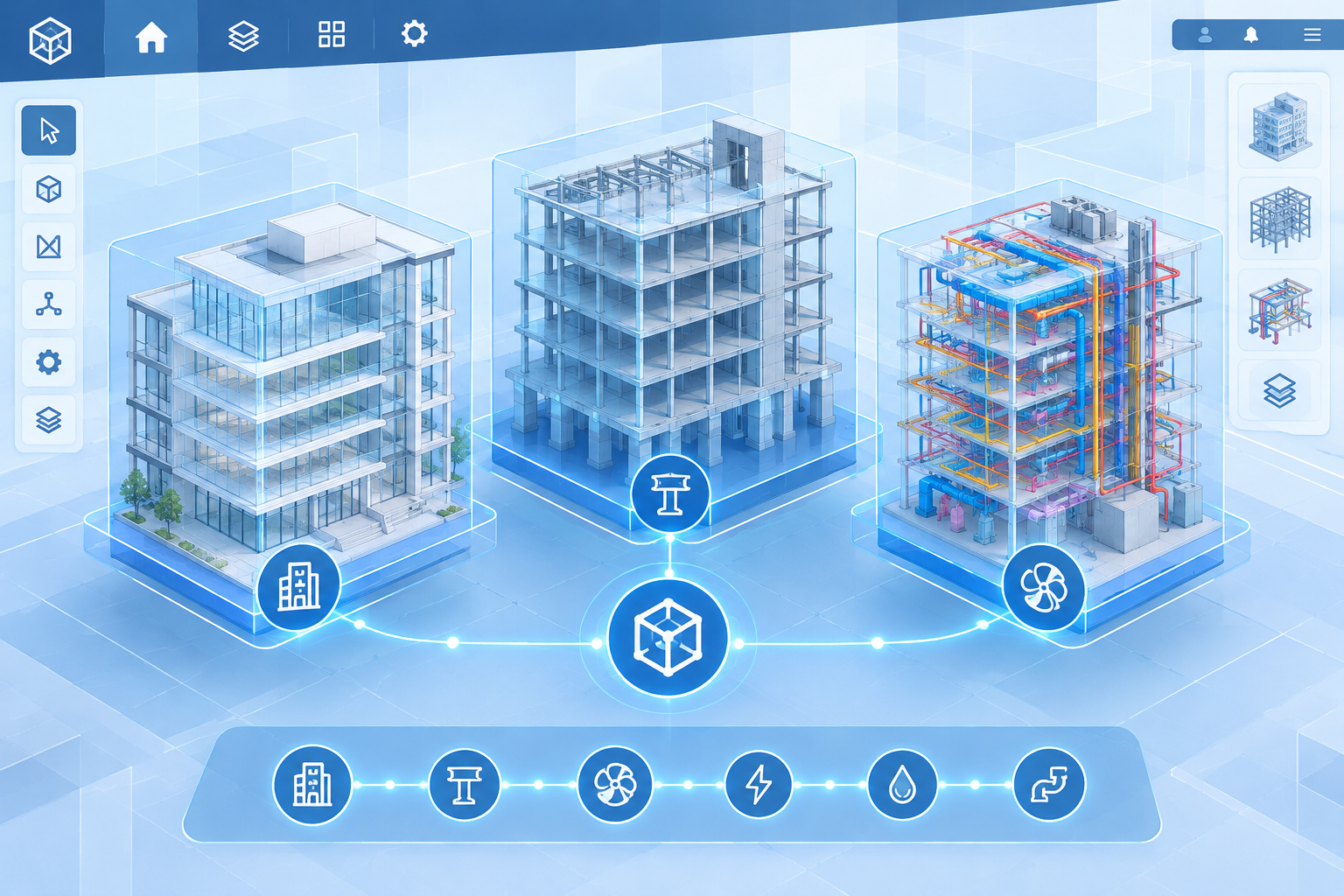

BIMCraft’s new linked projects feature lets architects and engineers coordinate separate models for free — here’s why that matters for Autodesk BIM users.
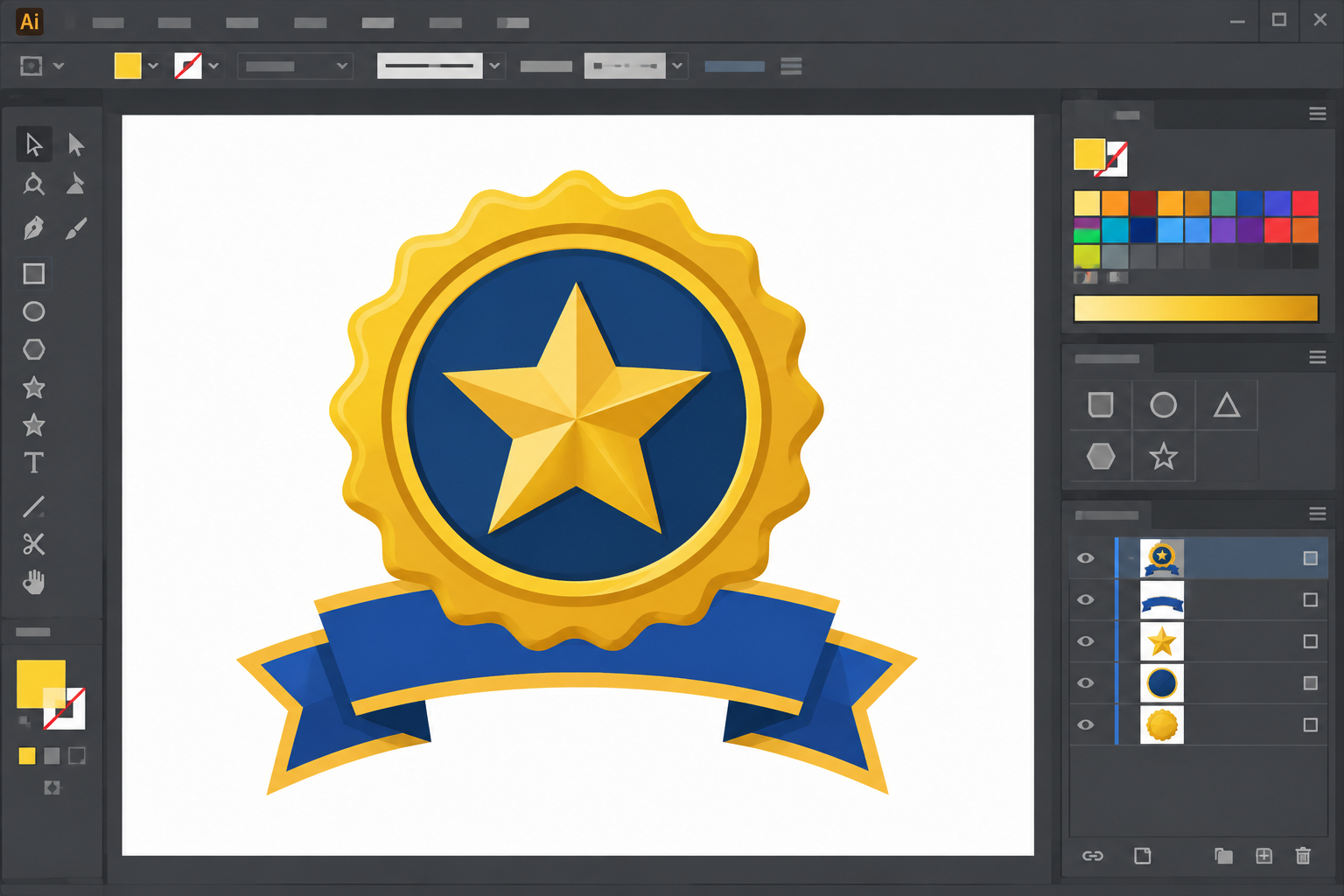
A practical walkthrough for building a clean, professional achievement badge in CorelDRAW — from base shapes to typography and finishing effects.

Autodesk AECO integrations are reshaping multi-tool workflows. Here’s which new connections actually matter for architects, engineers, and CAD teams.
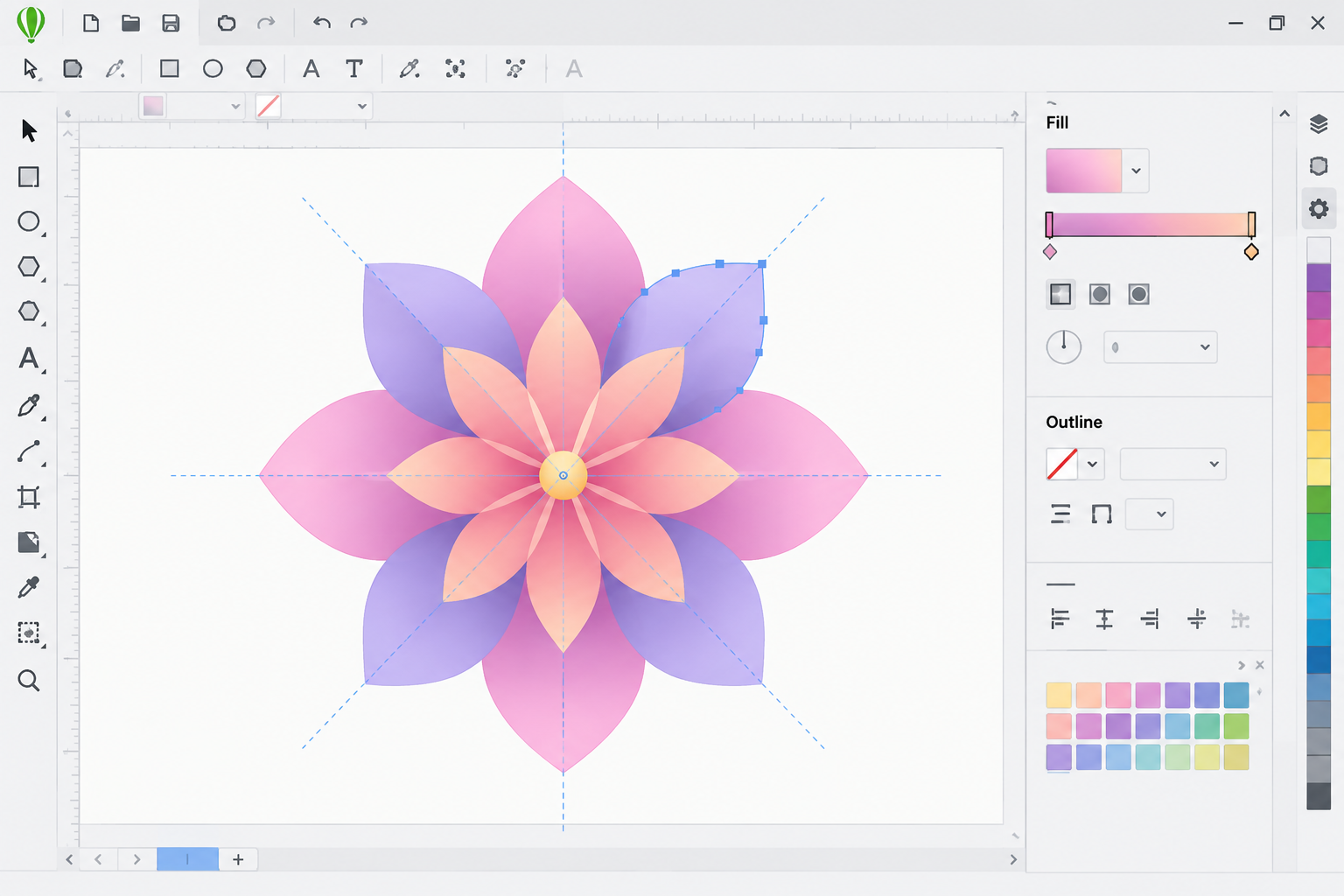
Master the viral flower design trend with a practical CorelDRAW flower design tutorial covering shapes, gradients, and symmetry tools.
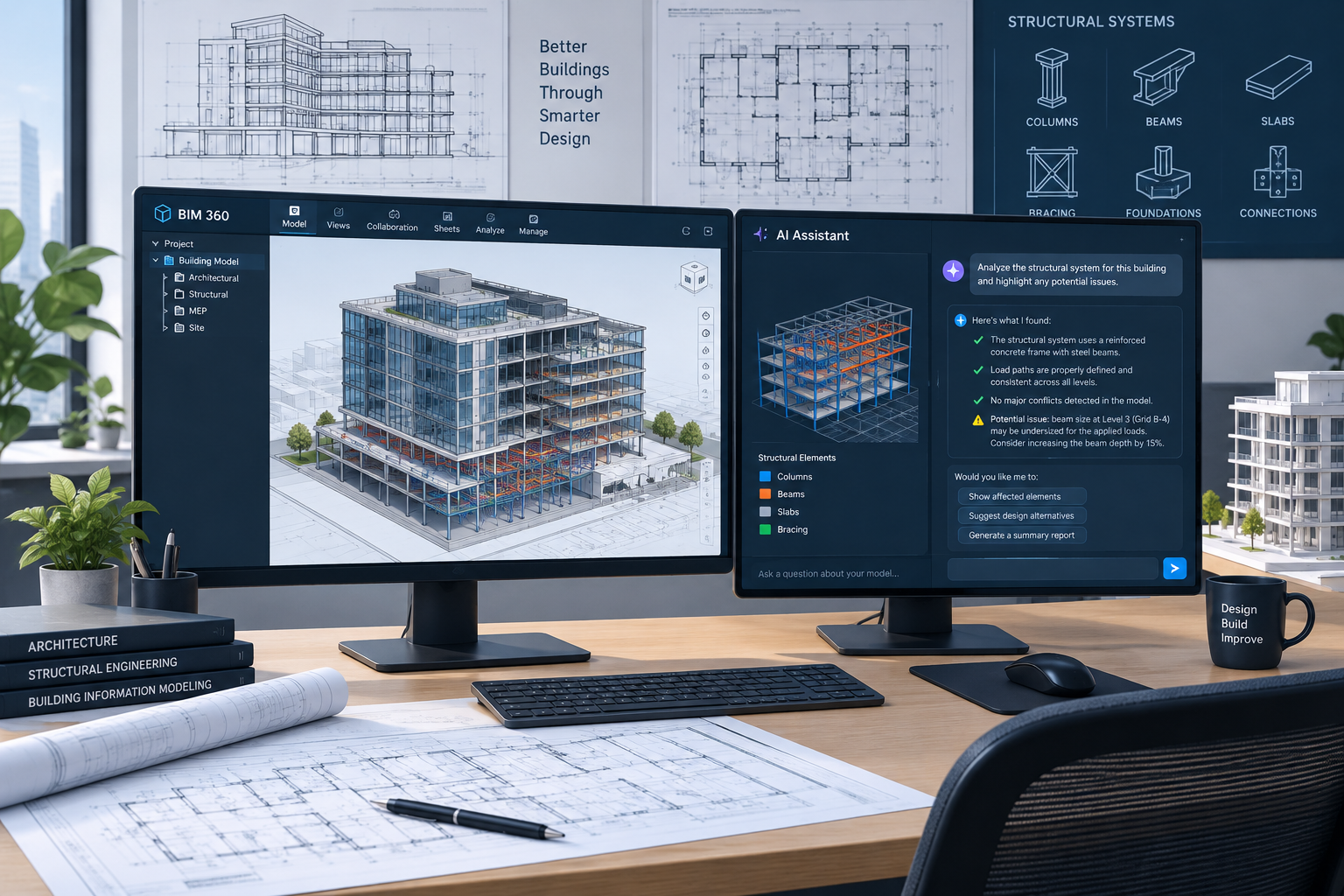
A plain-language breakdown of Revit 2027 new features — AI modeling, faster graphics, and connected BIM — so your team can plan the upgrade with confidence.

Publisher’s support has ended. Here’s what office admins, freelancers, and school staff are actually switching to for building newsletters.
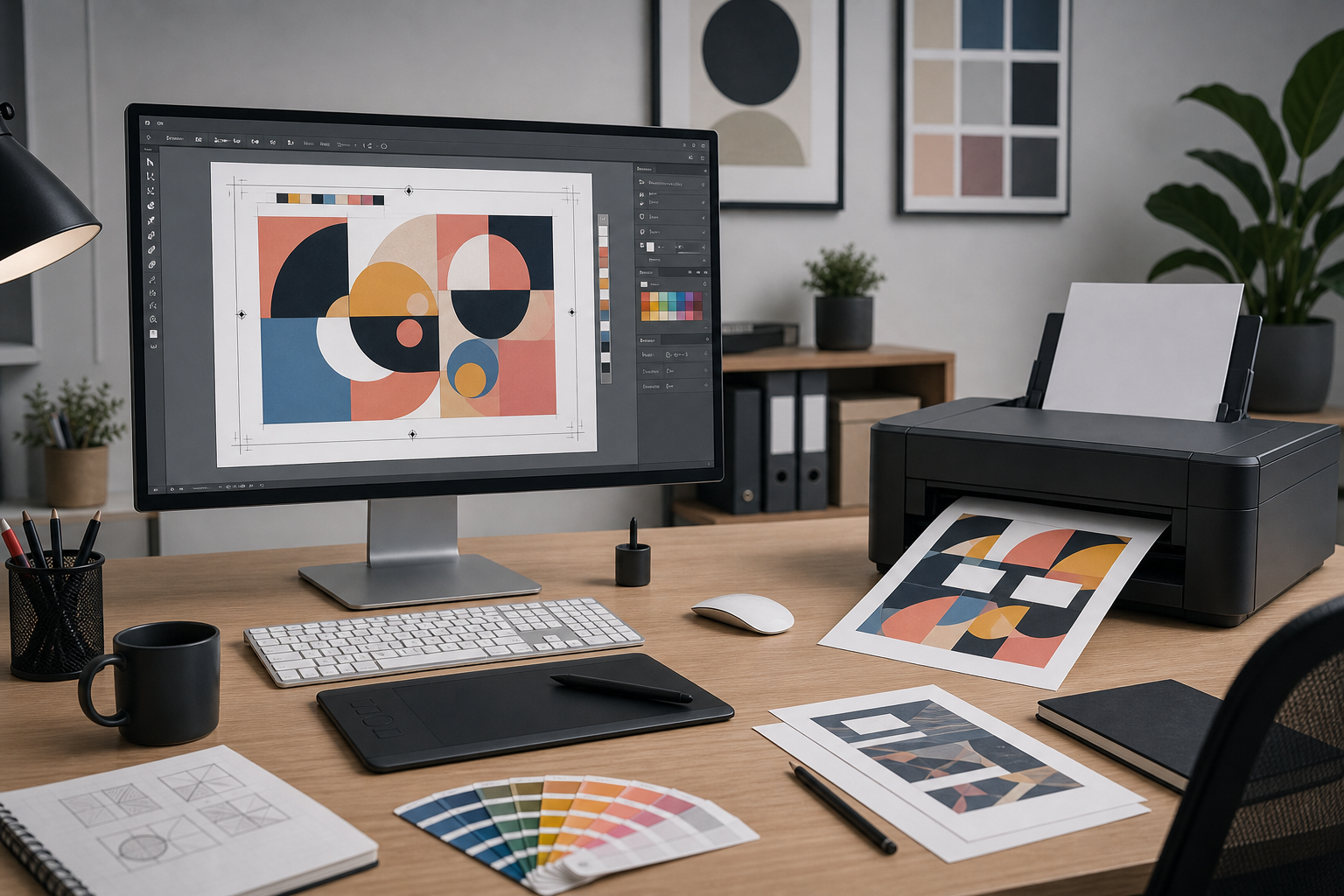
Letters vanishing from your printed CorelDRAW files after an update? Here’s why it happens and how to fix fonts and drivers for clean output again.
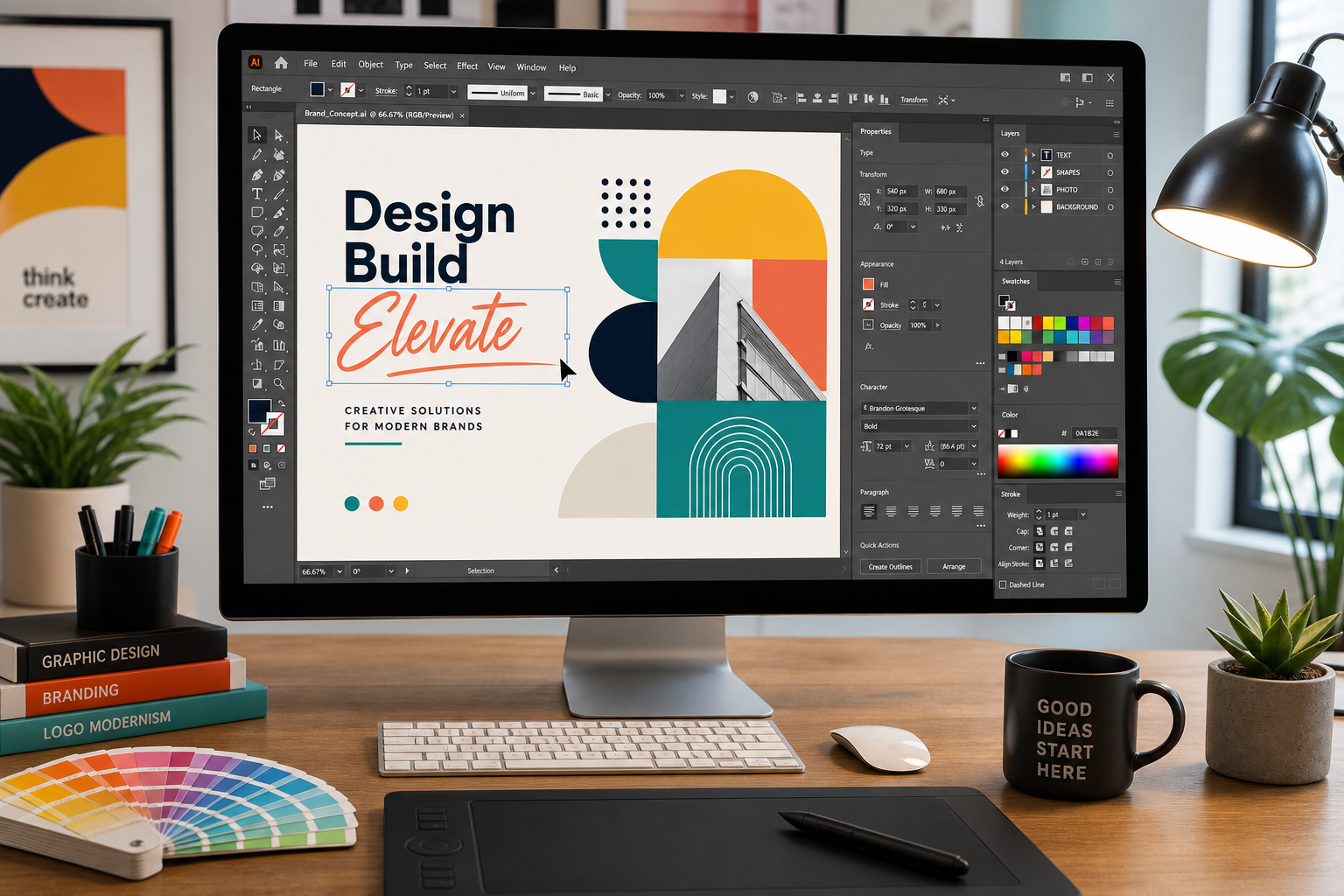
New to vector design? This CorelDRAW tutorial for beginners walks through the interface, core tools, and a complete first project step by step.

Autodesk previewed a cross-product AI assistant spanning Forma, Fusion, and Flow. Here’s what agentic AI really means for your day-to-day workflow.

Bitmap to vector doesn’t have to be guesswork. Here’s when automated trace tools work and when manual node editing gives cleaner, print-ready paths.
Use code EXTRA10 at the cart or checkout to enjoy 10% Discount of your order.
Valid for single use per customer.
