Not locked into Copilot: office ai plugins let you bring your own AI model into Word, Excel and PowerPoint. Here’s how they work and how to set one up.
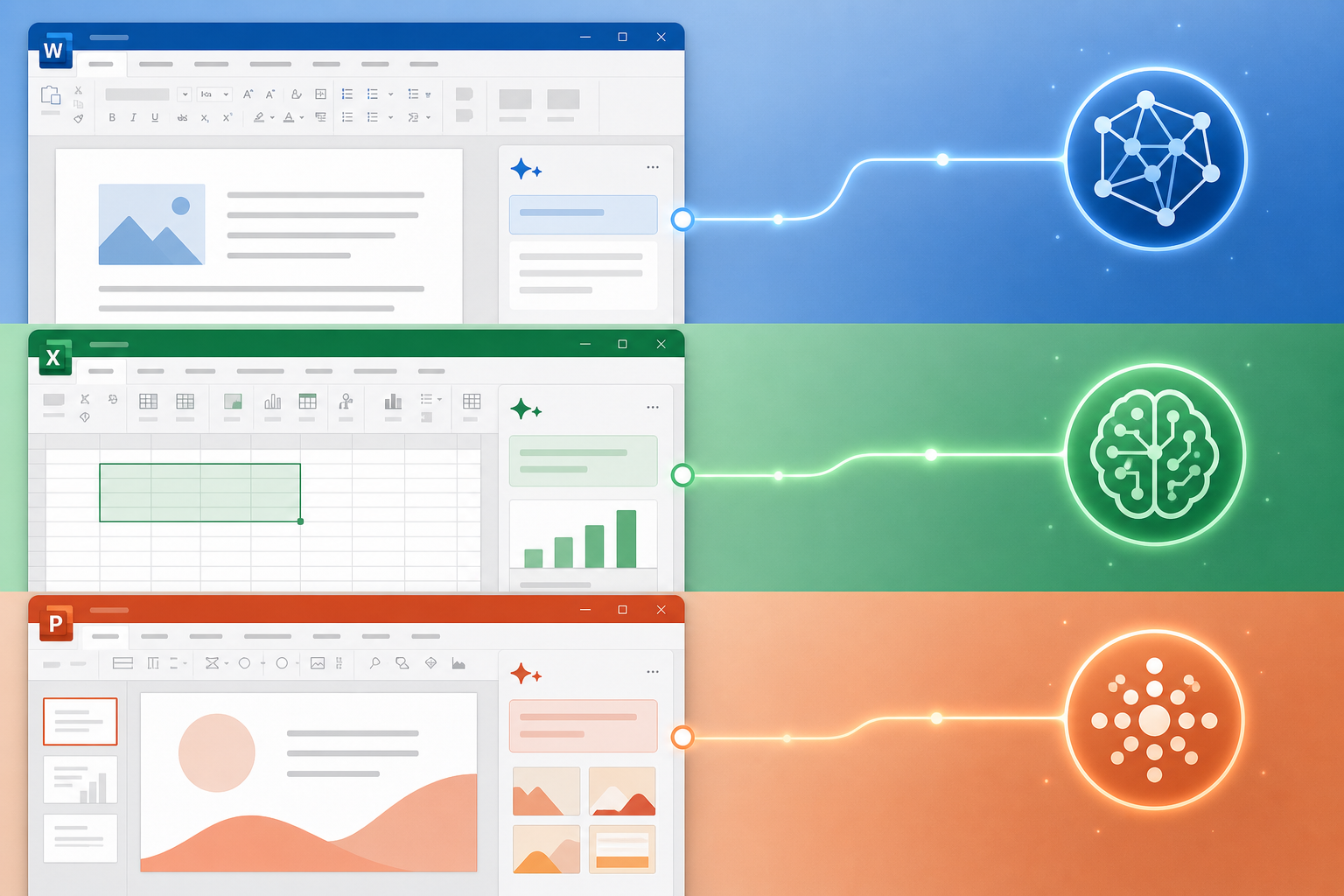

Not locked into Copilot: office ai plugins let you bring your own AI model into Word, Excel and PowerPoint. Here’s how they work and how to set one up.

Manual formatting wastes hours and breaks consistency. Word formatting styles fix both problems — here’s how to master them for long documents and team projects.

From resumes to project plans, free Office templates save hours of formatting work. Here’s how to find, customise, and even create your own in Word, Excel, and PowerPoint.

Co-authoring, threaded comments, and Teams integration make Office 365 one of the most powerful platforms for remote and hybrid teamwork. Here’s how to use every feature.
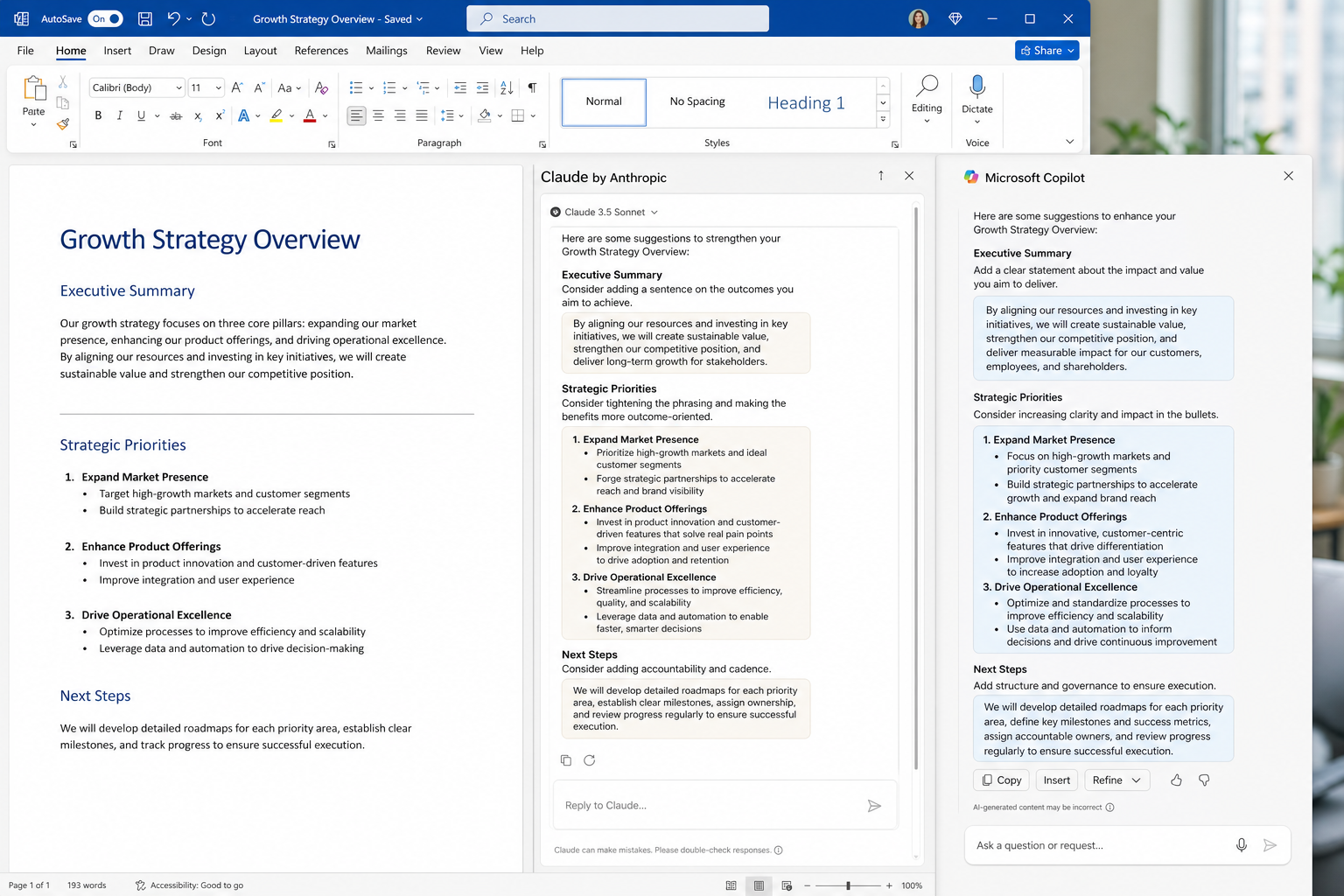
Copilot not cutting it? Claude by Anthropic is now a genuine alternative inside Word, Excel, and PowerPoint — here’s how to switch and what you actually gain.
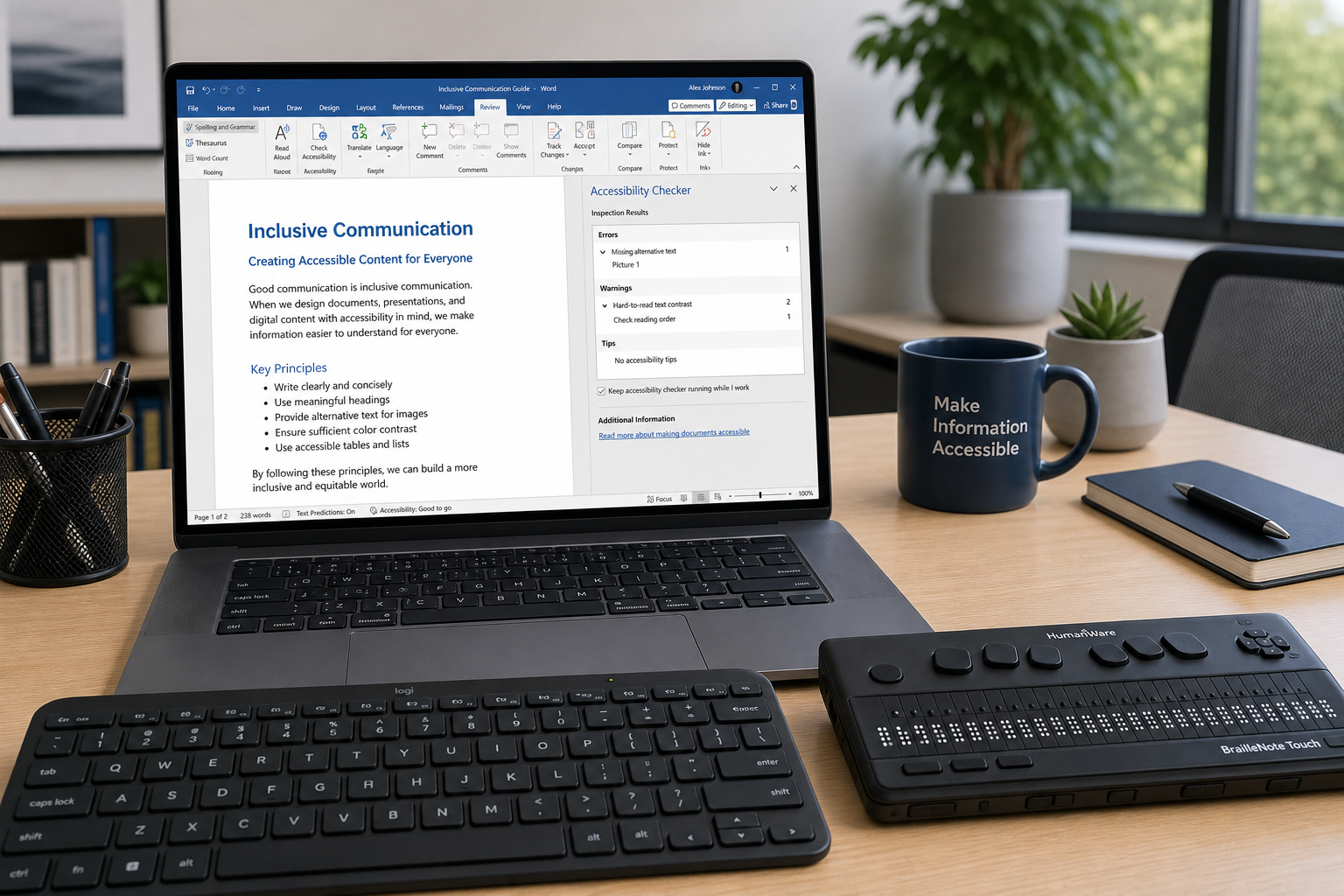
Learn how to make your Word, Excel, and PowerPoint files fully accessible to screen readers and WCAG-compliant — practical steps every Office user needs to know.

Password locks, edit-only mode, track changes restrictions, OneDrive sharing granularity — here is every Office document permission setting explained clearly for teams.

Microsoft Word business card templates make professional DIY design surprisingly achievable. Learn sizing, built-in templates, export tricks, and design tips every freelancer and small business owner needs.
Use code EXTRA10 at the cart or checkout to enjoy 10% Discount of your order.
Valid for single use per customer.
