
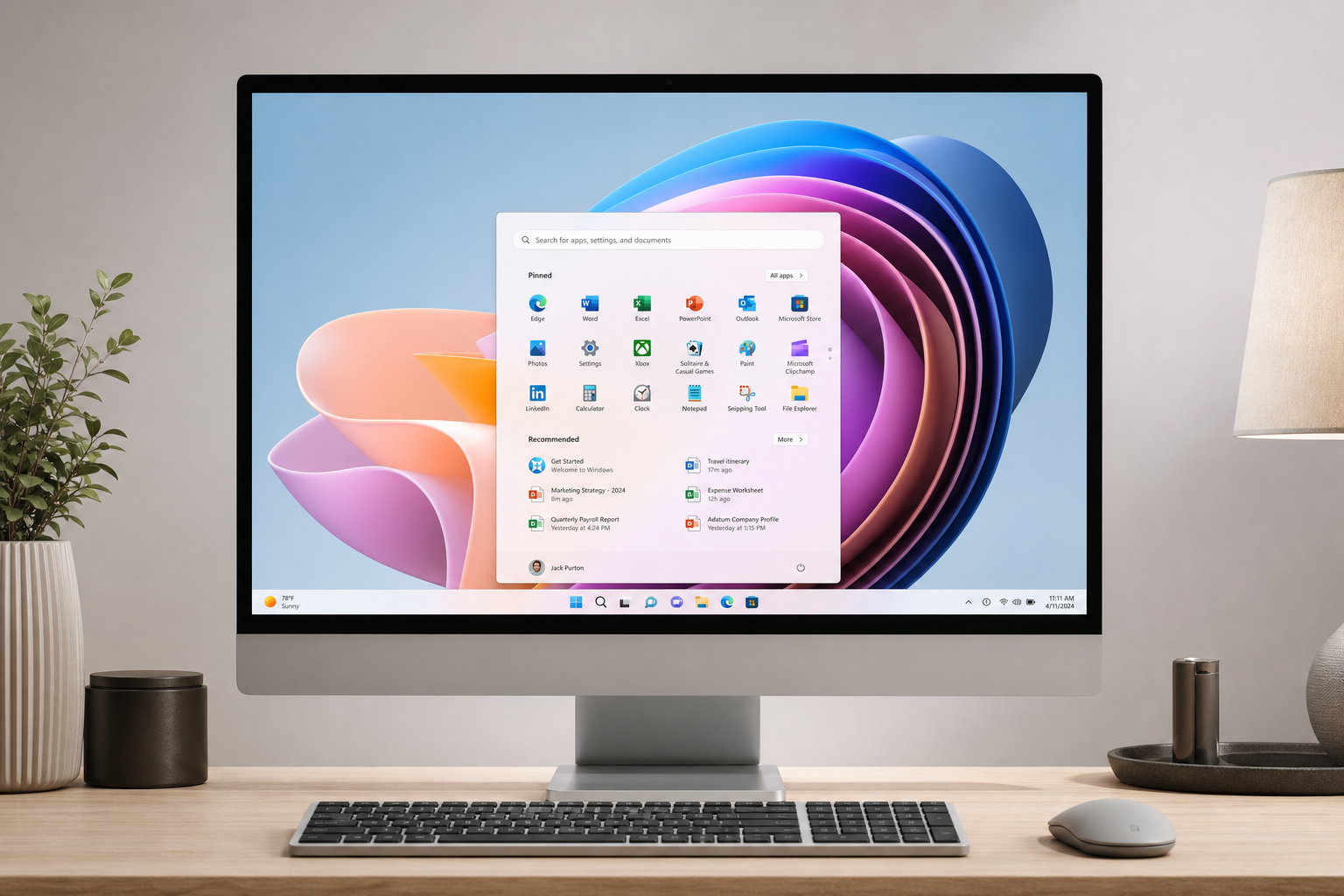
If you’re wondering where to buy Windows 11 in 2026, the short answer is: a licensed digital key store is the fastest, most affordable route. Whether you need Windows 11 Home for everyday use or Windows 11 Pro for business and power users, this guide walks you through every edition, every purchase channel, and every factor worth knowing before you spend a cent.
Why Windows 11 Still Matters in 2026
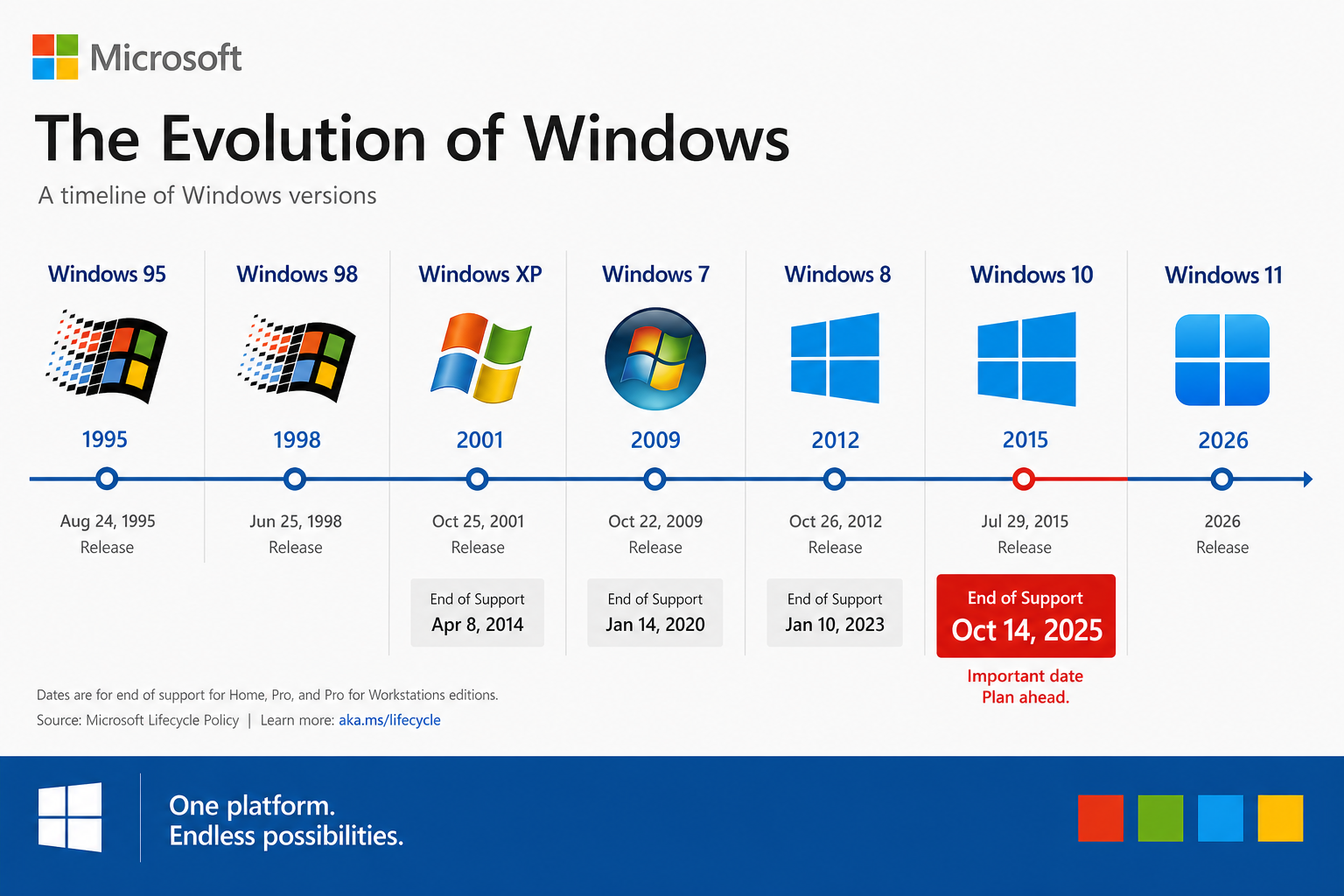
Windows 10 reached its official end of support on 14 October 2025, leaving millions of PCs without security patches. That single deadline turned buying a Windows 11 license from a nice-to-have into a necessity for anyone who cares about keeping their machine secure. Windows 11 brings DirectX 12 Ultimate gaming, TPM 2.0-enforced security, a redesigned Start menu, and deep integration with Microsoft’s AI-powered Copilot features—all of which are unavailable on Windows 10.
According to Microsoft’s official specifications, Windows 11 requires at least a 1 GHz dual-core 64-bit processor, 4 GB RAM, 64 GB storage, and a TPM 2.0 chip. Before you purchase, run the PC Health Check tool on Microsoft’s official Windows 11 page to confirm your hardware is compatible.
Windows 11 Editions Explained: Home vs Pro vs OEM vs Retail
Before you buy Windows 11, you need to choose the right edition. Picking the wrong one means either overpaying for features you’ll never use or missing tools you genuinely need.
Windows 11 Home
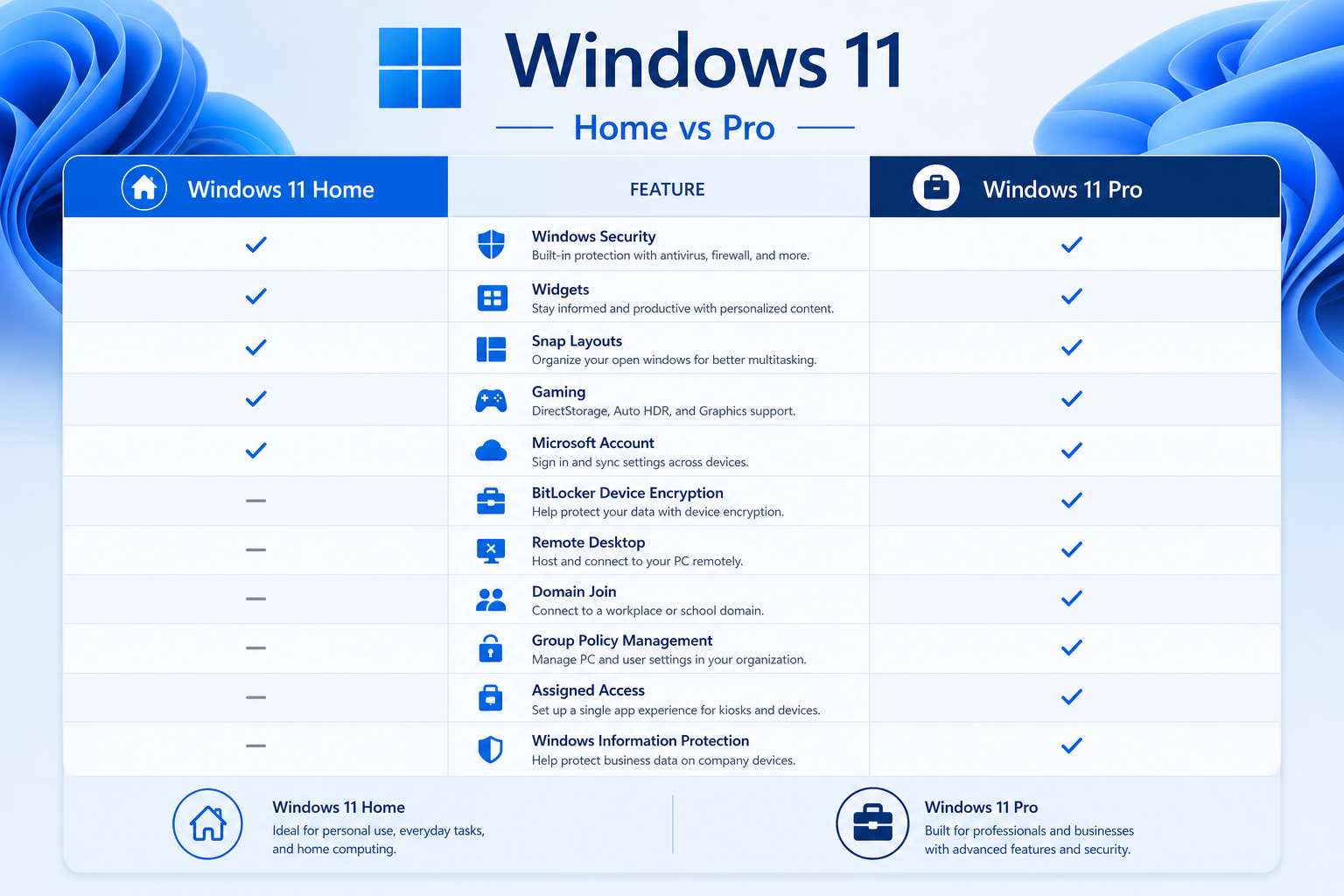
The Home edition covers everything most consumers need: Windows Hello biometric login, BitLocker device encryption, the Microsoft Store, and Xbox Game Pass integration. It’s tied to a single device and is the most affordable Windows 11 license you can buy.
Windows 11 Pro
Pro adds BitLocker full-disk encryption, Remote Desktop, Hyper-V virtualisation, and access to Azure Active Directory domain join. If you work from home, run a small business, or want maximum control over your system, a Windows 11 Pro key is worth the small premium.
OEM vs Retail Keys
This distinction is important when you decide where to buy your Windows 11 key:
-
OEM keys are tied permanently to the first PC they activate on. They are cheaper and ideal for new builds or machines you never plan to transfer the licence from.
-
Retail keys are transferable between devices. If you upgrade your hardware or build a new PC in the future, you can deactivate and reuse the licence—making them the better long-term investment.
Where to Buy a Windows 11 Key: All Your Options
There are several places to buy Windows 11 in 2026, ranging from Microsoft directly to authorised digital resellers. Here’s an honest breakdown of each.
1. Microsoft Directly
The most straightforward option is purchasing from Microsoft’s own website or Store app. The official retail price for Windows 11 Home is around $139 (USD) and Windows 11 Pro around $199—prices that reflect full retail margin. Delivery is digital, but the cost is considerably higher than authorised reseller pricing.
2. Authorised Digital Resellers (Best Value)
This is where the best value lies in 2026. Authorised resellers source genuine volume or OEM licence keys from official distribution channels and pass the savings on to consumers. At Shop Key Online, for example, you can buy Windows 11 Home OEM for just €9.80 or a Windows 11 Pro Retail key for €17.95—a fraction of the Microsoft Store price—with instant email delivery and a 100% money-back guarantee if activation fails.
For the most popular everyday choice, the Windows 11 Home Retail key (€15.65) offers a transferable licence sent straight to your inbox, usually within minutes of purchase.
3. Physical Retail Stores
Big-box retailers still stock Windows 11 in boxed packaging. You get a USB drive and a printed product key, but you’ll pay full retail price. This option suits buyers who prefer a physical receipt or gift packaging, but for speed and savings it’s hard to justify in 2026.
4. Pre-Installed on New Hardware
Every new consumer PC ships with a version of Windows 11 pre-activated via an OEM licence embedded in the firmware. If you’re buying a new device anyway, this is technically the easiest path—but if you’re upgrading an existing machine, a digital key is far more practical.
How to Choose: OEM or Retail Windows 11 Key?
The right choice depends on how you use your PC:
-
Choose OEM if you’re building a new desktop that won’t change its motherboard, want the lowest possible price, and don’t need to transfer the licence.
-
Choose Retail if you upgrade hardware regularly, want peace of mind that the licence travels with you, or are purchasing for a laptop you may sell or replace.
Still unsure? The Windows 11 download, installation & activation guide on Shop Key Online walks you through exactly what to expect after purchase—from downloading the ISO to entering your key in Settings.
Get More Value: Windows 11 and Office Bundles
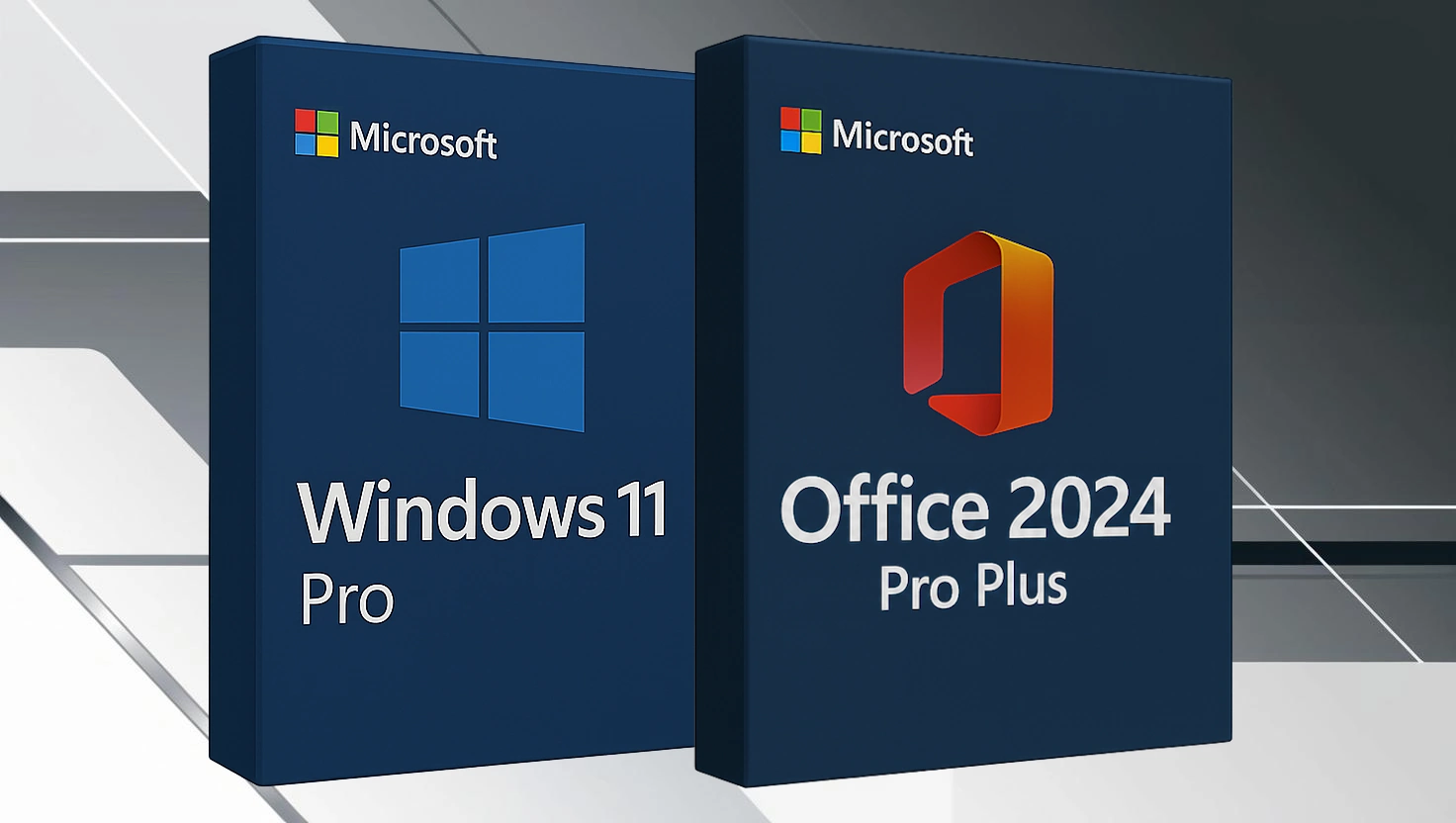
If you need both a Windows 11 license and a productivity suite, bundles offer outstanding savings. Buying a Windows 11 Pro key and an Office licence separately adds up quickly. Shop Key Online’s bundle deals combine both in a single order, so you get everything activated in one go without hunting for two separate products.
One popular option is the Windows 11 Pro Retail + Office 2024 Pro Plus Bundle at €36.90 (regular €42.45)—that’s a genuine lifetime licence for both products at a price that’s hard to beat anywhere.
What Makes a Windows 11 License Genuine?
A legitimate Windows 11 key will activate directly with Microsoft’s servers via the internet. Once activated, Windows Settings shows “Windows is activated with a digital licence.” Warning signs of a fake key include:
-
The seller cannot provide an invoice or order confirmation
-
Activation fails immediately after entry or works only via phone activation workarounds
-
The key gets revoked days or weeks after activation
-
No money-back guarantee is offered
Always buy from a store that offers a clear refund or replacement policy if the key doesn’t activate. Shop Key Online backs every order with a 100% money-back guarantee specifically for activation failures.
Step-by-Step: How to Buy Windows 11 Online
-
Check compatibility – Run Microsoft’s PC Health Check tool to confirm your machine supports Windows 11.
-
Pick your edition – Home or Pro. OEM or Retail. (See the breakdown above.)
-
Place your order – Checkout takes under two minutes at Shop Key Online.
-
Check your email – Your Windows 11 key and the official Microsoft download link arrive within minutes.
-
Download and install – Use Microsoft’s Media Creation Tool to create a bootable USB or upgrade in-place.
-
Enter your key – Go to Settings → System → Activation and enter your product key. Done.
Frequently Asked Questions
Is buying a Windows 11 key from a third-party reseller legal?
Yes, purchasing a genuine Windows 11 license key from an authorised or legitimate reseller is legal. The key activates with Microsoft’s servers the same way a key bought directly from Microsoft does. The difference is price—resellers can offer significantly lower prices because they operate on slimmer margins or source volume licences.
Can I upgrade from Windows 10 for free?
Microsoft offered a free upgrade path from Windows 10 to Windows 11 for compatible PCs for several years. As of 2026, that free upgrade window has officially closed. To get Windows 11 on a compatible PC running Windows 10 today, you need to purchase a valid Windows 11 key.
What’s the difference between a Windows 11 Home key and a Pro key?
Windows 11 Home covers everyday computing, gaming, and personal use. Windows 11 Pro adds advanced features including BitLocker encryption, Remote Desktop, Hyper-V, and domain join for business environments. If you work remotely or manage sensitive data, Pro is worth the extra cost.
How long does it take to receive my Windows 11 key after purchase?
At Shop Key Online, keys are delivered by email—usually within minutes of order confirmation. You also receive the official Microsoft download link, so you can begin installation immediately without searching for the ISO separately.
Will my Windows 11 key work on a new PC if I upgrade hardware?
OEM keys are locked to the original device’s motherboard and cannot be transferred. Retail keys can be deactivated from one machine and activated on another, making them the better choice if you plan to upgrade or change hardware in the future.
