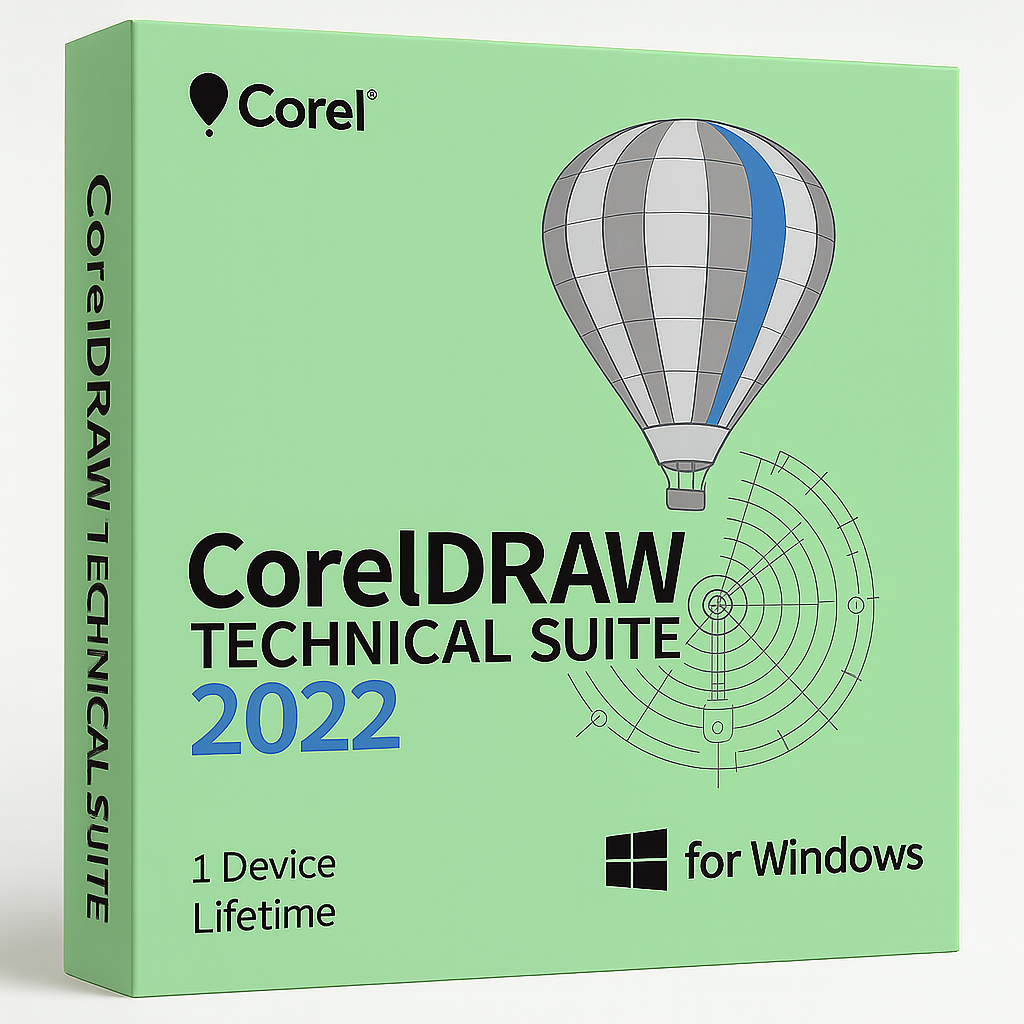
CorelDRAW Technical Suite 2022 for Windows – 1 Device Lifetime

€39.90


  • Original activation key and official download links
  • Fast email delivery usually within a few minutes
  • Free 24/7 Customer Support


You will receive:

Activation Keyย โ€“ (Original License Key)

Download Link โ€“ย Link to the official Corel Download Page

Instructions how to Install and activate your CorelDRAW Technical Suite 2022 for Windows

Out of stock

SKU: CD2022-T-W-1-L Categories: , Tags: , , Brand:

CorelDRAW Technical Suite 2022 for Windows

Official license from Shop Key Online โ€” the complete solution for technical illustration and design

CorelDRAW Technical Suite 2022 is an all-in-one software package that combines the industry-standard power of CorelDRAW with specialized technical drawing and design tools. Itโ€™s the perfect choice for professionals who need to produce accurate technical illustrations and detailed documentation for a range of industries.

  • Language: Multi-Language (English, French, German, Japanese)

  • License Duration: Lifetime

  • Operating System: Windows

  • Devices: 1

Whether youโ€™re working on parts illustrations, maps, schematics, or complex technical documents, CorelDRAW Technical Suite 2022 delivers all the tools you need. Its seamless integration lets you make the most of legacy data, work with a wide range of import and export formats, and connect easily with popular authoring and publishing systems

Key Features of CorelDRAW Technical Suite 2022

  • Precise Technical Illustration: Use Corel DESIGNERโ€™s dedicated tools to create detailed parts diagrams, schematics, and assembly instructions with pinpoint accuracy.

  • Professional Graphic Design: Leverage CorelDRAW for advanced vector illustration, page layout, and creative design work.

  • Photo Editing: Refine and enhance images with Corel PHOTO-PAINTโ€™s robust layer-based editing tools.

  • 3D Visualization: XVL Studio Corel Edition* lets you repurpose 3D engineering data for technical docs and visuals.

  • Flexible File Compatibility: Import, edit, and export a wide variety of industry-standard file formats with ease.

  • Collaborative Integration: Connect with popular authoring systems and streamline reviews and feedback for technical publications.

  • Comprehensive Suite: Includes additional tools like Corel Font Manager for organizing fonts and CAPTURE for quick screen captures

System Requirements

Operating System:

  • Windows 11 or Windows 10 (version 21H1 or later), 64-bit, fully updated

Processor:

  • Intel Core i3/5/7/9 or AMD Ryzen 3/5/7/9, or equivalent

RAM:

  • 4 GB minimum (8 GB or more recommended)

Hard Disk Space:

  • 9 GB for installation files (SSD recommended for best performance)

Graphics Card:

  • OpenCL 1.2-capable video card with at least 3 GB VRAM

Display:

  • 1280 ร— 720 minimum resolution (1920 ร— 1080 recommended)

Internet:

  • Internet connection required for installation, activation, and online features

CorelDRAW Technical Suite 2022 โ€” Frequently Asked Questions

What do I receive after purchasing CorelDRAW Technical Suite 2022?

After completing your purchase, you will receive an email containing your original activation key (licence key), a direct download link to the official Corel download page, and step-by-step instructions to install and activate CorelDRAW Technical Suite 2022 on your Windows device. Delivery is typically within a few minutes of payment.

How do I download CorelDRAW Technical Suite 2022?

Once you receive your confirmation email from Shop Key Online, click the official download link provided. This will take you directly to Corel’s download page. Select the appropriate installer for your system (Windows 64-bit), download the setup file, and run it to begin the installation process. An active internet connection is required during download.

How do I install CorelDRAW Technical Suite 2022?

Run the installer file you downloaded from Corel’s official page. Follow the on-screen prompts, accept the licence agreement, and choose your preferred installation type โ€” a typical installation will place all core applications and utilities in the default Program Files location. Make sure your system meets the minimum requirements: Windows 10 (21H1 or later) or Windows 11 (64-bit), at least 4 GB RAM, and 9 GB of free disk space.

How do I activate CorelDRAW Technical Suite 2022?

When prompted during or after installation, enter the activation key supplied in your Shop Key Online order email. An internet connection is required for online activation. If activation cannot be completed online, Corel also offers a phone activation option โ€” you will be given an installation code which you can provide to Corel support in exchange for an activation code. Full instructions are included with your purchase email. You can also refer to Corel’s official Install & Activate support page for additional guidance.

Is CorelDRAW Technical Suite 2022 a lifetime licence?

Yes. The licence you purchase from Shop Key Online is a genuine lifetime licence โ€” you pay once and use the software permanently on one Windows device, with no recurring subscription fees.

How many devices can I install CorelDRAW Technical Suite 2022 on?

The licence covers installation and activation on 1 device. If you need to cover additional devices, browse our full range of CorelDRAW licences to find the right option.

Which Windows versions are compatible?

CorelDRAW Technical Suite 2022 is compatible with Windows 10 (version 21H1 or later) and Windows 11, both 64-bit. Ensure your operating system is fully updated before installation to avoid compatibility issues.

What languages does CorelDRAW Technical Suite 2022 support?

The suite is available in multiple languages, including English, French, German, and Japanese, making it suitable for international teams and professionals working across different regions.

Is there a newer version of CorelDRAW Technical Suite available?

Yes โ€” if you need the most up-to-date release, you can also find CorelDRAW Technical Suite 2024 for Windows in our store. All versions come with the same genuine lifetime licence and fast email delivery.

What is CorelDRAW Technical Suite 2022 used for?

CorelDRAW Technical Suite 2022 is a professional software suite designed for technical illustration, documentation, and design. It is commonly used to create parts diagrams, schematics, assembly instructions, maps, and detailed technical documents across industries such as manufacturing, engineering, aerospace, and publishing. The suite includes CorelDRAW, Corel DESIGNER, Corel PHOTO-PAINT, and XVL Studio Corel Edition, among other tools.

What support is available if I have trouble with my licence?

Shop Key Online provides free 24/7 customer support. If you experience any issues with your activation key or installation, contact our support team and we will assist you as quickly as possible.

Reviews

There are no reviews yet.

Only logged in customers who have purchased this product may leave a review.