

The Windows 11 ReFS block is a new default setting that stops Windows 11 and Windows 10 from mounting external drives formatted with the Resilient File System (ReFS). Starting with the January 2027 security update, these volumes will no longer connect automatically unless an administrator specifically allows them. For most everyday users, nothing changes at all: the overwhelming majority of flash drives and external disks use NTFS, exFAT, or FAT32, none of which are touched by this update. IT admins, backup specialists, and anyone running specialized storage on removable ReFS volumes need to check their drives now, because this is not a temporary warning — it is a permanent default going forward.
What Is the Windows 11 ReFS block, and Why Is Microsoft Introducing It?
The Windows 11 ReFS block exists because ReFS on removable or externally attached media was never an officially supported configuration, and Microsoft is formally closing that gap. According to Microsoft’s own servicing documentation, the change is designed to improve the security posture of Windows by giving administrators visibility into unsupported external ReFS configurations before access is restricted. In plain terms: Microsoft is drawing a hard line between where ReFS is meant to live — servers, Storage Spaces, and virtualization hosts — and where it has been quietly used, like USB sticks and portable drives.
This isn’t a sudden switch. Microsoft rolled the change out in two distinct stages, giving organizations time to audit their hardware before anything actually stops working.
The Phased Rollout: From Warning to Enforcement
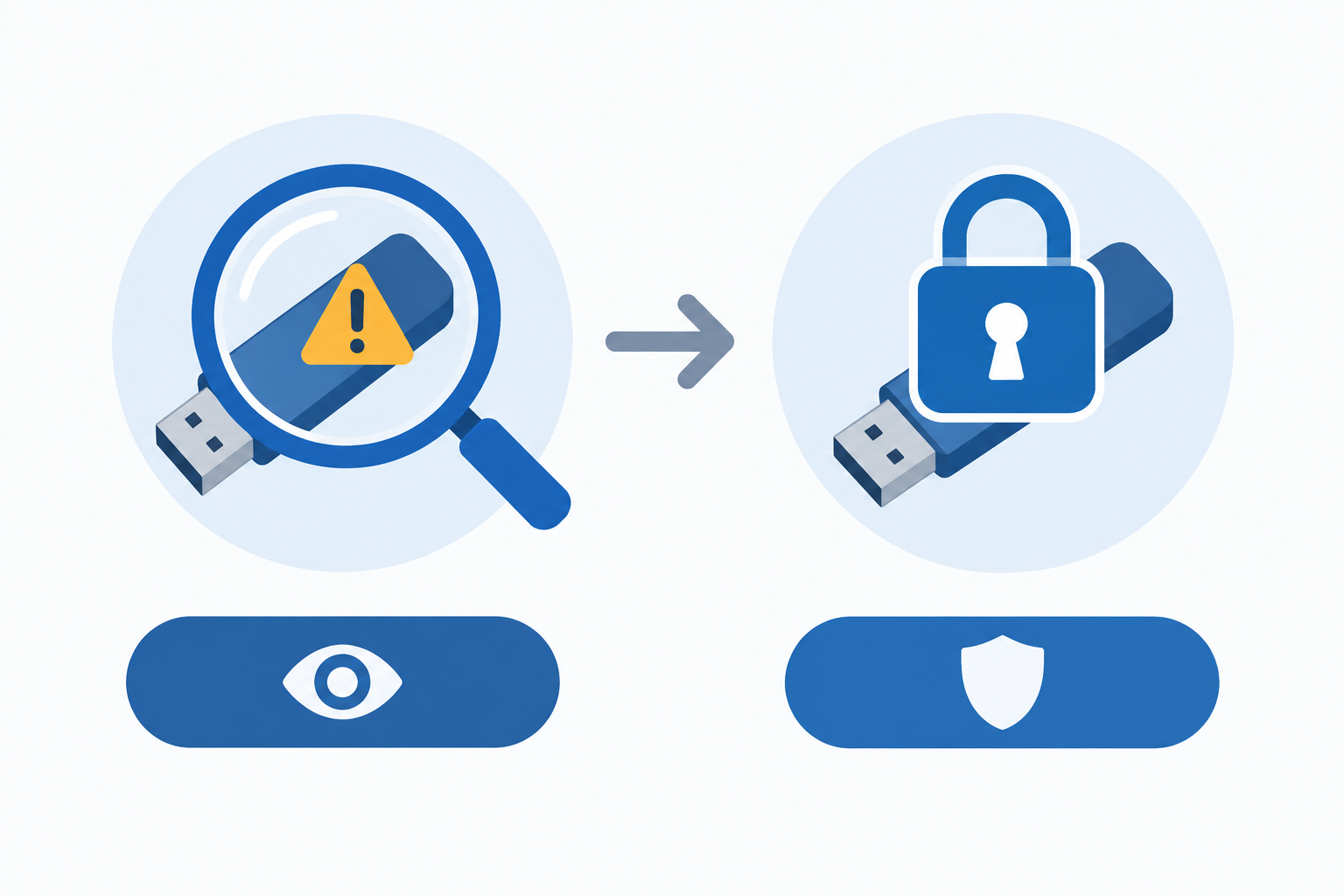
Phase One — The October 2026 Warning via Event ID 524
The first phase quietly began with the October 2026 update. From that point on, Windows started detecting ReFS volumes on removable or externally attached storage and logging the detection in the System event log under Event ID 524, with the source listed as “ReFS” and the level set to “Warning.” Nothing is blocked at this stage — the drive still mounts and works normally. This is purely a monitoring phase, intended to let administrators run a quick audit across their fleet of machines, counting how many devices are triggering that event before the restriction becomes real.
Phase Two — the Windows 11 ReFS block Takes Effect in January 2027
From the January 2027 security update onward, the behavior changes from passive logging to active enforcement. If no override has been configured, Windows will block ReFS volumes on removable media by default, meaning the drive simply won’t mount. Your files are not deleted and the data itself is not touched — it becomes inaccessible through the normal interface until either the drive is reformatted to a supported file system, or an administrator reverses the default behavior.
Who Is Actually Affected by the ReFS block on Windows 11?
Everyday Users With NTFS, exFAT, or FAT32 Drives Are Not Affected
If your external drives and flash sticks were formatted the normal way — NTFS, exFAT, or FAT32 — this change has no impact on you whatsoever. These remain the default, fully supported formats for removable storage, and Windows will keep reading and writing to them exactly as before. For the typical home or small-office user, there is genuinely nothing to do here.
Who Should Actually Be Concerned
The people who need to pay attention are a narrower group:
- IT administrators managing fleets of workstations that may include ReFS-formatted backup drives or removable Storage Spaces volumes
- Power users who intentionally formatted a portable SSD or external enclosure as ReFS for its integrity-checking or large-volume features
- Businesses using specialized external storage appliances or NAS-adjacent devices that default to ReFS
- Anyone who created a ReFS Dev Drive or similar developer-focused volume on removable media
If you fall into any of these categories, the Windows 11 ReFS block is worth planning around well before January 2027 arrives, not after.
How to Check Which File System Your Drive Uses

Checking a drive’s file system takes less than a minute and should be the first step for anyone unsure whether they’re affected. The quickest ways are:
- Open File Explorer, right-click the drive, and select Properties — the file system is listed on the General tab
- Open Disk Management (diskmgmt.msc) and look at the “File System” column for each volume
- Open Command Prompt or PowerShell and run diskpart, then list volume, to see the file system for every attached disk
- Check the System event log for recurring Event ID 524 entries, which flag ReFS volumes on removable media automatically
If every result comes back NTFS, exFAT, or FAT32, you can stop worrying about this particular change. If anything shows ReFS, it’s time to plan ahead.
How Admins Can Prevent the Windows 11 ReFS block From Disrupting Access
Admins are not locked out of ReFS removable storage permanently — the block is a default, not an absolute rule, and Microsoft has confirmed that the restriction can be overridden through either Group Policy or the Windows Registry.
Overriding via Group Policy
In managed environments, the cleanest approach is a Group Policy object applied to the relevant computers or organizational unit, configured to permit ReFS volumes to continue mounting from removable media. Because Group Policy settings take precedence over local registry edits, this is the recommended route for any organization managing more than a handful of machines, since it keeps the override consistent and auditable across the fleet.
Overriding via the Registry
For standalone machines or smaller setups, the equivalent registry value can be set manually to achieve the same result. As with most registry-level changes, a restart is required before the new setting takes effect, and it’s worth documenting exactly which machines have been modified — especially if staff eventually rotate through different devices carrying the same external drives.
Either way, the override needs to be in place before the January 2027 update lands if you want uninterrupted access. Applying it reactively, after a drive has already stopped mounting, still works, but it means a period of inconvenience that’s easy to avoid with a little planning.
Why ReFS Was Never Really Built for Portable Drives

ReFS, or Resilient File System, is Microsoft’s file system built around data integrity and large-scale resilience rather than portability. It debuted as a new file system in 2012, alongside Windows Server, where it was designed to detect corruption and, in supported configurations, repair it automatically. Its natural home has always been servers, Storage Spaces pools, and Hyper-V or other virtualization hosts — environments with constant power, redundant storage, and administrators watching over them. A USB stick that gets unplugged mid-write, dropped, or swapped between random machines is almost the opposite of that environment, which is exactly why Microsoft never positioned ReFS as a removable-media format in the first place. Still, ReFS has real performance advantages in its intended setting: according to Windows Latest, Microsoft found that block cloning on a Dev Drive using ReFS produces a massive 92% reduction in copy time compared with NTFS.
How to Prepare Before January 2027
Whether you manage ten machines or ten thousand, the preparation checklist for the Windows 11 ReFS block is short and manageable if you start now:
- Search Event Viewer across your fleet for Event ID 524 to identify every device that has flagged a ReFS removable volume
- Back up any important data stored on an affected drive to NTFS, exFAT, or a network location
- Decide, per device or per policy, whether to reformat the drive to a supported file system or configure an override
- Test your Group Policy or registry override on a pilot machine before rolling it out broadly
- Communicate the change to end users who might otherwise assume a “dead” drive is a hardware failure
If part of your preparation involves refreshing older hardware or consolidating licenses while you’re already auditing machines, it’s a reasonable moment to also check which devices are still running an outdated or unlicensed copy of Windows. A properly licensed Windows 11 Pro installation, for instance, gives administrators full access to Group Policy management tools needed to configure the override described above, which Windows 11 Home does not include. For machines still on the older OS, a Windows 10 Pro license offers the same Group Policy capability ahead of the January 2027 change, since the block applies to both operating systems. And if your team wants a cleaner way to monitor Event ID 524 alongside other system events, it’s worth reading how to streamline Event Viewer logging so important warnings don’t get lost in the noise.
Frequently Asked Questions
What exactly triggers the Windows 11 ReFS block?
The block is triggered when Windows detects a volume formatted with ReFS on removable or externally attached storage, such as a USB flash drive or portable external disk. Internal drives and server-attached storage using ReFS are not affected by this particular change.
Will I lose my files when the Windows 11 ReFS block takes effect?
No. The data on the drive itself is not deleted or altered. The volume simply stops mounting automatically, which makes the files temporarily inaccessible through File Explorer until the drive is reformatted or an override is applied.
How do I know if my drive is already being flagged?
Check the System log in Event Viewer for Event ID 524, sourced from “ReFS.” If this event appears, the drive is a ReFS volume on removable media and will be affected once the block becomes active.
Does this affect Windows 10 as well as Windows 11?
Yes. The change applies across both Windows 10 and Windows 11, since the underlying ReFS driver and the hardening update are shared between the two operating systems.
Can I permanently disable the Windows 11 ReFS block?
Administrators can override the default behavior using Group Policy or a registry setting, which keeps ReFS removable volumes mounting as before. This requires administrative access and is intended for managed or advanced setups rather than typical home use.
Do NTFS, exFAT, or FAT32 drives need any changes?
No. None of these file systems are affected by the Windows 11 ReFS block, and drives using them will continue to mount and work exactly as they do today.
