
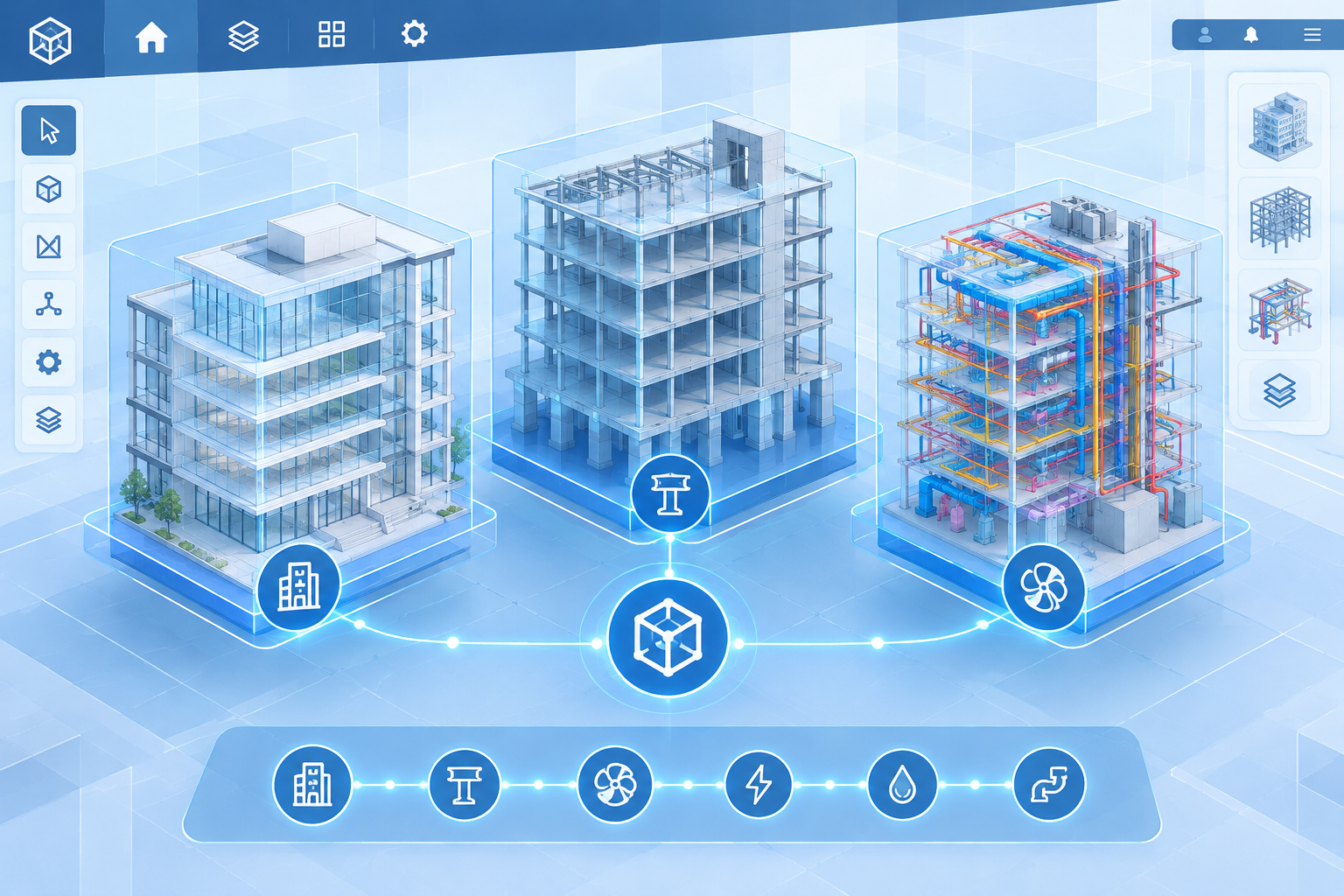
BIMCraft linked projects let architects, engineers, and designers connect separate discipline-specific models — architectural, structural, MEP — into one coordinated, cross-referencing workspace inside a free, open-source BIM authoring tool. For teams used to paying for Autodesk’s cloud worksharing tools just to achieve the same coordination, a free tool offering it is worth a closer look.
BIMCraft is an open-source BIM application built by developer IPedrax as what its own project page calls a “clean-room take on the Revit workflow.” It’s still an early-stage project, written in Rust and able to run on Windows, Mac, and Linux, and it can already open real Revit (RVT) files — a detail that matters a great deal once you start talking about linking models across a team. Its linked projects feature is one of the clearest signs the tool is maturing past a simple interface clone and into something that can genuinely support multi-discipline teamwork.
What Does BIMCraft Linked Projects Mean for CAD Teams?
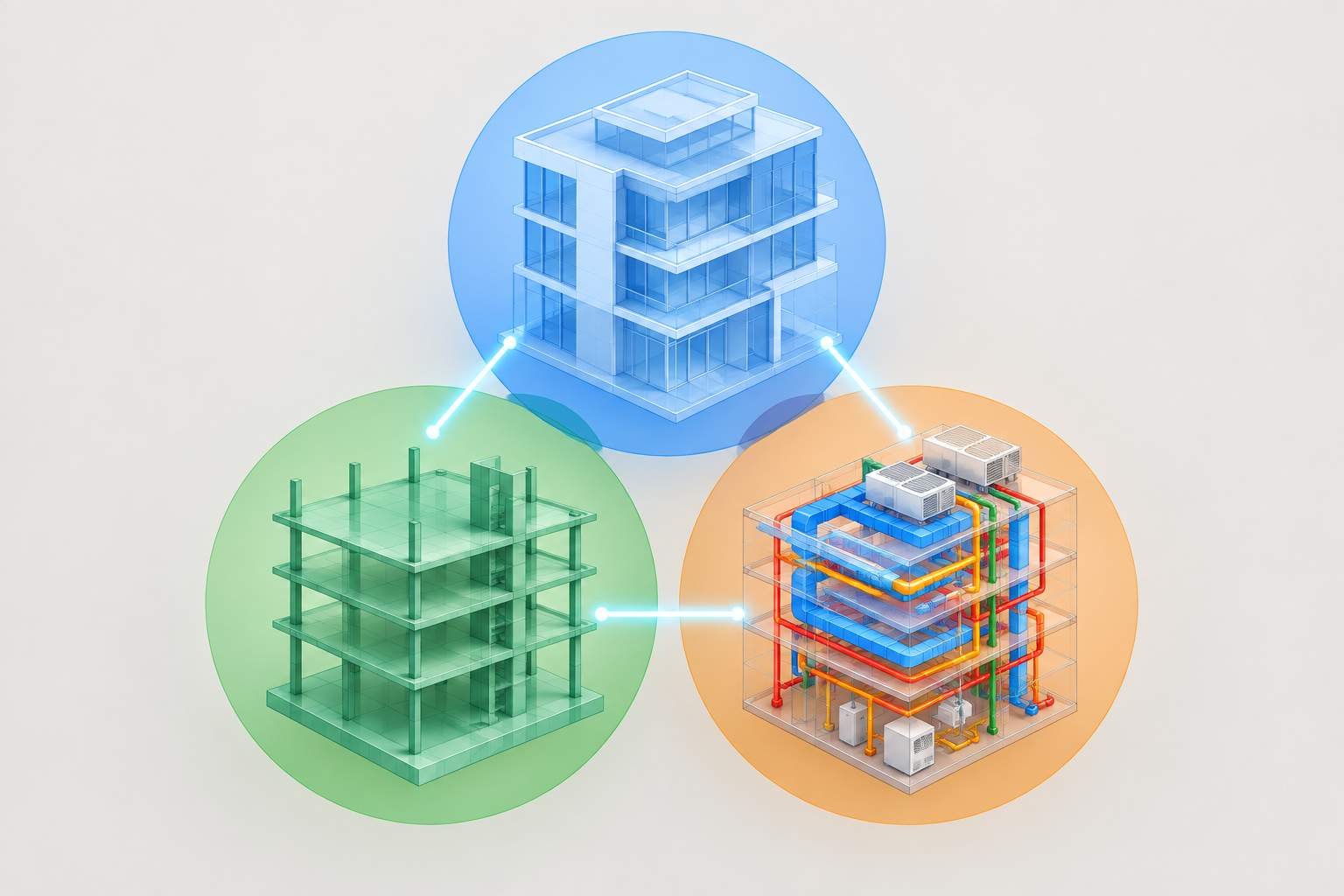
In practical terms, BIMCraft linked projects means a structural engineer, an architect, and an MEP consultant can each own and maintain their own model file while still seeing, coordinating, and cross-checking all three inside one shared project view — without merging the files or overwriting each other’s work.
This is the same core idea behind linked models in any mature BIM workflow: each discipline keeps control of its own data, but the team still works from a single coordinated picture. The practical benefits are well established across the industry:
- Clash detection between disciplines without exporting to a neutral format first
- Each team keeps ownership and version control of its own model
- Shared coordinates keep everything aligned to the same project origin
- Updates from one linked model can be reloaded without disrupting the host file
What makes this notable for BIMCraft specifically is that this kind of workflow has, for years, been something firms associated almost exclusively with paid, enterprise-grade BIM platforms.
How Linked Projects in BIMCraft Work
Linked projects in BIMCraft follow a familiar pattern for anyone who has used Revit’s Link Revit command: a team member imports an external model as a reference, sets shared coordinates so everything lines up geometrically, and controls visibility of the linked file layer by layer. When the linked model changes, the host project can reload it to pick up the latest version.
Because BIMCraft is still an early-stage, actively developed project, the feature set around linking — cloud sync behavior, permission controls, and how gracefully it handles large, complex projects — is likely to keep evolving. Firms experimenting with it should treat it as a genuinely useful but still-maturing tool rather than a finished, enterprise-hardened platform.
Who Benefits Most Right Now
Independent architects, small studios, students, and firms testing interoperability between RVT-based consultants and non-Autodesk tools are the most natural early adopters, since the cost of trying BIMCraft is effectively zero and the risk is limited to non-critical or internal projects.
Why BIMCraft’s Linked Projects Challenge Autodesk’s BIM Tools
BIM is no longer a niche workflow. A 2023 industry survey covered in recent BIM adoption research put BIM’s penetration rate at 70% among construction professionals, even as the same research notes that a large share of firms still cite cost and training as adoption barriers. That combination — high demand, real cost sensitivity — is exactly the gap BIMCraft’s linked projects feature is positioned to exploit.
Autodesk’s own cross-discipline linking tools, built around Revit Cloud Worksharing and BIM Collaborate Pro, require ongoing subscriptions on top of a Revit license for every seat that participates. BIMCraft offering a comparable conceptual workflow — separate discipline models, linked and coordinated in real time — at no license cost at all lowers the entry barrier considerably, particularly for freelancers, small studios, students, and firms in markets where licensing spend is a bigger constraint than feature depth.
That doesn’t make BIMCraft a direct replacement for Autodesk’s ecosystem today. But it does mean architects and engineers now have a genuine, if early, point of comparison the next time they evaluate what they’re actually paying for when they renew a Revit or BIM Collaborate Pro subscription.
Autodesk’s Existing Answer: Revit Linking and BIM Collaborate Pro
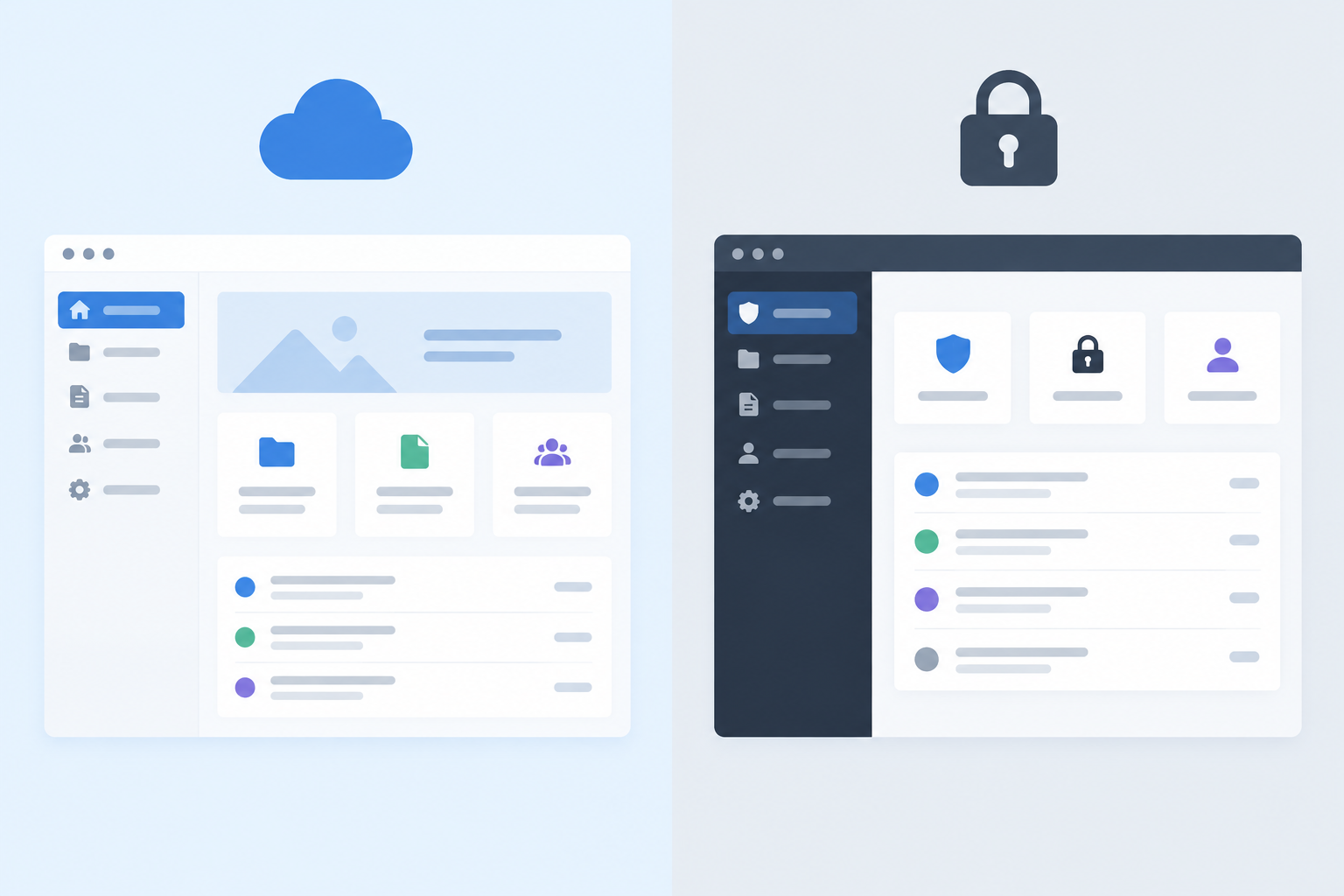
Autodesk’s own documentation on Revit model linking with BIM Collaborate Pro describes a mature, deeply integrated workflow: team members with the right access level can live-link to a hosted model directly from Revit, with permissions, publishing, and cloud worksharing all managed inside Autodesk Construction Cloud.
This maturity is real and shouldn’t be dismissed. Autodesk’s linking tools come with years of refinement, broad plugin and API support, enterprise permission structures, and support channels that large firms depend on for mission-critical projects. That infrastructure is exactly what a newer, open-source tool hasn’t had time to build yet.
BIMCraft Project Linking vs. Revit Worksharing: Key Differences
Comparing BIMCraft project linking to Autodesk’s established worksharing tools comes down to a handful of practical trade-offs:
- Cost: BIMCraft is free and open-source; Revit plus BIM Collaborate Pro requires ongoing paid subscriptions per seat.
- File compatibility: BIMCraft can already open real RVT files, which lowers the switching cost for teams that already have Revit-based projects.
- Maturity and support: Revit’s linking tools are years into refinement with dedicated enterprise support; BIMCraft is still an early-stage, community-driven project.
- Platform reach: BIMCraft runs on Windows, Mac, and Linux, while Revit itself is Windows-only.
- Ecosystem: Autodesk Construction Cloud offers a large, established plugin and integration ecosystem that an early open-source tool hasn’t built out yet.
Neither side wins outright on every point, which is exactly why this comparison is worth paying attention to rather than dismissing.
What This Means for Architects, Engineers, and Designers Choosing BIM Software

For most practices, the realistic near-term move isn’t to abandon Autodesk tools — it’s to run a hybrid stack. Keep a licensed copy of Autodesk Revit for client deliverables, consultant handoffs, and anything that needs guaranteed RVT or DWG compatibility, while testing BIMCraft on internal, non-critical, or budget-constrained projects to see how its linking workflow holds up over time.
If your studio still depends on native Revit or AutoCAD files for client work, keeping a genuine, properly licensed copy matters more than ever when you’re also experimenting with newer interoperable tools — a mismatch in file compatibility is the last thing you want mid-project. Shop Key Online supplies genuine Autodesk license keys for teams that need to stay compatible with consultants and clients who haven’t made any kind of switch yet, and our AutoCAD for Beginners guide and Autodesk AECO integrations guide are useful starting points if you’re mapping out how these tools fit together across your team.
The bigger takeaway is competitive pressure, not imminent replacement. BIMCraft’s linked projects feature shows that the core workflow Autodesk has built much of its BIM pricing around — coordinated, cross-discipline model linking — is no longer something only an enterprise subscription can deliver. That alone should be enough to make Autodesk’s product teams pay attention.
Frequently Asked Questions
What is the BIMCraft linked projects feature?
It’s a workflow inside the open-source BIMCraft application that lets separate discipline models — architectural, structural, MEP — be linked together into one coordinated project view, similar in concept to linked models in Revit, without merging the underlying files.
How do I set up BIMCraft’s linked projects for a multi-discipline team?
Each team member keeps their own model file, imports the other disciplines’ models as linked references, and aligns everything using shared coordinates. From there, linked models can be reloaded whenever a discipline publishes an update.
Does BIMCraft project linking support cloud collaboration?
BIMCraft is an actively developed, early-stage project, and its cloud and linking capabilities are expected to keep expanding. Teams relying on it today should treat its collaboration features as still maturing rather than finished.
How is linked projects in BIMCraft different from Revit’s linked models?
The underlying concept is similar — separate, linkable model files coordinated in one view — but Revit’s linking is backed by years of refinement, Autodesk Construction Cloud integration, and enterprise support, while BIMCraft’s version is newer and community-driven.
Is BIMCraft a full replacement for Autodesk Revit?
Not yet for most professional workflows. It’s free, open-source, and can already open real Revit files, but it lacks the maturity, plugin ecosystem, and enterprise support that many firms depend on for client-facing, mission-critical projects.
Can I use BIMCraft alongside AutoCAD or Revit files?
Yes — BIMCraft is designed to open real RVT files, which makes it realistic to test on projects that already involve Revit-based consultants, though firms with strict deliverable requirements should keep a licensed copy of Revit or AutoCAD for client-facing work.
