Microsoft is ending OneDrive support for Windows 10 on 15 August 2026 for every build before 22H2. Here is exactly what breaks, what does not, and what to do before the deadline.


Microsoft is ending OneDrive support for Windows 10 on 15 August 2026 for every build before 22H2. Here is exactly what breaks, what does not, and what to do before the deadline.

Windows 11 version 24H2 will reach end of support on 13 October 2026. Here’s exactly what that means for Home and Pro users, and how to upgrade before the deadline.

Windows 11 ships with dozens of pre-installed apps you never asked for. Here’s how to safely strip them out using Settings, PowerShell, and Group Policy — without breaking your system.

Microsoft’s Global Device ID runs silently on every Windows 11 machine. Here’s what GDID actually tracks, which settings reduce its reach, and why you can’t switch it off completely.

Microsoft’s new Cloud Rebuild feature lets you fully reinstall Windows 11 over the internet — no USB drive or local media required. Here’s exactly how to use it.

A widespread Windows 11 graphics bug is leaving users staring at corrupted screens — and Chrome may be the trigger. Here’s how to diagnose it and fix it today.

Microsoft confirmed a Windows 11 storage bug that silently fills up to 500GB of your drive. Here’s what causes it, how to check your system, and the fastest fix available right now.

Confused by Windows 11 activation? This practical guide walks you through finding, entering, and troubleshooting your product key — plus explains OEM, Retail, and Volume licences.
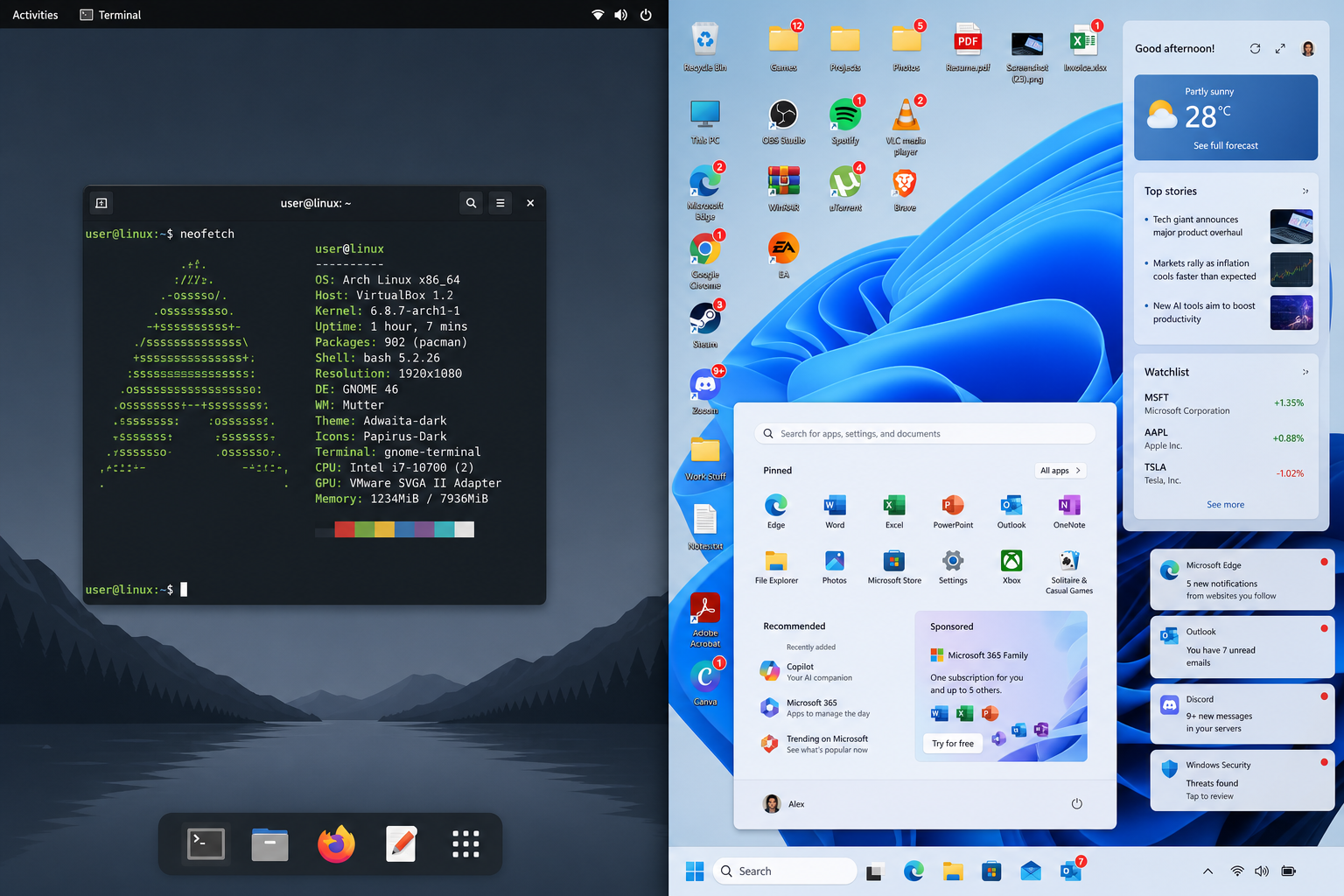
A seasoned Linux user exposes 9 critical Windows 11 problems — from crippled taskbar controls to background bloat — with practical power-user workarounds for each.
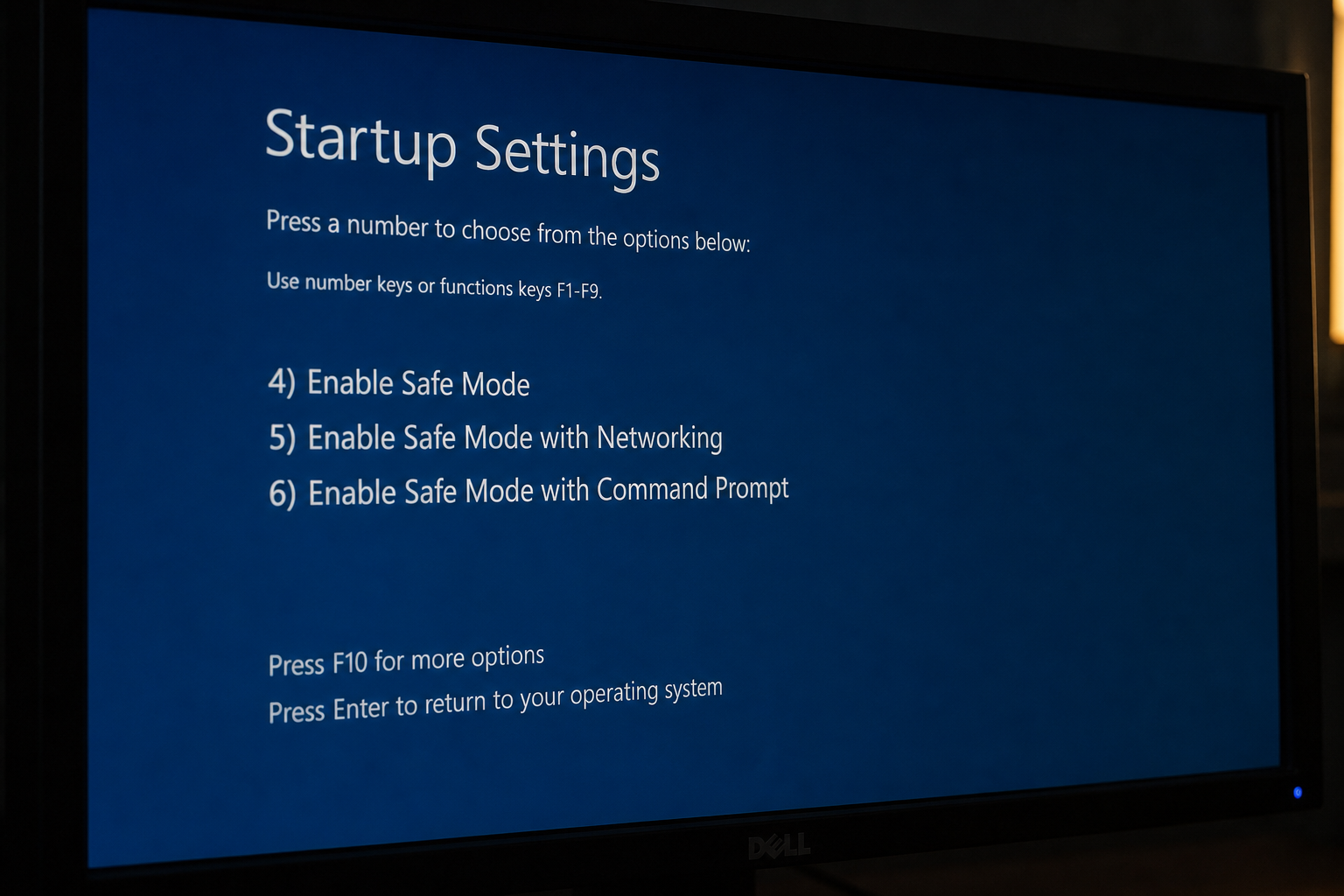
Safe Mode is Windows’ most powerful built-in troubleshooting tool. Learn exactly how to boot into Safe Mode on Windows 10 and 11, what it disables, which errors it can fix, and how to run System Restore from within it.
Use code EXTRA10 at the cart or checkout to enjoy 10% Discount of your order.
Valid for single use per customer.
