Recurring print spooler crashes break shared printing fleets. Here’s how sysadmins diagnose the real cause and fix it for good.
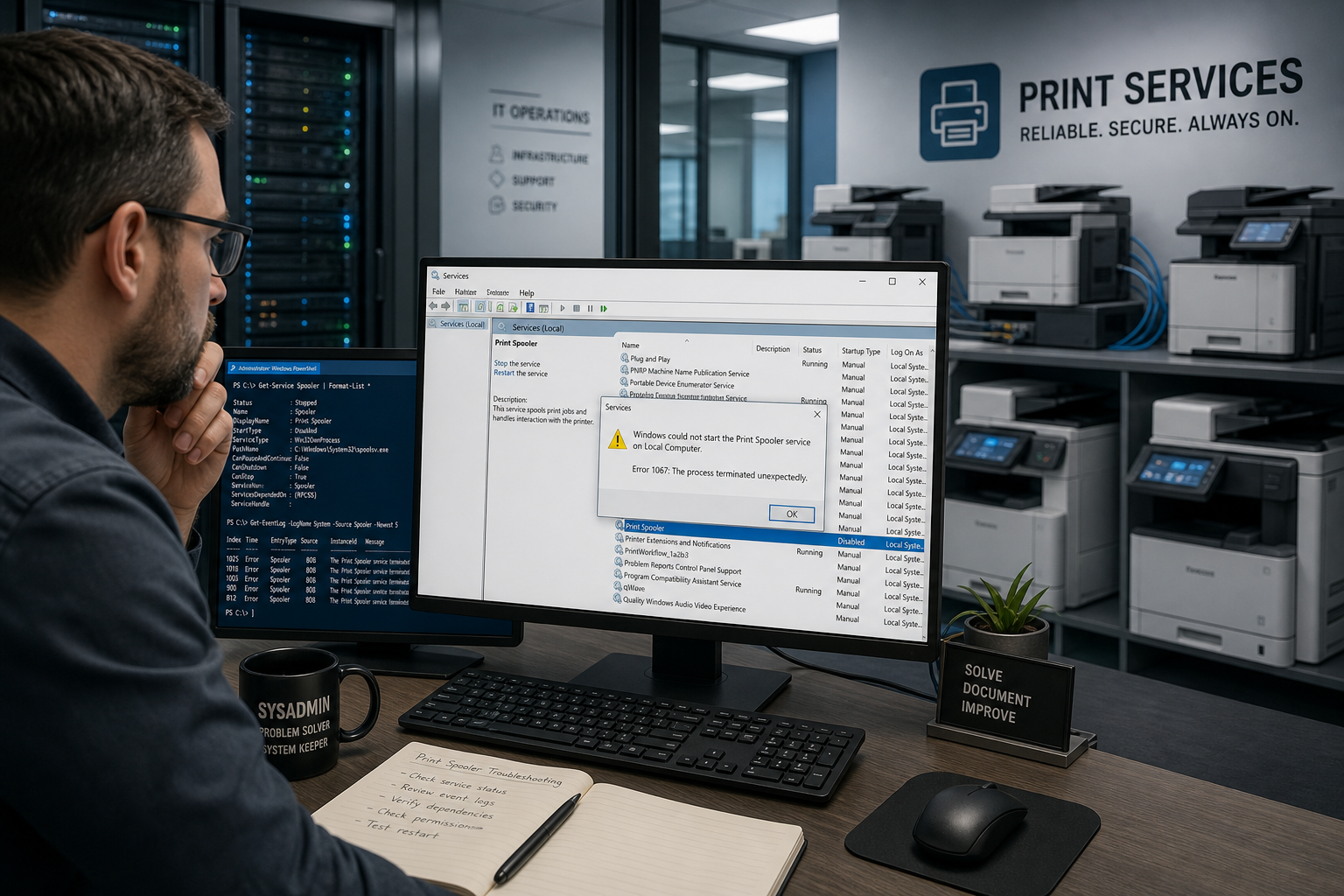

Recurring print spooler crashes break shared printing fleets. Here’s how sysadmins diagnose the real cause and fix it for good.
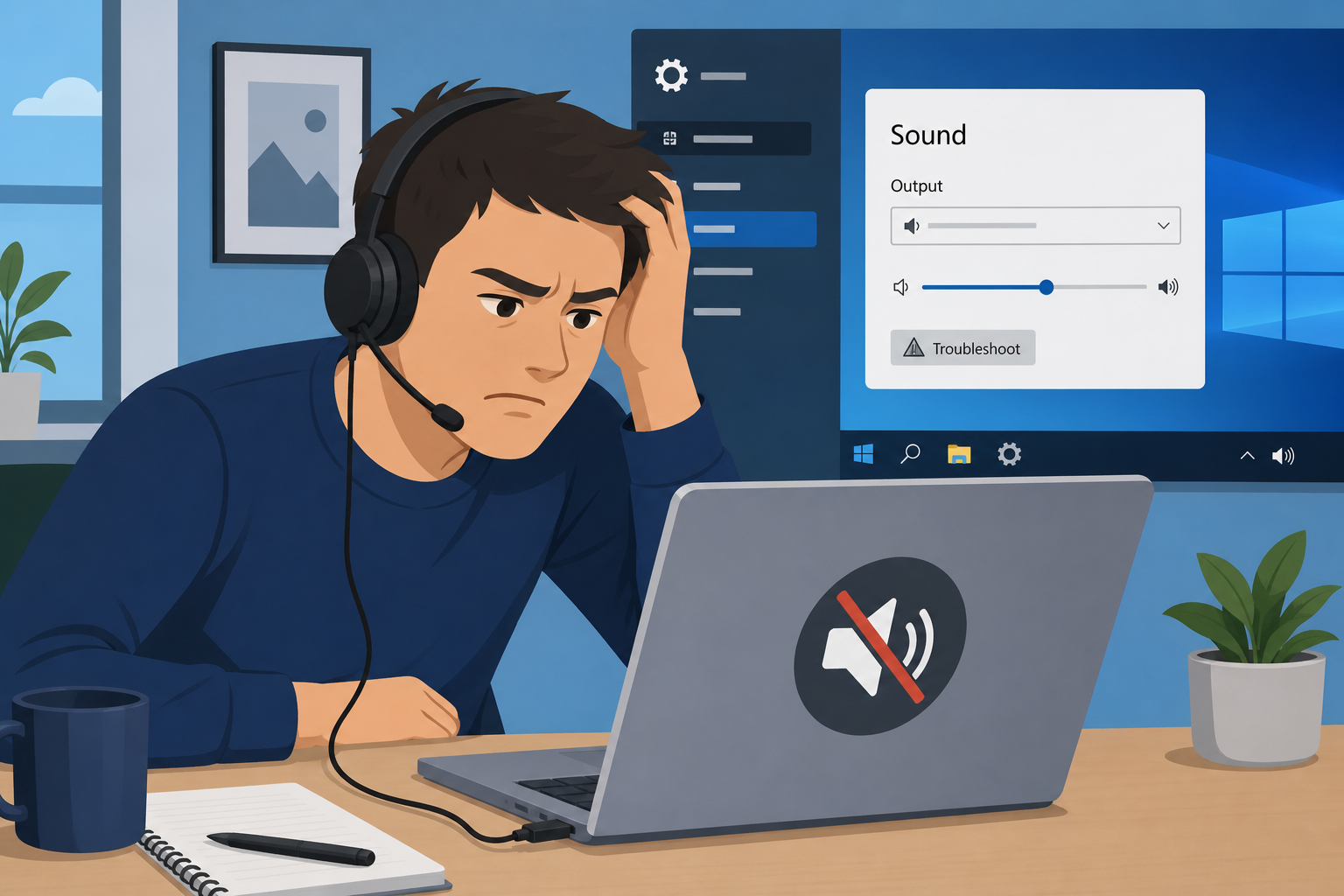
An emergency Windows update has left some PCs without sound. Here’s what’s broken, which devices are affected, and workarounds that actually help.
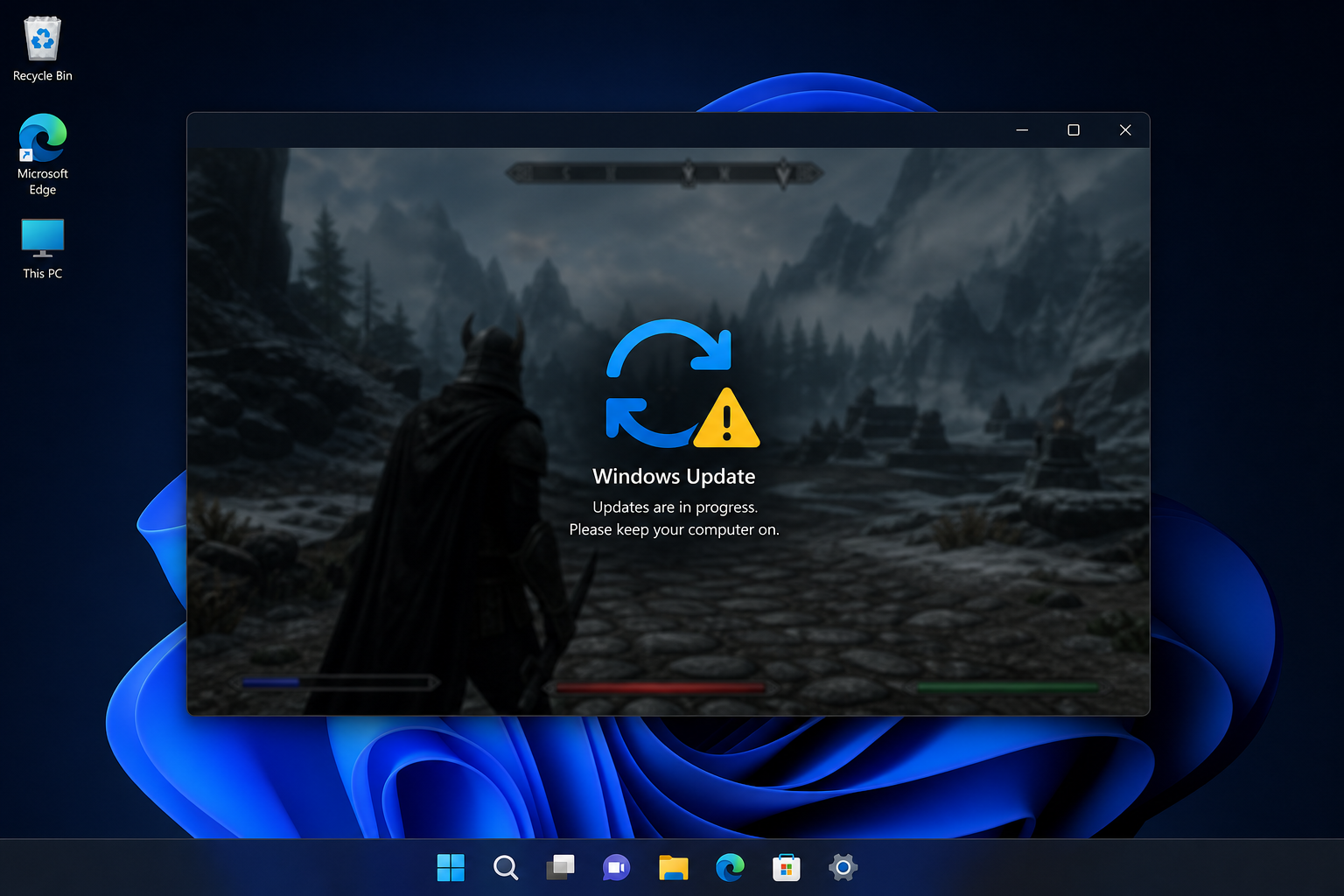
Windows 11’s KB5121003 update is crashing games with freezes and reboots. Here’s the cause, Microsoft’s workaround, and how to roll back safely.
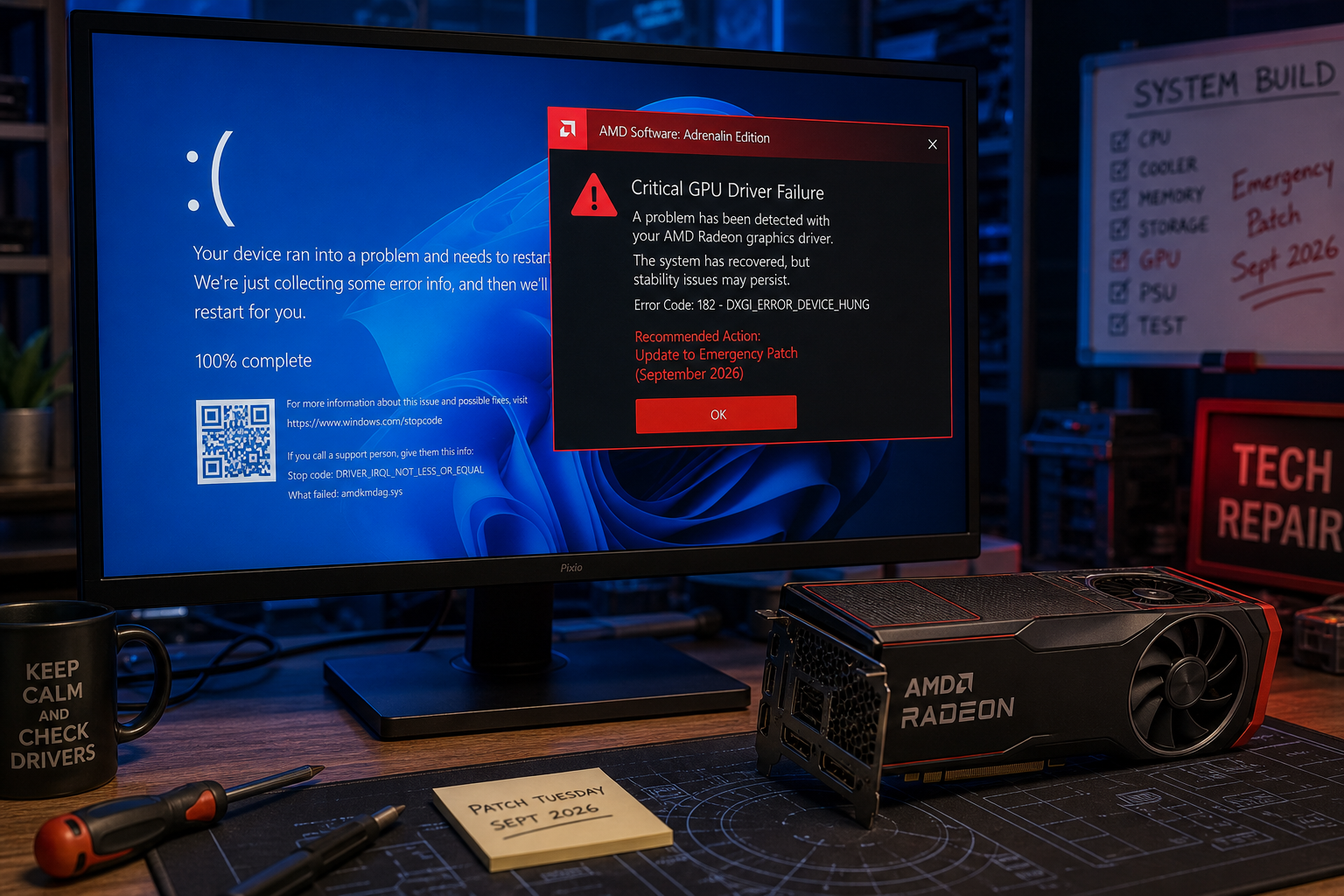
Microsoft’s September 2026 emergency patch fixed some issues but left AMD GPU driver crashes and File Explorer hang-ups unresolved. Here’s exactly what to do.
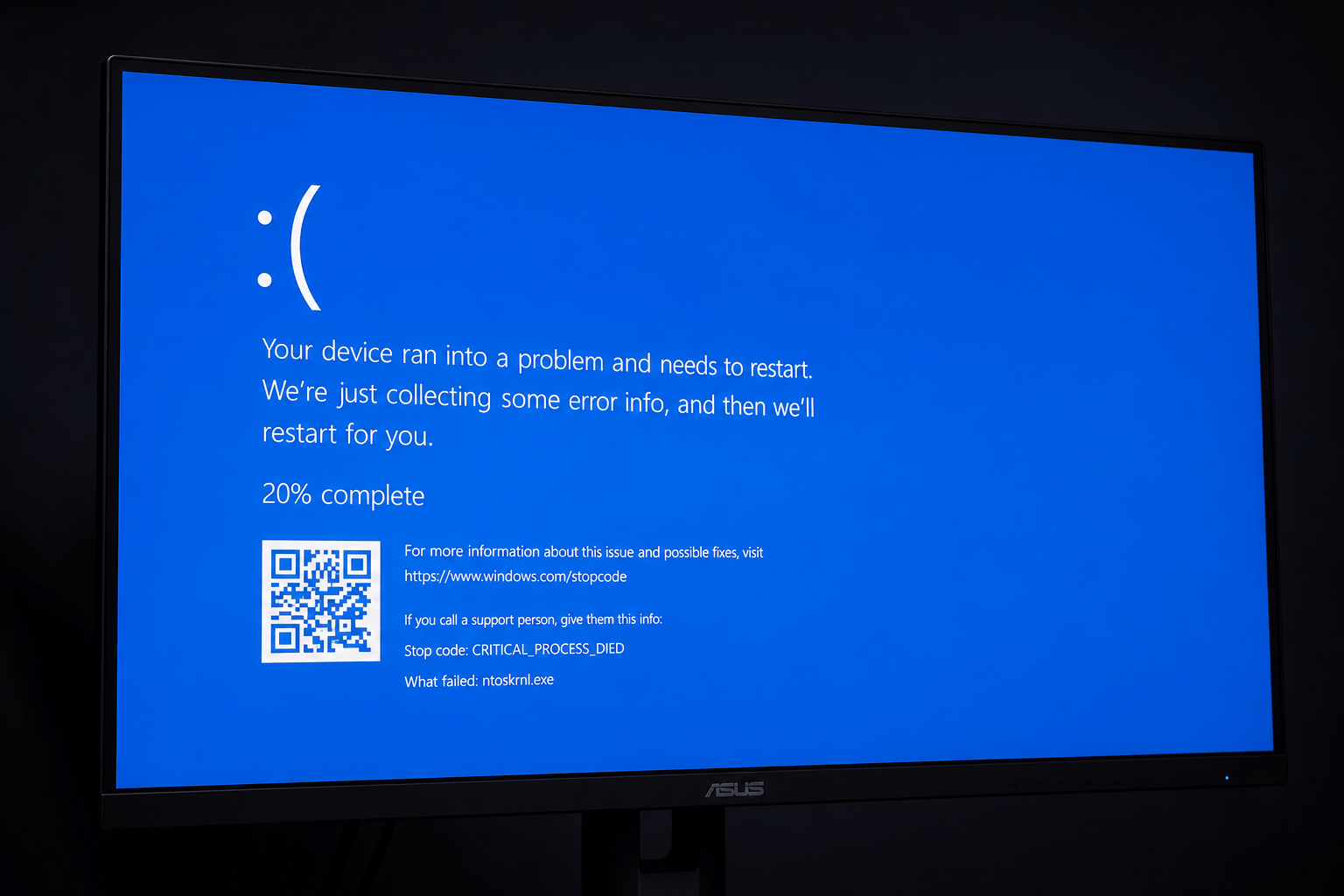
Blue screen crash got you stumped? This guide decodes the most common BSOD error codes — DRIVER_IRQL, MEMORY_MANAGEMENT, CRITICAL_PROCESS_DIED — and shows you the fastest path back to a stable Windows PC.
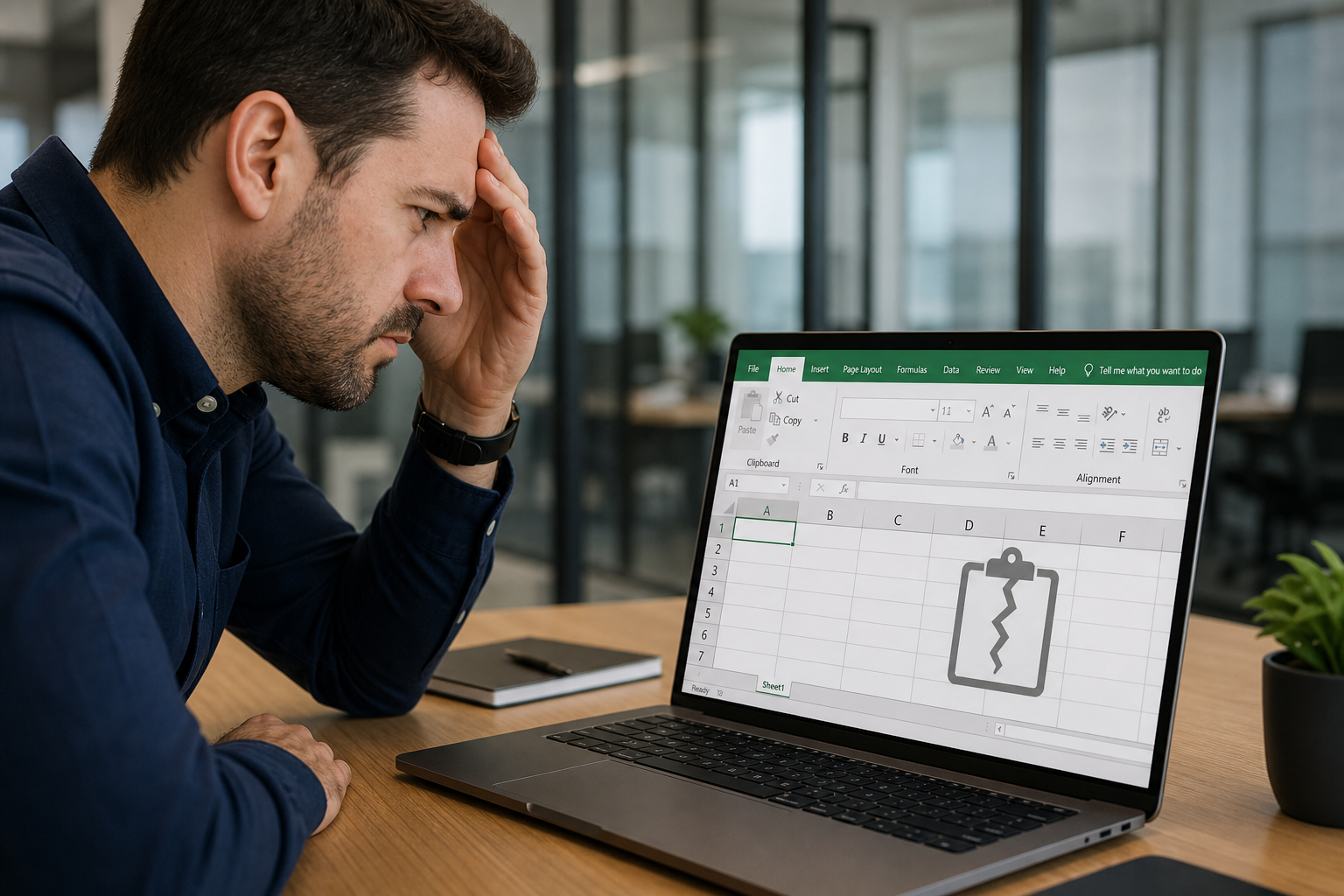
Microsoft’s September 2026 Patch Tuesday update KB5002914 has broken copy-paste in Excel for thousands of users. Here’s what causes it, how to fix it, and what to do next.
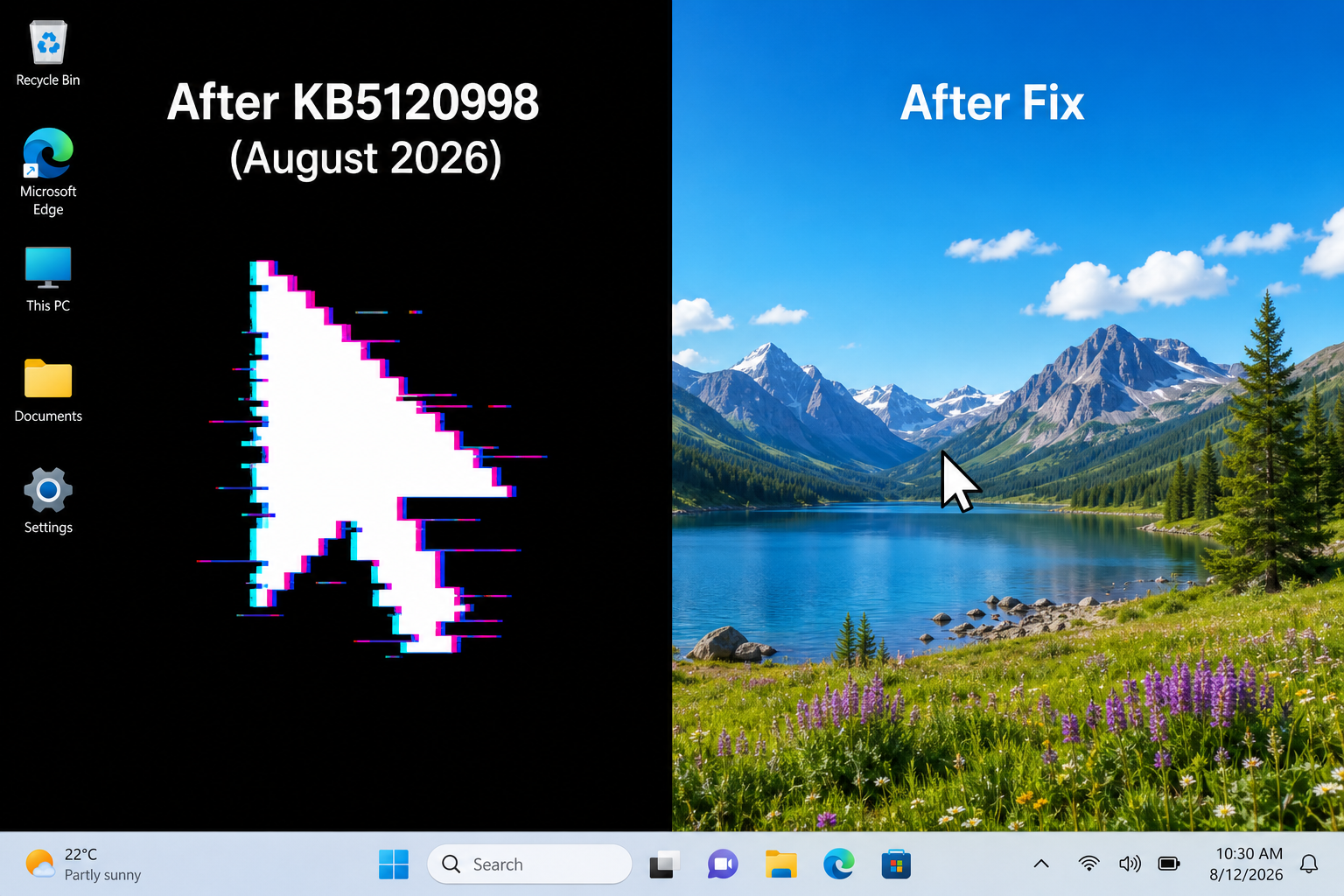
KB5120998 is resetting custom cursors and wiping wallpapers for thousands of Windows 11 users. Here’s exactly what went wrong and how to fix it fast.

The August 2026 Windows 11 update (KB5121003) is crashing games on PCs with RGB hardware. Here’s the root cause, the confirmed registry fix, and how to stay protected.

Microsoft’s August 2026 Patch Tuesday introduced a .NET Framework bug that silently kills printing and PDF export for millions of Windows 11 users. Here’s what went wrong and how to fix it.

Blue screen stop codes don’t have to mean disaster. Learn how to diagnose and fix critical Windows errors fast, without data loss or a full reinstall.
Use code EXTRA10 at the cart or checkout to enjoy 10% Discount of your order.
Valid for single use per customer.
