
The best free vector graphics resources for illustrators combine reliable licensing, genuinely scalable SVG files, and consistent style quality — and you don’t need a stock subscription to find them. Whether you’re building a logo, an icon system, or a full illustration set, a handful of well-chosen libraries can cover most of what a professional project needs, and the rest comes down to knowing how to vet and adapt what you download.
This guide rounds up the libraries, icon sets, and utilities worth bookmarking, explains how to check licensing before you use anything commercially, and covers what to do once you’ve collected your assets — including how to bring them into a proper vector editor for real production work.
Why Free Vector Graphics Resources Matter for Illustrators
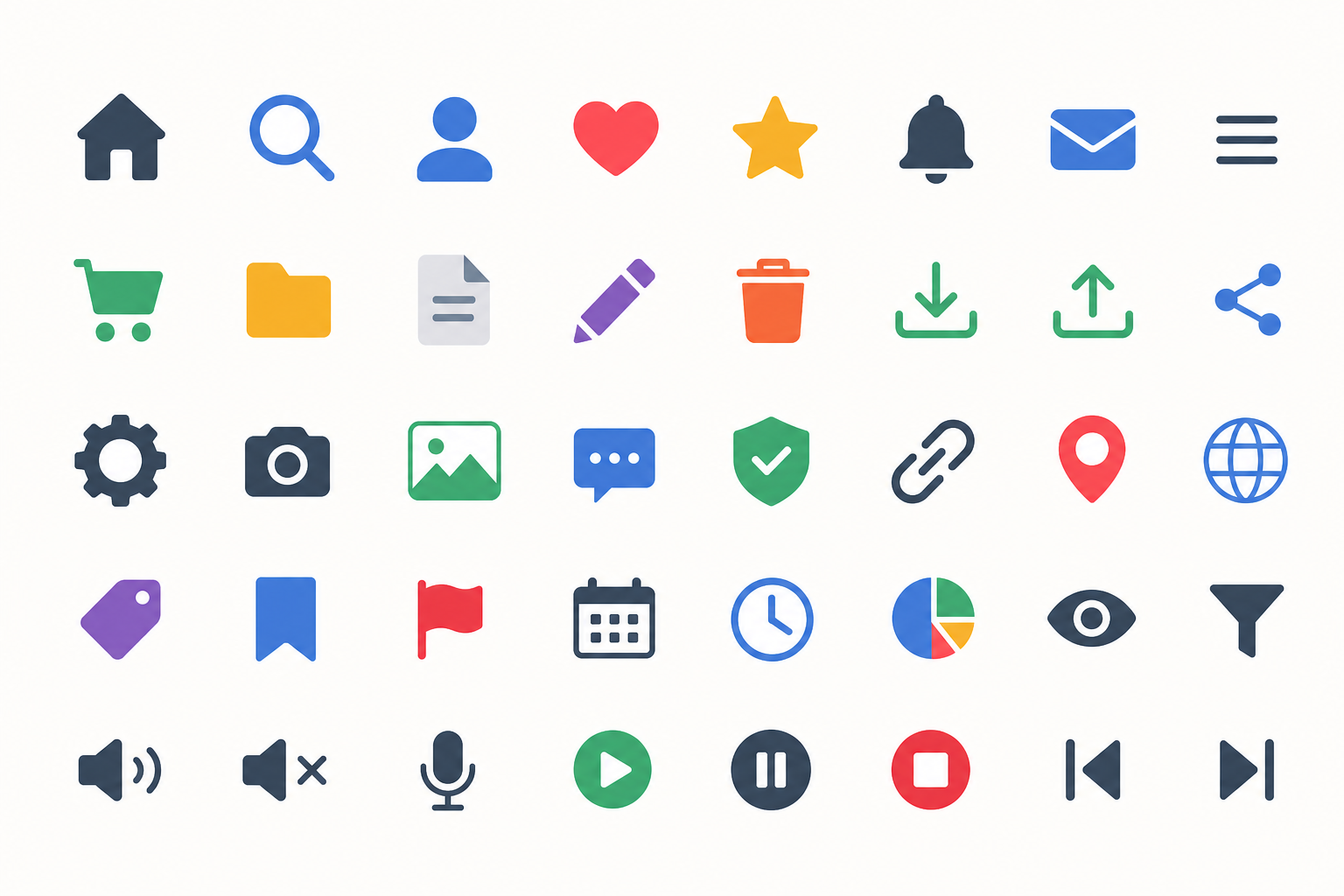
Free vector graphics resources matter because they remove the two biggest barriers to fast concepting: cost and file-format friction. Vector files scale to any size without quality loss, which makes them ideal for everything from business cards to billboards, and a strong personal library means you’re never starting a project from a blank canvas.
Illustrators who rely purely on paid stock subscriptions often pay for access they use once or twice a month. A curated set of free libraries, used correctly and with attention to licensing, can cover icons, textures, and base shapes for a huge share of everyday design work — leaving paid tools and stock for the assets that genuinely need them.
Top Free Vector Graphics Resources for SVGs and Icon Sets
The strongest free vector graphics resources fall into a few clear categories: general SVG repositories, dedicated icon libraries, and public-domain clipart archives. Each serves a different stage of the design process.
General SVG and Vector Libraries
- SVG Repo — thousands of collections of SVG icons and vectors, searchable by color and style, free for commercial use.
- Openclipart — an online media repository of over 180,000 vector graphics released entirely into the public domain, founded in 2004.
- Public Domain Vectors — downloadable SVG and vector files free of copyright restrictions, useful for backgrounds, patterns, and decorative elements.
Icon-Specific Collections
- Flaticon — one of the largest icon and sticker libraries, offering PNG, SVG, EPS, PSD, and CSS formats.
- The Noun Project — nearly 10 million SVG and PNG icons, useful when you need a very specific, literal symbol quickly.
- Freeicons.io — a large collection spanning SVG, PNG, AI, and EPS, aimed squarely at web, app, and presentation design.
Bookmarking two or three from each category gives you enough variety in style — line, filled, flat, hand-drawn — to match almost any brand brief without hunting from scratch every time.
How to Evaluate Free Vector Graphics Resources Before You Use Them
Evaluating free vector graphics resources properly means checking three things before a single asset goes into client work: license terms, attribution requirements, and file quality. Skipping this step is the single most common mistake illustrators make with free libraries.
Licensing Checklist
- Confirm whether the license permits commercial use, not just personal projects.
- Check if attribution is required, and if so, where it must appear.
- Look for restrictions on modification — some licenses forbid altering the original shape or color.
- Verify the file is genuinely vector (SVG, AI, EPS) and not a rasterized image saved with a vector extension.
Public-domain sources like Openclipart remove most of this friction since no rights are reserved at all, which is one reason they remain a go-to for illustrators who need to move fast without a legal review step.
Design Utilities That Pair Well with Free Vector Graphics Resources
The right utilities turn a folder of downloaded SVGs into a usable working library, and this is where most illustrators lose time without realizing it. Beyond the asset libraries themselves, a few categories of tools consistently save hours:
- SVG optimizers that strip unnecessary metadata and reduce file size before assets go into production files.
- Color palette generators for quickly re-theming a downloaded icon set to match a brand’s palette.
- Font-to-vector converters for turning custom typography into editable paths.
- Batch conversion tools for standardizing mixed-format downloads (PNG, EPS, AI) into a consistent SVG library.
None of these replace a full vector editor — they simply prepare assets so the editor does less cleanup work later.
Bringing Free Vector Graphics Resources into a Professional Workflow
Free vector graphics resources deliver the most value when they’re imported into a capable editor that can rework paths, recolor shapes, and combine multiple assets into original compositions. This is where a dedicated vector application, rather than a browser-based tool, earns its keep.
CorelDRAW has been a mainstay of professional vector illustration since 1989, and it handles imported SVGs, EPS files, and AI-format assets cleanly, which matters when you’re pulling icons and shapes from several different free libraries into one cohesive project. Its node-editing tools make it straightforward to restyle a free icon set so it doesn’t look like a stock download, and its color management is built for print-ready output — something browser-based SVG editors generally can’t match.
For illustrators assembling a personal vector library, the CorelDRAW Standard 2021 for Windows edition is a cost-effective entry point at €29.90, while studios doing heavier production work often step up to the CorelDRAW Graphics Suite 2025 for MAC for the newer AI-assisted tracing and layout features.
Turning Free Assets into Original Work
The line between “using a free resource” and “publishing generic clip art” is how much you transform it. A quick workflow that respects both licensing and originality:
- Import the SVG or vector file directly rather than a rasterized preview.
- Ungroup and inspect the node structure before editing.
- Recolor, resize, or combine elements to match the specific brief.
- Export in the format the final deliverable actually needs — SVG for web, EPS or PDF for print.
Common Mistakes When Using Free Vector Graphics Resources
The most common mistake is treating every “free” label as equivalent, when license terms actually vary widely between sites — some require attribution, some forbid resale of the unmodified asset, and a few restrict use in logos entirely. A second frequent issue is importing a low-quality vector that was originally traced from a raster image, which introduces jagged curves that only show up once you scale the file up for print.
A third mistake is over-relying on one library, which makes a portfolio start to look recognizably “stock.” Rotating between several free vector graphics resources, and always reworking what you import, keeps output distinct.
FAQ
What are the best free vector graphics resources for commercial projects?
SVG Repo, Openclipart, and Flaticon are strong starting points, but always confirm the specific license on each individual asset — commercial permissions can vary even within the same site.
Are free SVG files as good as paid stock vectors?
Quality varies more than with paid stock, since free libraries accept contributions from many different artists. Check the node structure and curve quality in your vector editor before committing an asset to a final layout.
How do I install CorelDRAW after buying a license key?
Sign in at corel.com, go to the official CorelDRAW download page, select your edition and operating system, then download and install. When you launch the program for the first time, enter the serial number you received with your order to activate it.
Can I edit free vector icons in CorelDRAW?
Yes. CorelDRAW imports SVG, EPS, and AI files and lets you ungroup, recolor, and reshape every node, which is the standard way to turn a generic free icon into something that matches a specific brand.
Do I need attribution for public domain vector graphics?
No. True public domain resources like Openclipart have no rights reserved, so no attribution is legally required, though crediting original artists is still good practice within design communities.
Where can I find free icon sets that match a consistent style?
Look for libraries organized by icon “family” or “set” rather than individual uploads — Flaticon and The Noun Project both let you filter by collections designed together, which keeps visual style consistent across a project.
Building a dependable stack of free vector graphics resources takes a bit of upfront curation, but it pays off every time a new brief lands. Pair a well-vetted library with a professional editor and you’ll spend far less time hunting for assets and far more time actually designing.
