
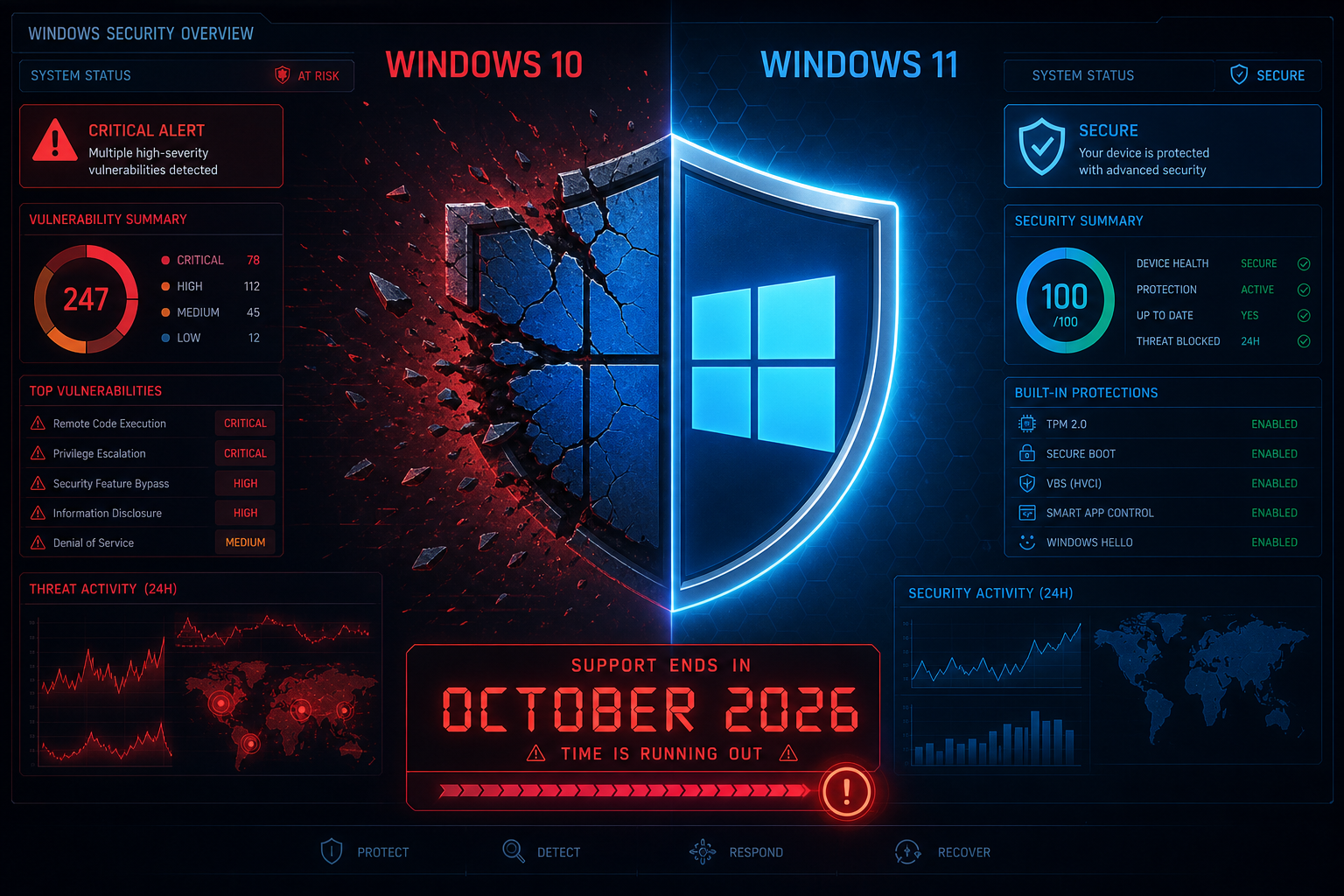
Windows 10 vulnerability management has never been more pressing: as of mid-2026, roughly 28% of all desktop Windows machines worldwide — approximately 800 million devices — are still running an operating system that passed its end-of-support date on 14 October 2025. Every unpatched CVE disclosed from that point on stays open permanently unless you act. This guide gives IT teams and small-business owners a practical, no-nonsense roadmap for patching, risk reduction, and a cost-controlled upgrade.
Why Windows 10 Security Patching Is Still a Burning Issue

End of support does not mean end of exploitation. Attackers actively target legacy operating systems precisely because the vendor has stopped issuing fixes. Microsoft’s June 2026 Patch Tuesday broke records with 200 published vulnerabilities in a single month, and July 2026 surpassed even that with 621 unique Microsoft CVEs. Most of those flaws affect Windows components that exist in Windows 10 — but unless you are enrolled in the Extended Security Update (ESU) programme, you are receiving zero of those fixes.
The ESU programme extended Windows 10 patch coverage for one additional year — through 13 October 2026. After that date, every vulnerability discovered goes unpatched by Microsoft, full stop. If your fleet is still on Windows 10 at that point, your attack surface will grow with every new disclosure.
- Critical RCE flaws — remote code execution vulnerabilities are routinely found in Windows kernel and networking components.
- Privilege escalation bugs — attackers already inside your network can abuse these to gain SYSTEM-level access.
- Zero-day exploits — threat actors stockpile unpatched Windows 10 zero-days knowing a large installed base remains reachable. See our breakdown of the Windows Defender RoguePlanet zero-day for a real-world example of how quickly SYSTEM-level compromise can follow.
Understanding Your ESU Window for Windows 10 End of Support
If you have not yet migrated and cannot do so before October 2026, the ESU programme is your last backstop. Here is what you need to know:
- ESU Year 1 ran from October 2025 to October 2026 — eligible PCs could enrol for free or low cost depending on their licence type.
- After 13 October 2026, Microsoft will publish no further security updates for Windows 10 under any programme. There is no ESU Year 2.
- ESU covers only critical and important security fixes — it does not restore feature updates, bug fixes, or technical support.
- Business and Education editions qualify; Windows 10 Home licences enrolled through Microsoft’s consumer ESU offer are limited in scope.
The takeaway: ESU buys time, not indefinite cover. Use the window to plan, not to procrastinate. You can review the official end-of-support timeline directly on Microsoft’s Windows end-of-support page.
Windows 10 Patch Management: Prioritising What Gets Fixed First

Effective Windows 10 patch management is about triage. Not every advisory is equally dangerous, and deploying patches without a risk-based order wastes time and can introduce instability. Use this four-tier framework:
- Tier 1 — Patch within 24 hours: CVSS 9.0+ vulnerabilities with confirmed active exploitation (marked “Exploited in the Wild” by Microsoft). These are non-negotiable.
- Tier 2 — Patch within 72 hours: Critical-severity RCE or privilege-escalation flaws without confirmed exploitation. Assume a PoC will appear within days of Patch Tuesday.
- Tier 3 — Patch within one week: Important-severity flaws affecting high-value components — browsers, Office, VPN clients, and Active Directory.
- Tier 4 — Patch in the next maintenance window: Moderate or low flaws, purely local exploits with no network path.
Subscribe to Microsoft’s Windows Message Center for authoritative, real-time advisories so your team never relies on second-hand reporting.
Rapid Deployment Tactics for Windows 10 Security Patching
Speed matters when a critical CVE drops. The following tactics cut mean-time-to-patch for a small-to-medium fleet without requiring enterprise tooling budgets:
Use Windows Update for Business (WUfB) Group Policy
WUfB is built into Windows 10 Pro and Enterprise and is free. Configure deferral rings: a pilot group of 5% of machines takes patches on Patch Tuesday; the rest follow 48-72 hours later if no regressions are reported. For Tier 1 critical patches, set deferral to zero and force immediate deployment.
Enable Automatic Restart Scheduling
Patches that sit applied-but-pending-reboot offer zero protection. Push a Group Policy to enforce a nightly restart window (e.g. 02:00–04:00 local time) so reboots happen without user interaction. On laptops with battery constraints, require AC power before the restart triggers.
Audit With Windows Update Compliance Reports
Microsoft Endpoint Configuration Manager and the free Intune free-tier both surface patch compliance dashboards. For very small fleets without MDM, the wmic qfe list command or PowerShell’s Get-HotFix cmdlet gives you a quick offline compliance snapshot per machine.
Isolate Devices That Cannot Be Patched Immediately
If a machine is running a legacy application that breaks after a patch (common with older line-of-business software), segment it on its own VLAN with inbound/outbound firewall rules limiting access to only the services it genuinely needs. Unpatched machines with network adjacency to your core systems are a lateral-movement highway.
Windows 10 End of Support: Cost-Effective Upgrade Paths

The most durable fix for Windows 10 end-of-support exposure is migration to Windows 11. The sooner you move, the smaller your exposure window. Here are the realistic options for budget-conscious IT teams:
In-Place Upgrade on Compatible Hardware
If the hardware passes the Windows 11 compatibility check (TPM 2.0, Secure Boot, 4 GB RAM, 64 GB storage), an in-place upgrade preserves applications, settings, and data. There is no licence fee if the machine already holds a genuine Windows 10 digital licence — the upgrade is free. Our guide on upgrading an incompatible Windows 10 PC to Windows 11 covers workarounds even when hardware falls just short of the official requirements.
New Licence for Clean Installations
For machines where an in-place upgrade is impractical — perhaps after a hardware refresh or a clean-install policy — a retail or OEM Windows 11 Pro licence is the cleanest route. Shop Key Online offers Windows 11 Pro OEM from €15.95, making the per-seat cost of a secure, fully supported OS genuinely accessible even for tight IT budgets.
Hardware Refresh With a Bundle
When a PC is too old to justify a Windows 11 licence alone, a hardware refresh pairs naturally with a bundled OS and productivity suite. A Windows 11 Pro + Office 2021 bundle (from €36.90) gives you a fully licensed, supported platform and a productivity suite in one transaction — often cheaper than buying components separately.
LTSC as a Stability Bridge
For specialist workstations or kiosk devices running legacy line-of-business software, Windows 10 LTSC 2021 carries support until January 2027 — giving a modest but real additional runway. Be aware: LTSC is not appropriate for general-purpose business desktops and does not receive feature updates. It is a bridge, not a destination.
Hardening Windows 10 While You Wait to Upgrade
If full migration is still weeks or months away, layer these compensating controls to reduce your attack surface today:
- Enable Controlled Folder Access — Windows Defender’s ransomware mitigation blocks untrusted processes from writing to protected directories. Enable via Windows Security → Virus & threat protection → Ransomware protection.
- Turn on Network Protection — Blocks outbound connections to known malicious domains/IPs at the kernel level, reducing the blast radius of a phishing compromise.
- Disable SMBv1 — This decades-old protocol is the attack vector for EternalBlue-class exploits. Run
Set-SmbServerConfiguration -EnableSMB1Protocol $falsein PowerShell on every machine. - Enforce MFA on all remote access — VPN, RDP, and remote desktop gateways should require multi-factor authentication. Credential-stuffing attacks on exposed RDP endpoints are constant.
- Review local admin rights — Principle of least privilege: standard users should not have local administrator rights. Privilege escalation vulnerabilities are far less damaging when the account being exploited has limited scope.
Building Your Windows 10 Vulnerability Management Roadmap
A practical Windows 10 patch management roadmap for a small IT team should look like this:
- Inventory (Week 1): Audit every device — OS version, patch level, hardware spec, and whether it meets Windows 11 requirements.
- Triage (Week 1-2): Identify machines that are ESU-enrolled vs. fully unpatched. Flag hardware incompatible with Windows 11 for replacement scheduling.
- Patch (Ongoing): Apply the four-tier patch prioritisation framework. Resolve all outstanding Tier 1 and Tier 2 CVEs immediately.
- Harden (Week 2-3): Deploy the compensating controls above across all Windows 10 machines still in service.
- Migrate (Before October 2026): Complete Windows 11 upgrades on all in-scope hardware before the ESU window closes.
- Retire or Isolate (Ongoing): Hardware that cannot run Windows 11 and is not due for replacement should be isolated on a restricted segment or decommissioned.
Frequently Asked Questions
What happens to Windows 10 security patching after October 2026?
After 13 October 2026, Microsoft will no longer release any security updates for Windows 10 under any programme, including ESU. Every vulnerability discovered from that date forward will remain permanently unpatched on Windows 10 systems. Your only remedy at that point is migrating to a supported OS or deploying third-party endpoint security tools as a partial compensating control.
Is the Windows 11 upgrade still free for compatible hardware?
Yes. If your machine already holds a genuine Windows 10 digital licence and meets the hardware requirements (TPM 2.0, Secure Boot, 4 GB RAM minimum), the in-place upgrade to Windows 11 remains free via Windows Update. Microsoft has not announced an end date for this offer, but it is always prudent to act sooner rather than later.
What is the CVSS score threshold I should use for emergency patching?
A CVSS base score of 9.0 or above — especially when Microsoft marks the vulnerability as “Exploitation Detected” — warrants an emergency out-of-band patch within 24 hours. CVSS 7.0–8.9 critical/important ratings should be addressed within 72 hours for internet-facing or network-adjacent systems. Always cross-reference Microsoft’s own severity rating alongside the CVSS score, as the two can differ.
Can I use Windows Defender alone to protect an unpatched Windows 10 machine?
Windows Defender significantly reduces risk but cannot substitute for OS-level patches. Defender operates above the kernel; many privilege-escalation and RCE vulnerabilities exploit the OS before security software can intercept them. Use Defender as one layer of defence, but do not treat it as a replacement for patching or migration.
How should I prioritise which machines to migrate to Windows 11 first?
Prioritise by exposure and data sensitivity. Machines with internet-facing roles (web browsing, email, remote access), those that handle financial or customer data, and any device with local administrator rights should be migrated first. Air-gapped or offline devices with no network connectivity carry lower urgency but should still be scheduled for migration before October 2026.
