Microsoft confirmed a Windows 11 storage bug that silently fills up to 500GB of your drive. Here’s what causes it, how to check your system, and the fastest fix available right now.


Microsoft confirmed a Windows 11 storage bug that silently fills up to 500GB of your drive. Here’s what causes it, how to check your system, and the fastest fix available right now.

Microsoft’s GDID silently ties your Windows install to your identity — and the Scattered Spider arrest just proved it works. Here’s what every IT admin needs to know.
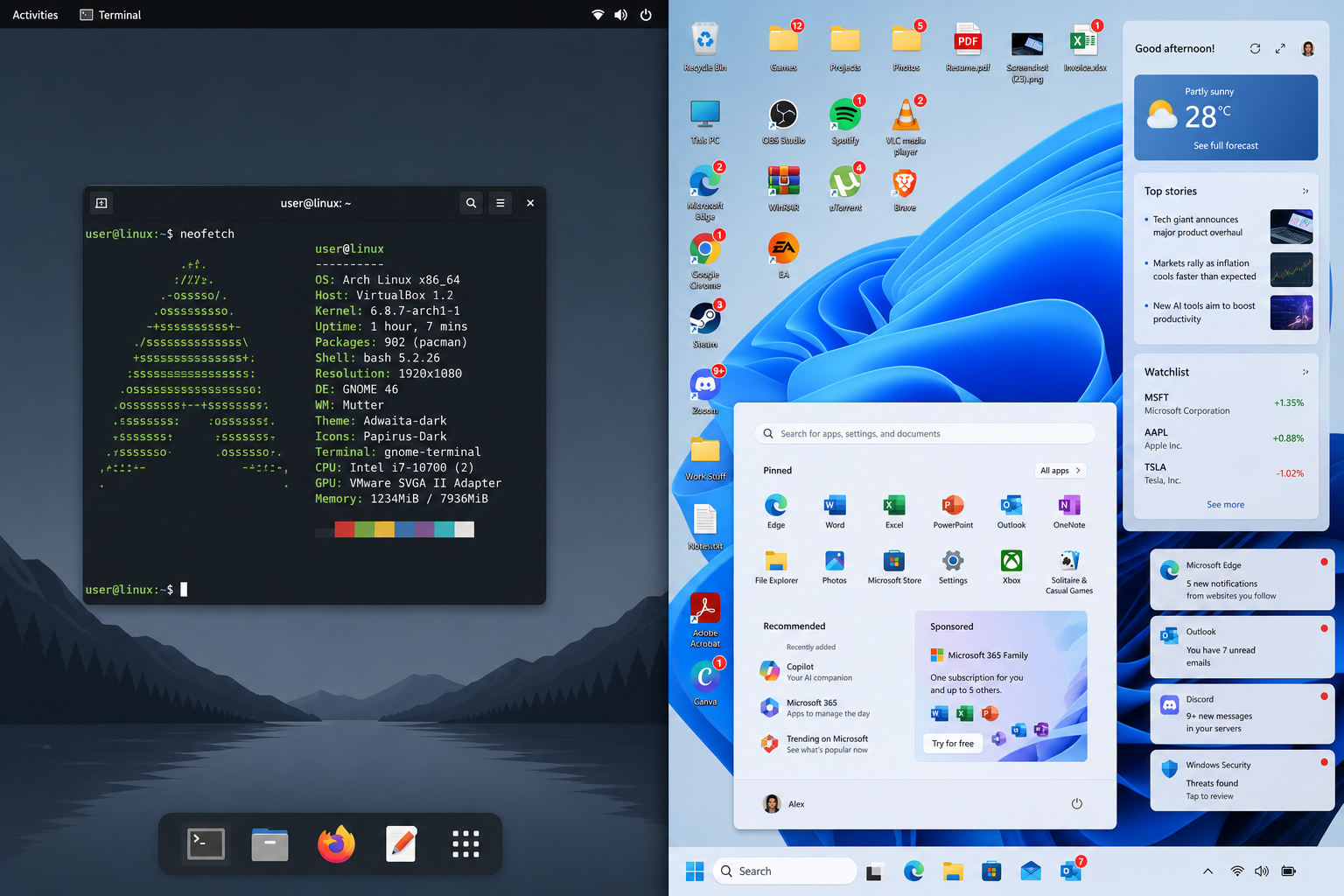
A seasoned Linux user exposes 9 critical Windows 11 problems — from crippled taskbar controls to background bloat — with practical power-user workarounds for each.
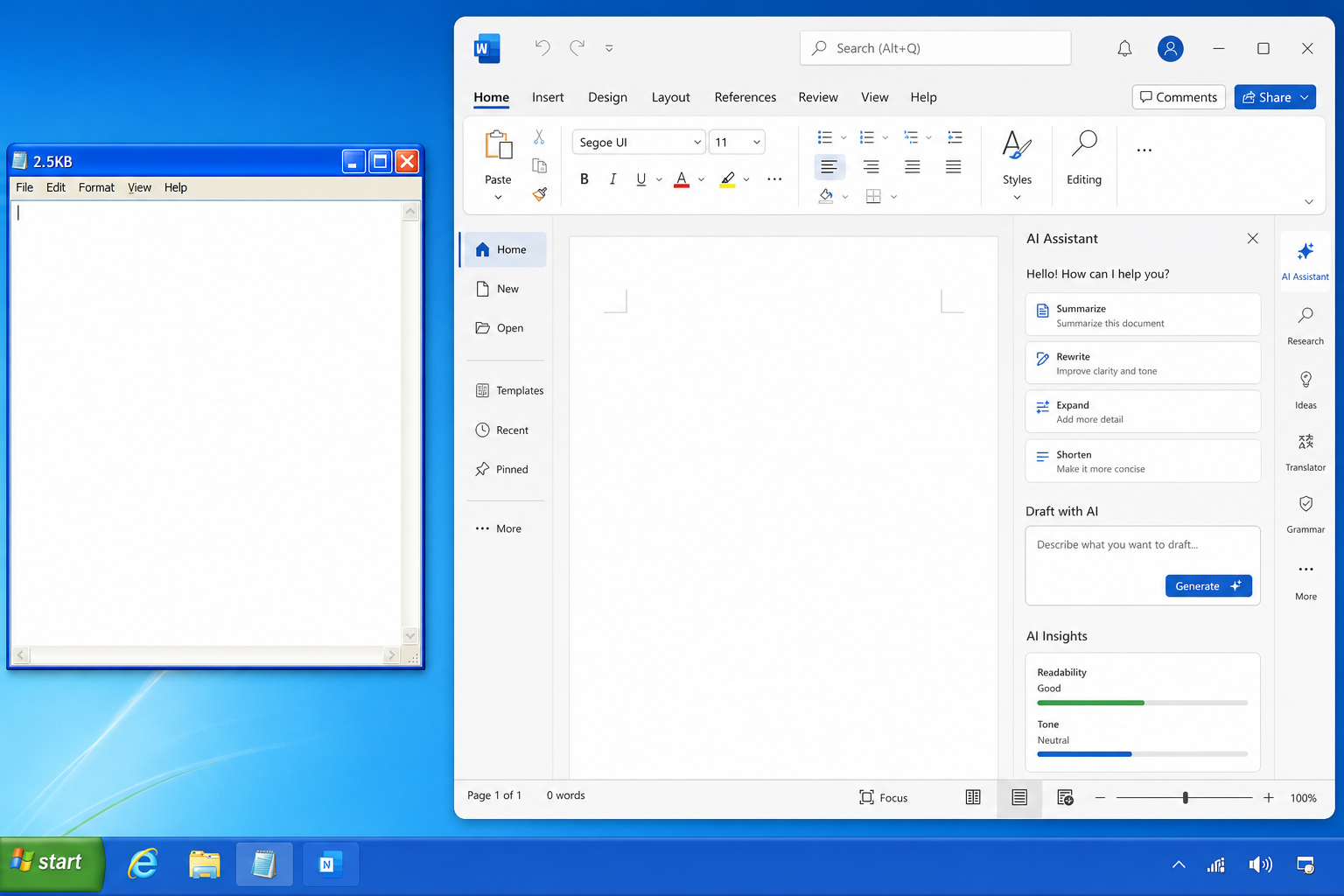
A former Microsoft engineer rebuilt Notepad in just 2.5KB using only native Windows components. Here’s what that achievement tells us about software bloat, legacy tool design, and Windows efficiency.

Microsoft’s WSL Containers are here — a native containerisation layer for Windows 11 that cuts Docker Desktop out of the picture entirely. Here’s what developers need to know.
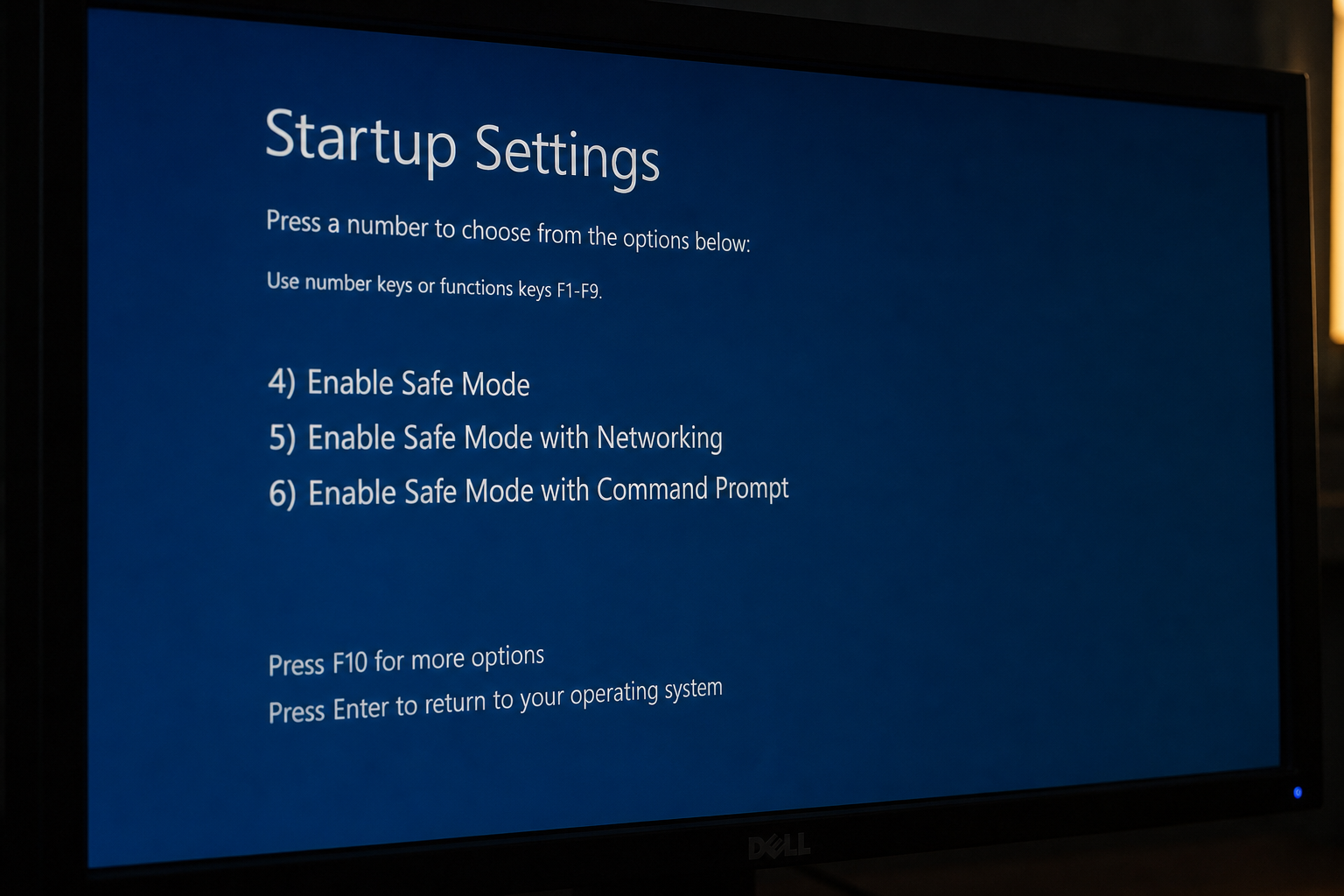
Safe Mode is Windows’ most powerful built-in troubleshooting tool. Learn exactly how to boot into Safe Mode on Windows 10 and 11, what it disables, which errors it can fix, and how to run System Restore from within it.

Stuck on ‘Restart Required’ with nothing happening? Learn how to diagnose and fix a Windows Update pending restart loop using SFC, DISM, and the Update Reset Tool.
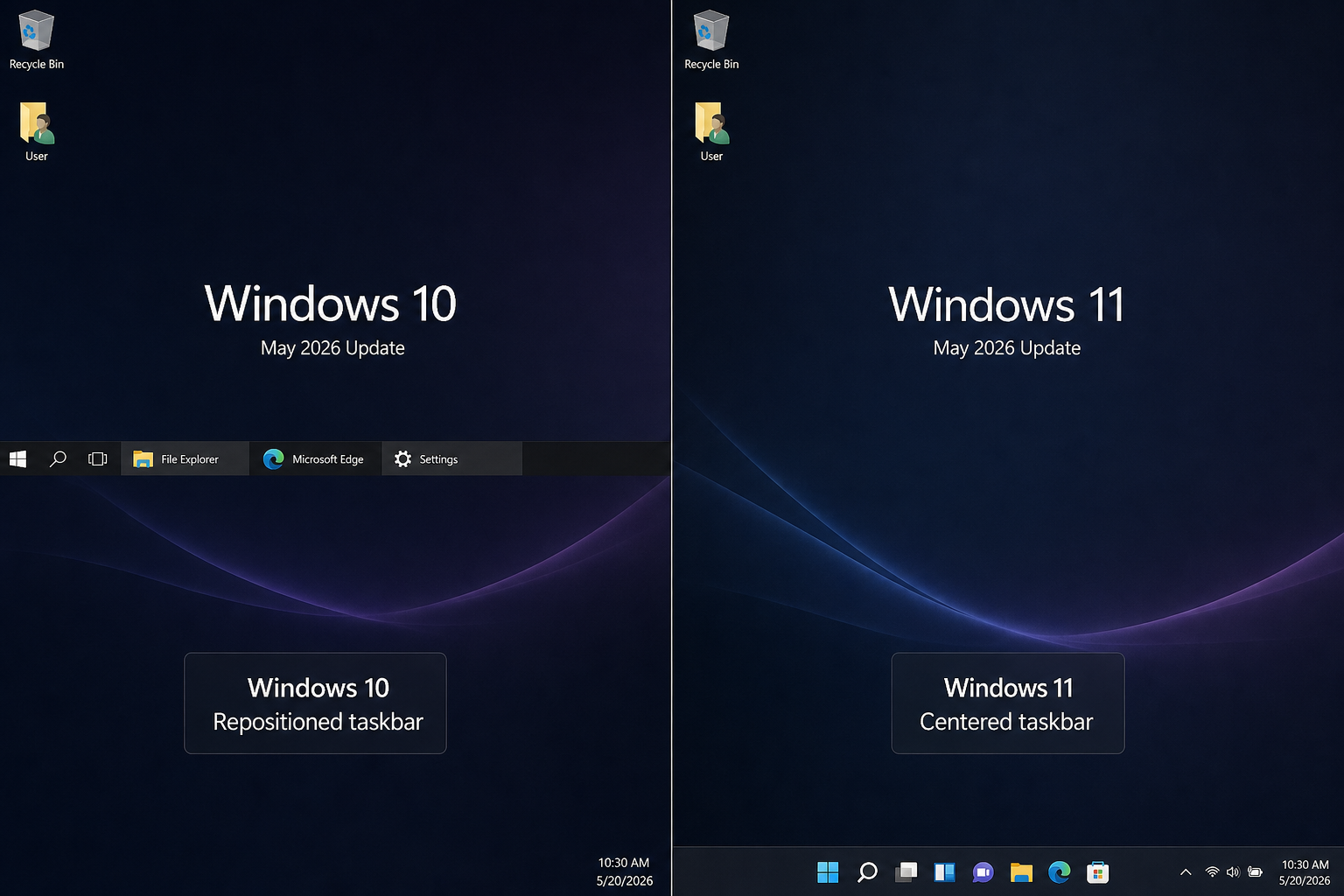
Windows 10’s taskbar still outperforms Windows 11 for many experienced users. Here’s a detailed breakdown of the key differences in customisation, responsiveness, and workflow efficiency.
Rufus 4.6 has changed the game for Windows 11 installation on older hardware — bypassing TPM, Secure Boot, and RAM checks in minutes. Here’s everything you need to know.
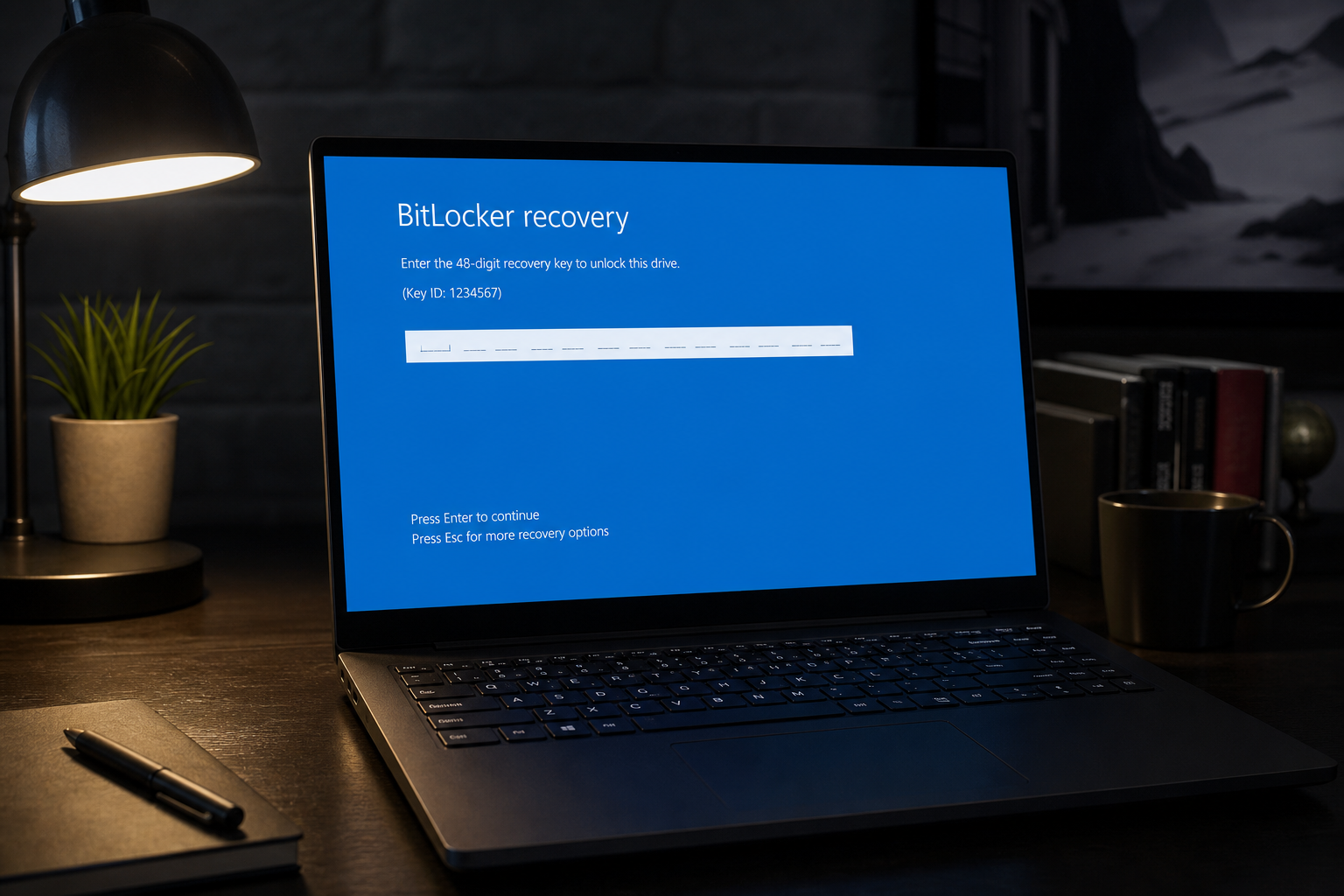
Recent Windows 11 updates are triggering BitLocker recovery screens and boot failures. Here’s how to diagnose what’s gone wrong, recover your PC, and safely pause updates until Microsoft ships a permanent fix.
Use code EXTRA10 at the cart or checkout to enjoy 10% Discount of your order.
Valid for single use per customer.
