Microsoft is finally testing a resizable taskbar and customisable Start menu in Windows 11 — here’s every change confirmed so far, who can try it first, and what it means for your desktop.


Microsoft is finally testing a resizable taskbar and customisable Start menu in Windows 11 — here’s every change confirmed so far, who can try it first, and what it means for your desktop.
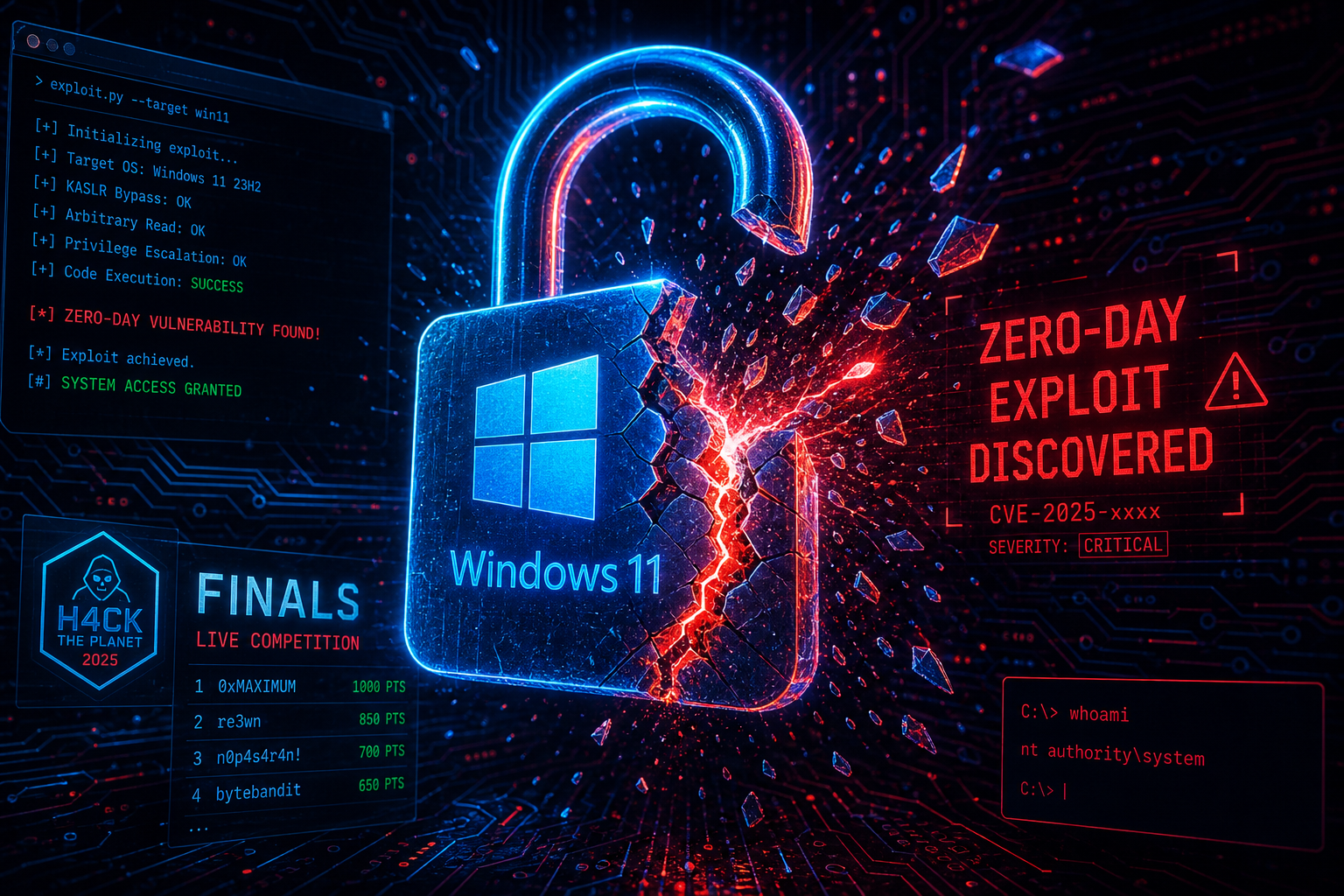
Day two of Pwn2Own Berlin 2026 saw Microsoft Exchange and Windows 11 fall to elite researchers. Here’s what every Windows user needs to know — and do — right now.

Microsoft has officially admitted the persistent floating Copilot button was a poor design choice. Here’s exactly how to hide, dock, or remove it across Windows 11 and Office apps.
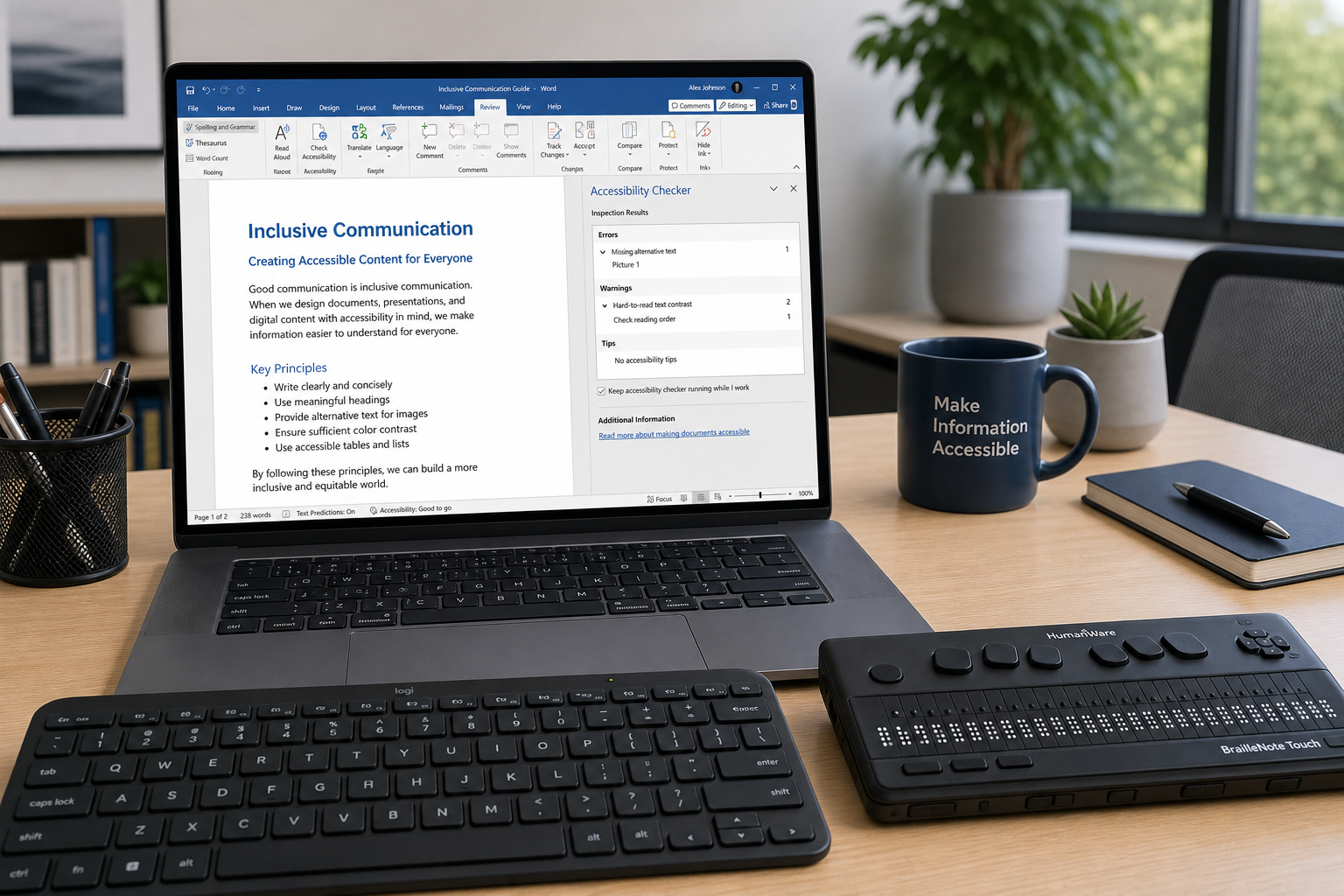
Learn how to make your Word, Excel, and PowerPoint files fully accessible to screen readers and WCAG-compliant — practical steps every Office user needs to know.

Microsoft’s Copilot+ PC programme has quietly rewritten the RAM rulebook. Here’s what 16GB actually buys you — and what happens if your machine falls short.

Microsoft’s behind-the-scenes infrastructure decisions — billions spent on AI model infrastructure costs and operational efficiency — directly control which Copilot features reach you first.

Password locks, edit-only mode, track changes restrictions, OneDrive sharing granularity — here is every Office document permission setting explained clearly for teams.

Classic 7 disguises Windows 10 IoT Enterprise LTSC 2021 as Windows 7, giving organisations a credible Windows 10 LTSC alternative with security support stretching all the way to January 2032.
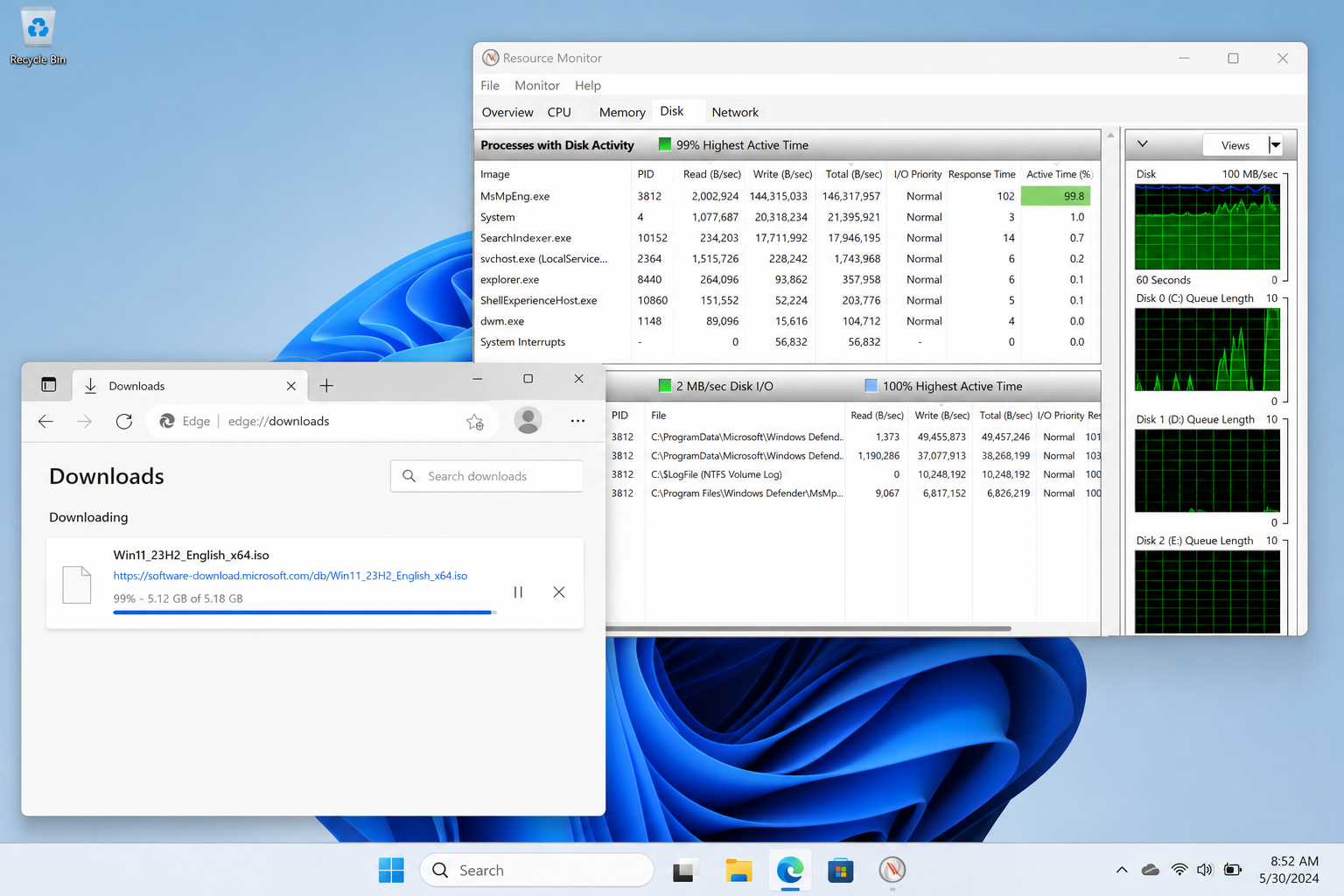
Large file downloads grinding to a halt at 99%? Windows Defender’s real-time scanning is likely the culprit — here’s exactly why it happens and how to fix it.
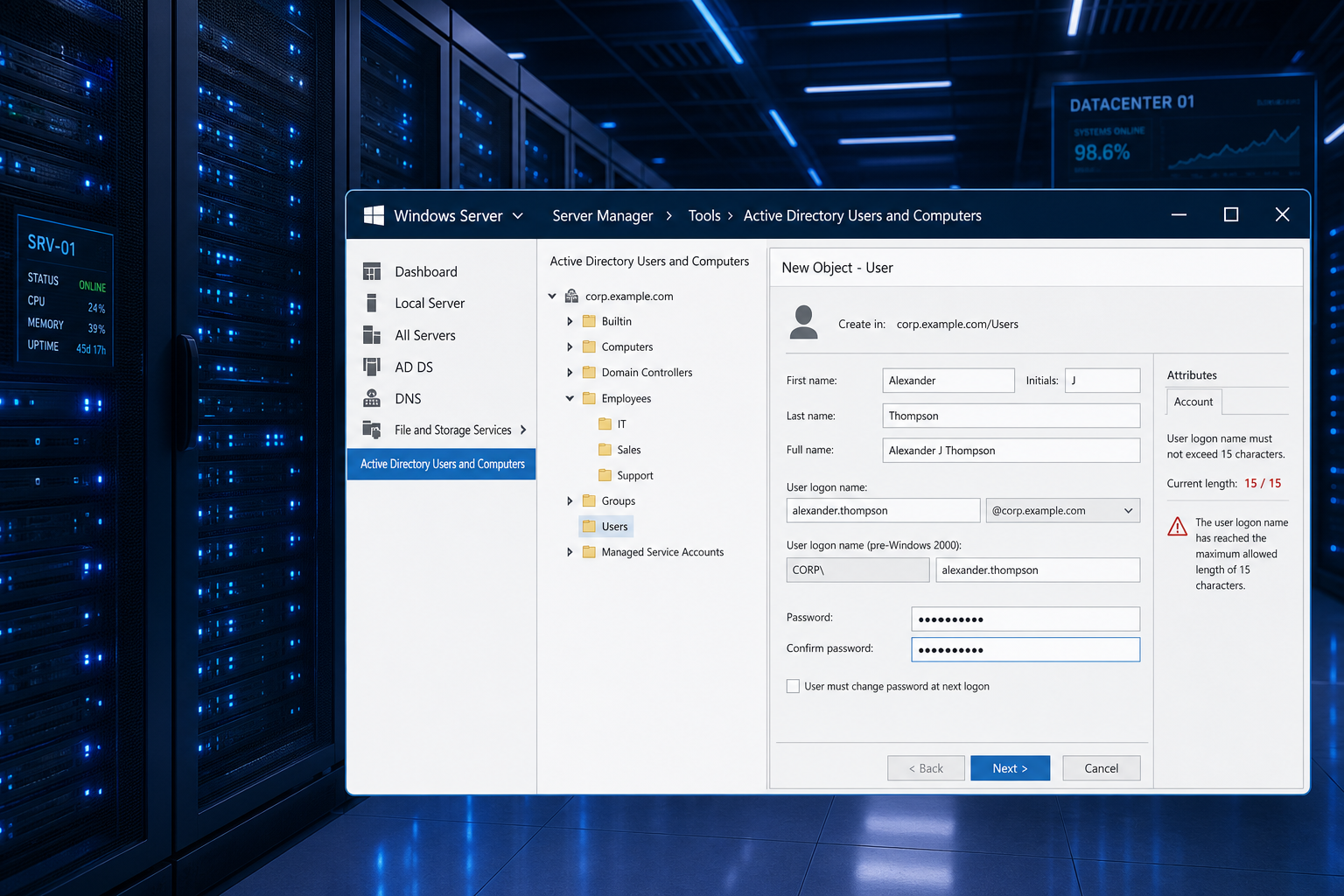
Windows Server enforces strict character limits on admin credentials and computer names. Learn why the 15-character cap exists, what it breaks, and how to adapt your enterprise domain strategy.
Use code EXTRA10 at the cart or checkout to enjoy 10% Discount of your order.
Valid for single use per customer.
