Windows 11’s KB5121003 update is crashing games with freezes and reboots. Here’s the cause, Microsoft’s workaround, and how to roll back safely.
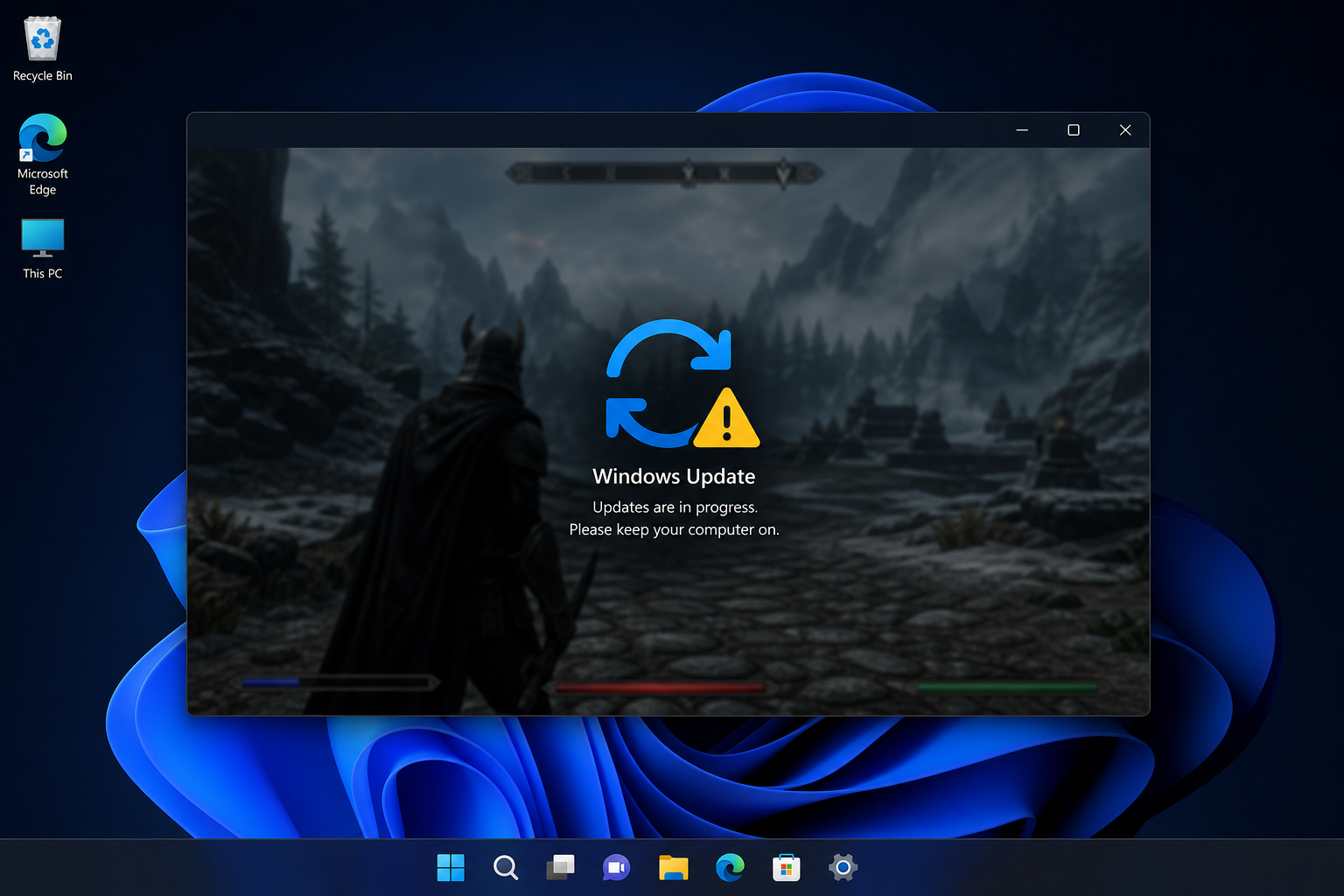

Windows 11’s KB5121003 update is crashing games with freezes and reboots. Here’s the cause, Microsoft’s workaround, and how to roll back safely.
Flash sales promising a Windows 11 Pro license for a few dollars are everywhere. Here’s how to tell a genuine deal from a licensing trap.
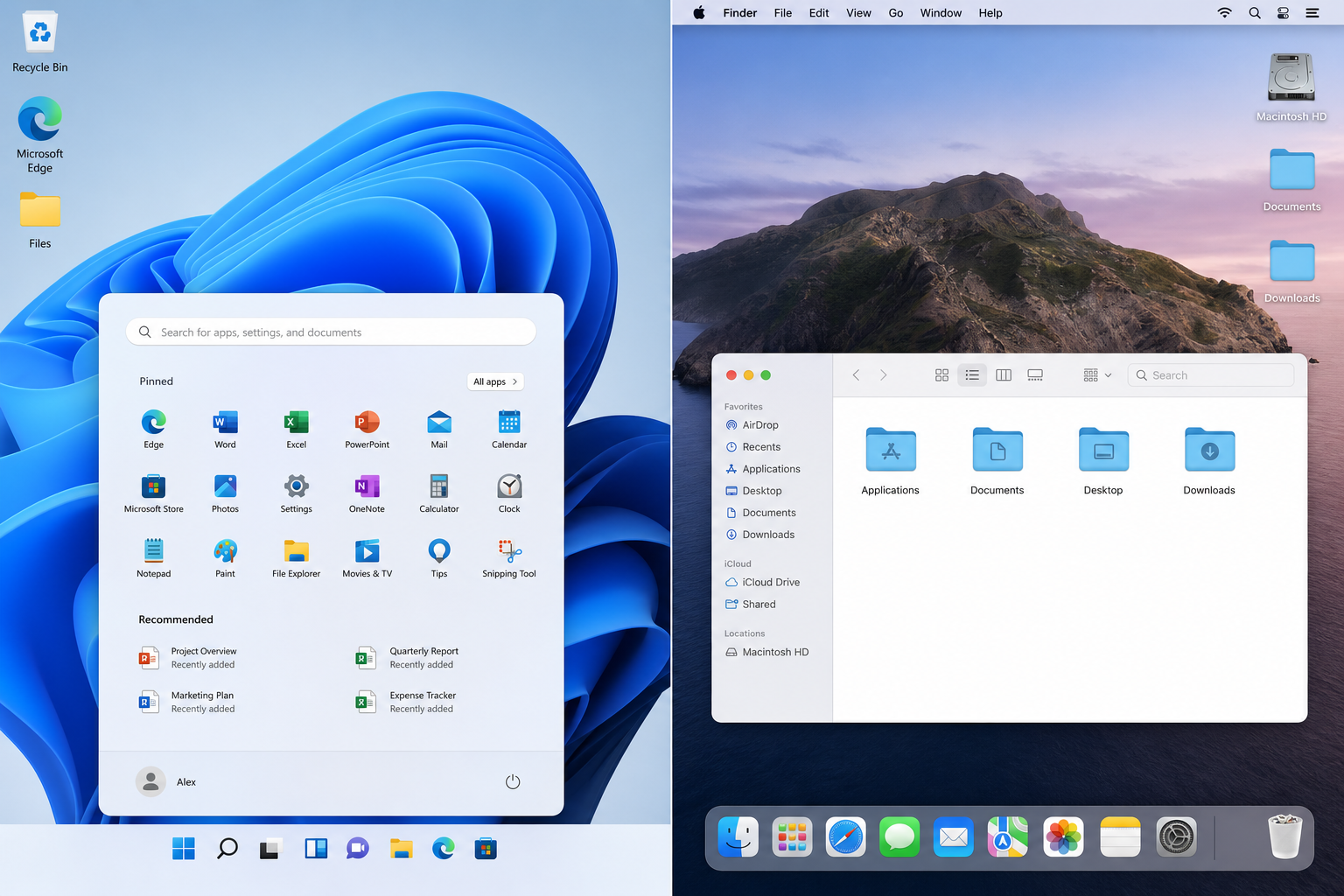
Windows vs macOS isn’t just about looks. Here’s how the two operating systems really differ on compatibility, gaming, security, and cost.
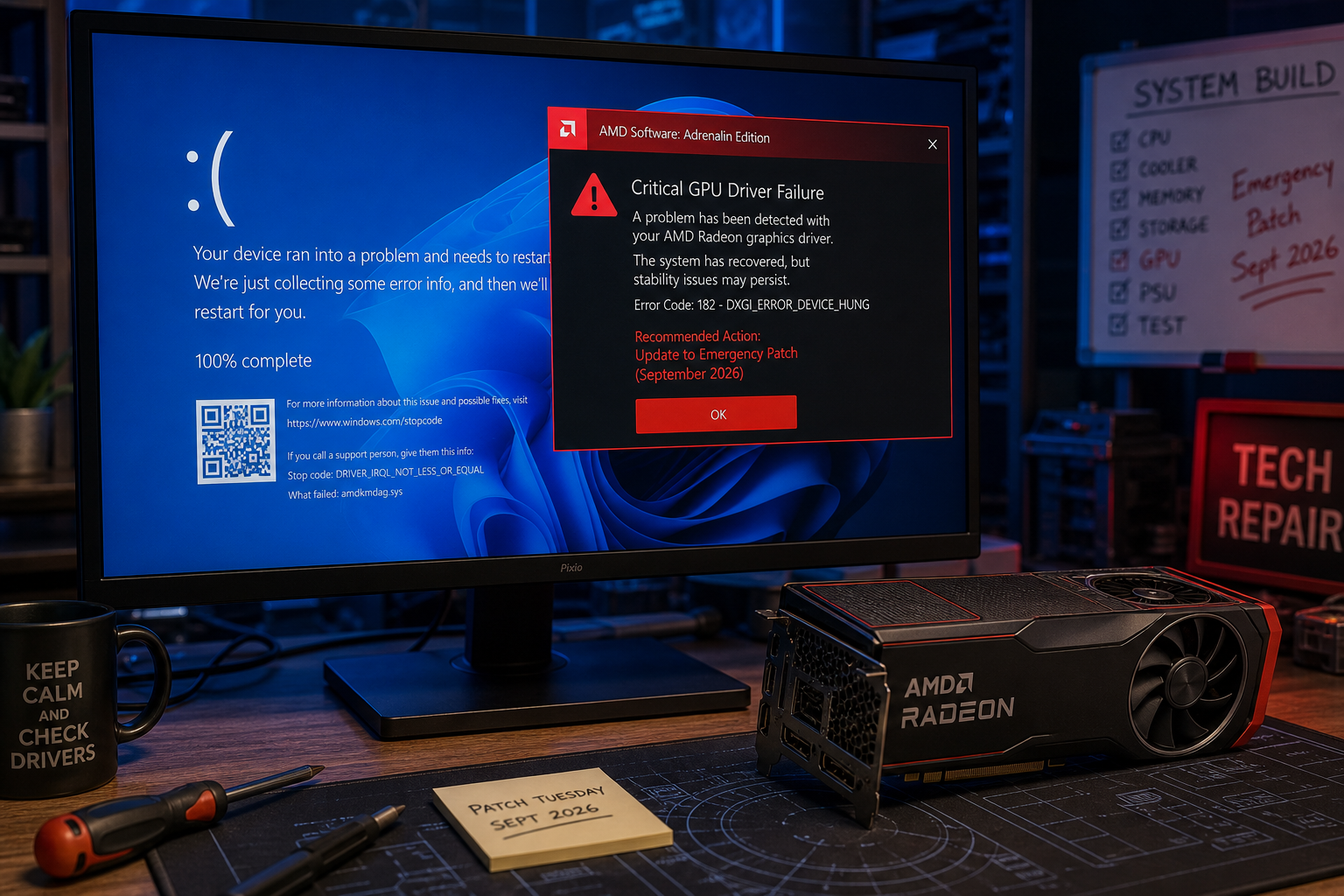
Microsoft’s September 2026 emergency patch fixed some issues but left AMD GPU driver crashes and File Explorer hang-ups unresolved. Here’s exactly what to do.
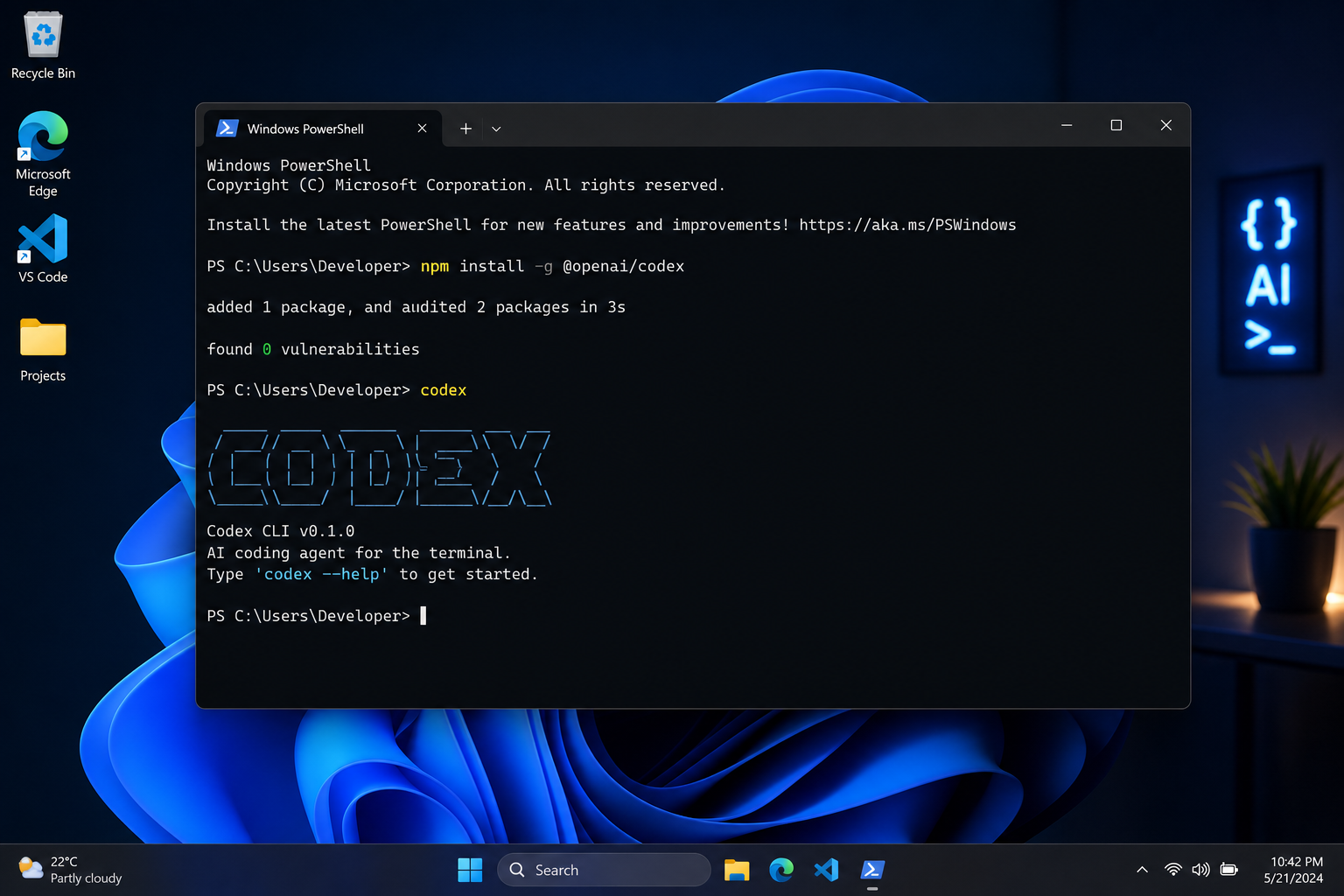
Getting OpenAI Codex running on Windows is easier than you think. This step-by-step guide covers the desktop app, CLI setup, prerequisites, and common fixes.

Microsoft is embedding age verification directly into Windows 11 at the OS level. Here’s what triggers it, which regions are affected first, and how IT teams should respond.
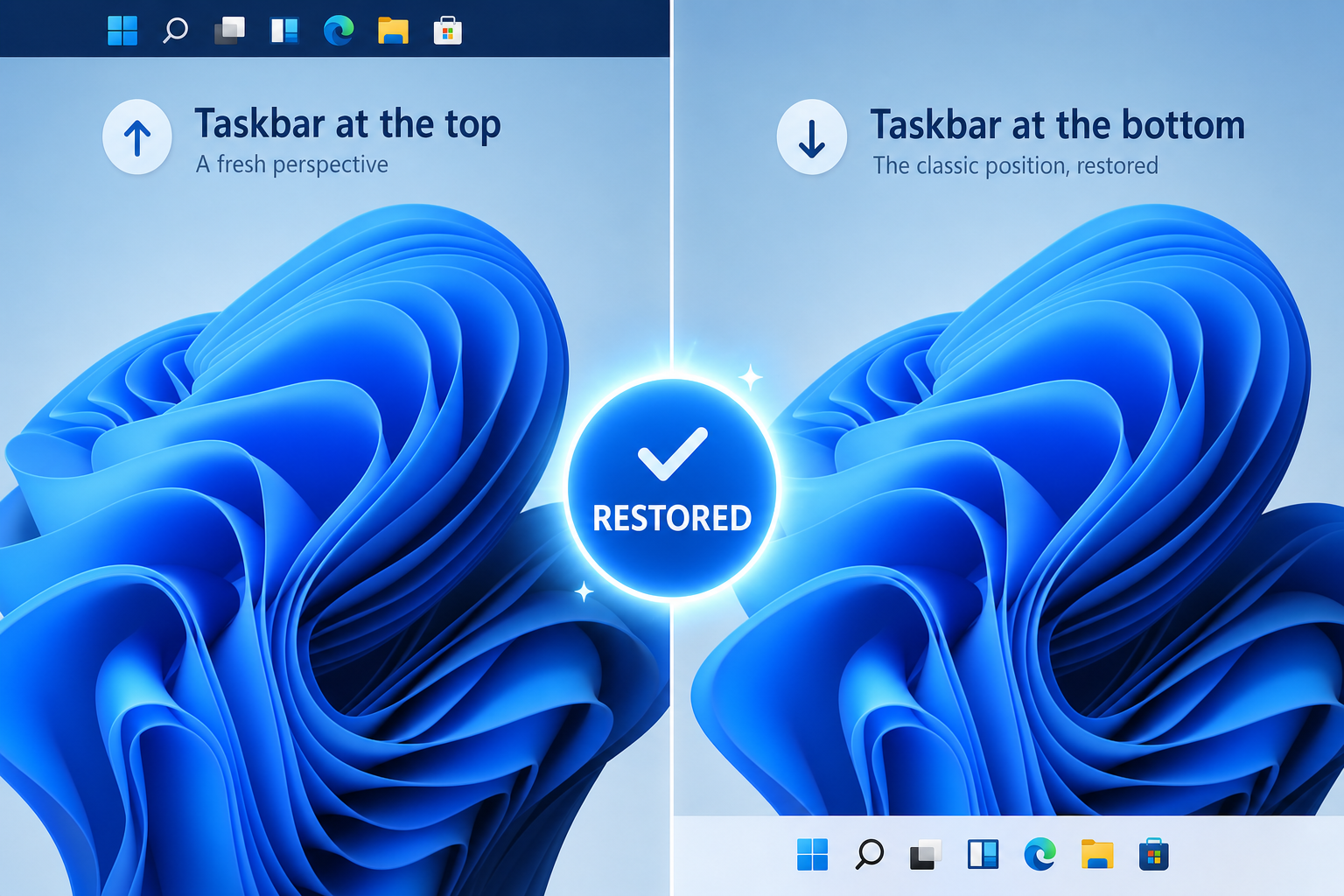
Microsoft has reversed some of Windows 11’s most complained-about design choices. Here’s exactly which features returned and what they mean for your daily workflow.
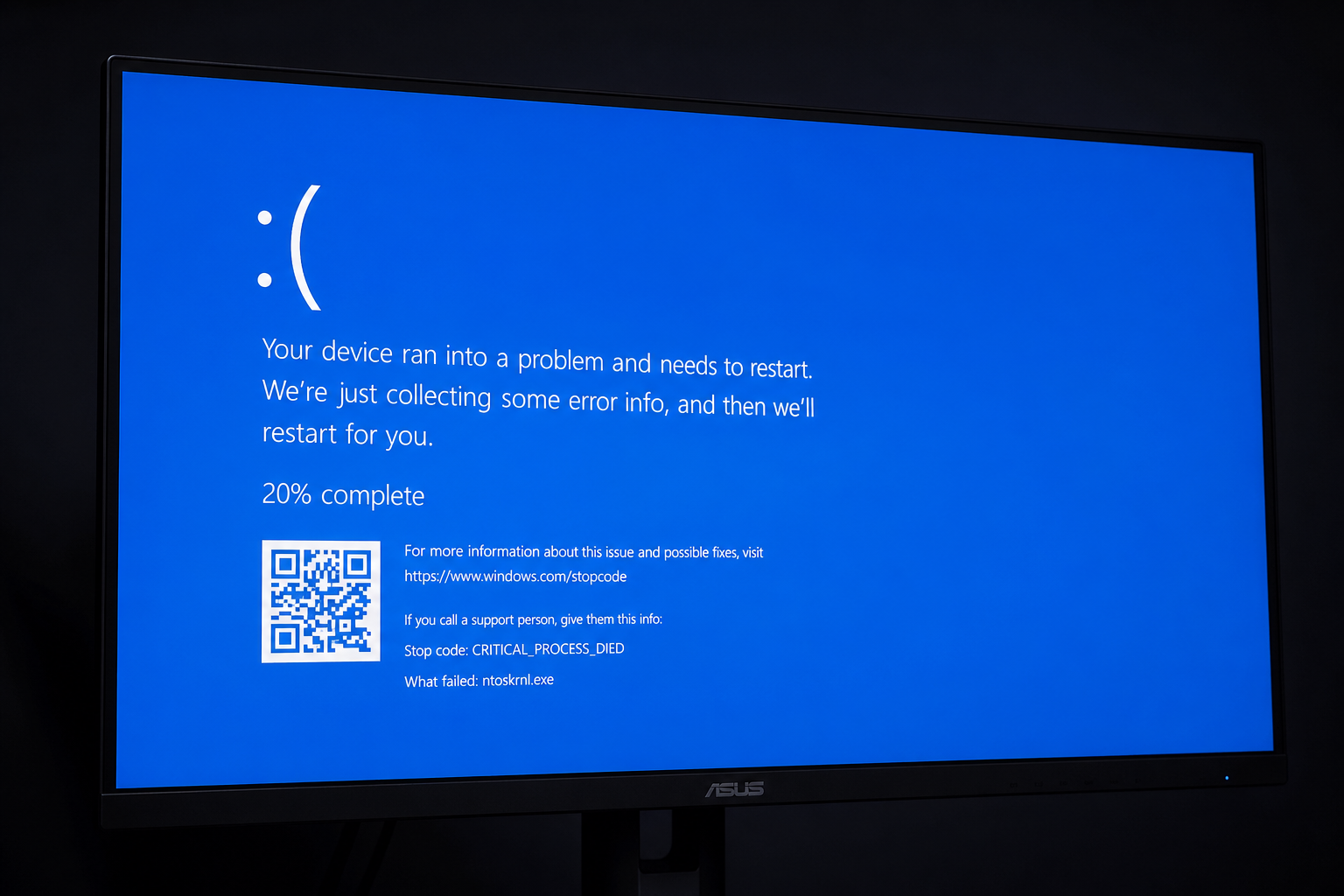
Blue screen crash got you stumped? This guide decodes the most common BSOD error codes — DRIVER_IRQL, MEMORY_MANAGEMENT, CRITICAL_PROCESS_DIED — and shows you the fastest path back to a stable Windows PC.

Registry tweaks, DNS changes, and network driver updates that genuinely speed up your Windows 11 connection — no fluff, just step-by-step fixes that work.

Microsoft is pushing full-desktop ads as wallpapers on Windows 11. Here’s exactly how to identify, block, and permanently prevent these forced ads from taking over your screen.
Use code EXTRA10 at the cart or checkout to enjoy 10% Discount of your order.
Valid for single use per customer.
