Microsoft’s WSL Containers are here — a native containerisation layer for Windows 11 that cuts Docker Desktop out of the picture entirely. Here’s what developers need to know.


Microsoft’s WSL Containers are here — a native containerisation layer for Windows 11 that cuts Docker Desktop out of the picture entirely. Here’s what developers need to know.

Pay once and own Office forever — no annual subscription. This guide breaks down the best Microsoft Office one-time purchase deals in 2026, activation steps, and whether a perpetual licence is right for you.

Co-authoring, threaded comments, and Teams integration make Office 365 one of the most powerful platforms for remote and hybrid teamwork. Here’s how to use every feature.
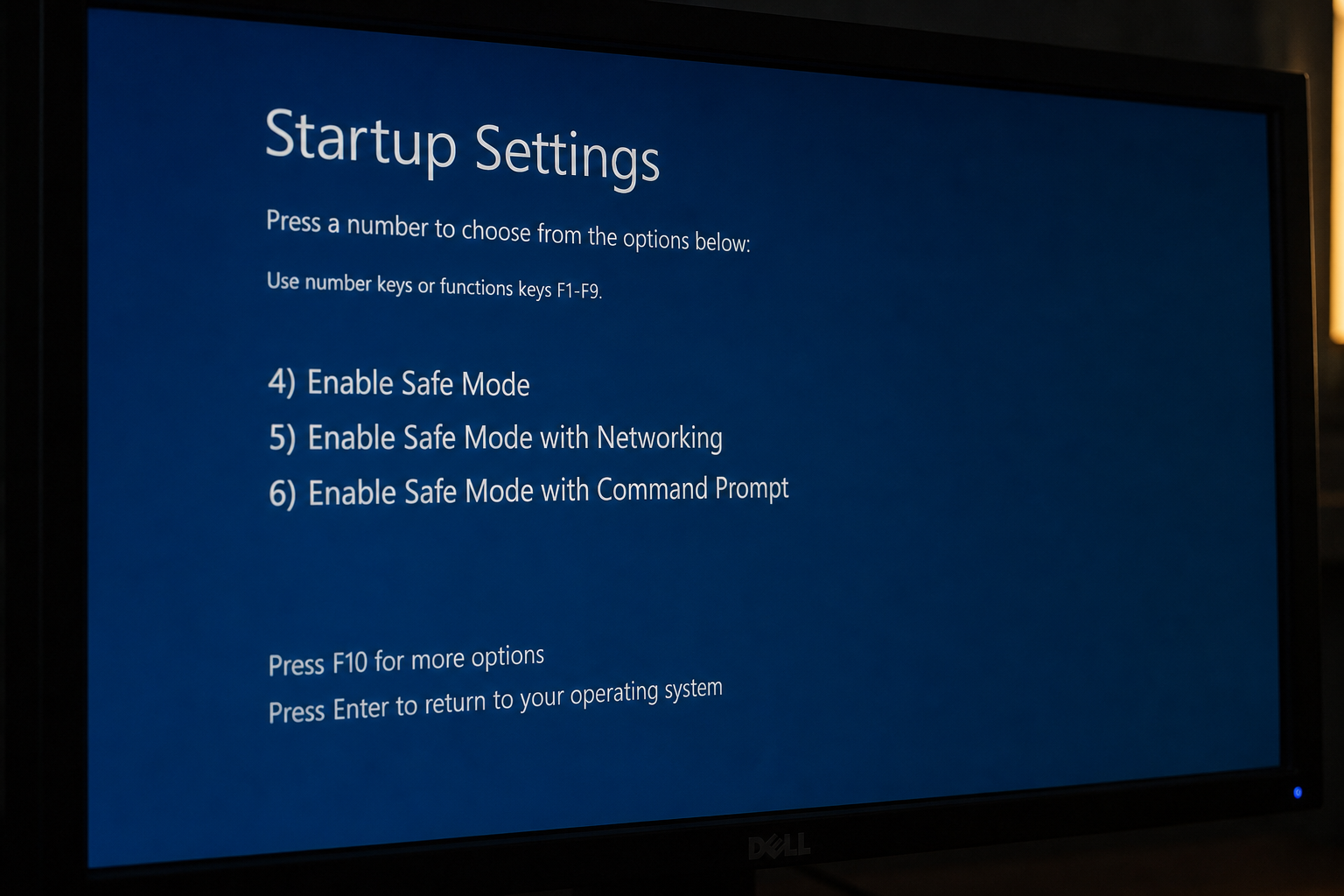
Safe Mode is Windows’ most powerful built-in troubleshooting tool. Learn exactly how to boot into Safe Mode on Windows 10 and 11, what it disables, which errors it can fix, and how to run System Restore from within it.

Stuck on ‘Restart Required’ with nothing happening? Learn how to diagnose and fix a Windows Update pending restart loop using SFC, DISM, and the Update Reset Tool.
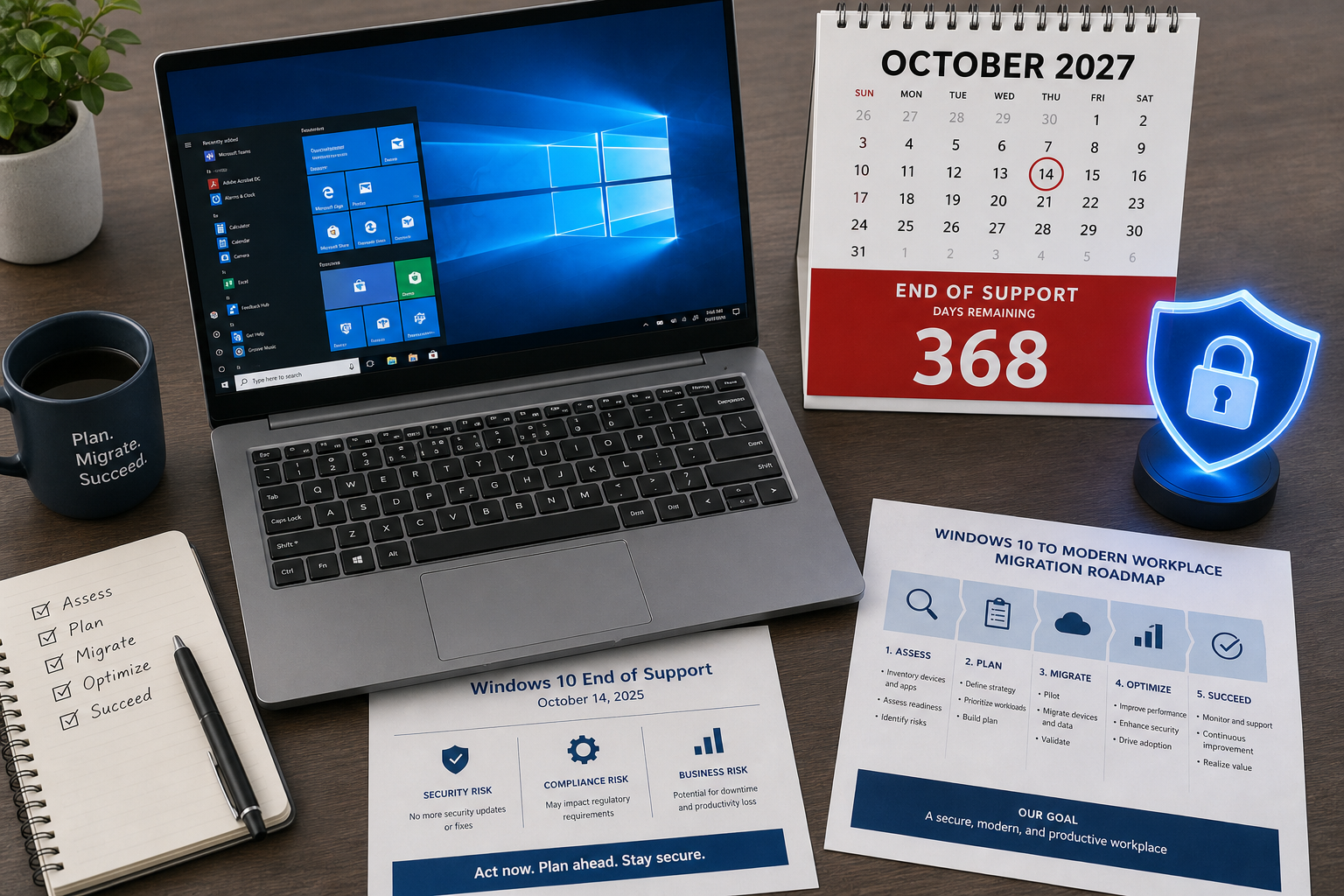
Microsoft quietly extended Windows 10 security updates to October 2027. Here’s what the ESU programme covers, what it costs, and how to use the extra year wisely.
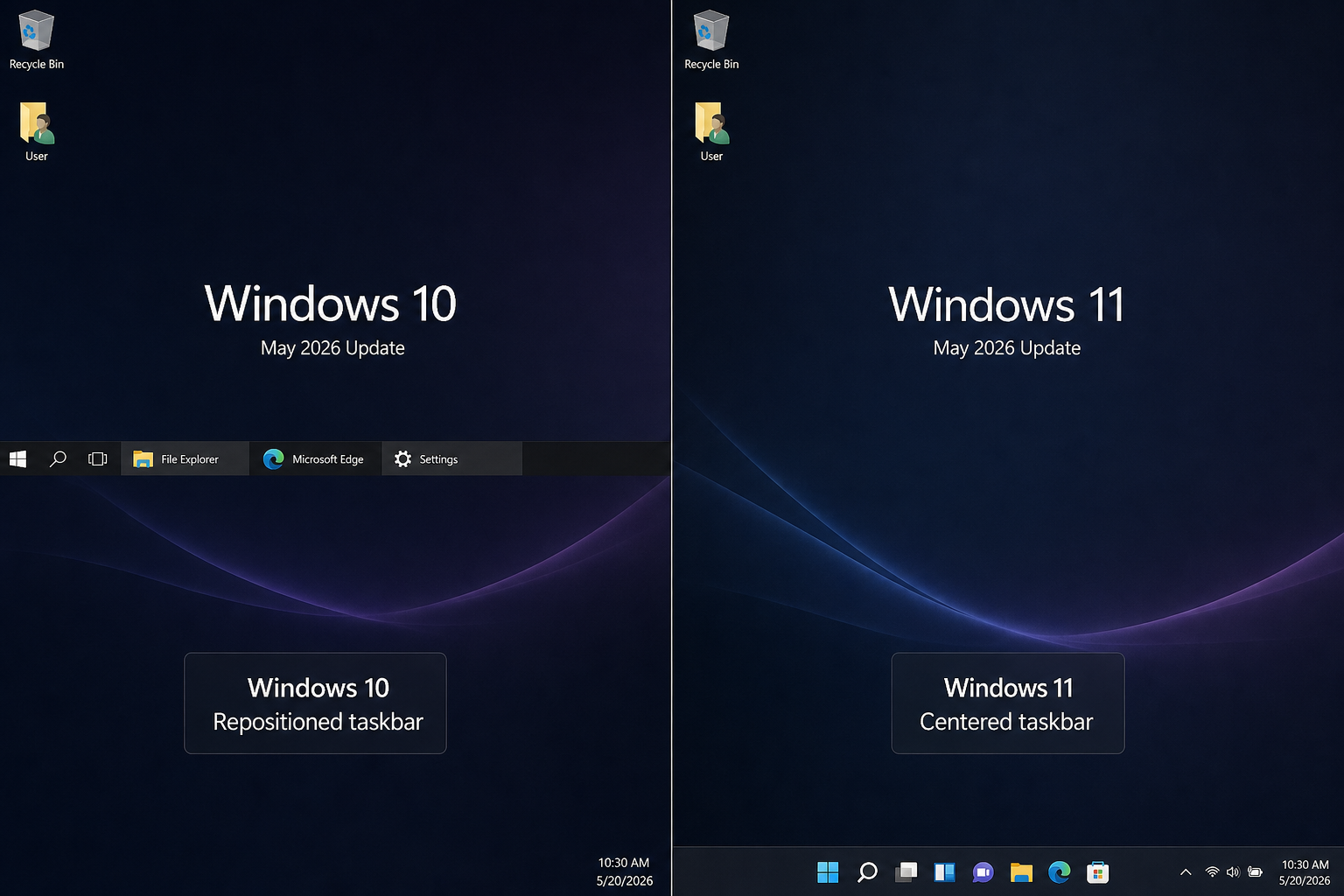
Windows 10’s taskbar still outperforms Windows 11 for many experienced users. Here’s a detailed breakdown of the key differences in customisation, responsiveness, and workflow efficiency.
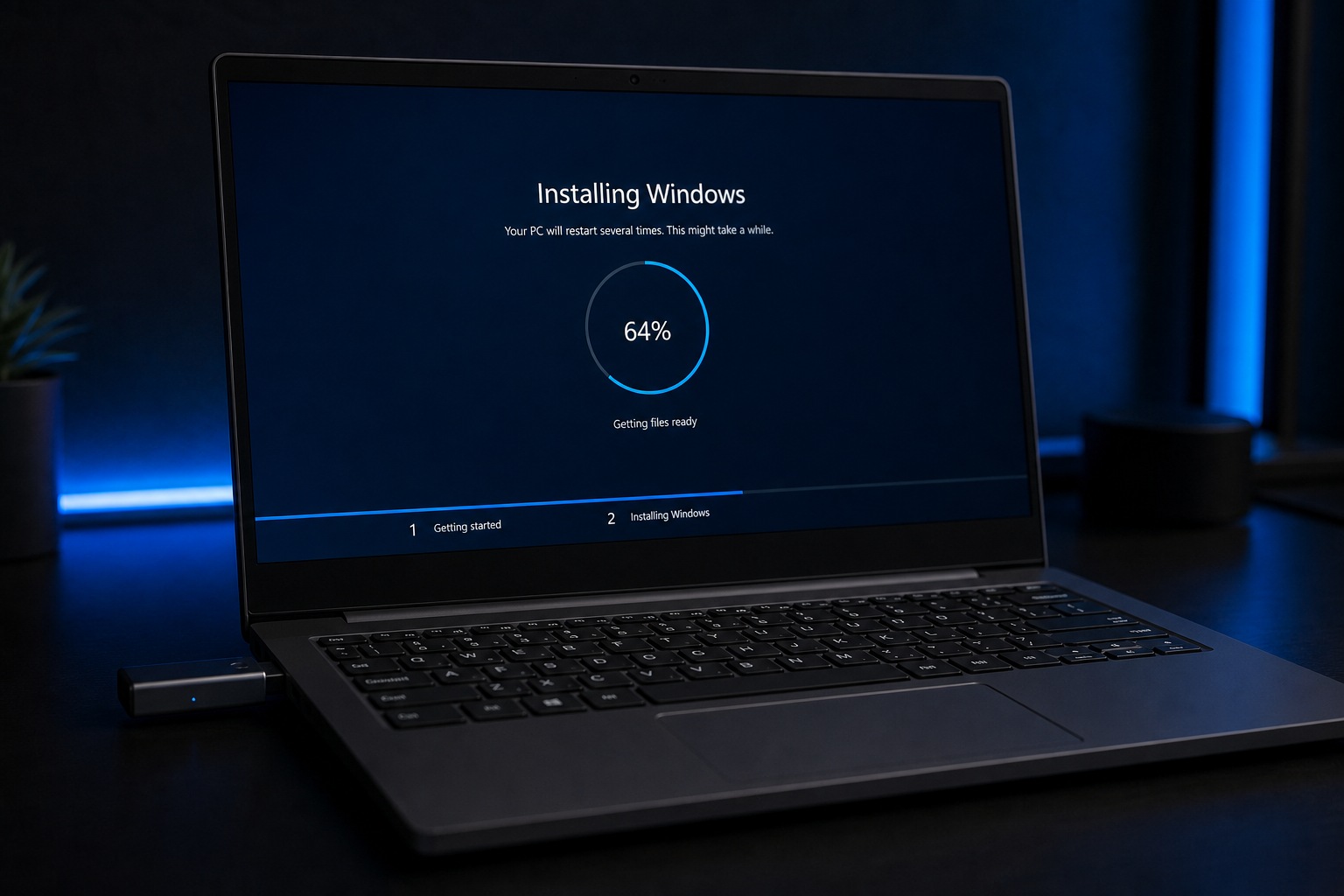
Rufus 4.6 has changed the game for Windows 11 installation on older hardware — bypassing TPM, Secure Boot, and RAM checks in minutes. Here’s everything you need to know.
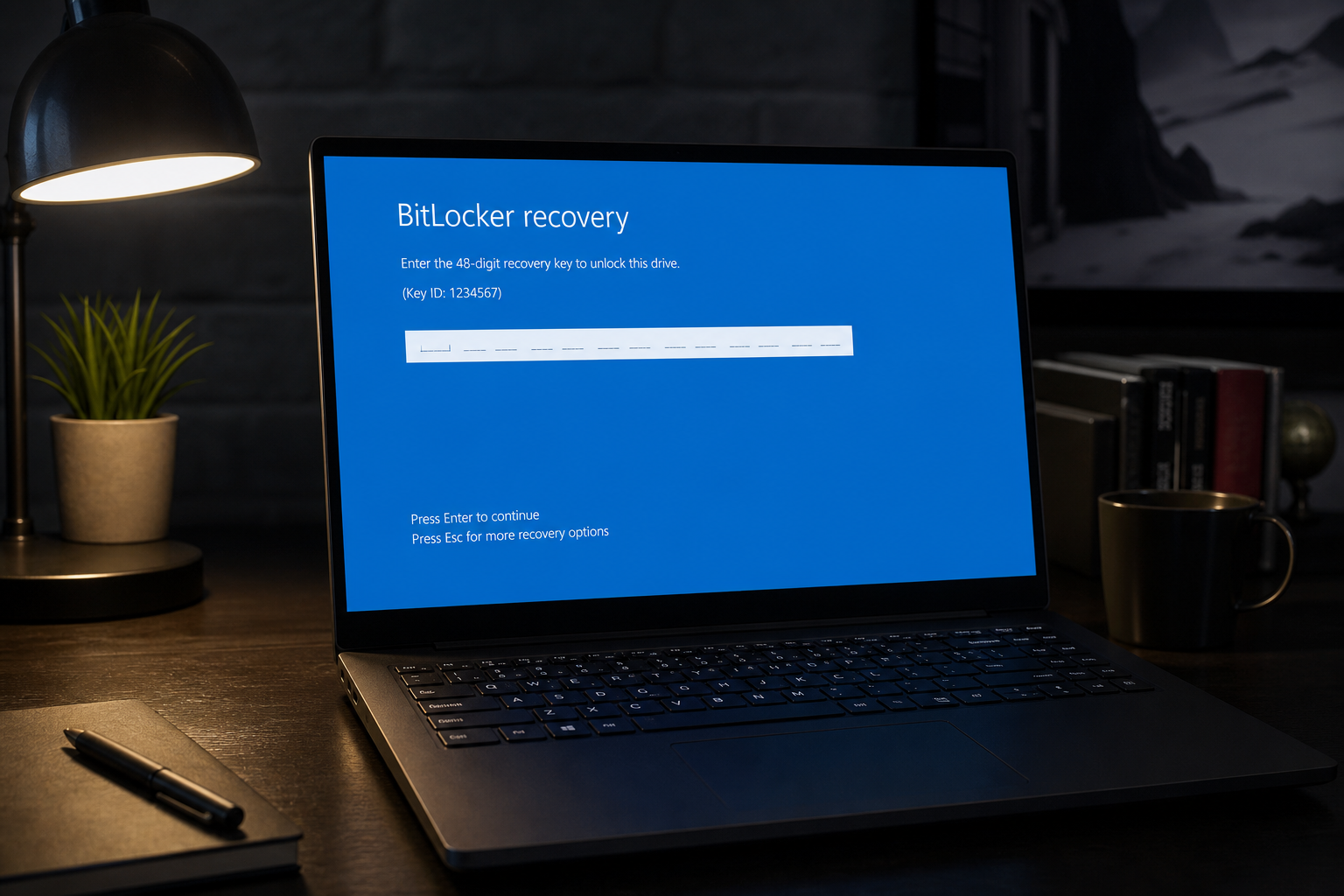
Recent Windows 11 updates are triggering BitLocker recovery screens and boot failures. Here’s how to diagnose what’s gone wrong, recover your PC, and safely pause updates until Microsoft ships a permanent fix.
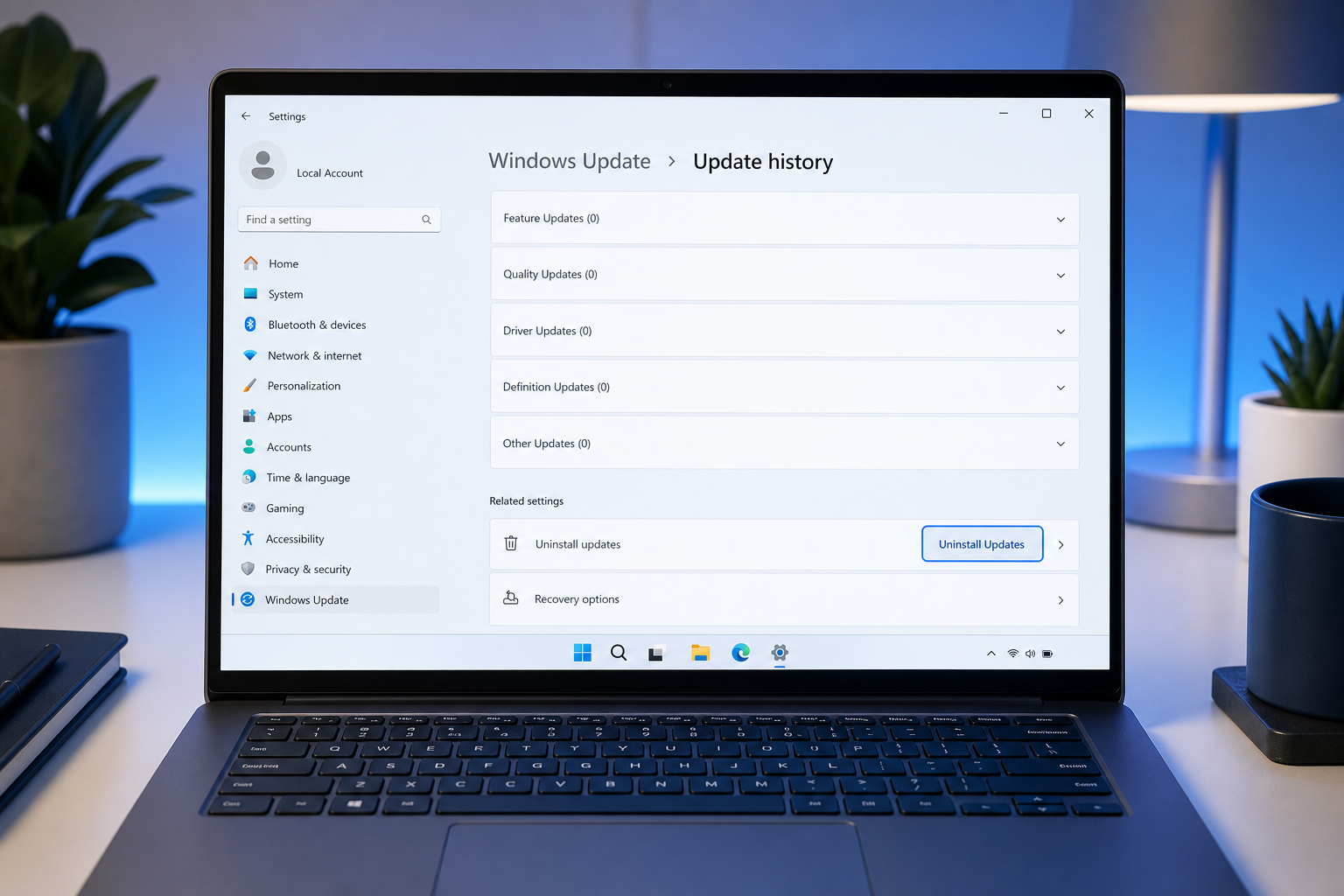
A bad Windows update can crash drivers, break software, or loop your PC into endless reboots. Here’s how to roll back safely and pause future patches without leaving your system exposed.
Use code EXTRA10 at the cart or checkout to enjoy 10% Discount of your order.
Valid for single use per customer.
